
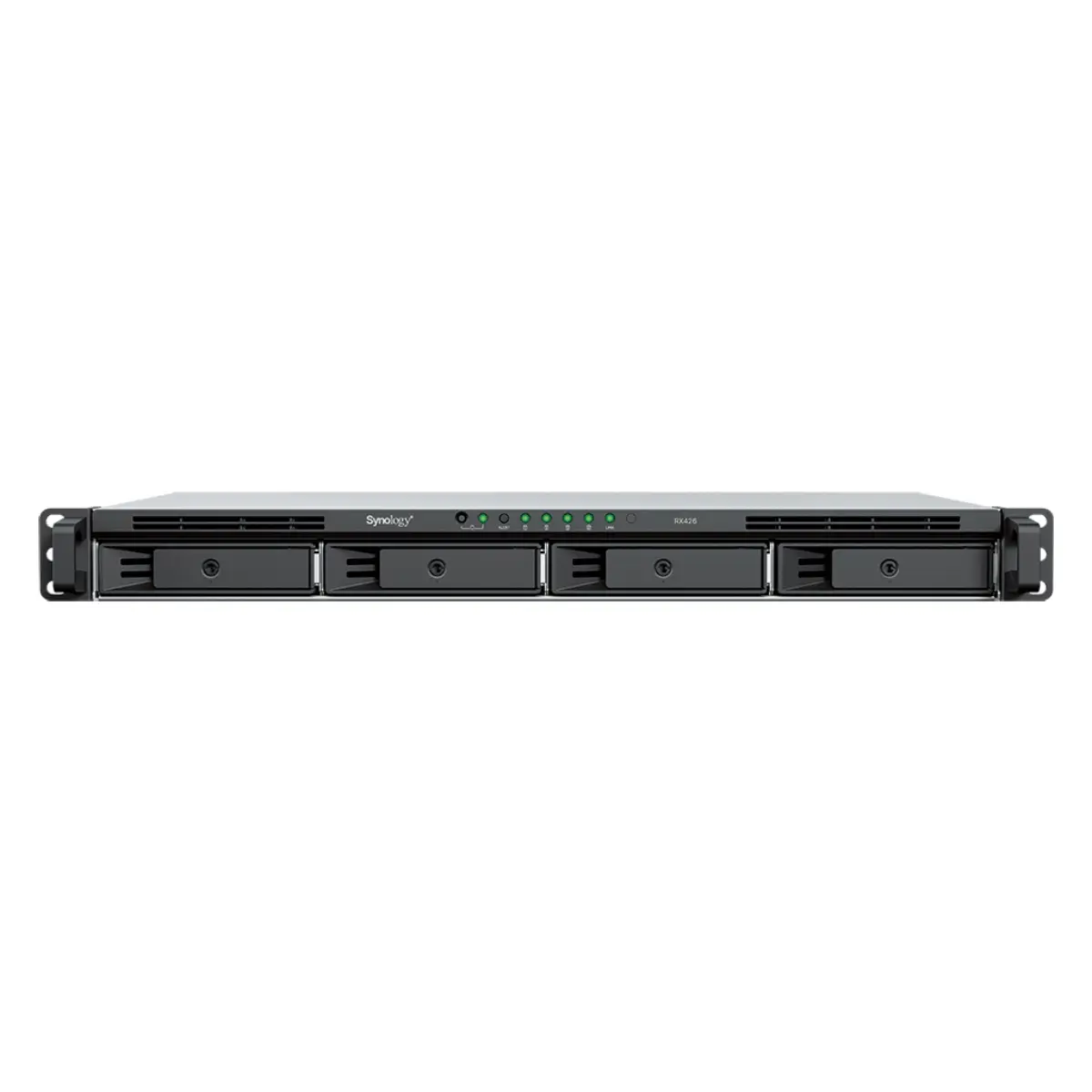
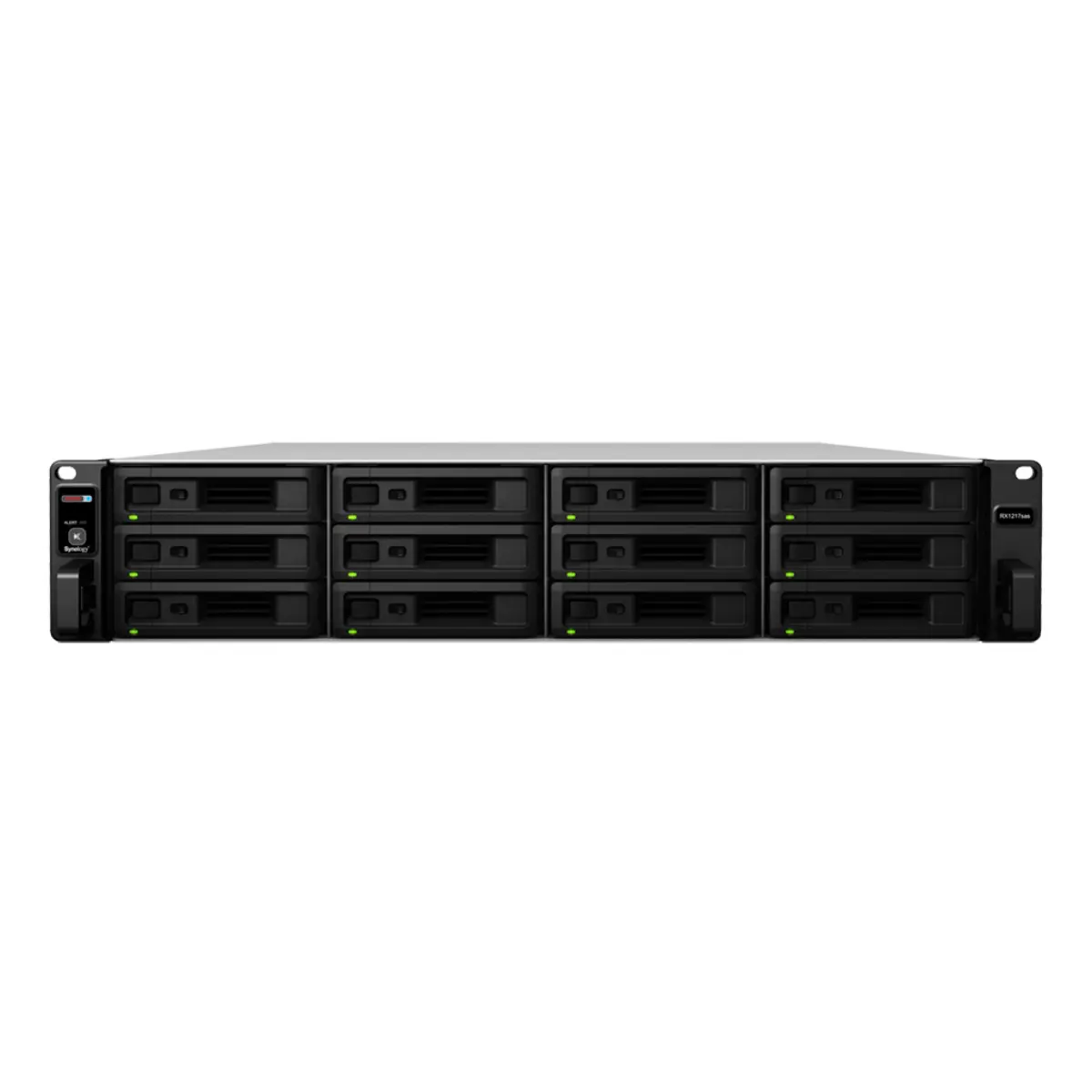
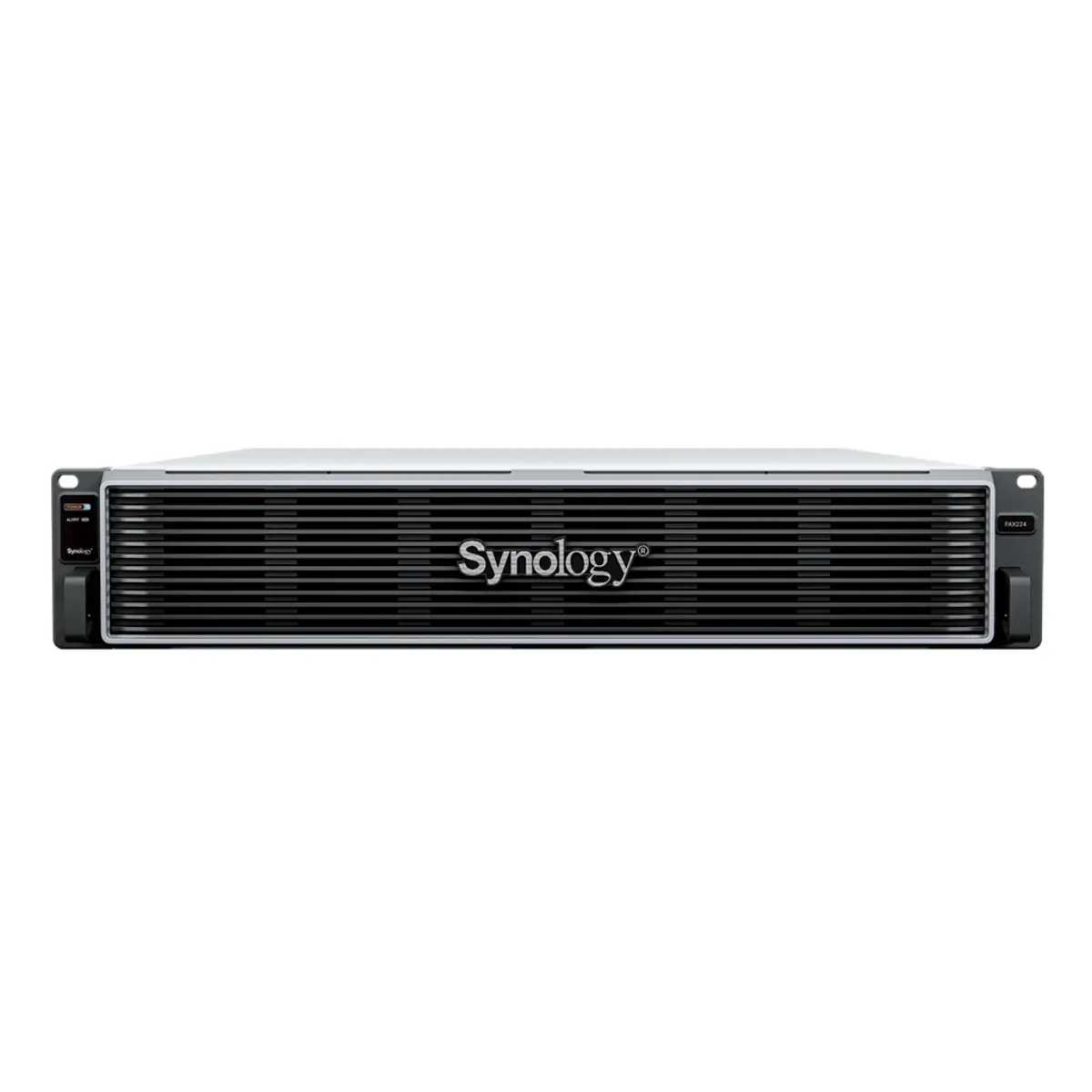
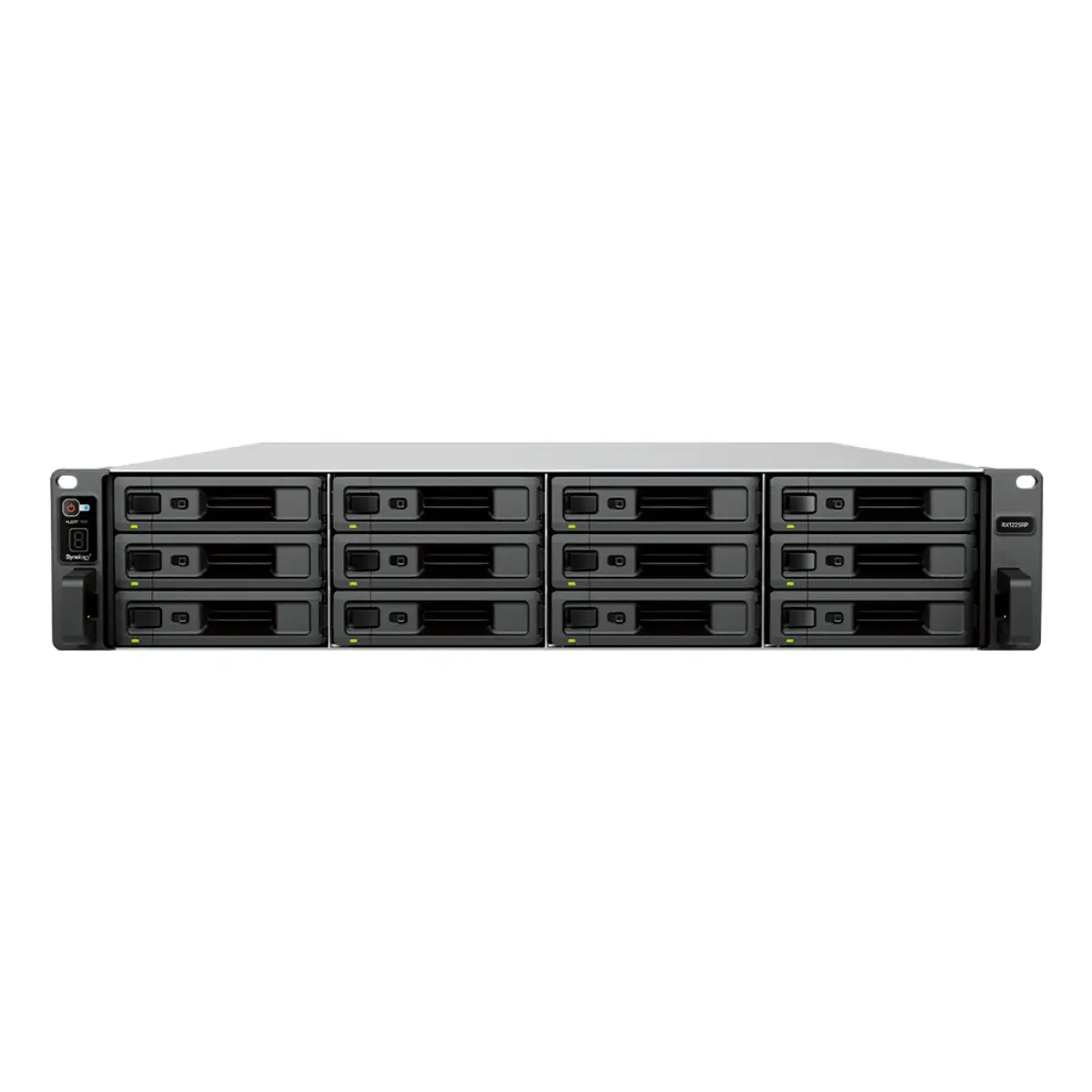
OS first, hardware second
DSM (Synology) is more polished and unified. QTS / QuTS hero (QNAP) gives more flexibility and ZFS at the top of the line. Pick the OS that matches the in-house team's comfort — the hardware spec is secondary.
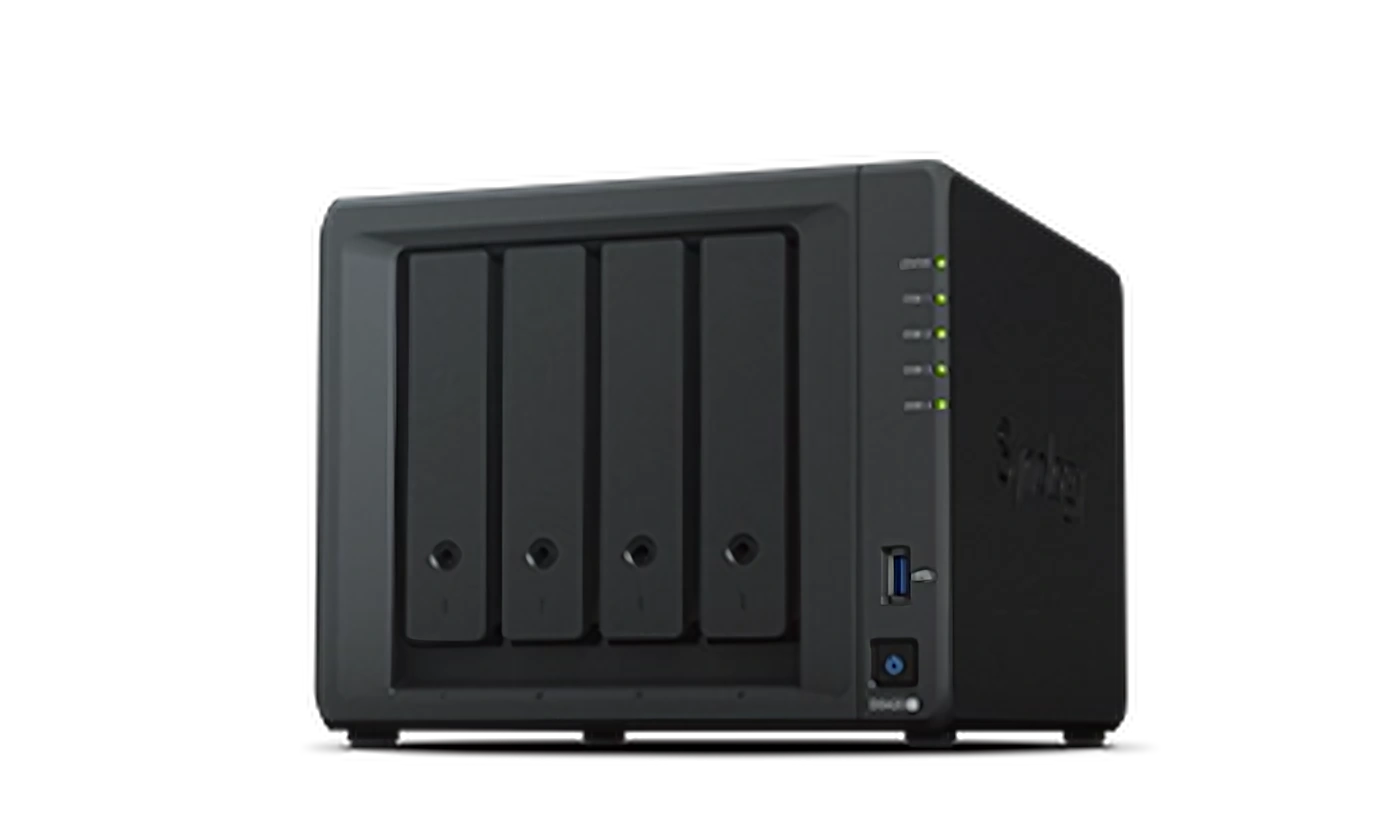
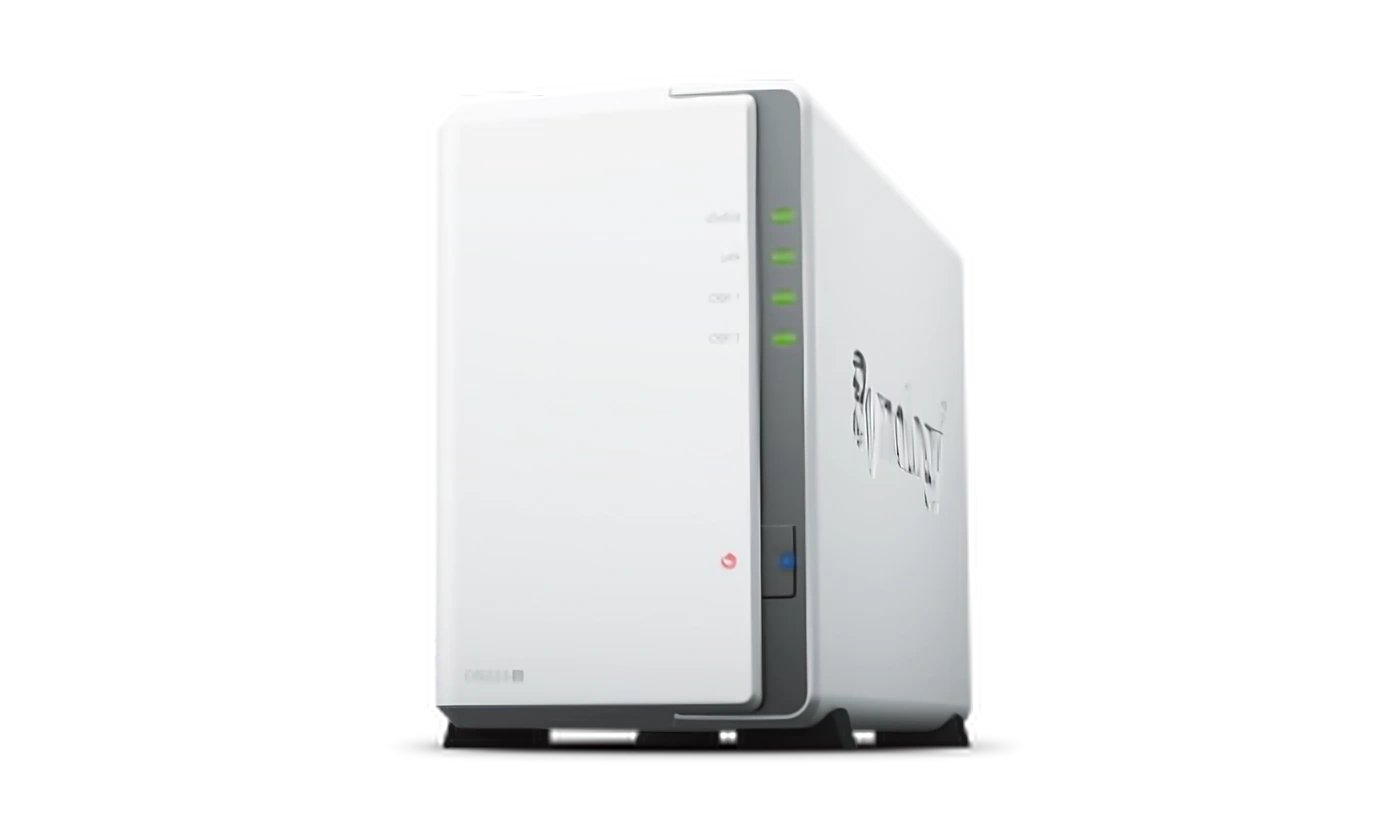
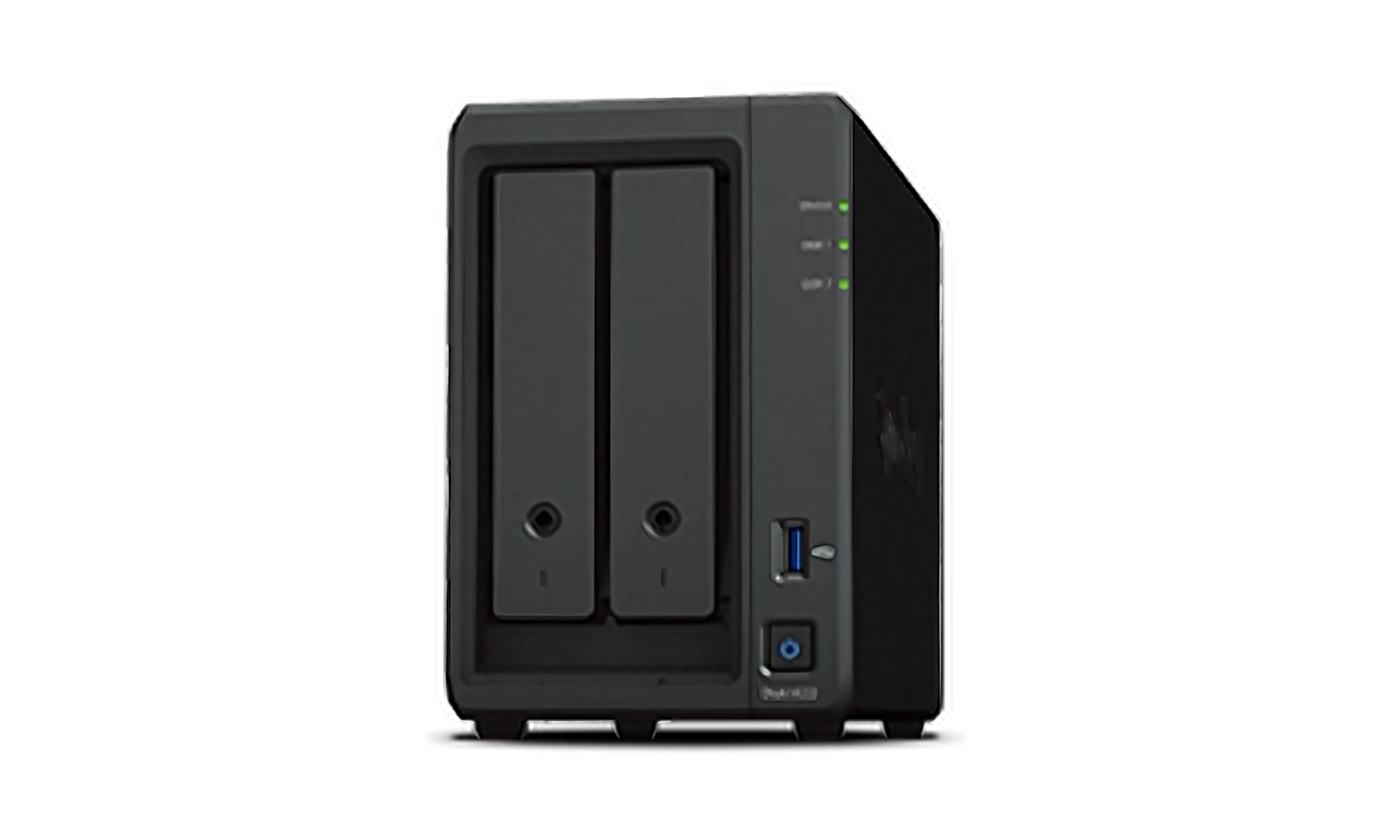
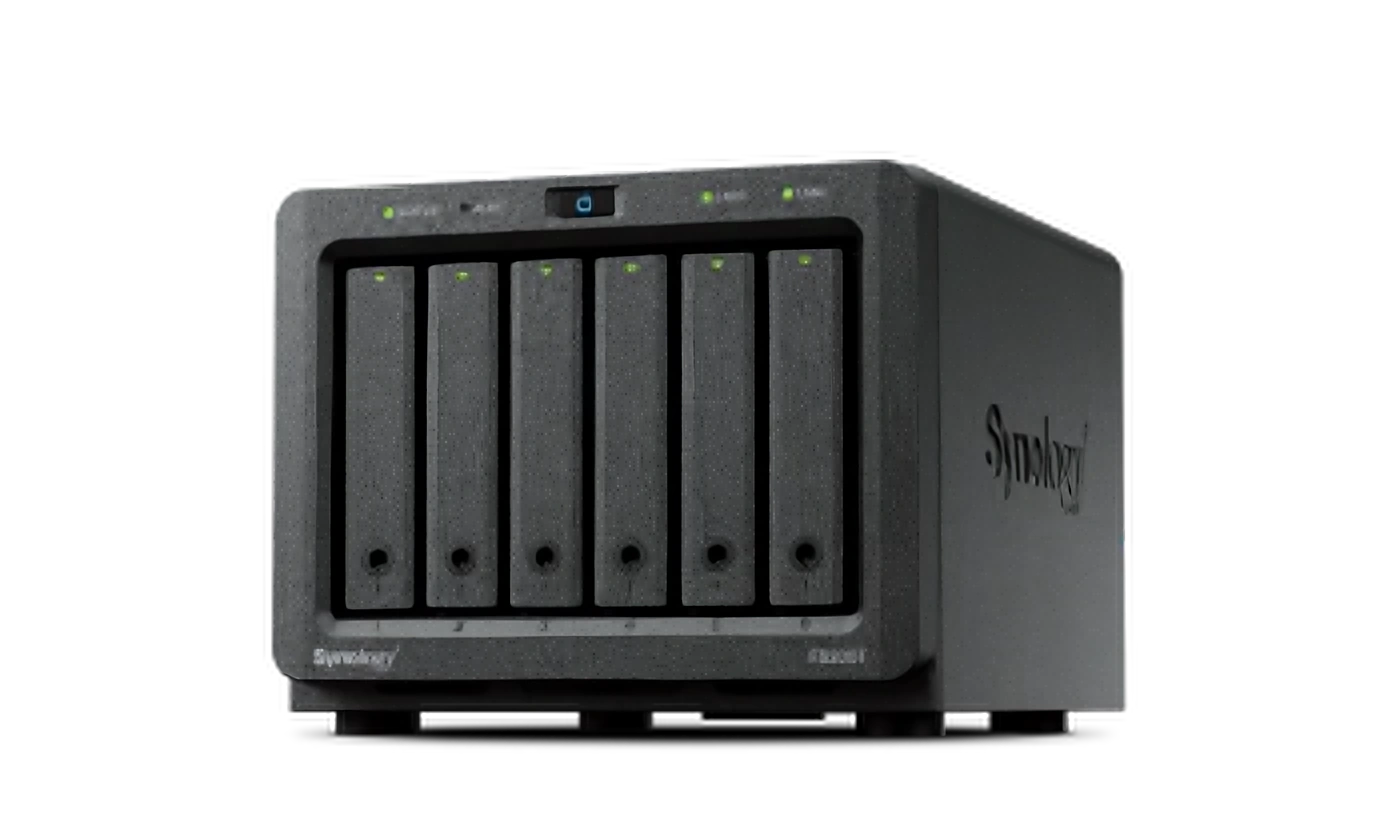
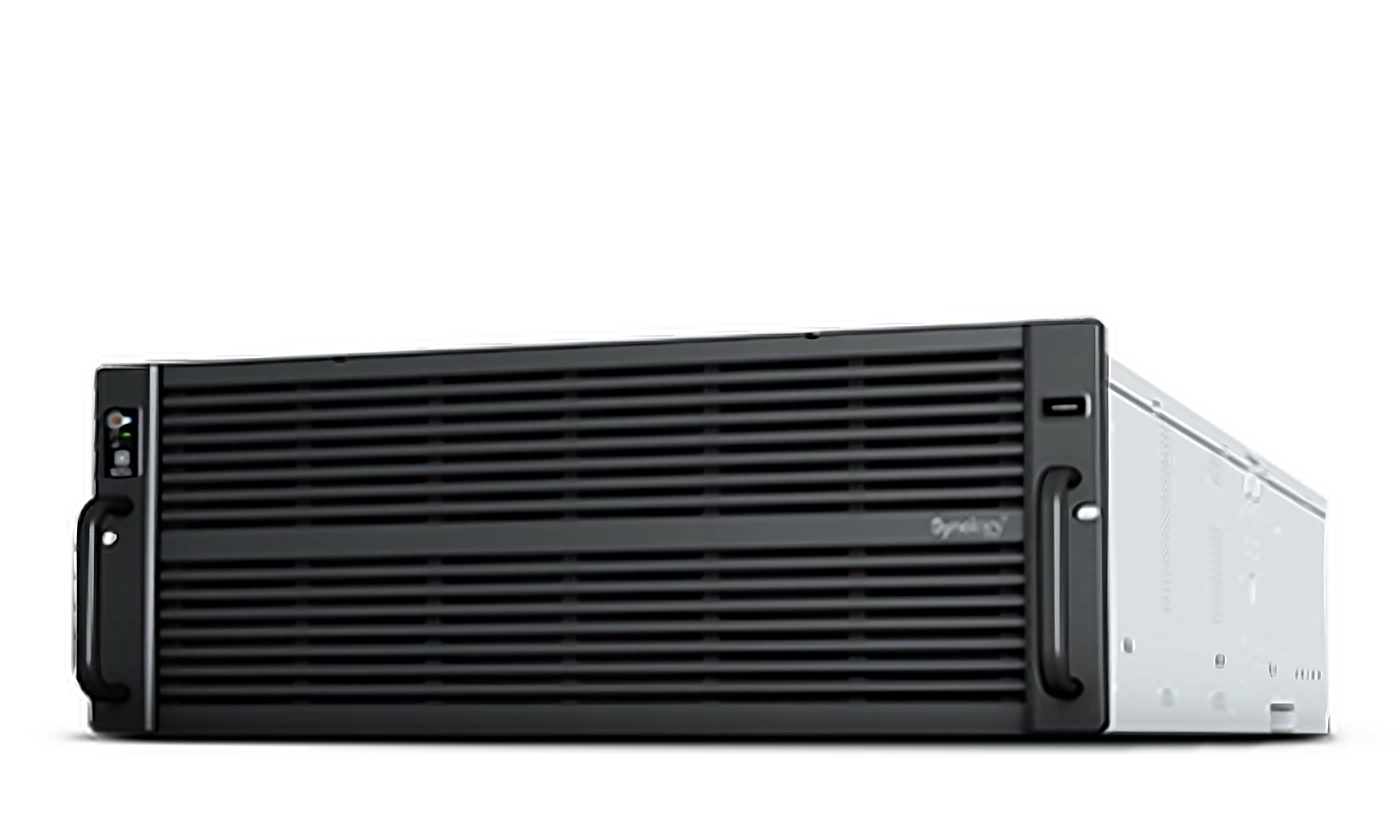
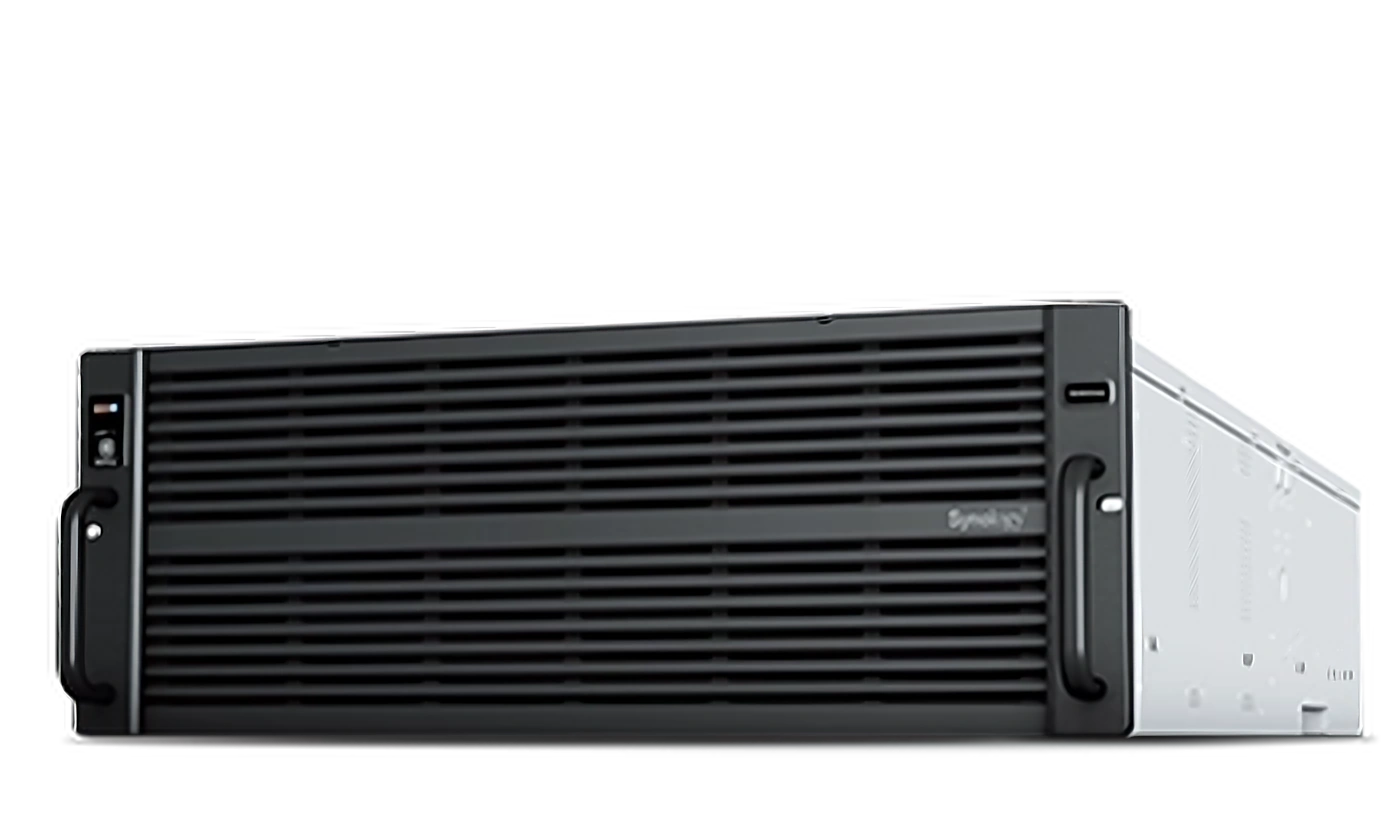
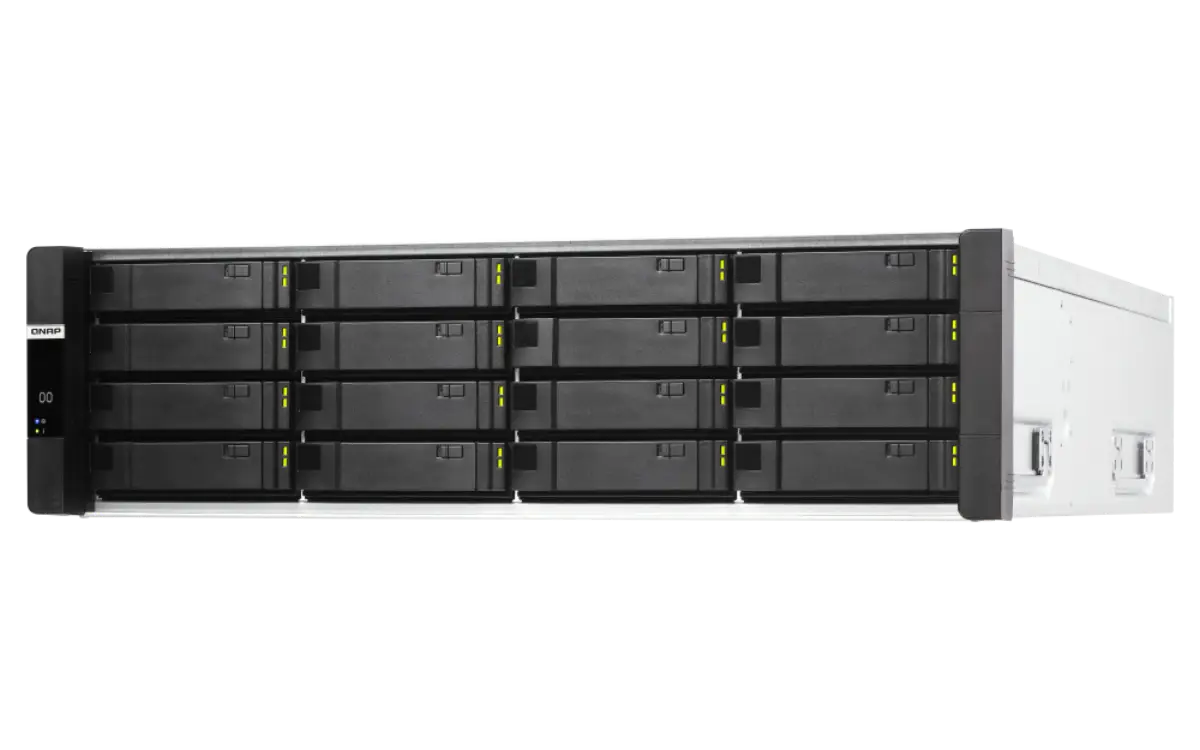
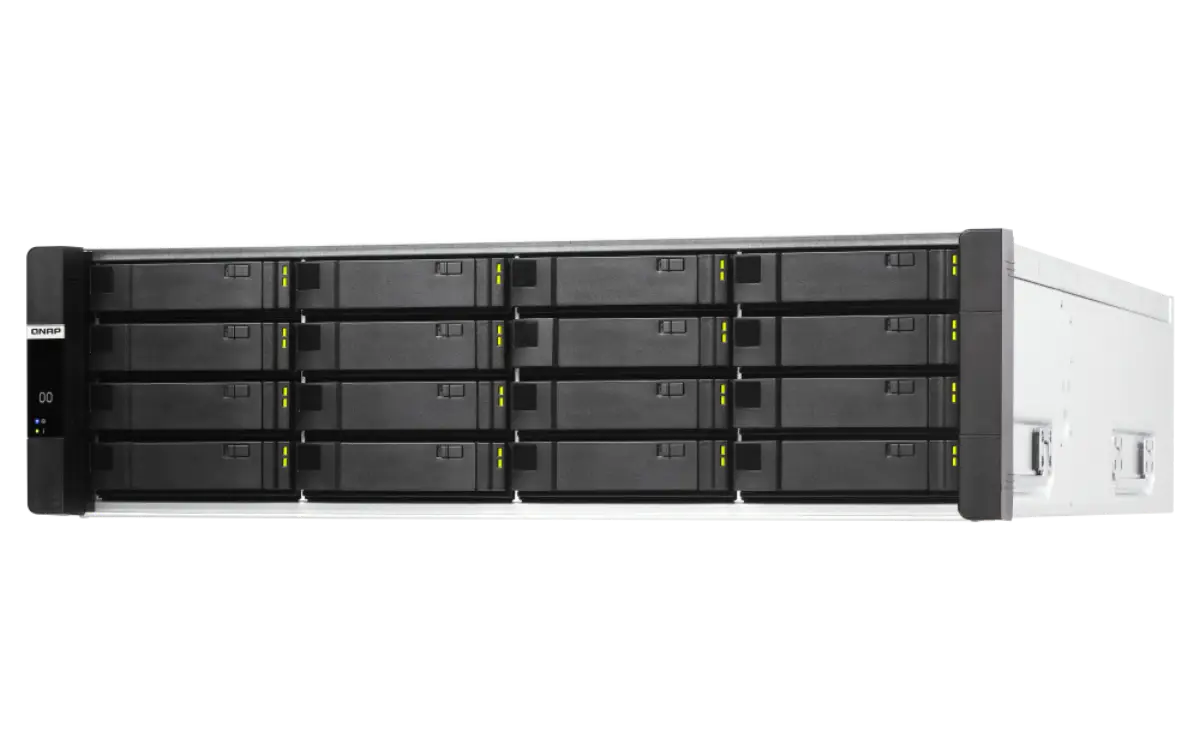
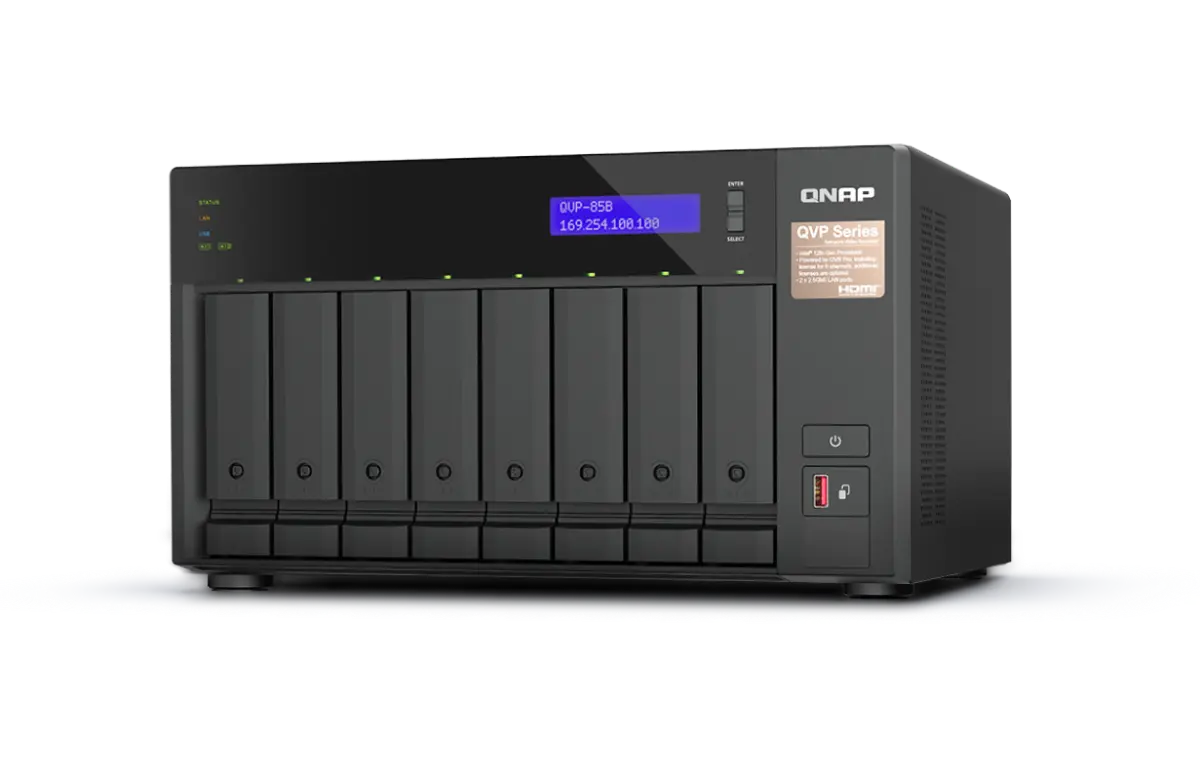
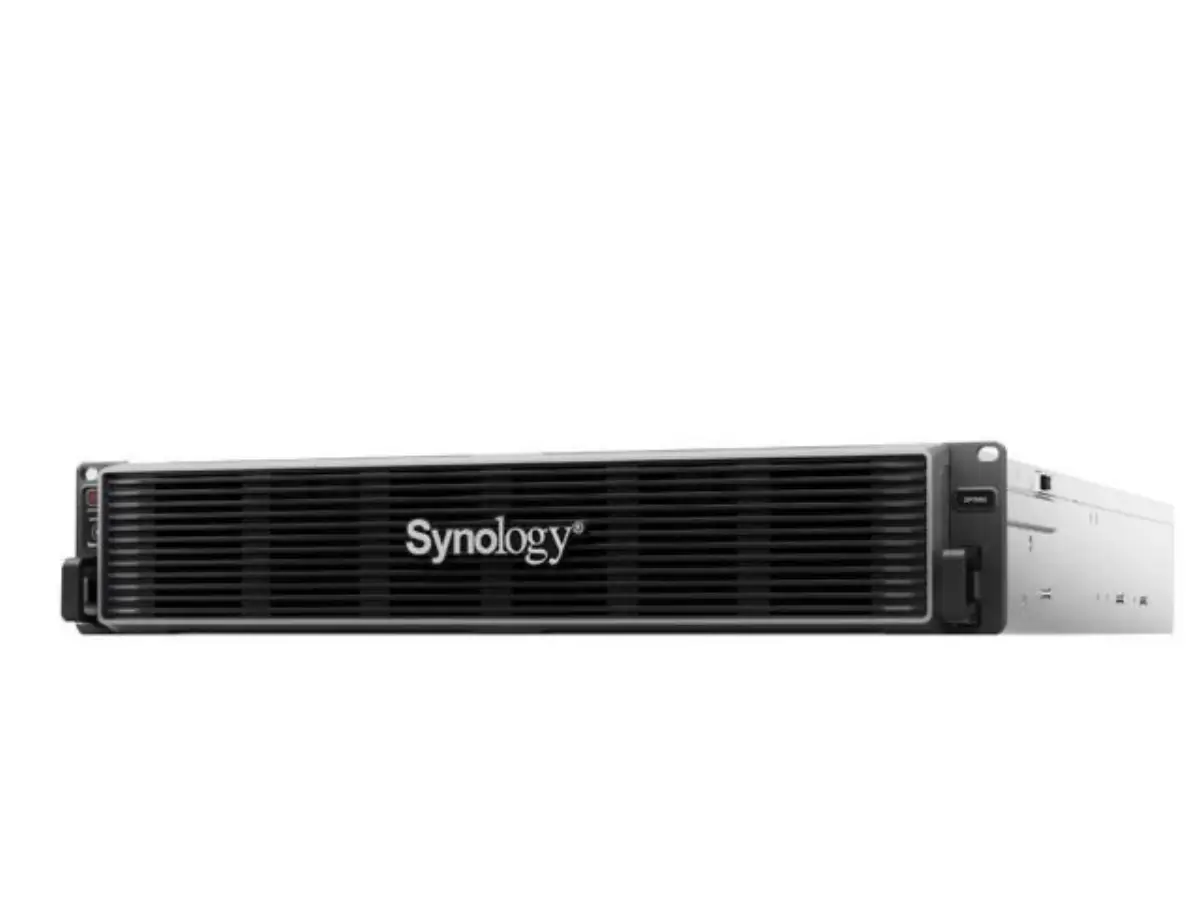
Synology DSM and QNAP QuTS hero. From 2-bay SOHO to 60-bay high-density. Surveillance Station, virtualization, backup target — pick the OS that matches the workload.
NAS replaced the file server for most UAE SMBs. The integrated software stack — Active Backup, Surveillance Station, Container Manager, Hyper Backup — covers what used to require Windows Server + Veeam + a separate VMS license. The hardware footprint shrinks from a 2U rack to a desktop unit.
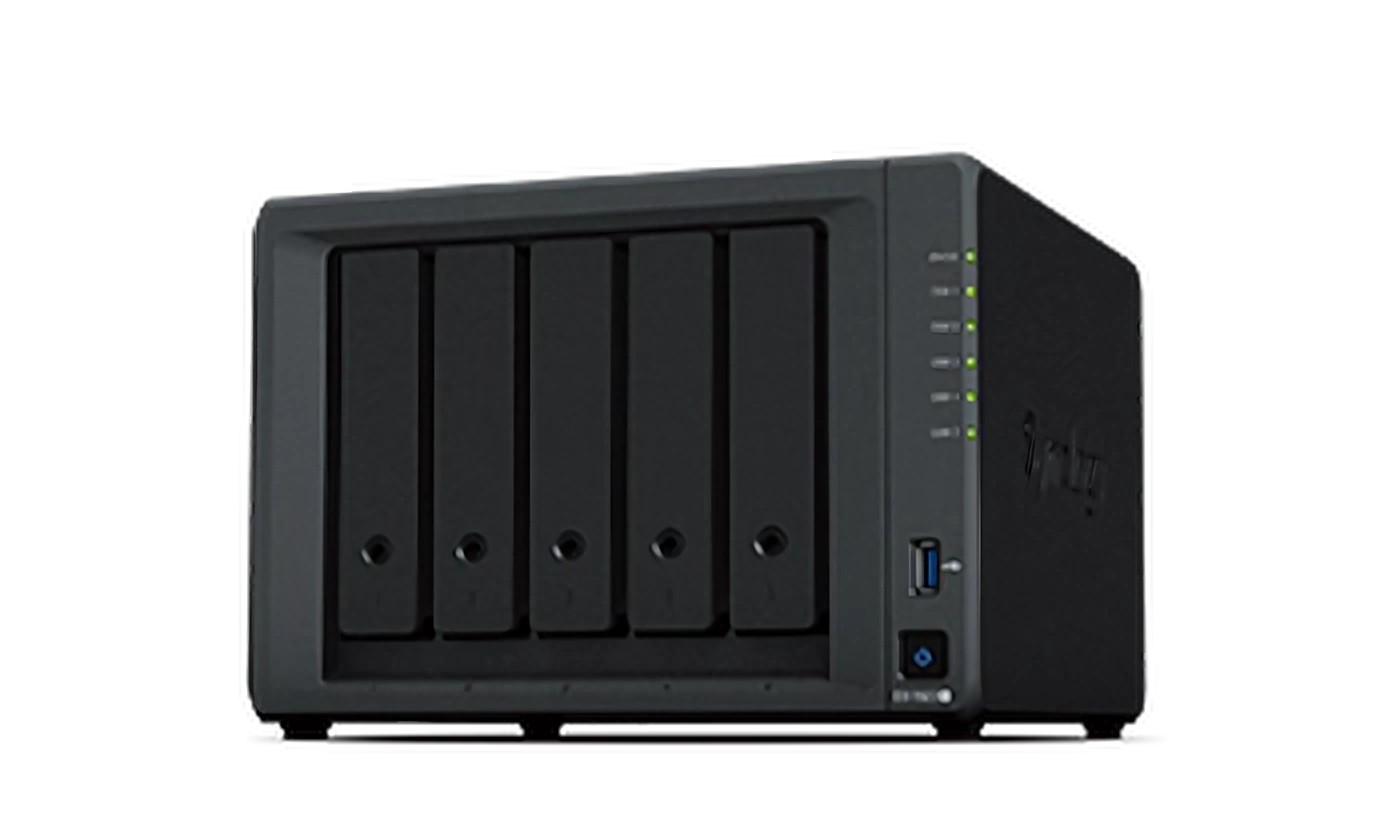
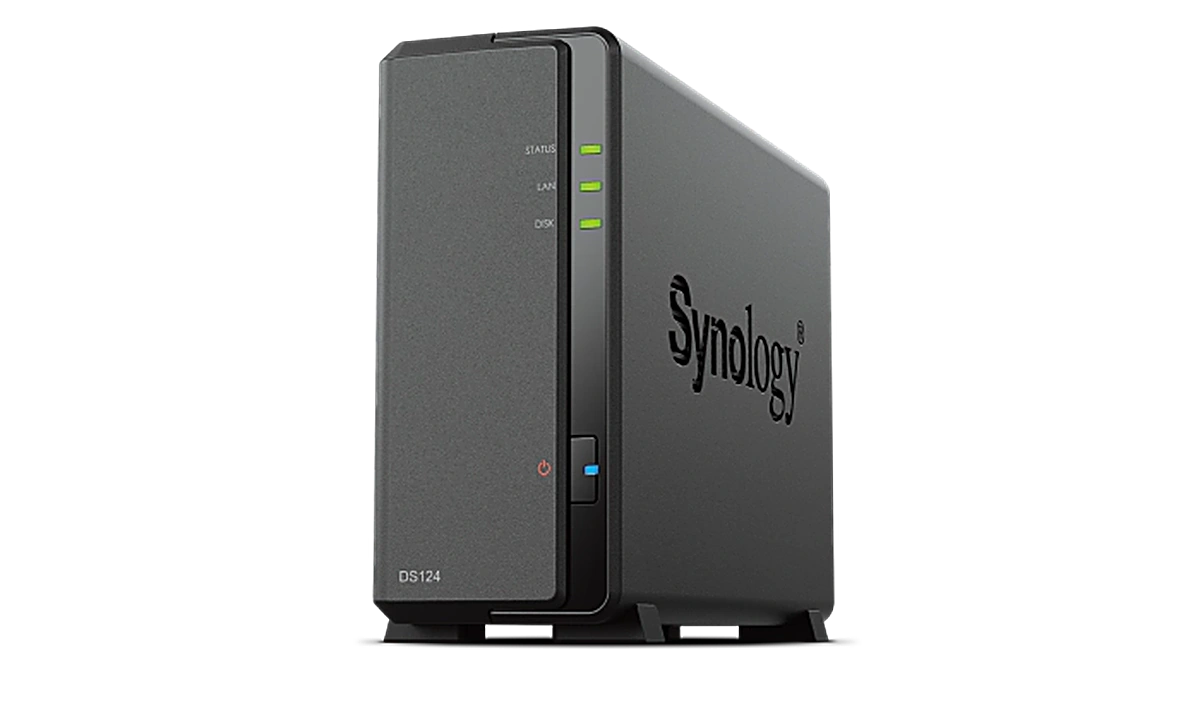
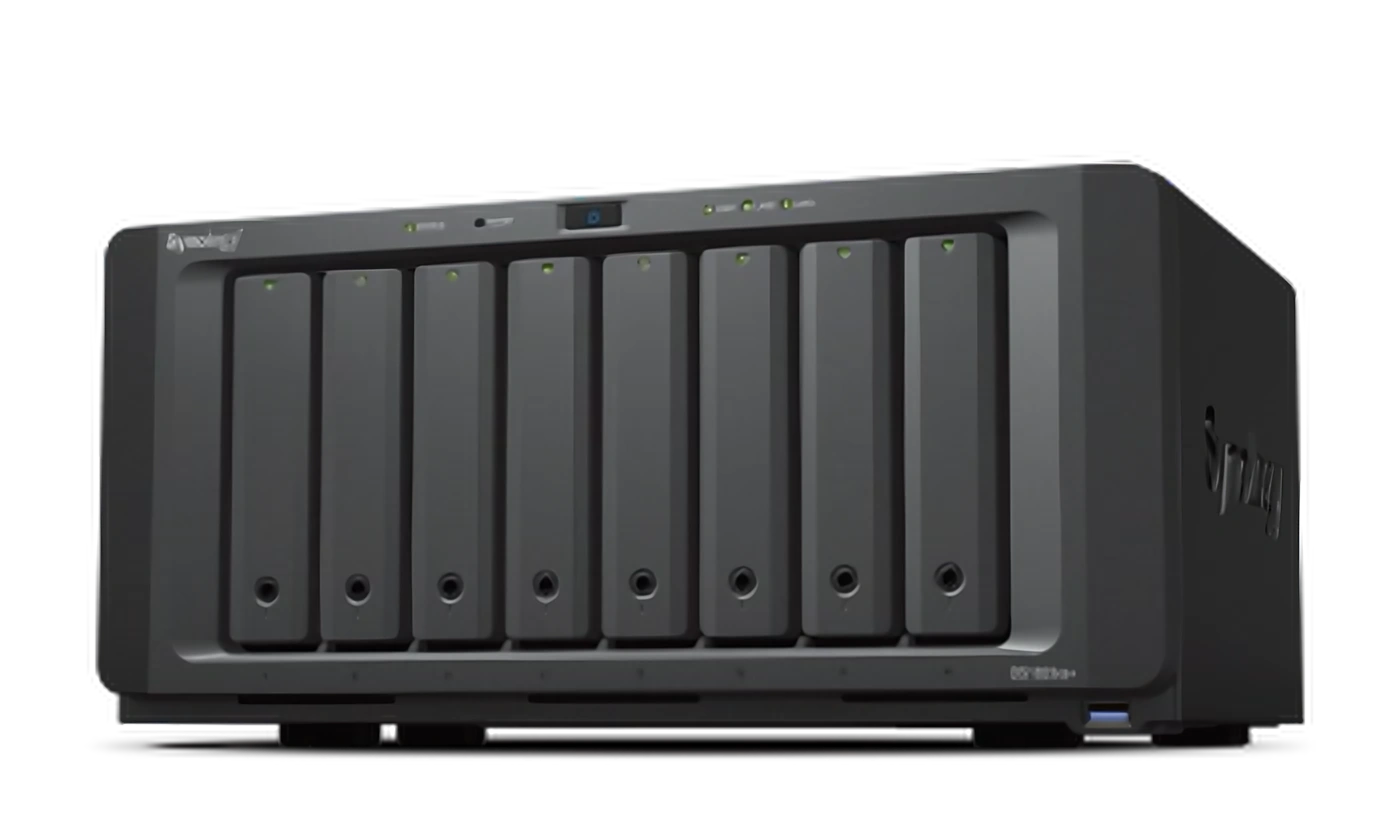
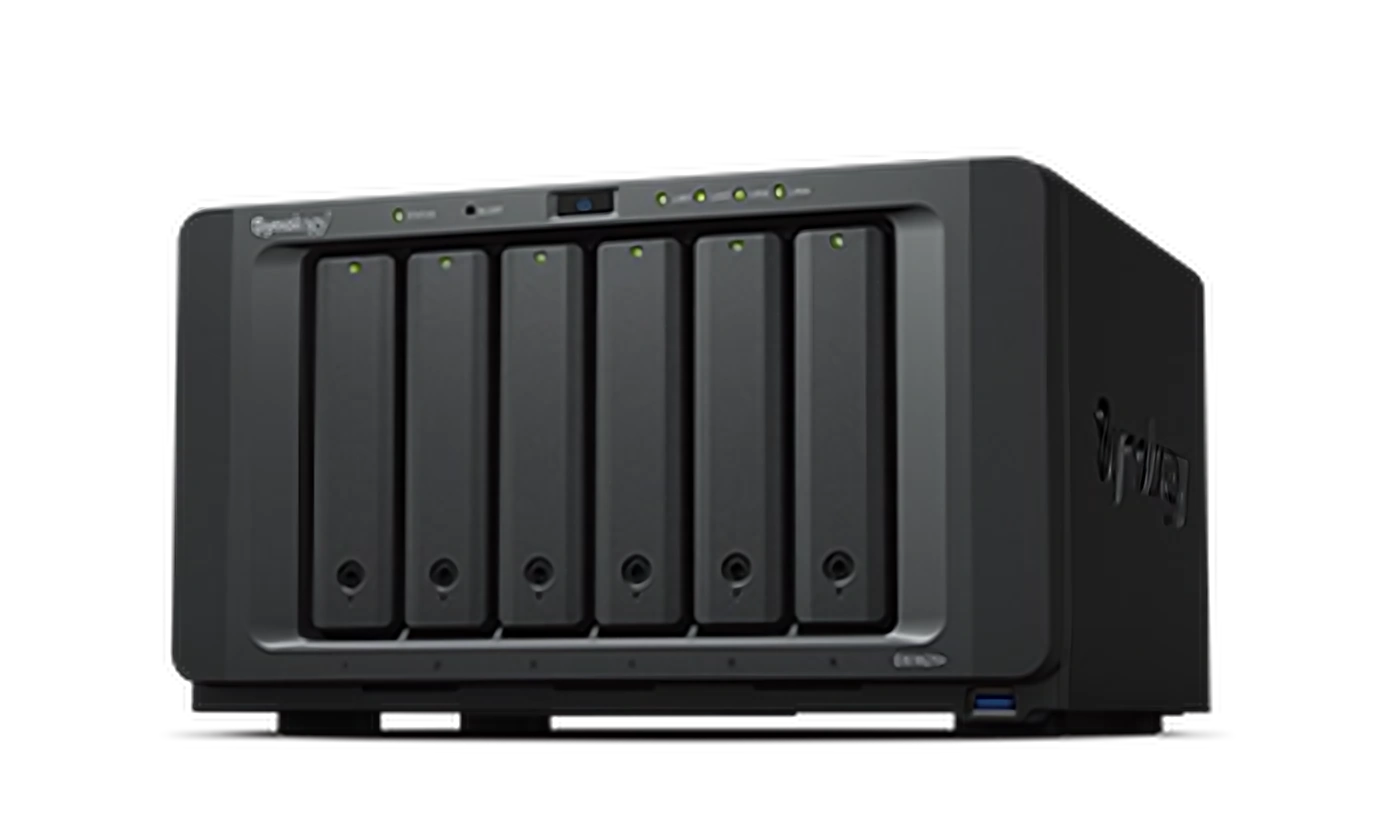
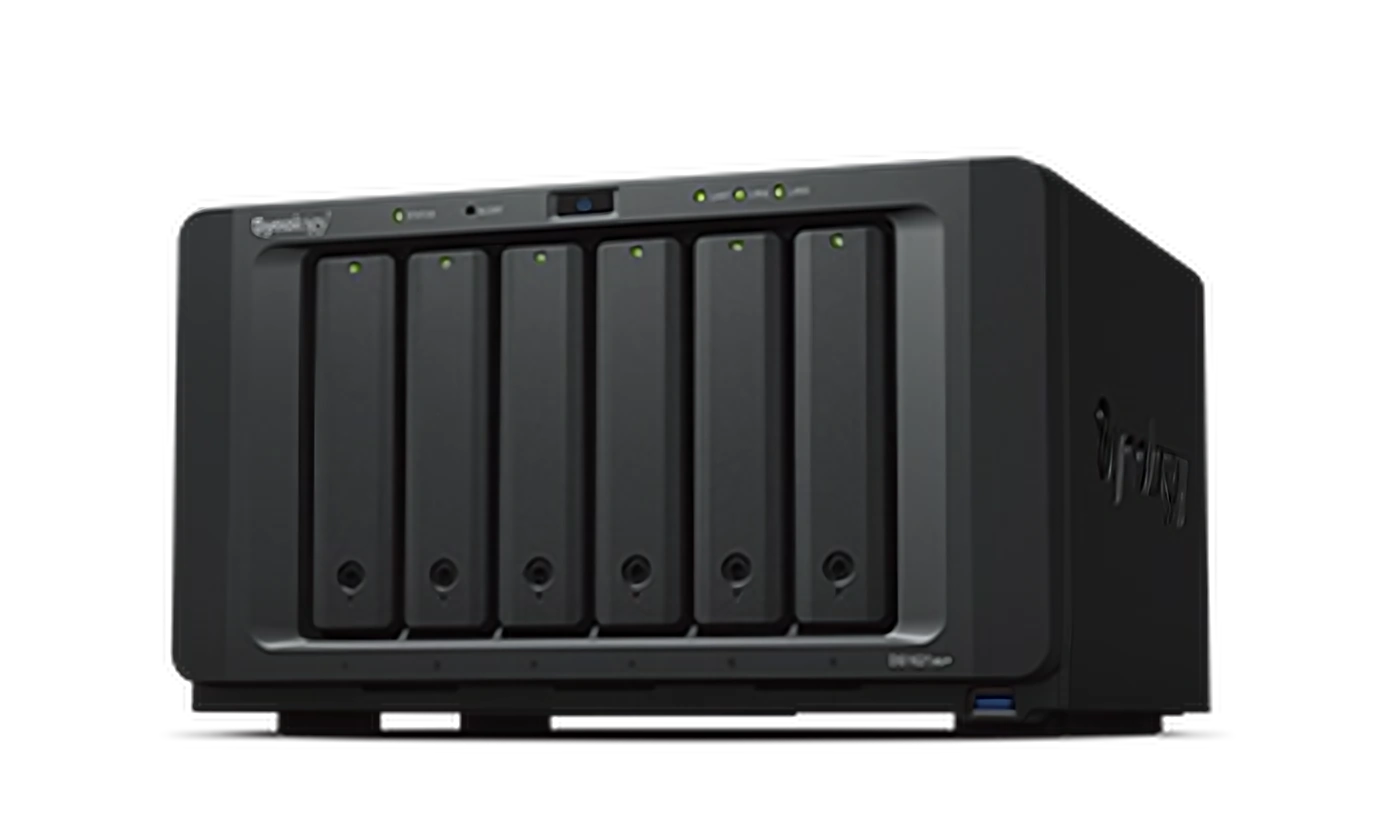
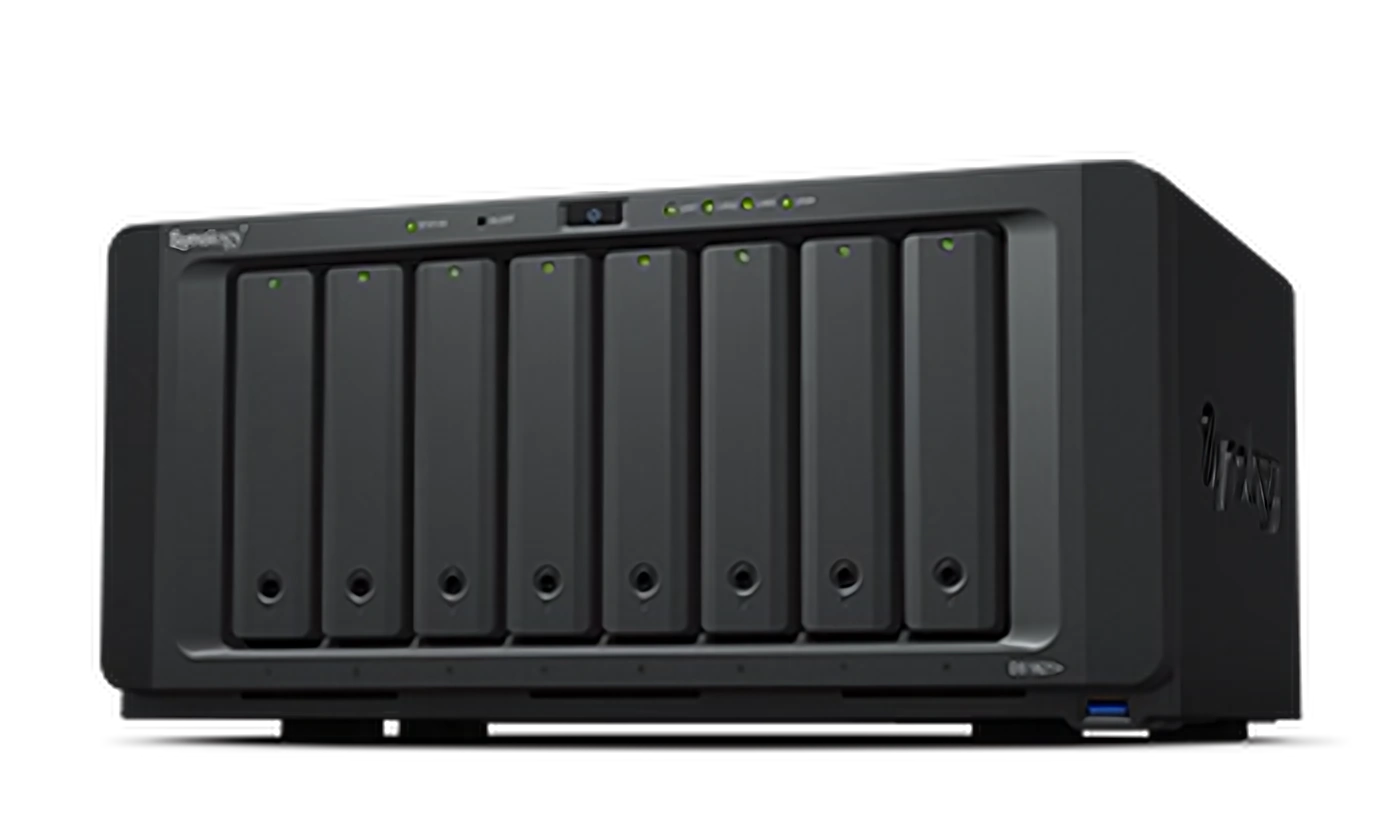
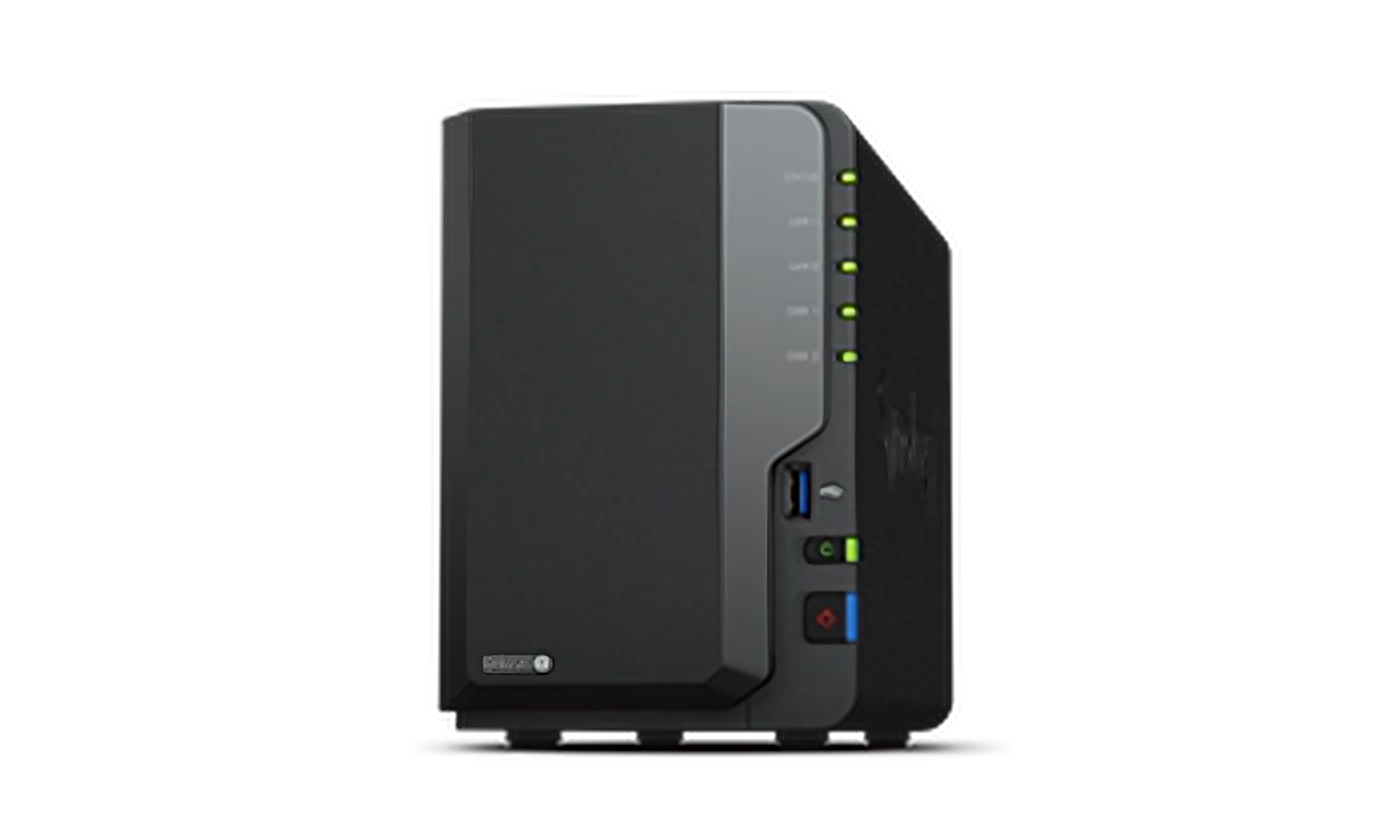
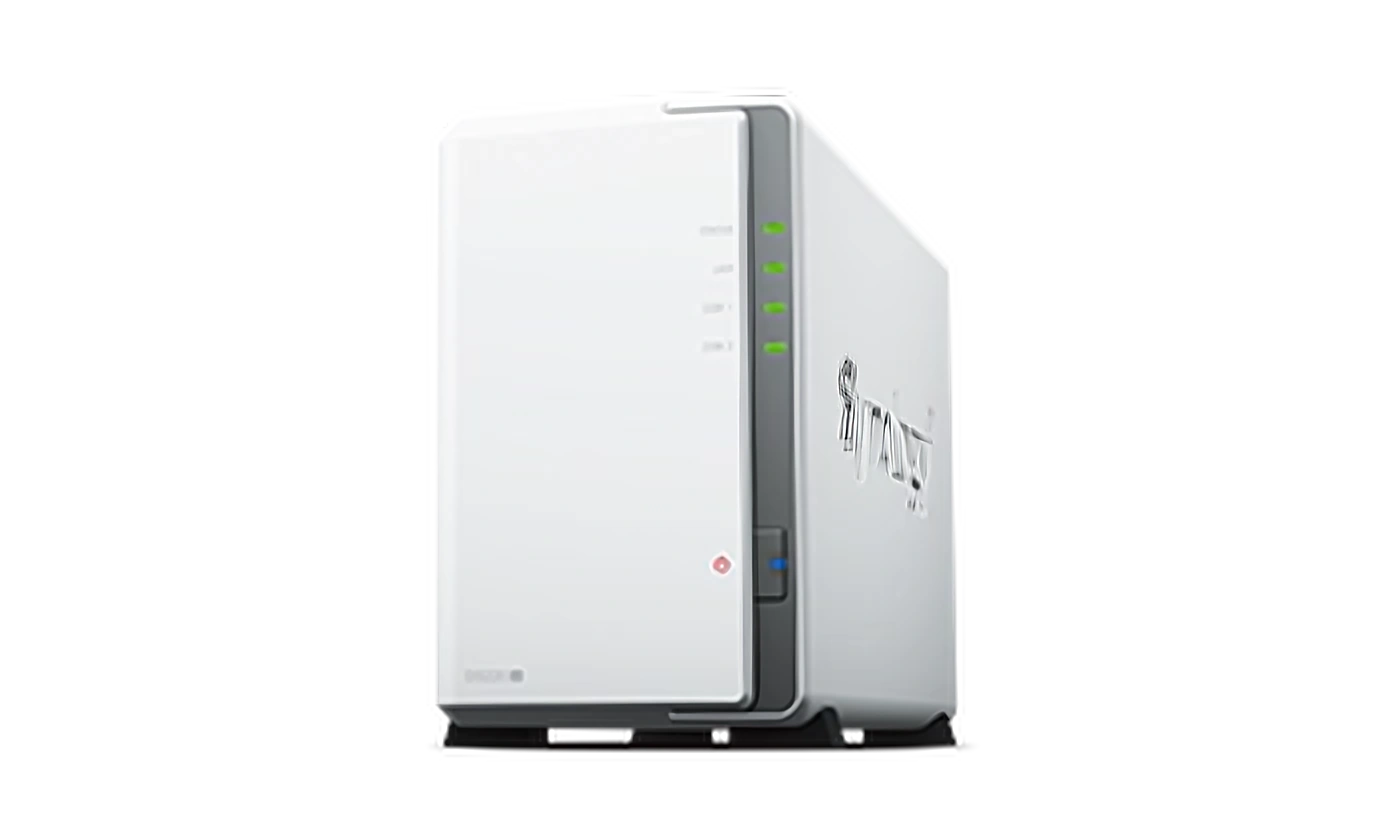
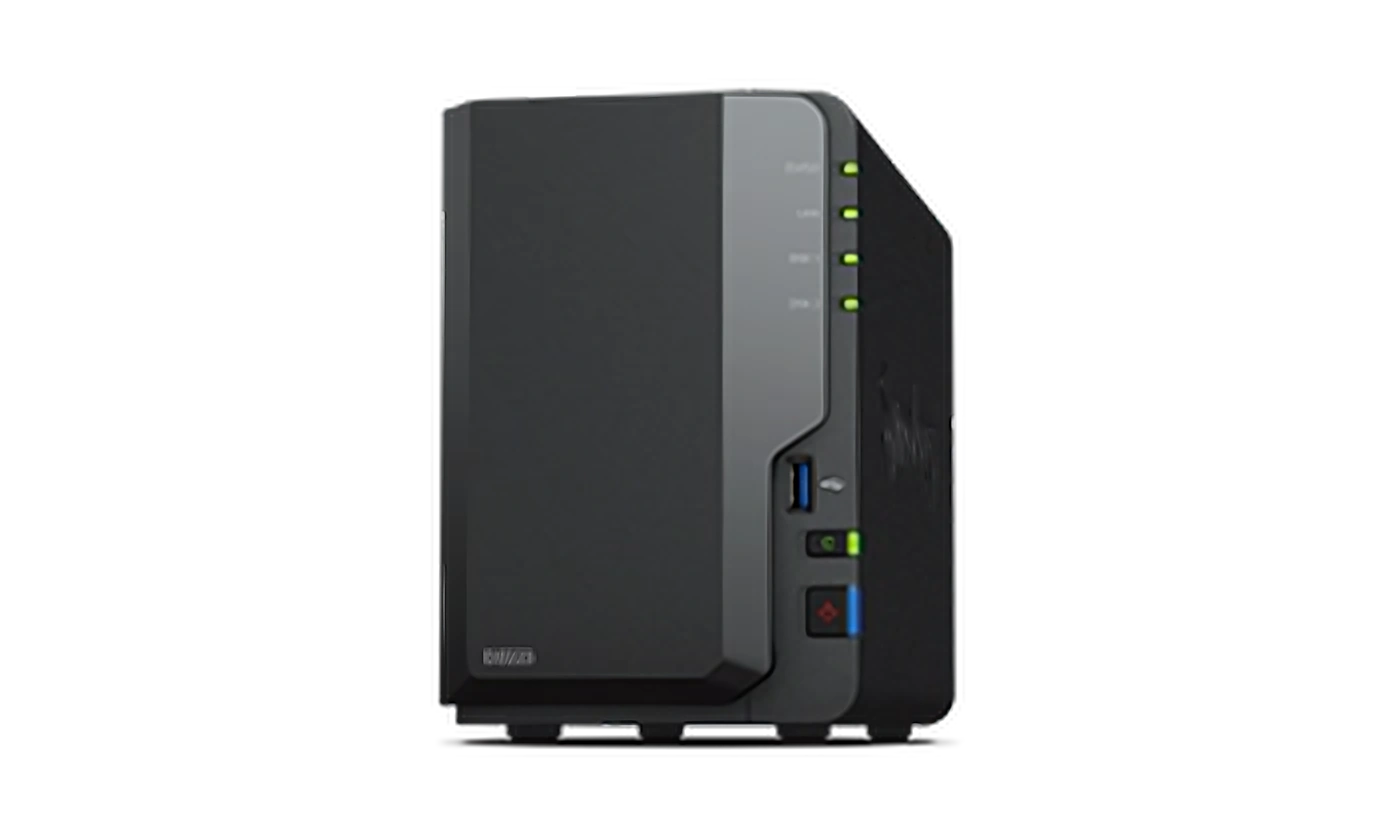
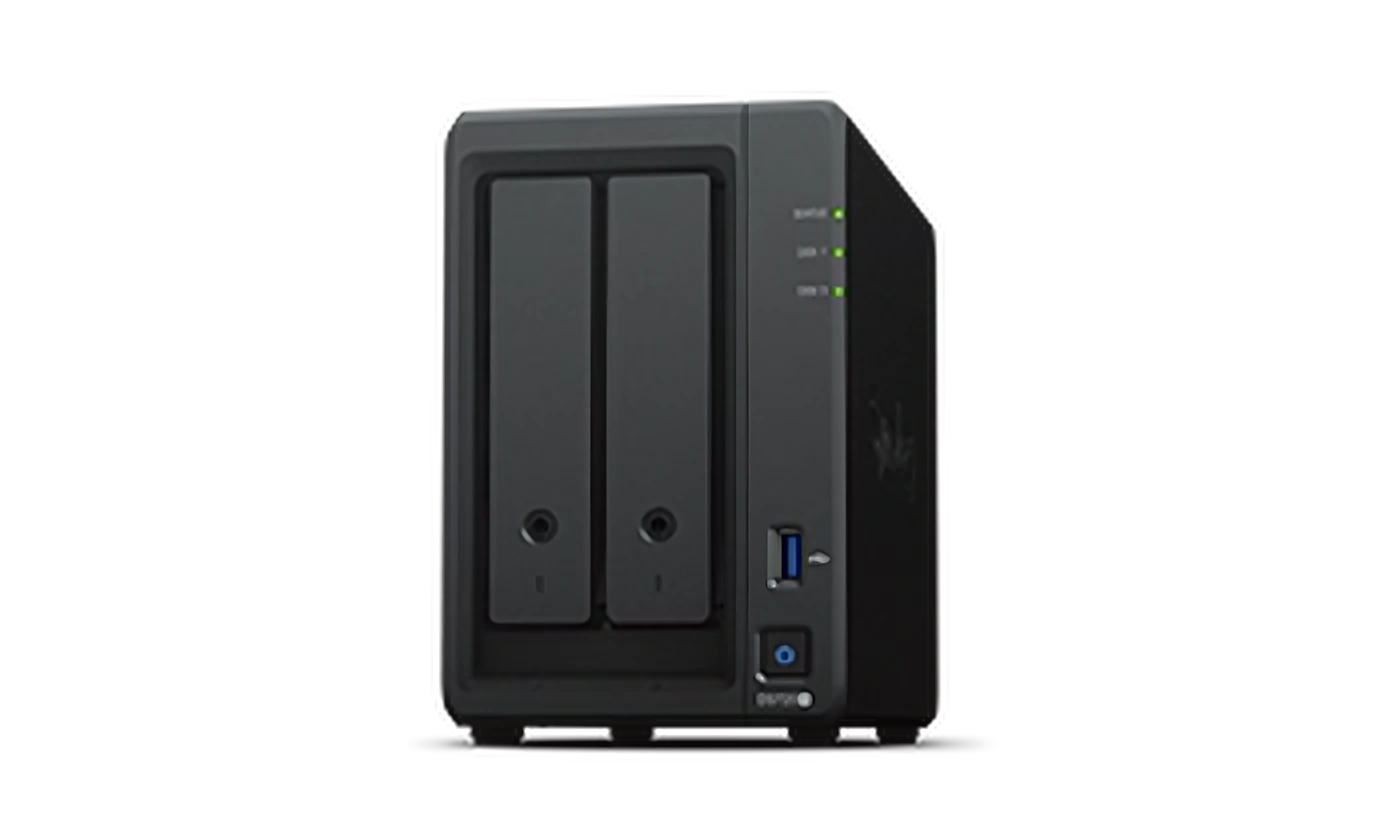
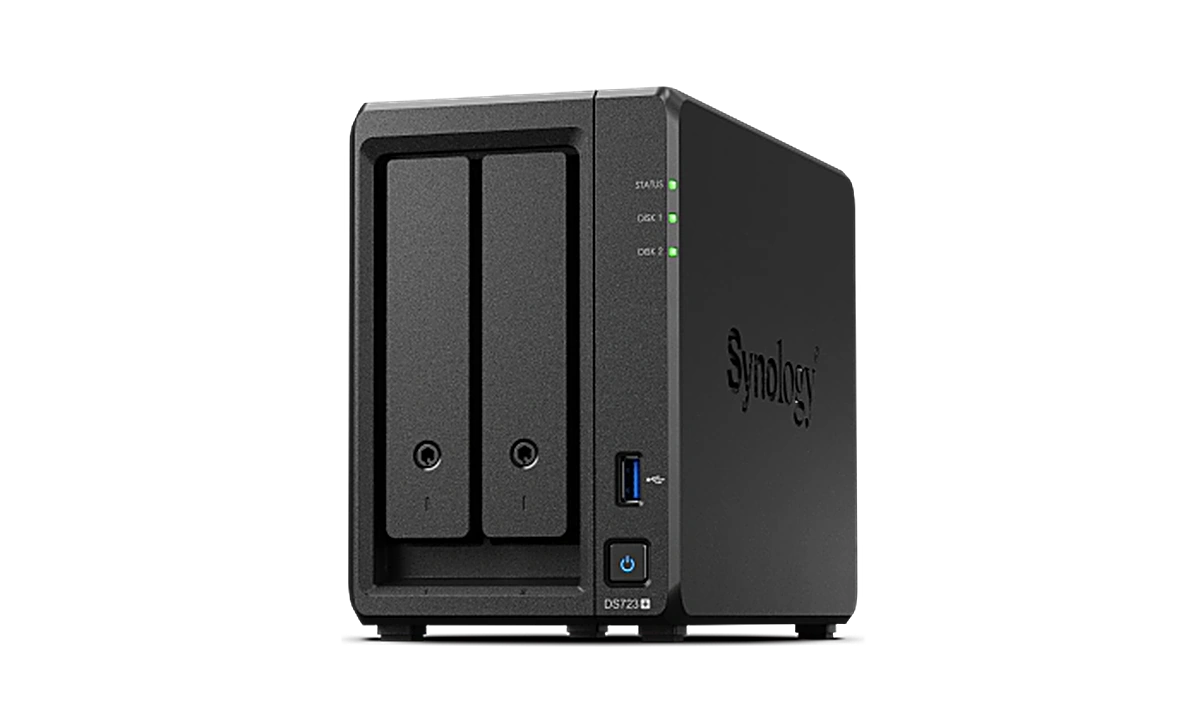
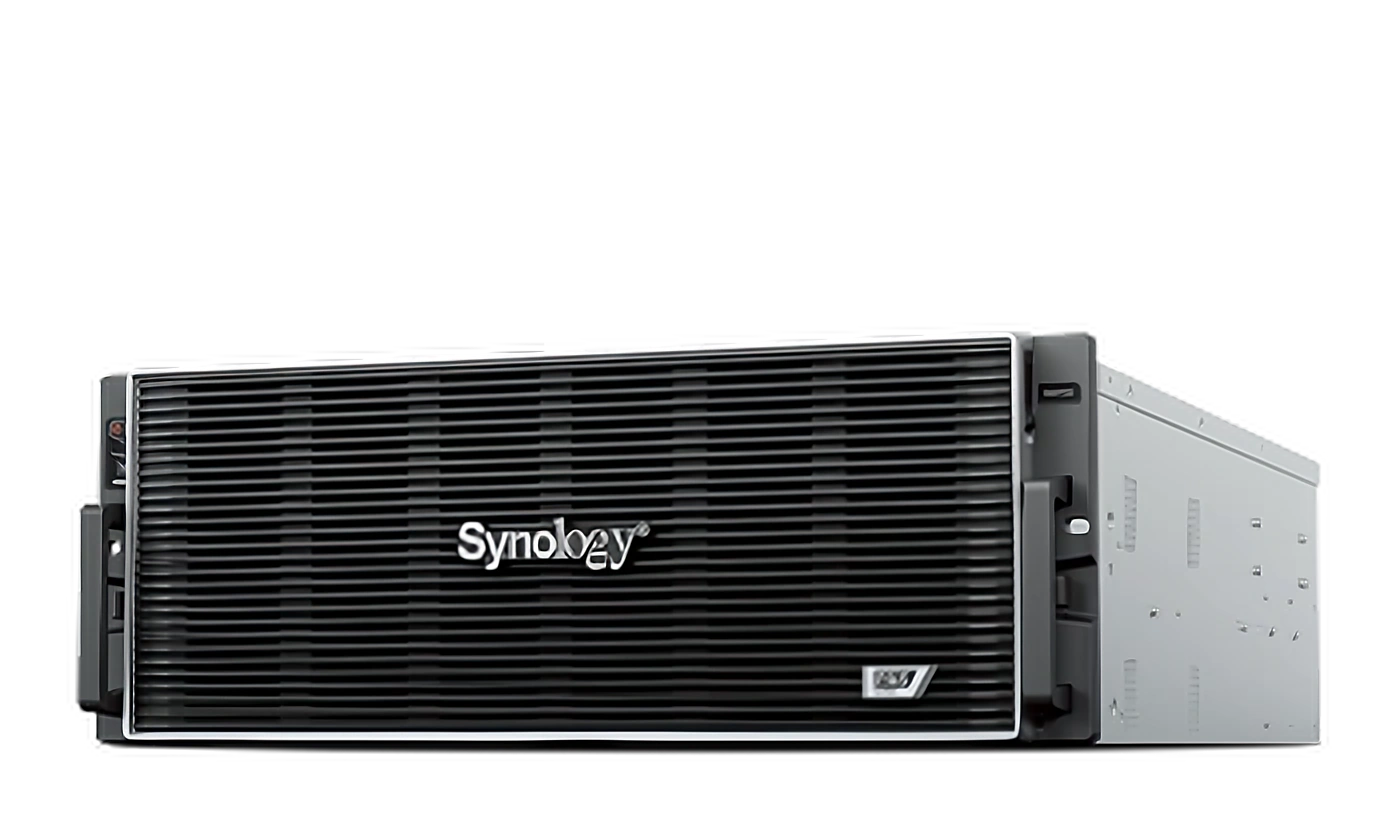
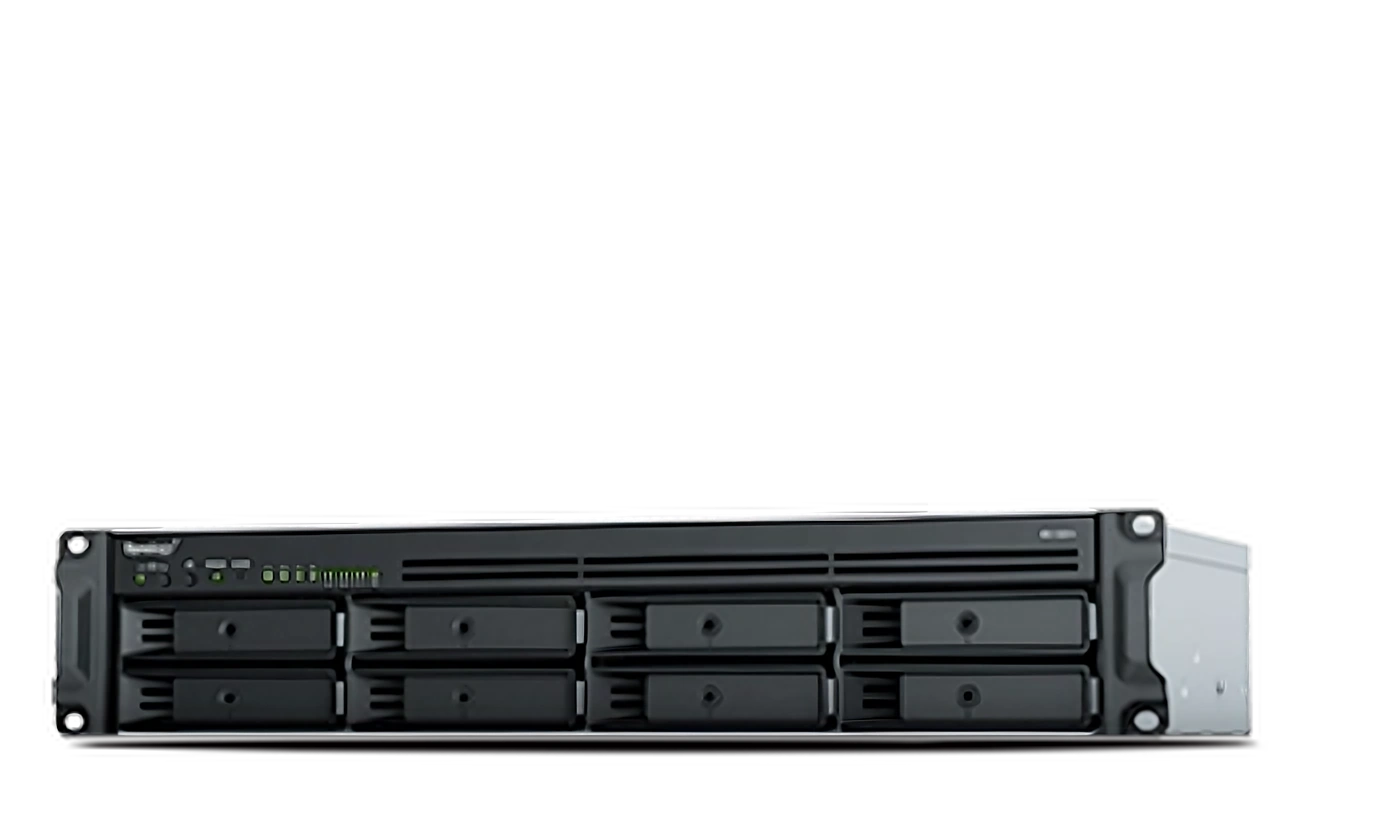
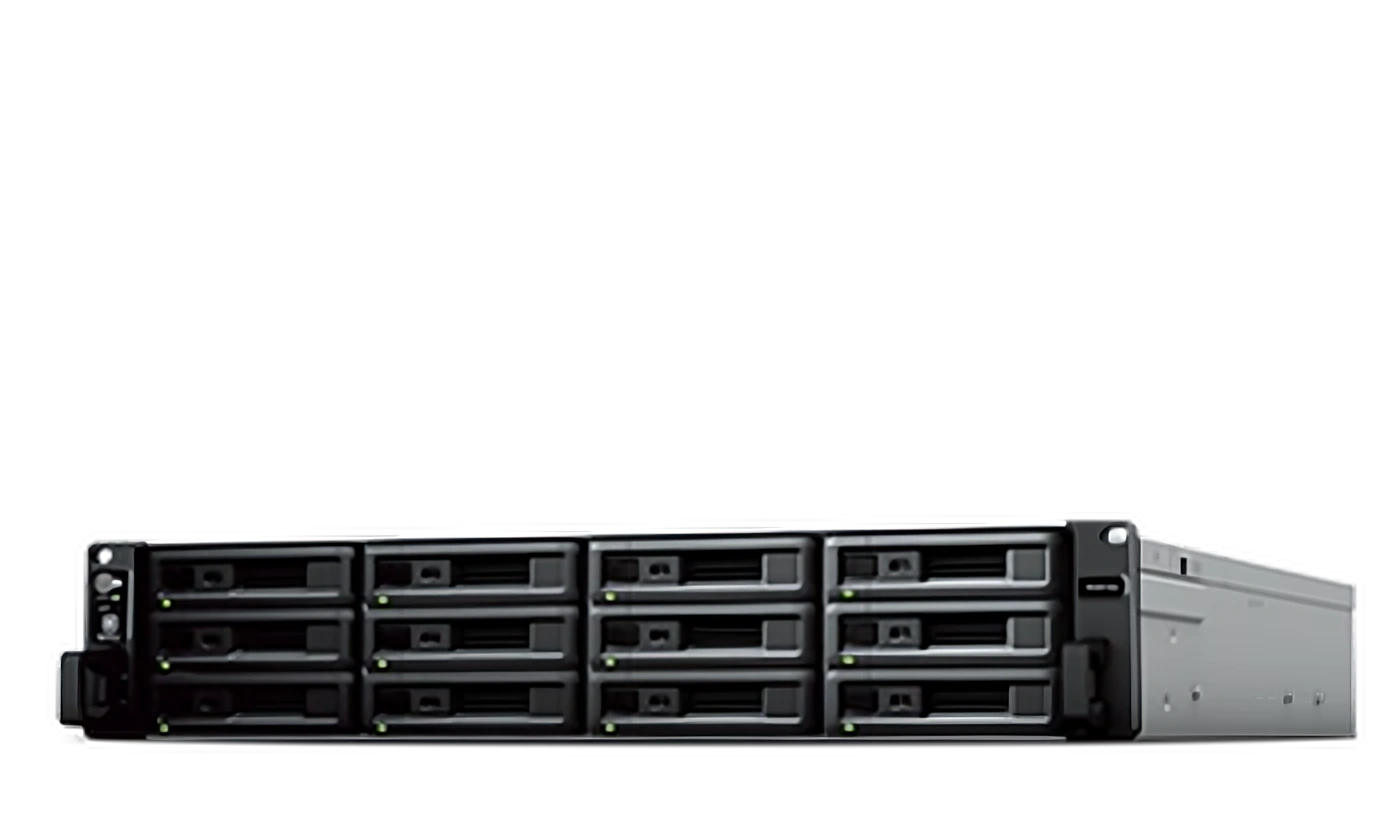
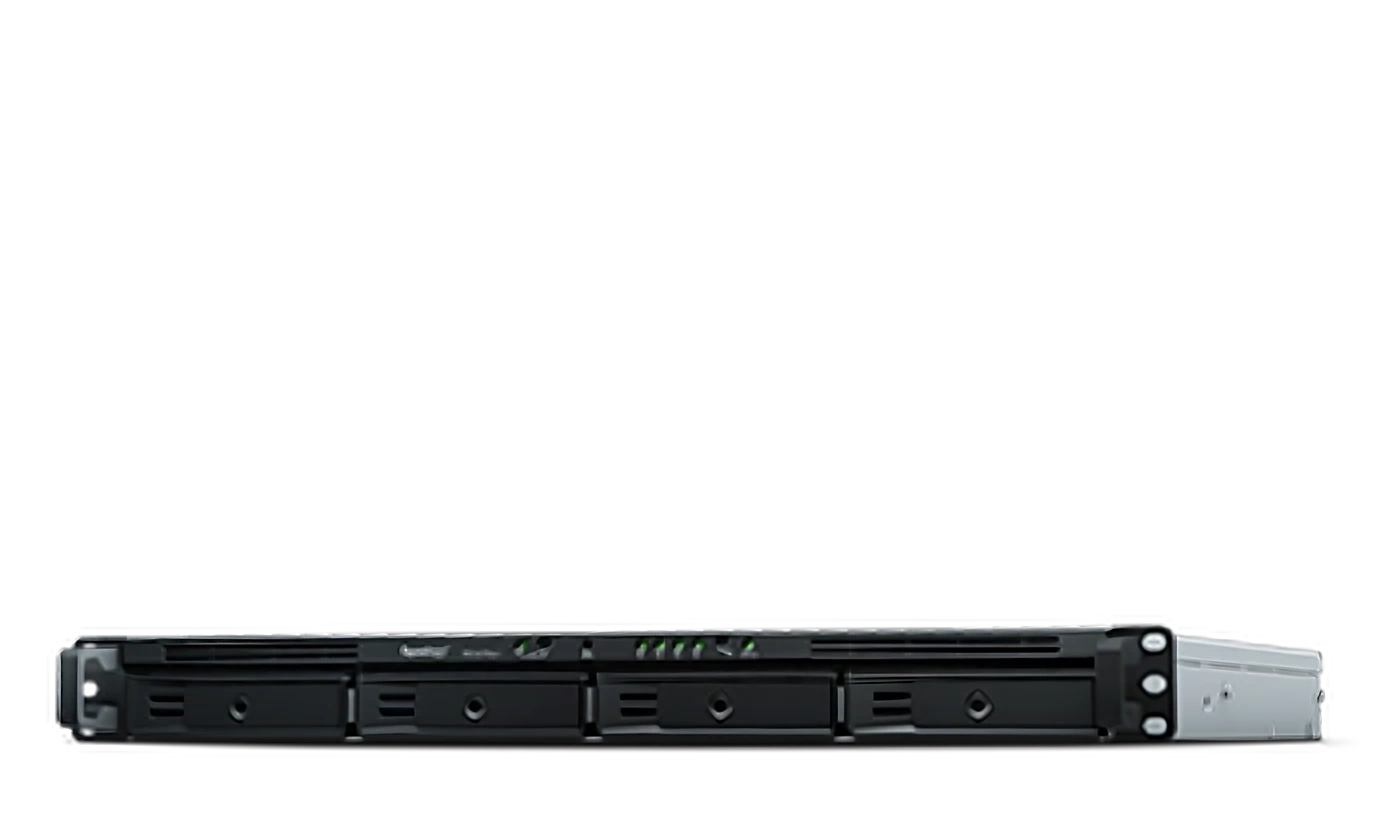
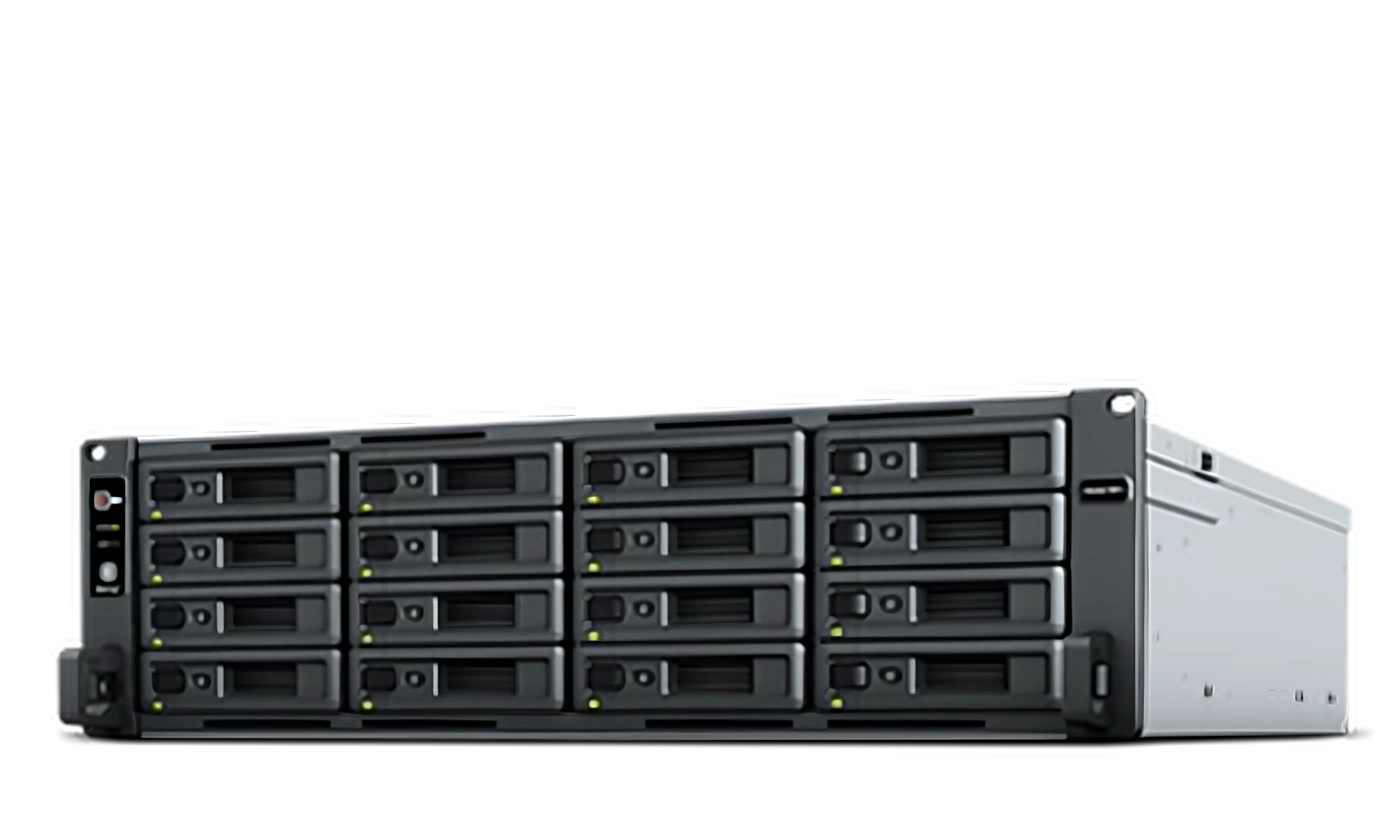
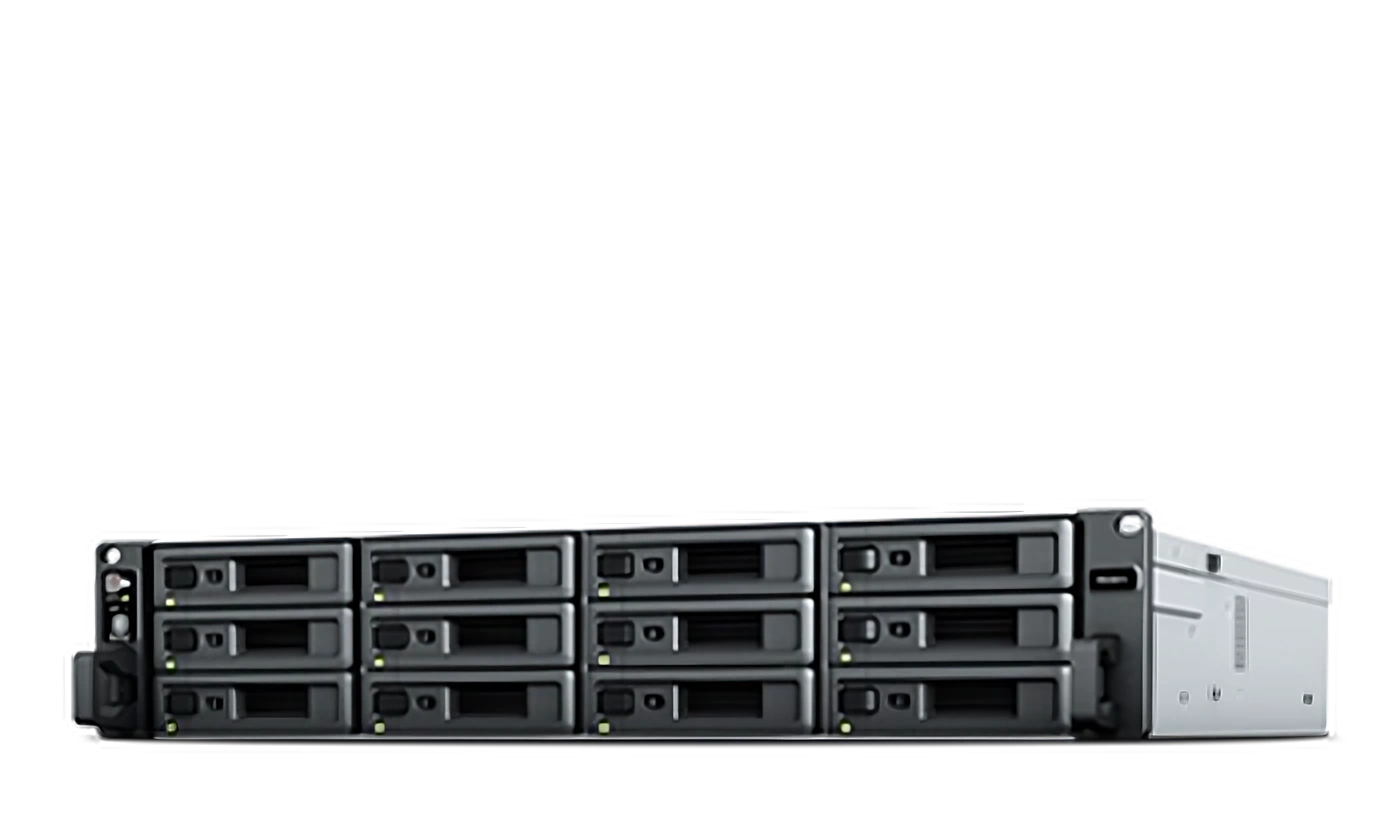
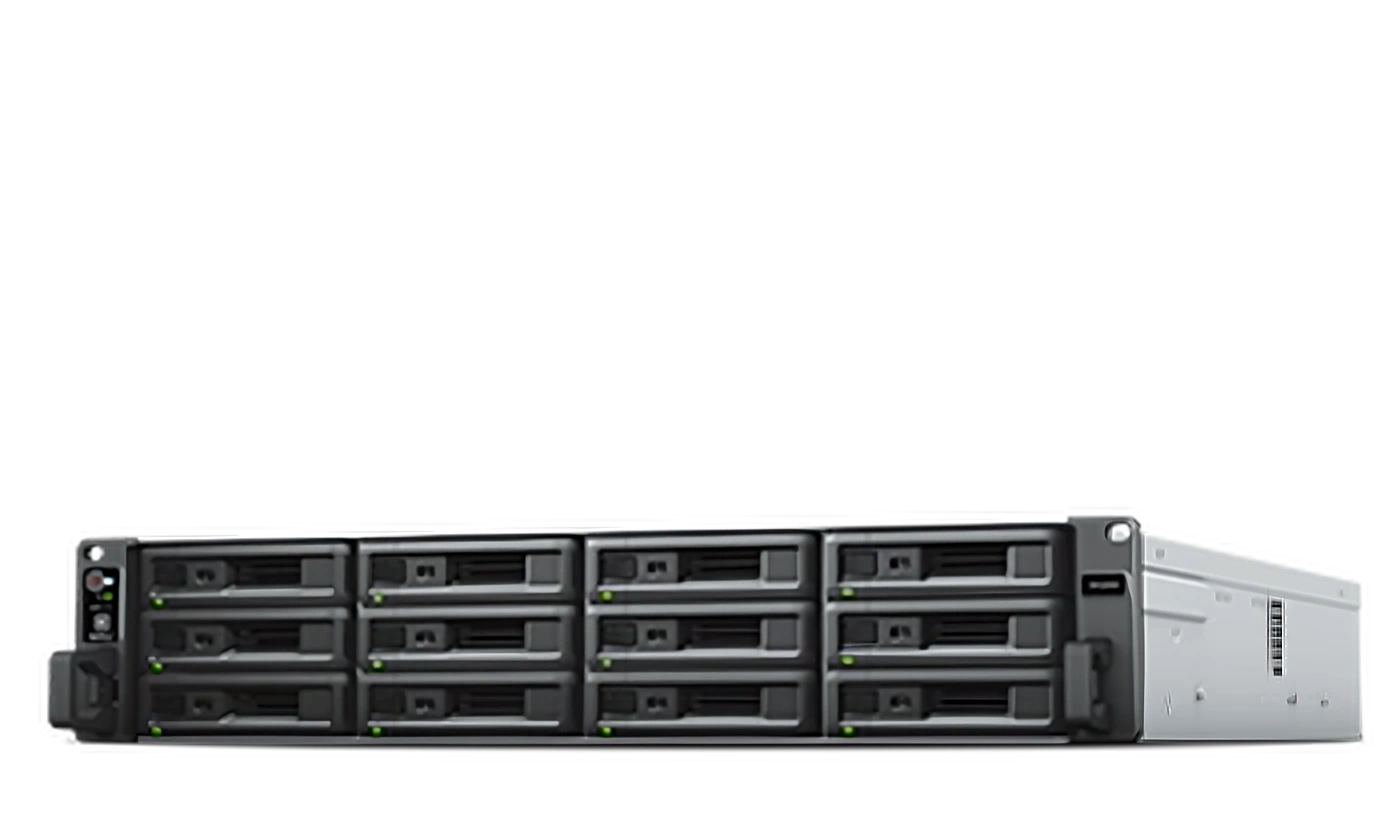
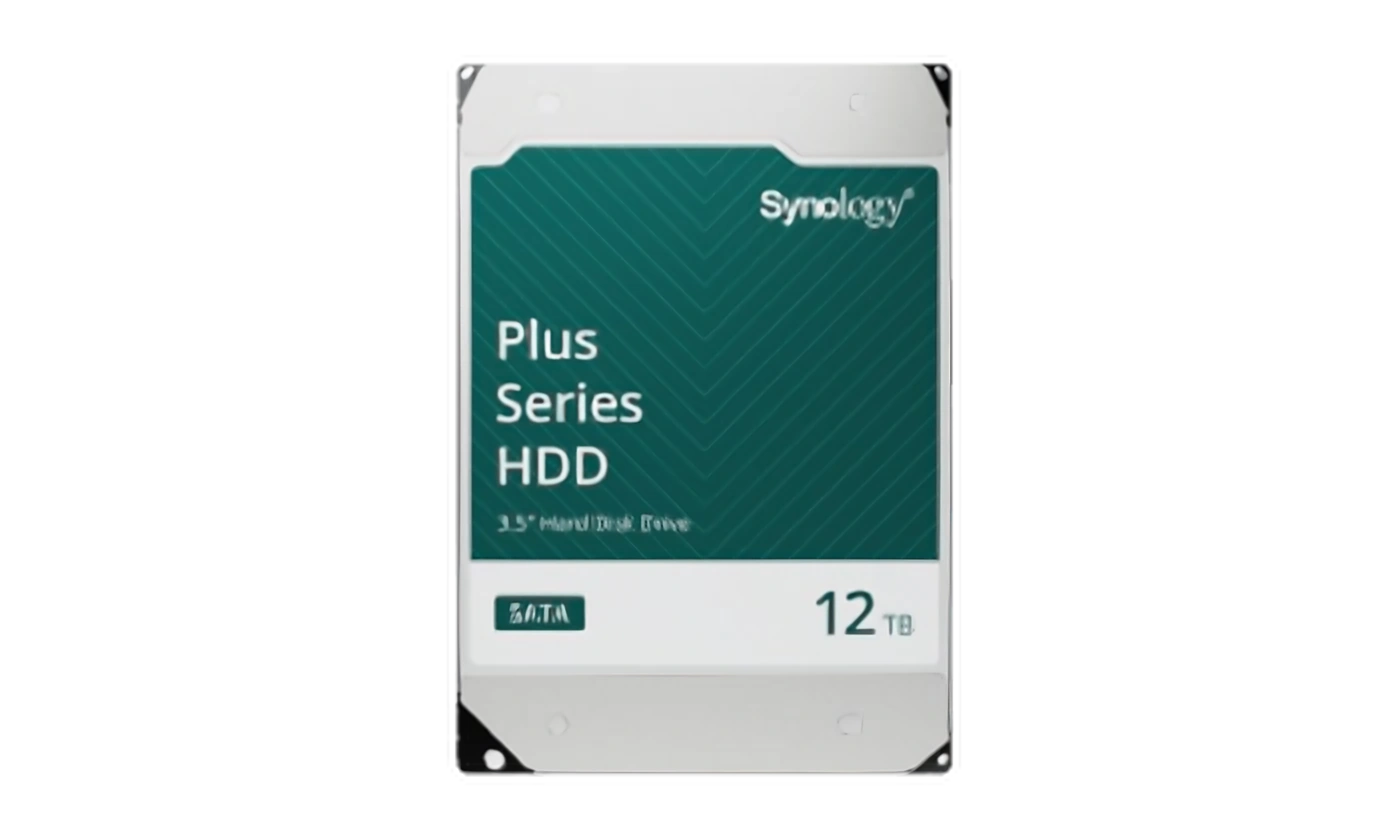
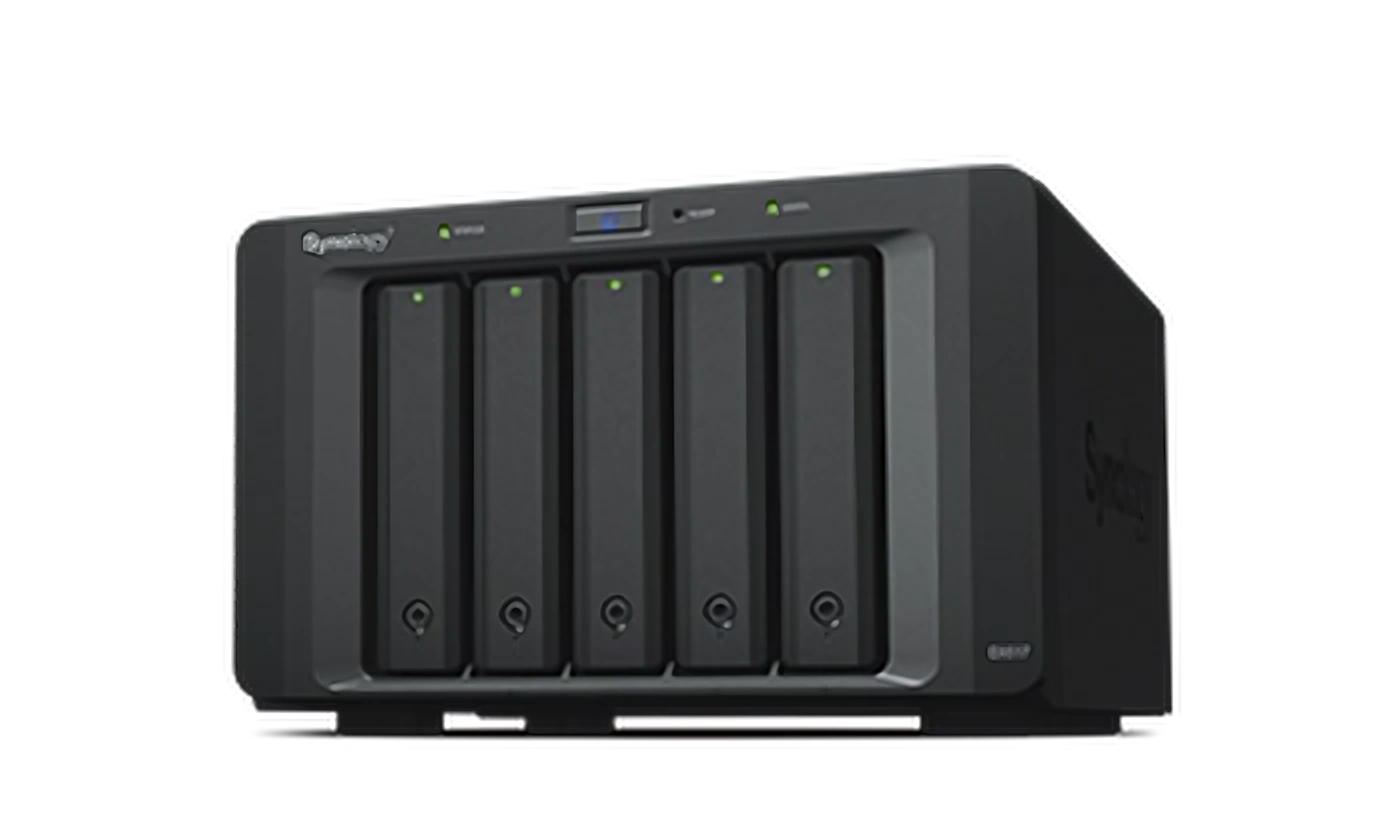
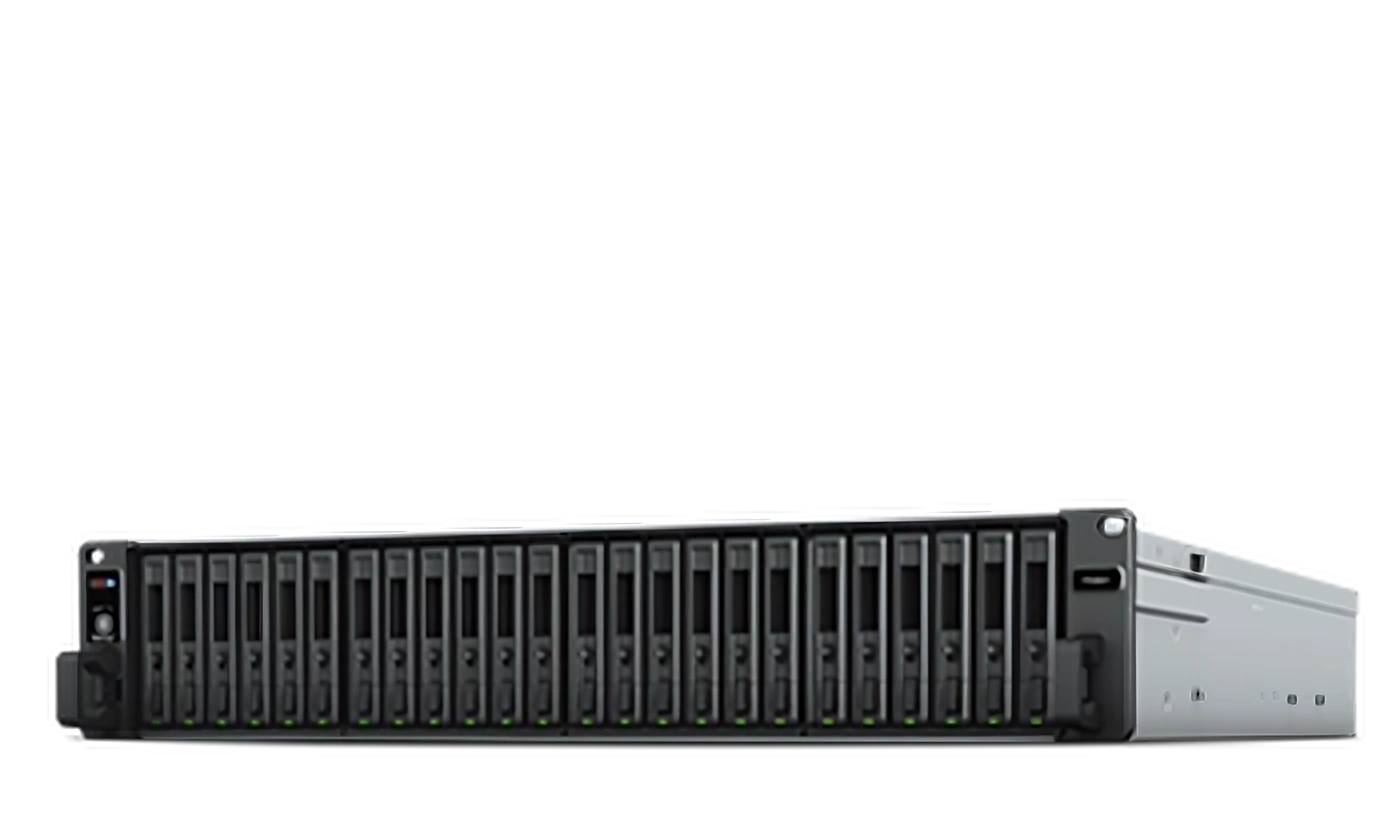
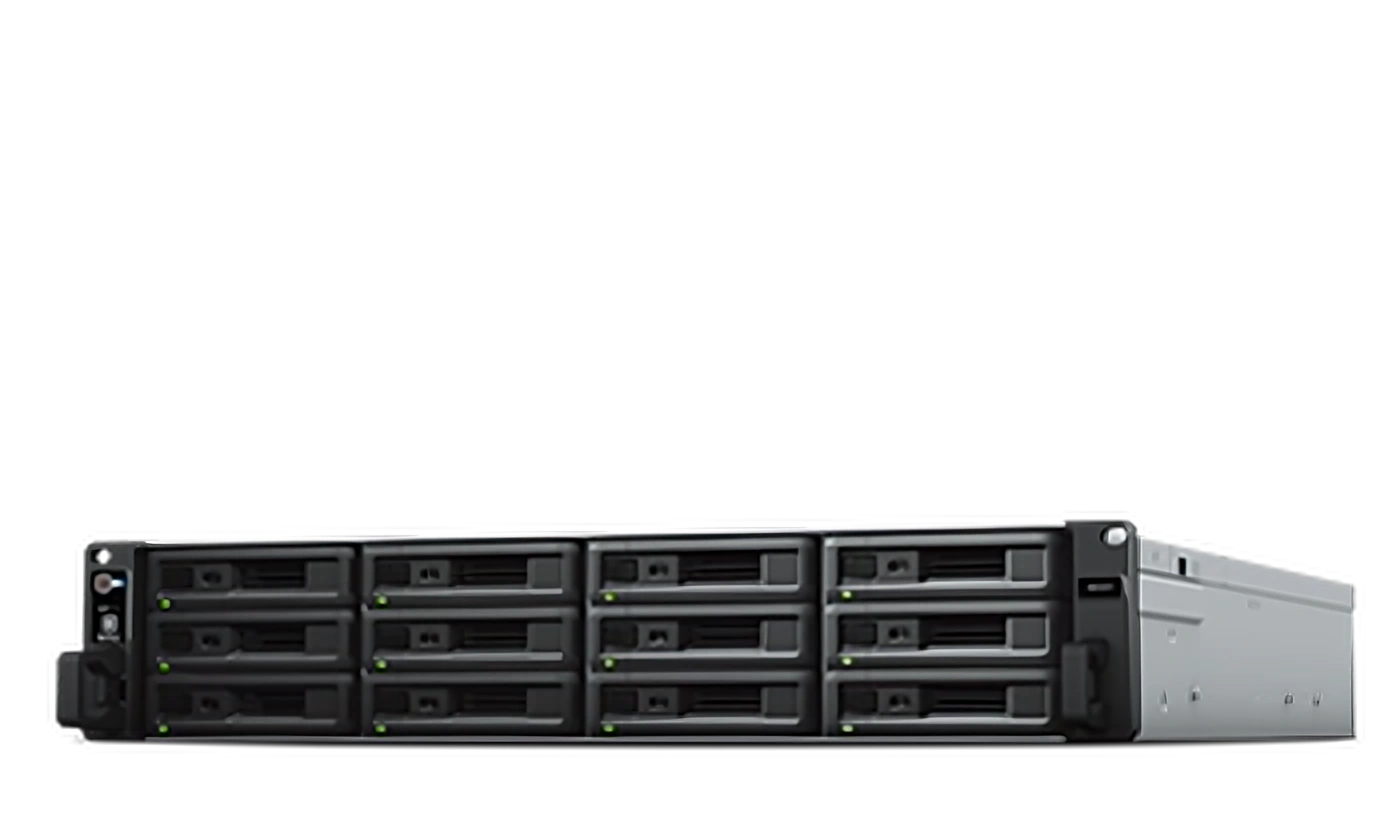
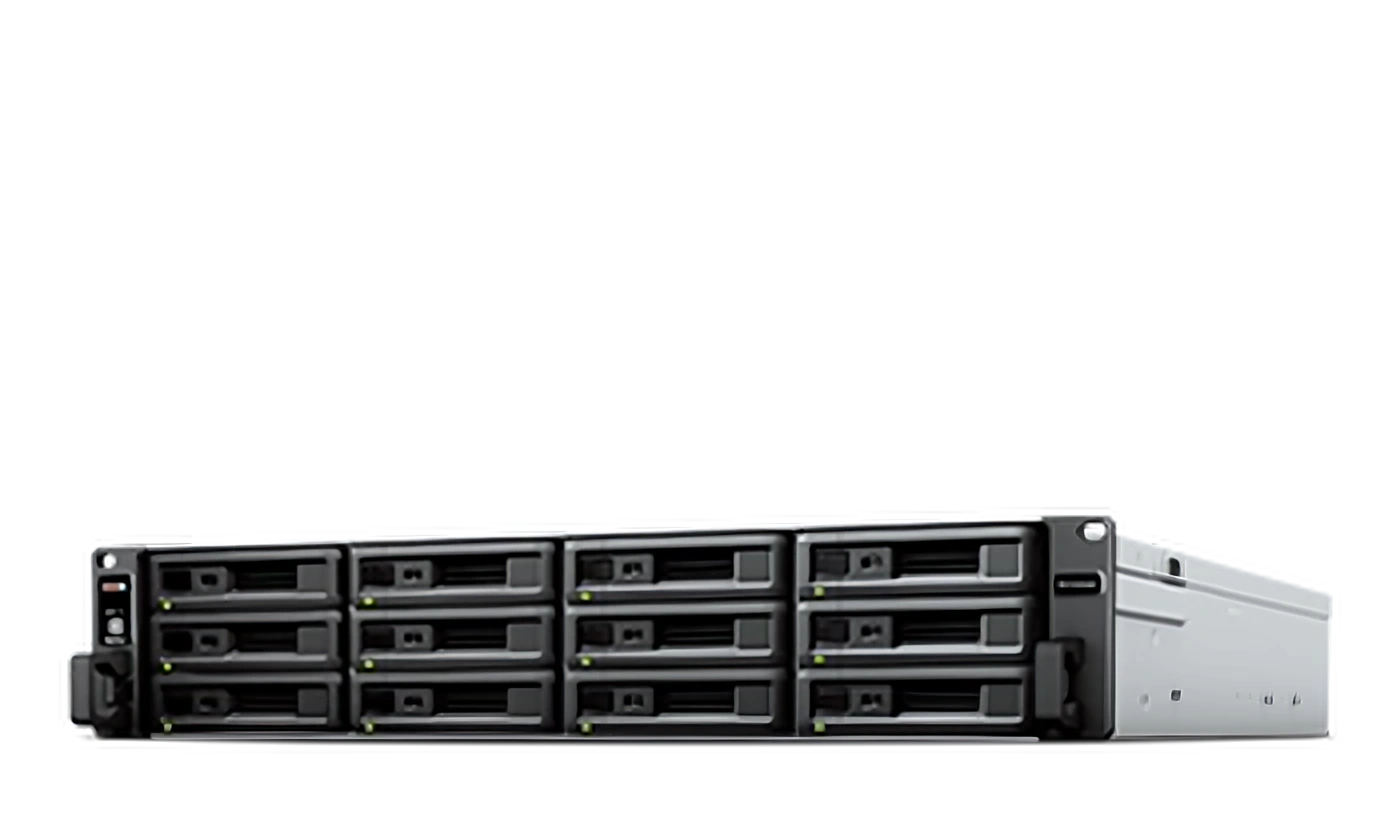
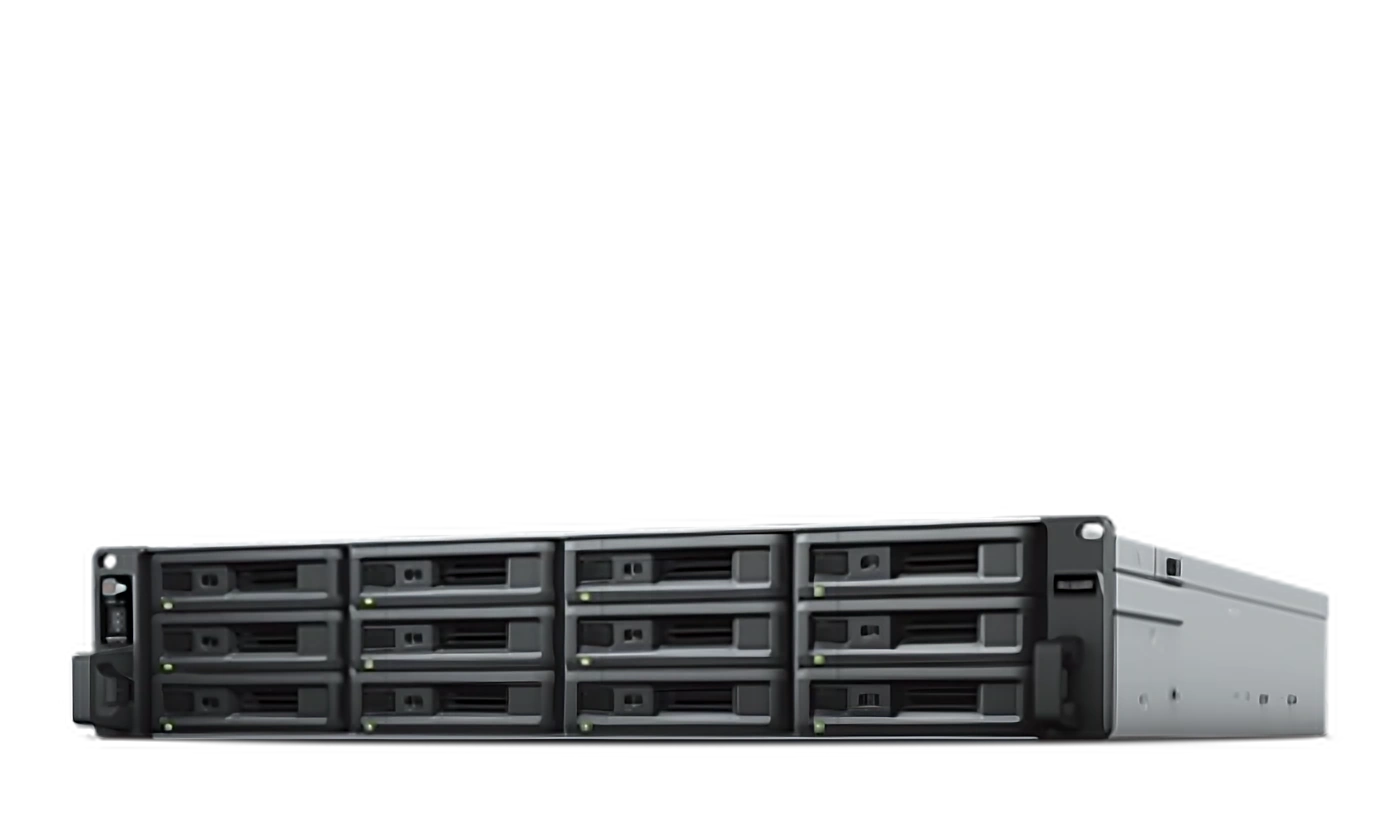
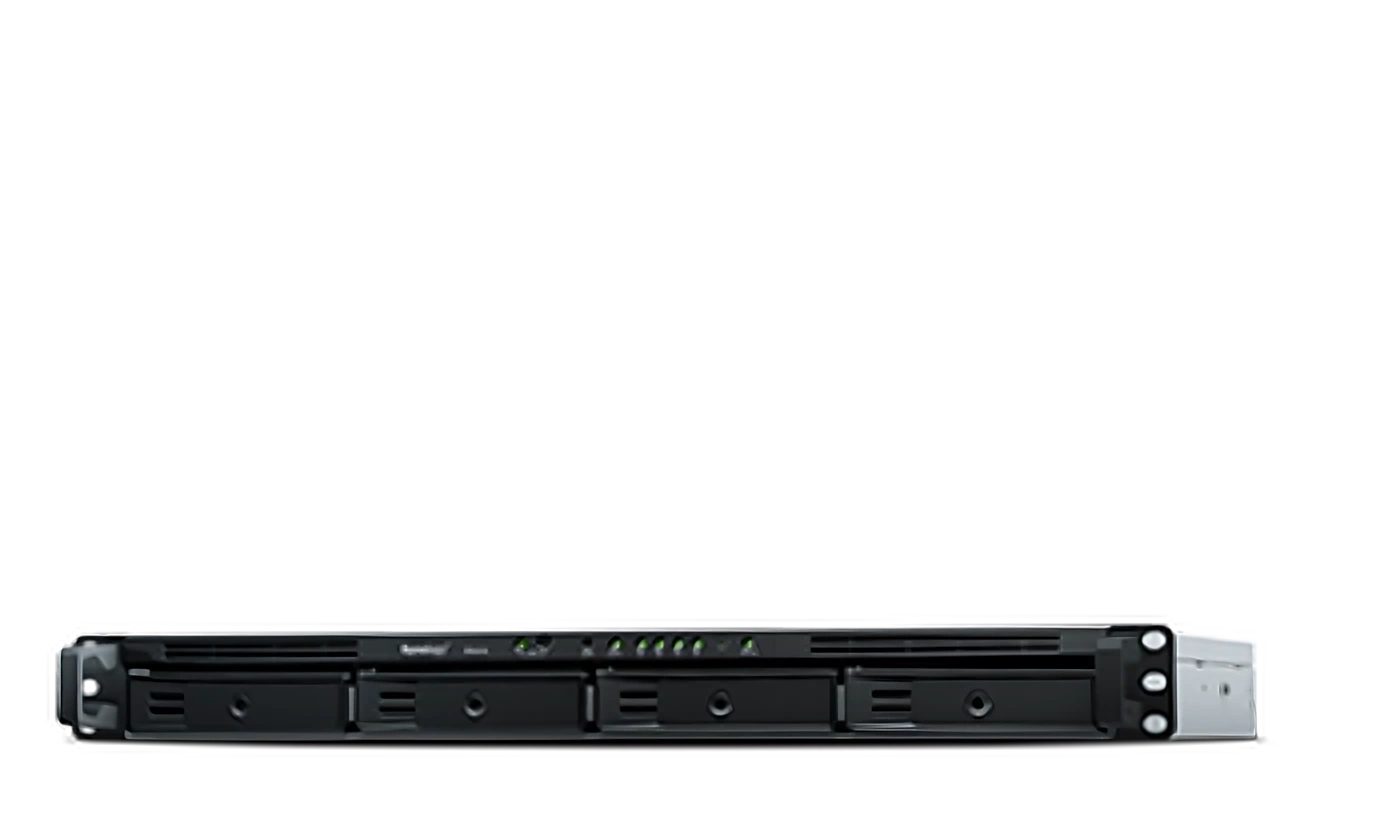
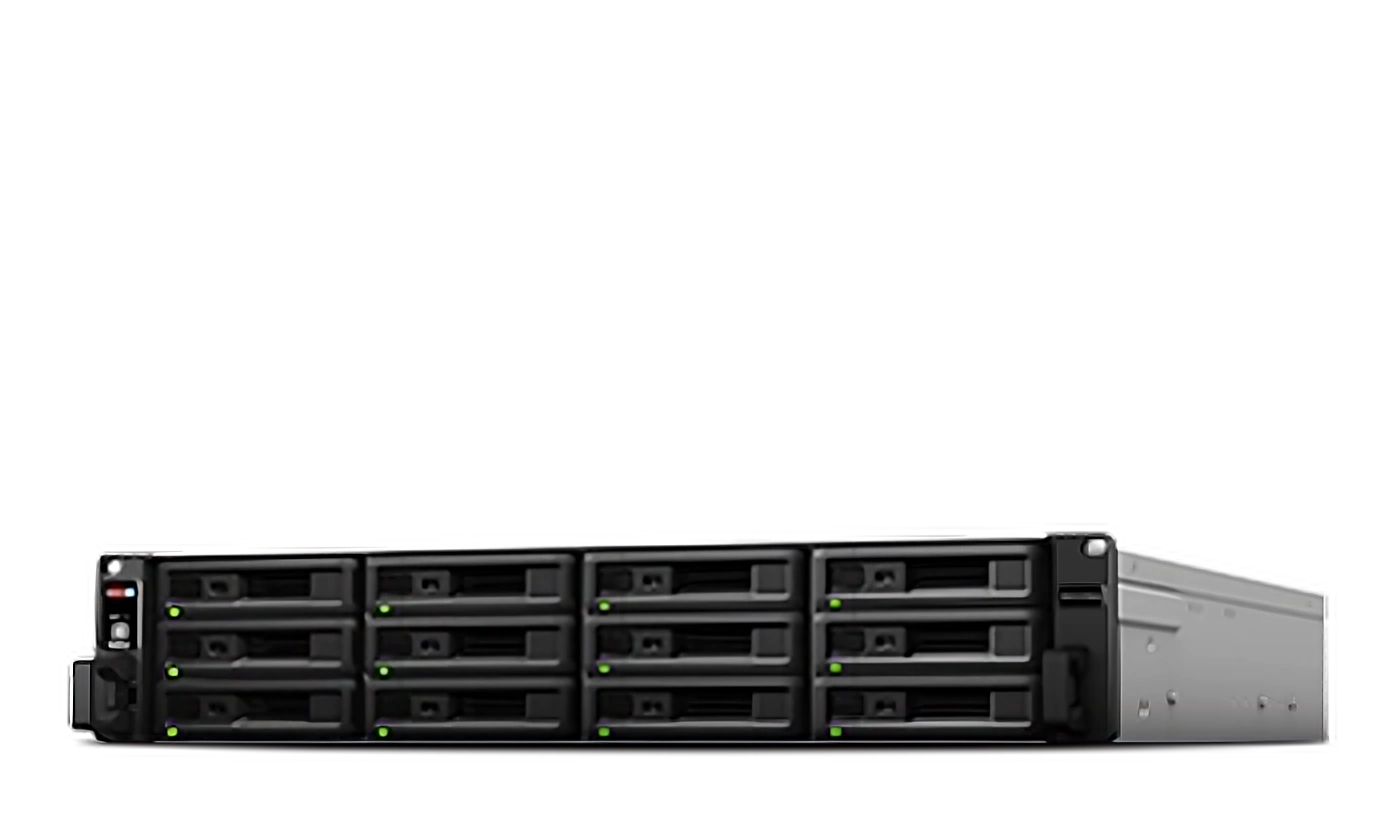
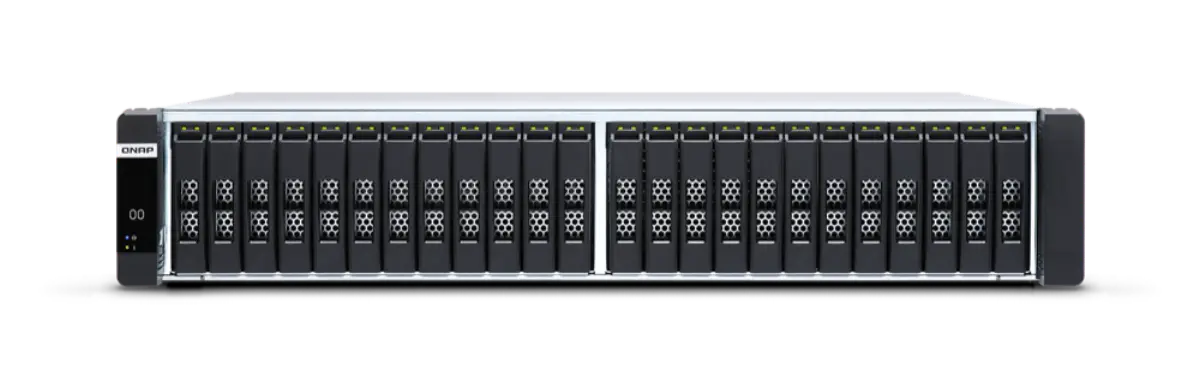
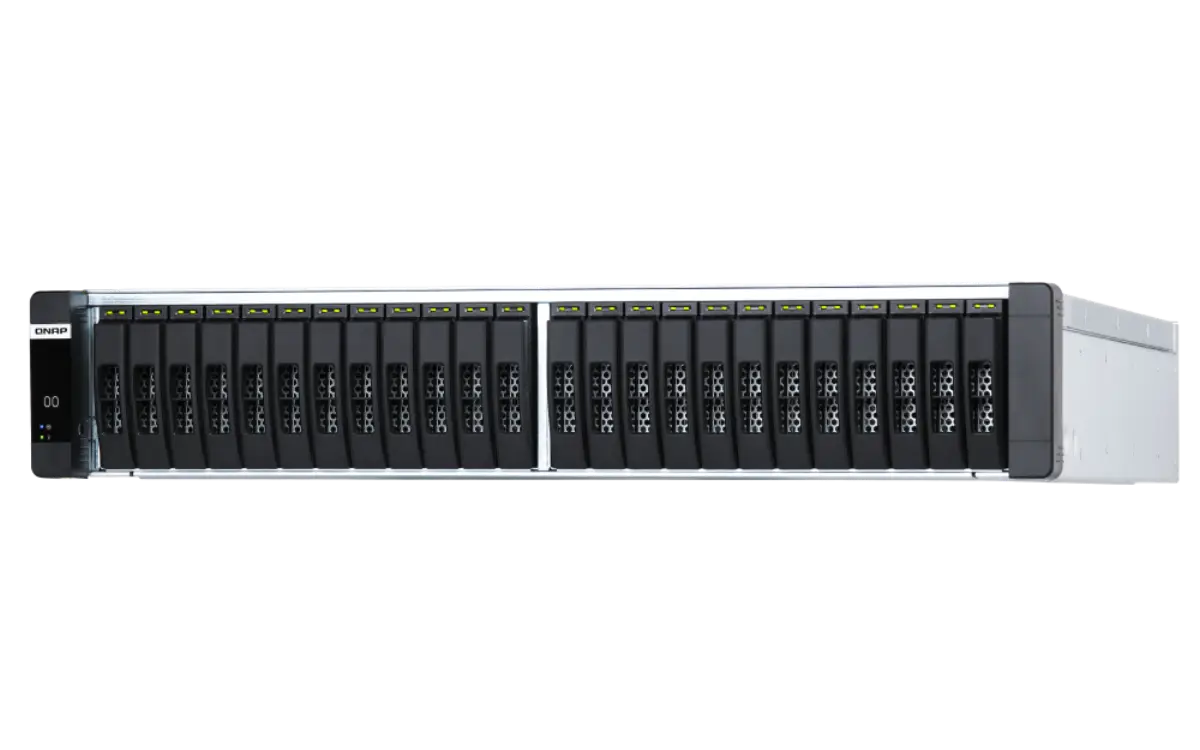
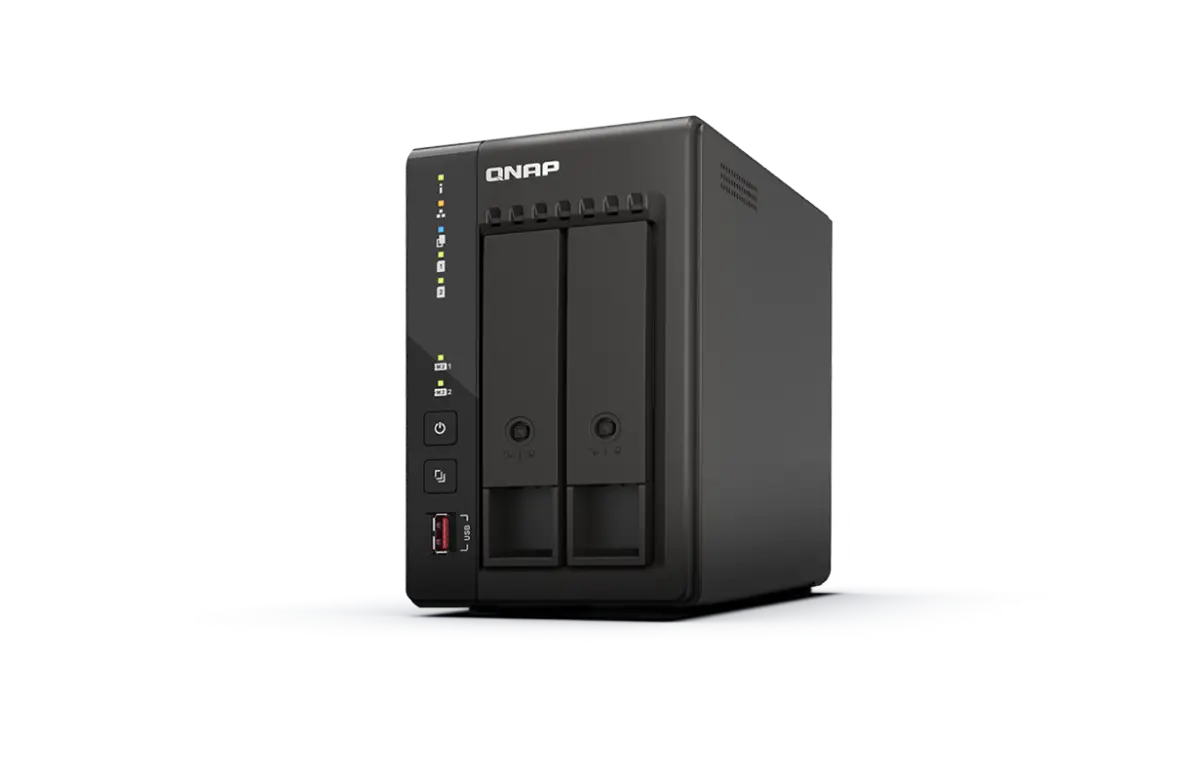
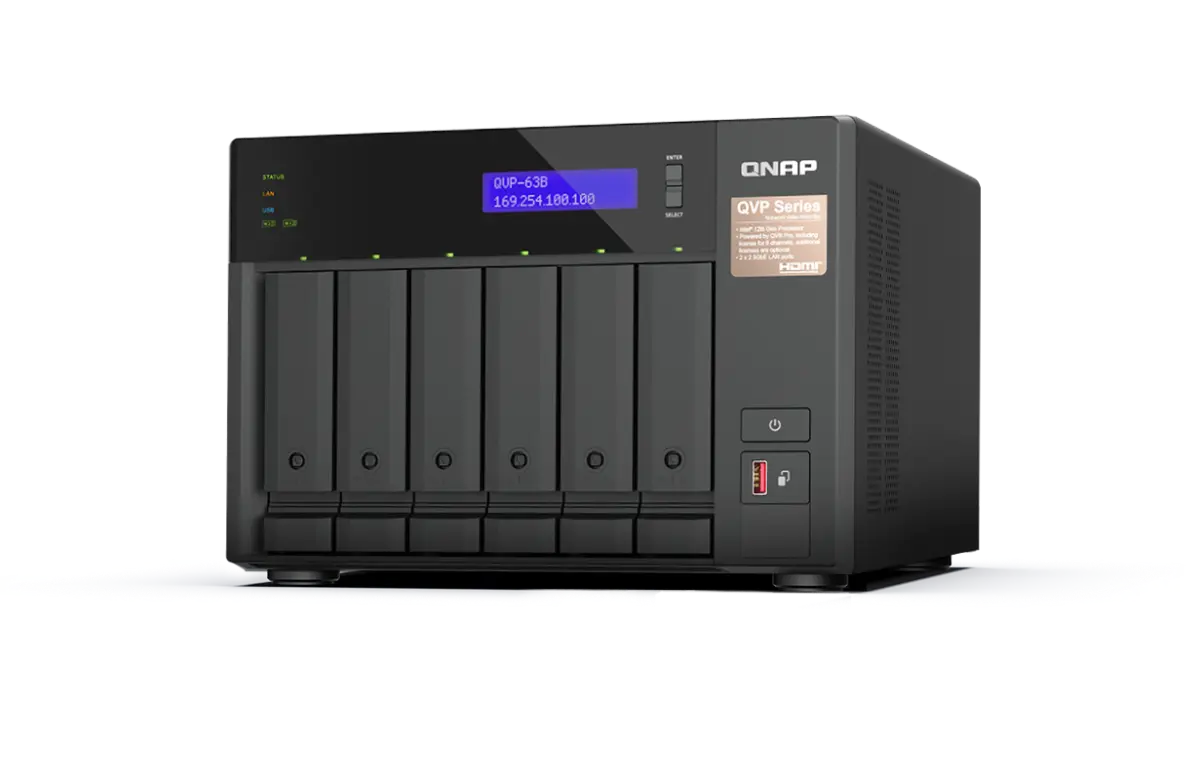
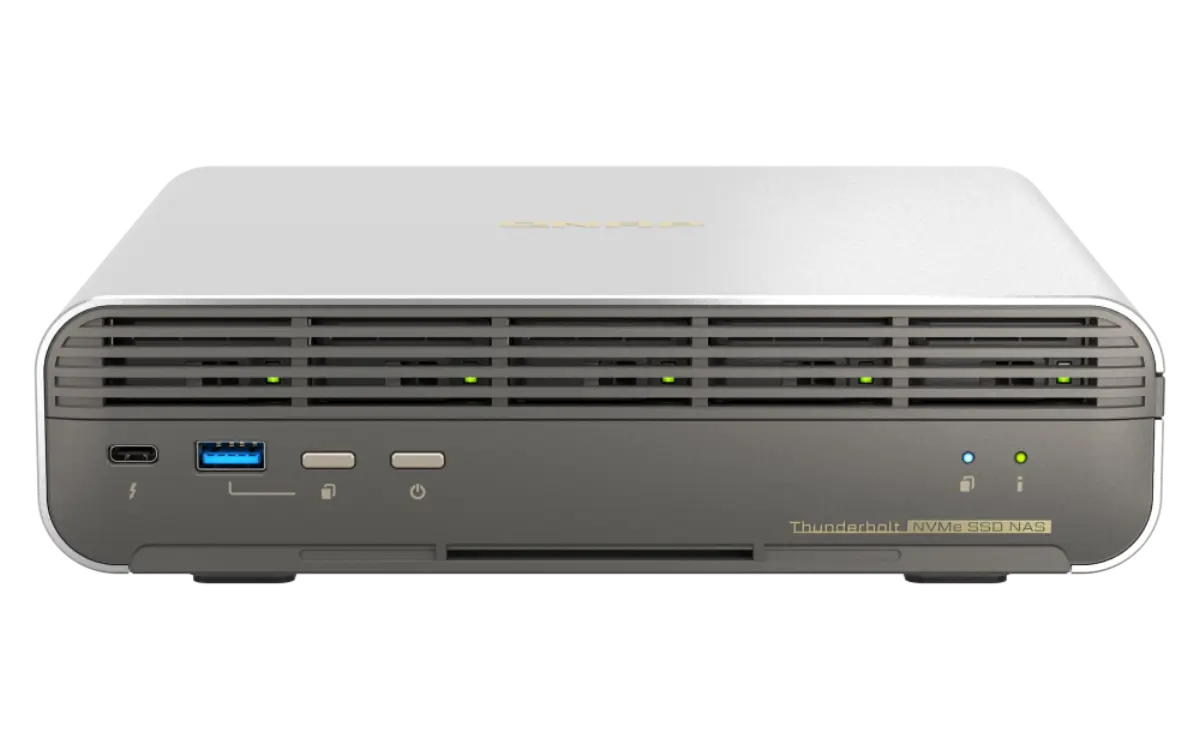
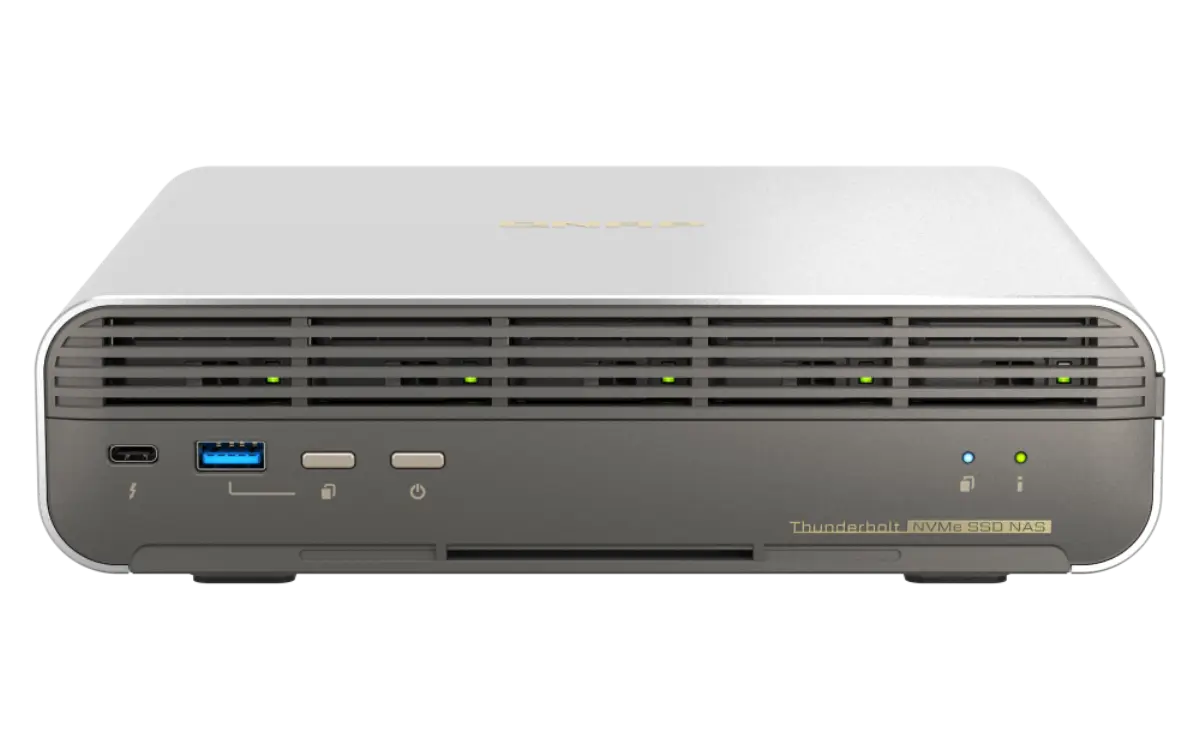
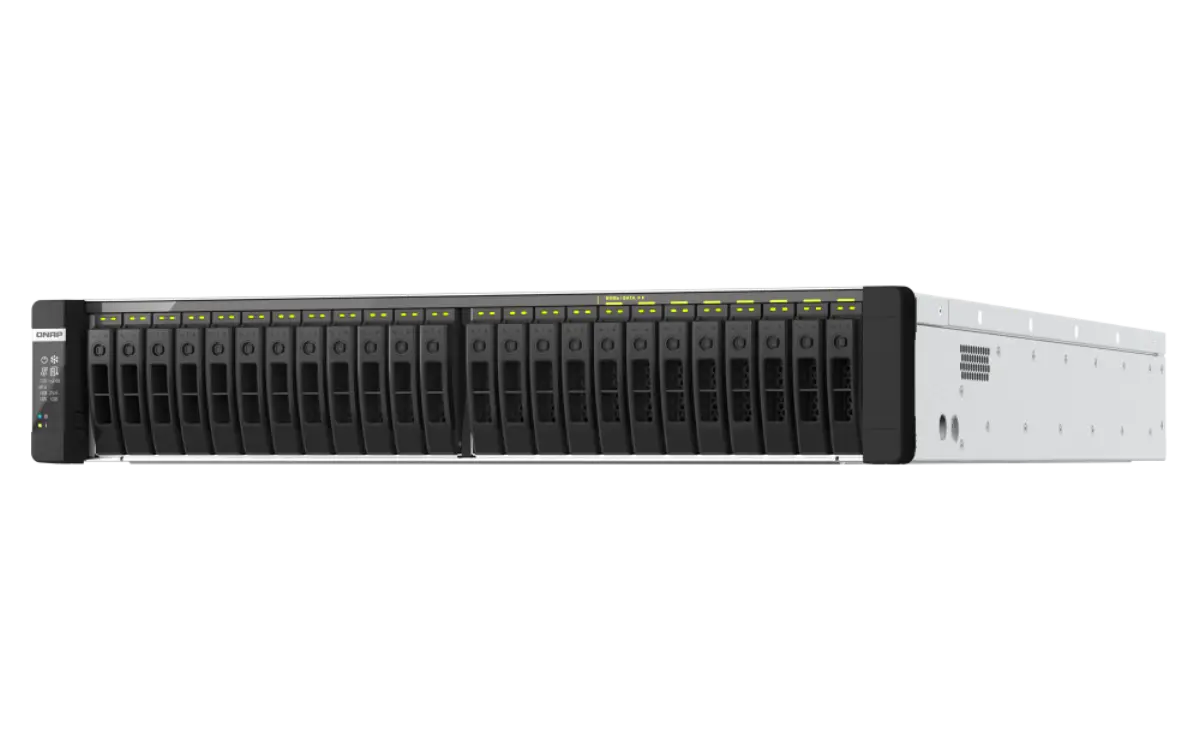
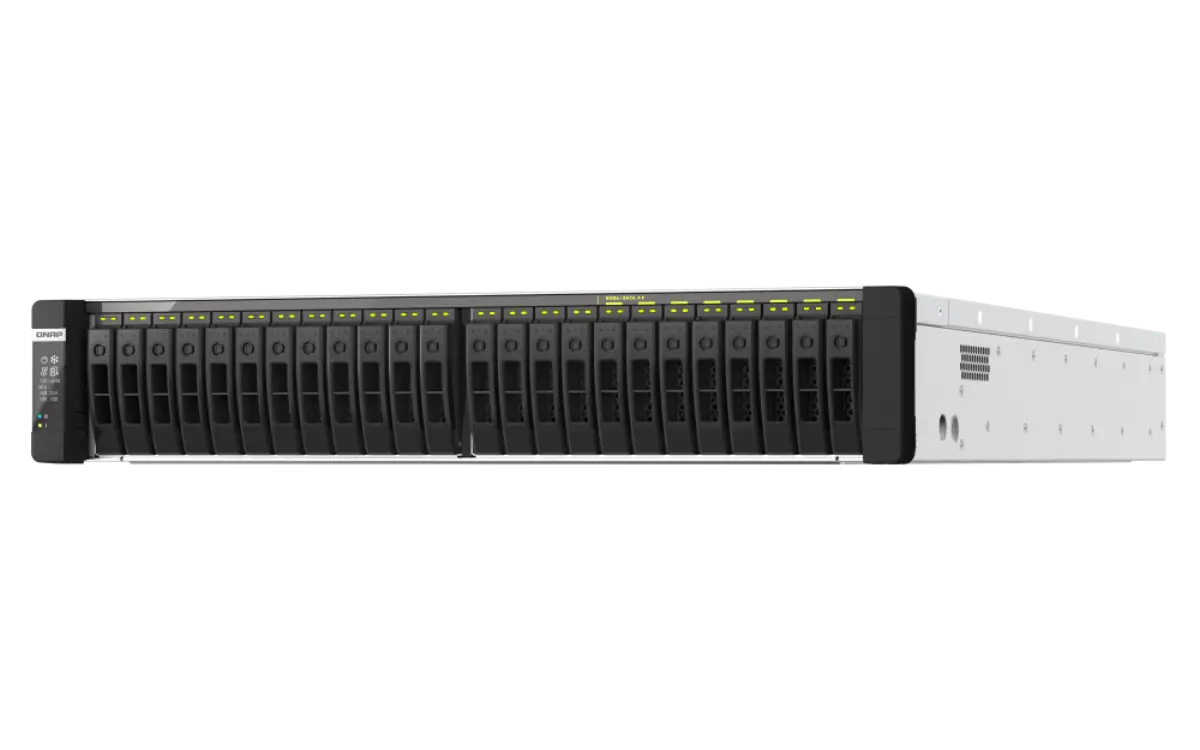
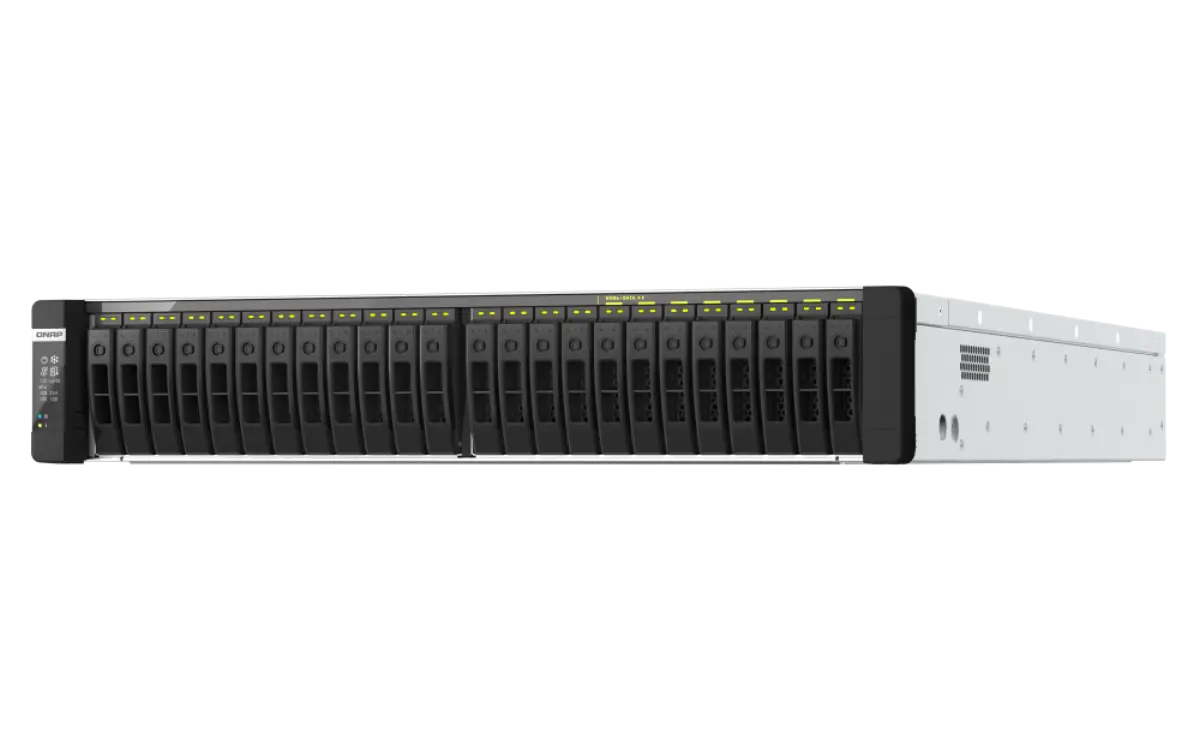
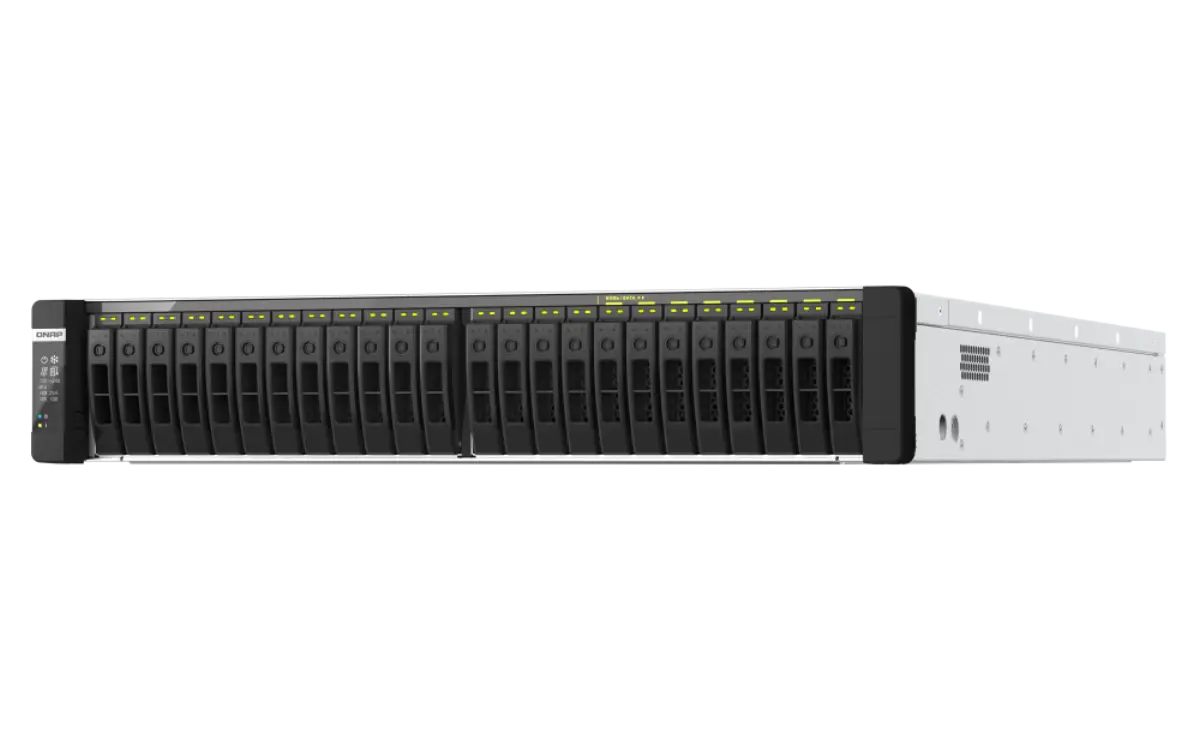
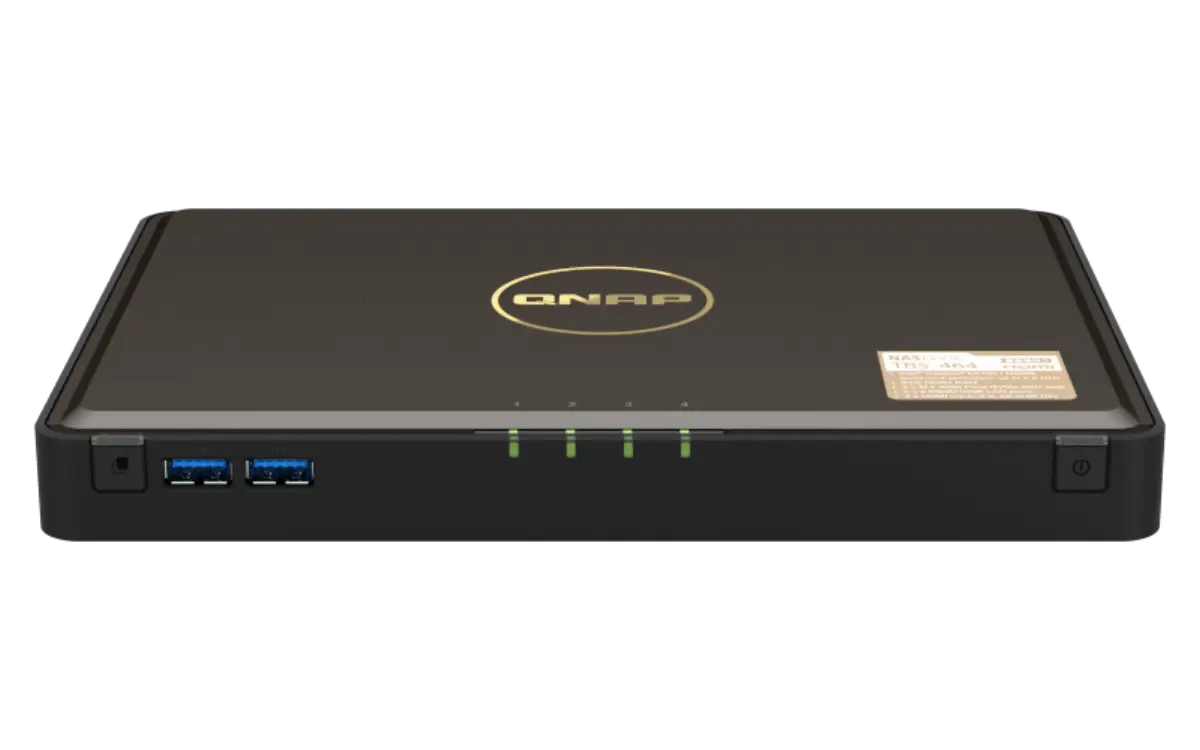
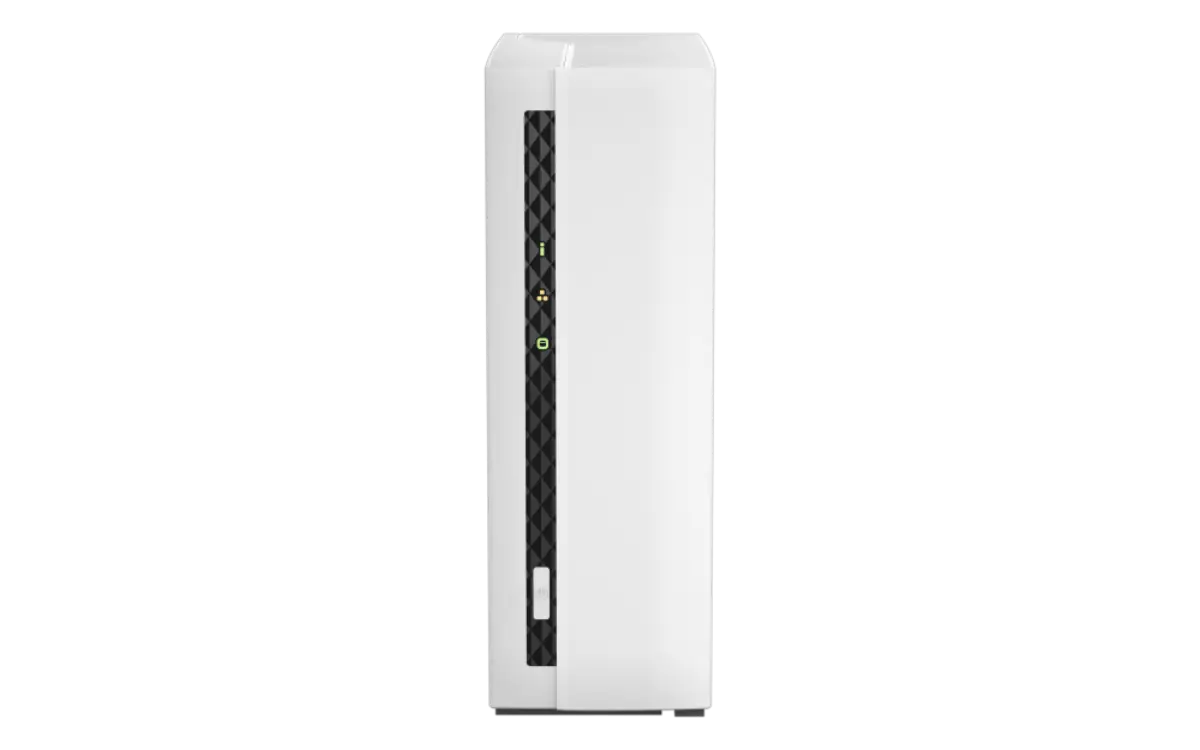
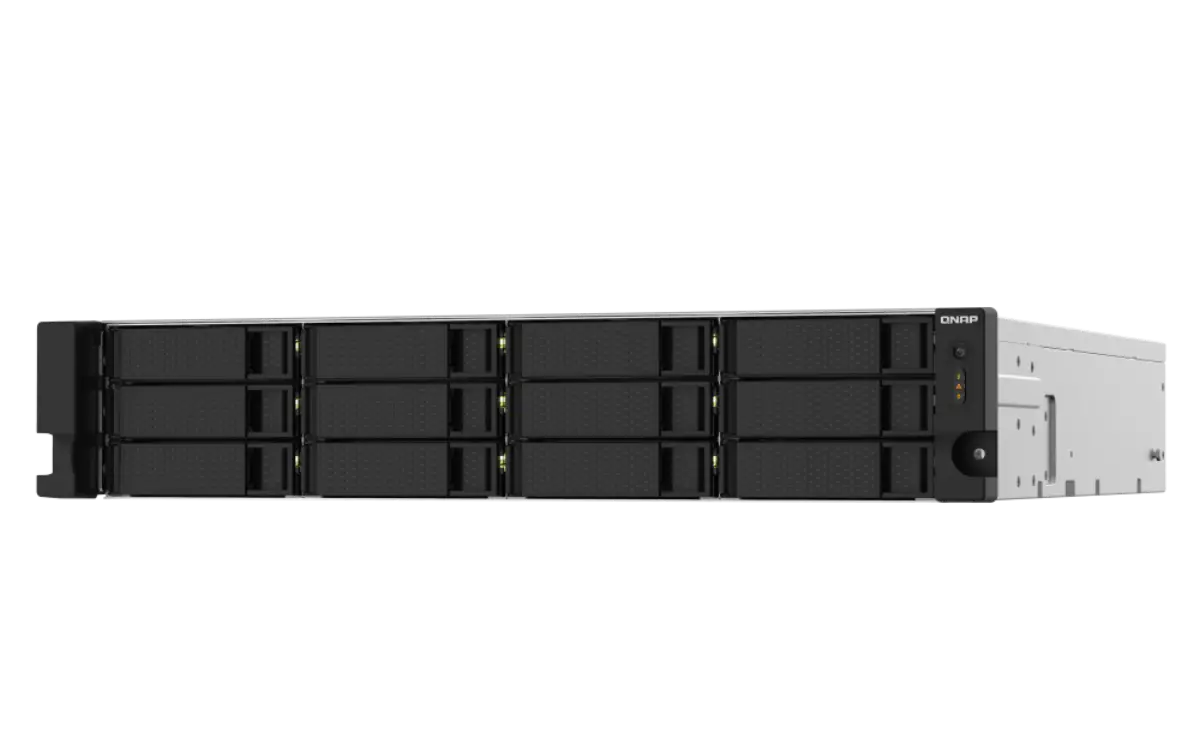
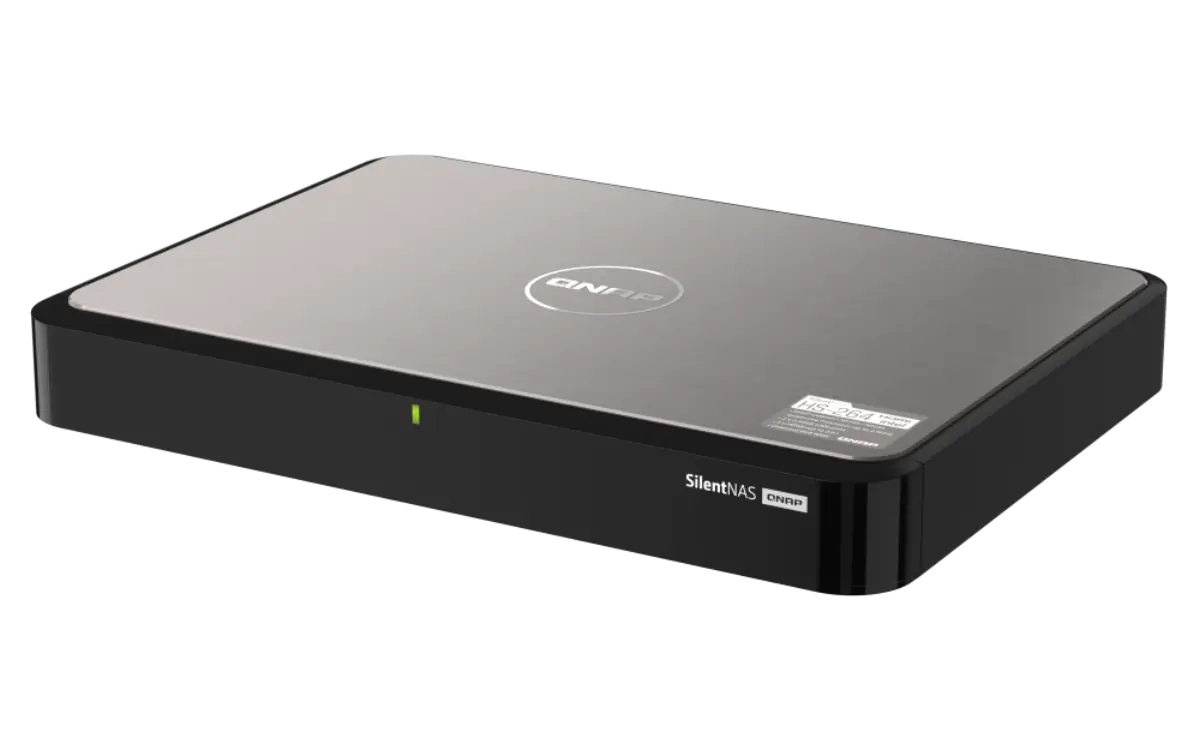
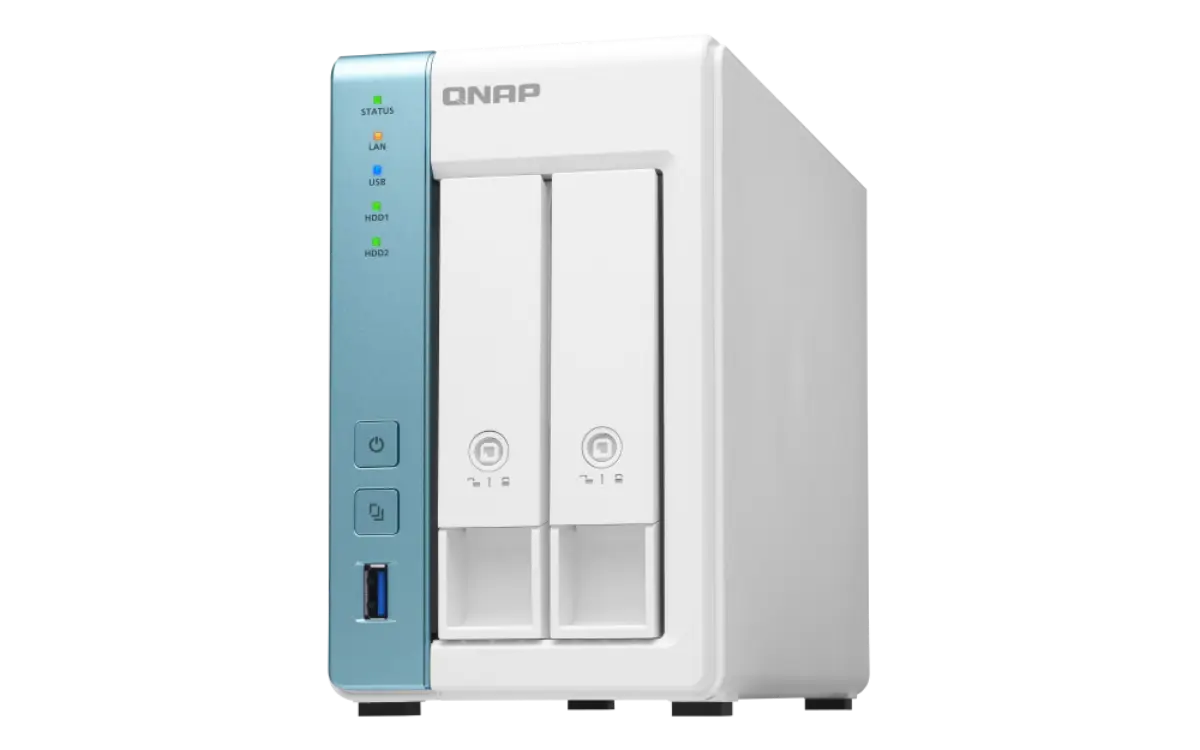
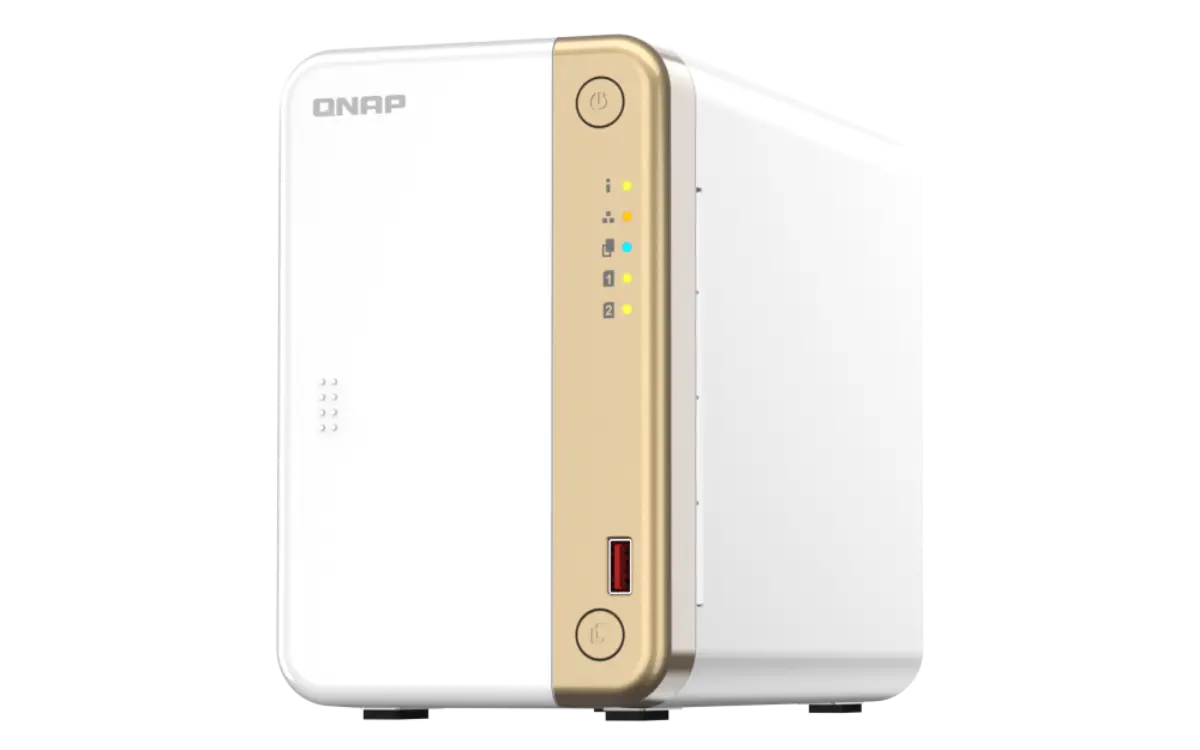
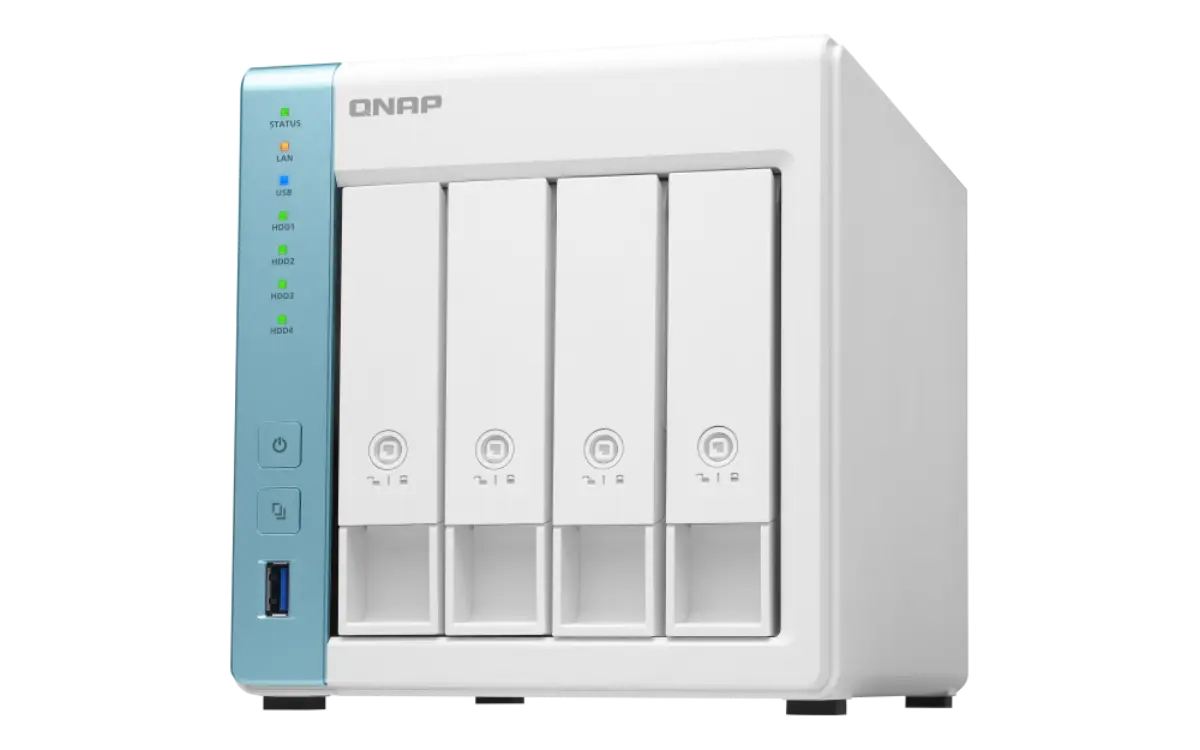
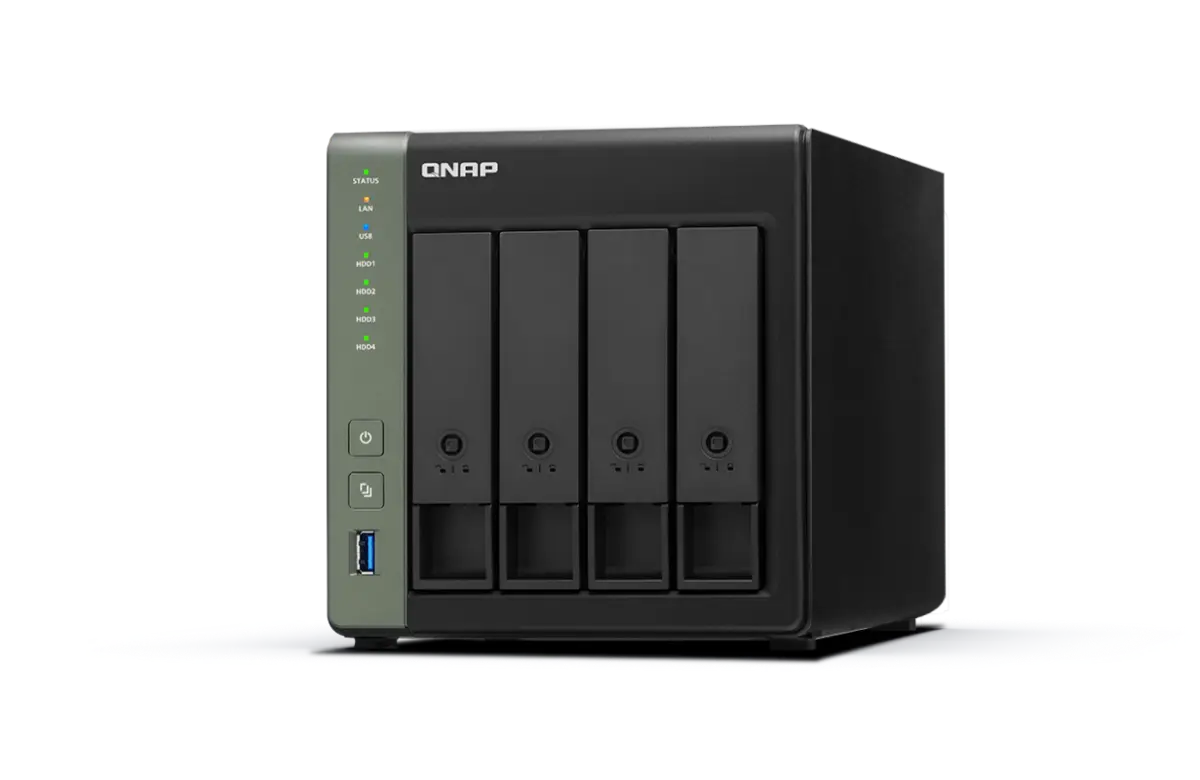
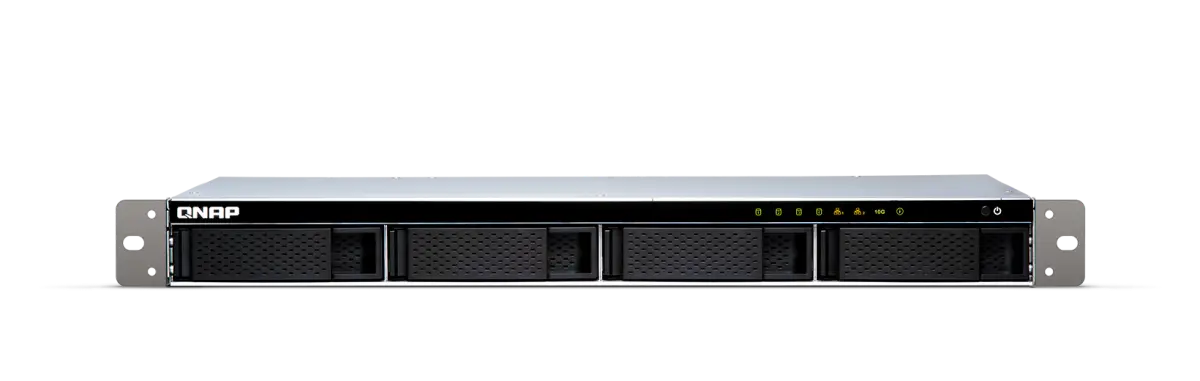
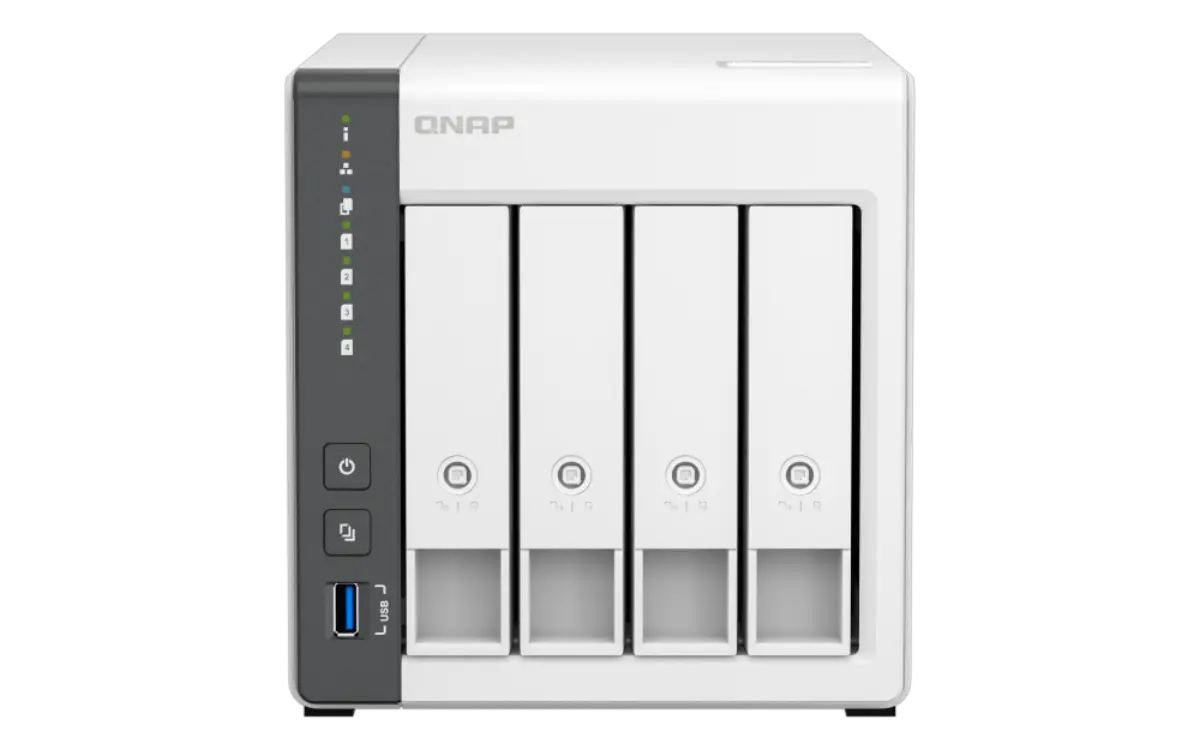
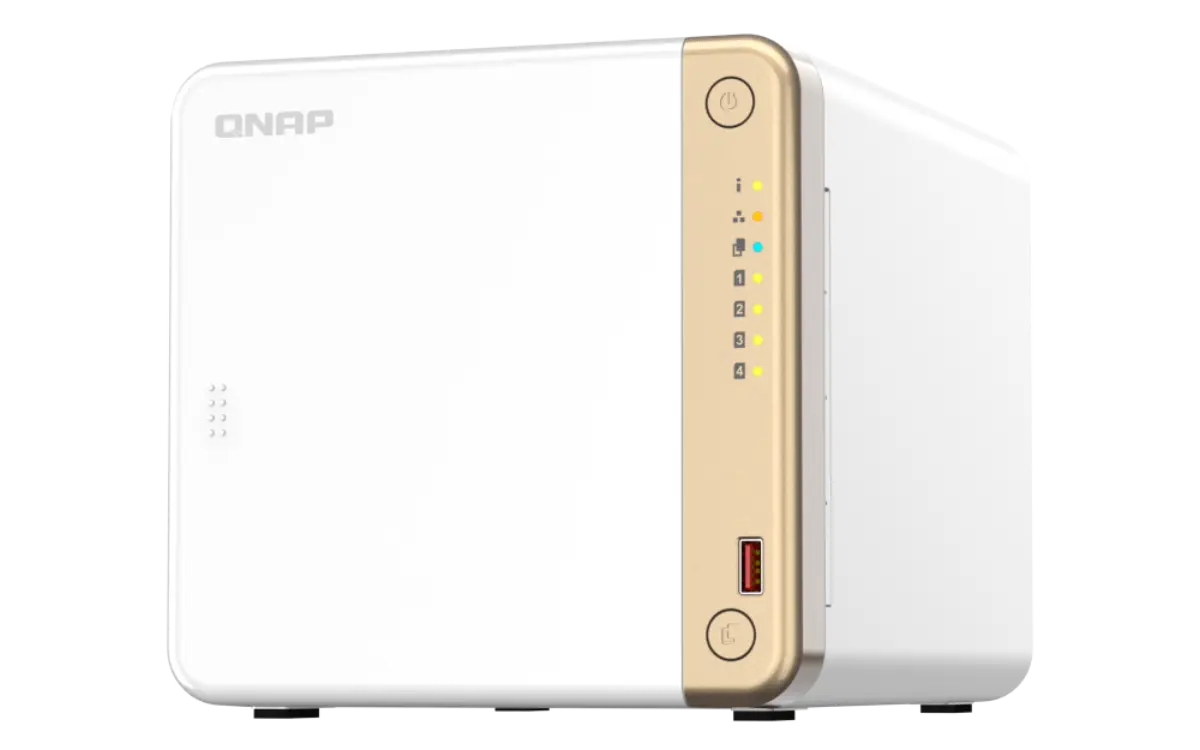
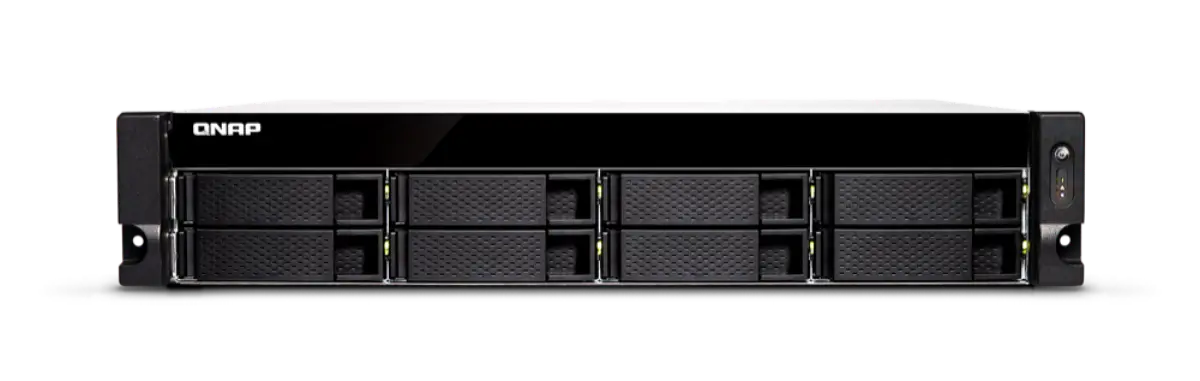
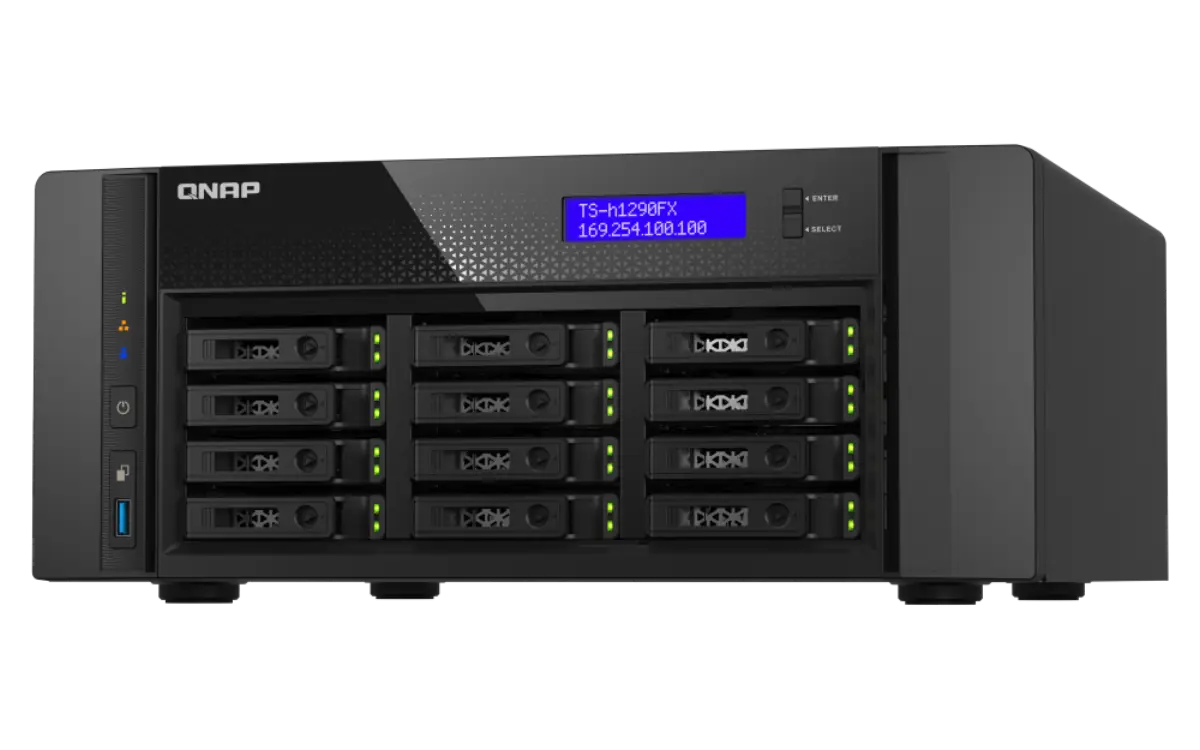
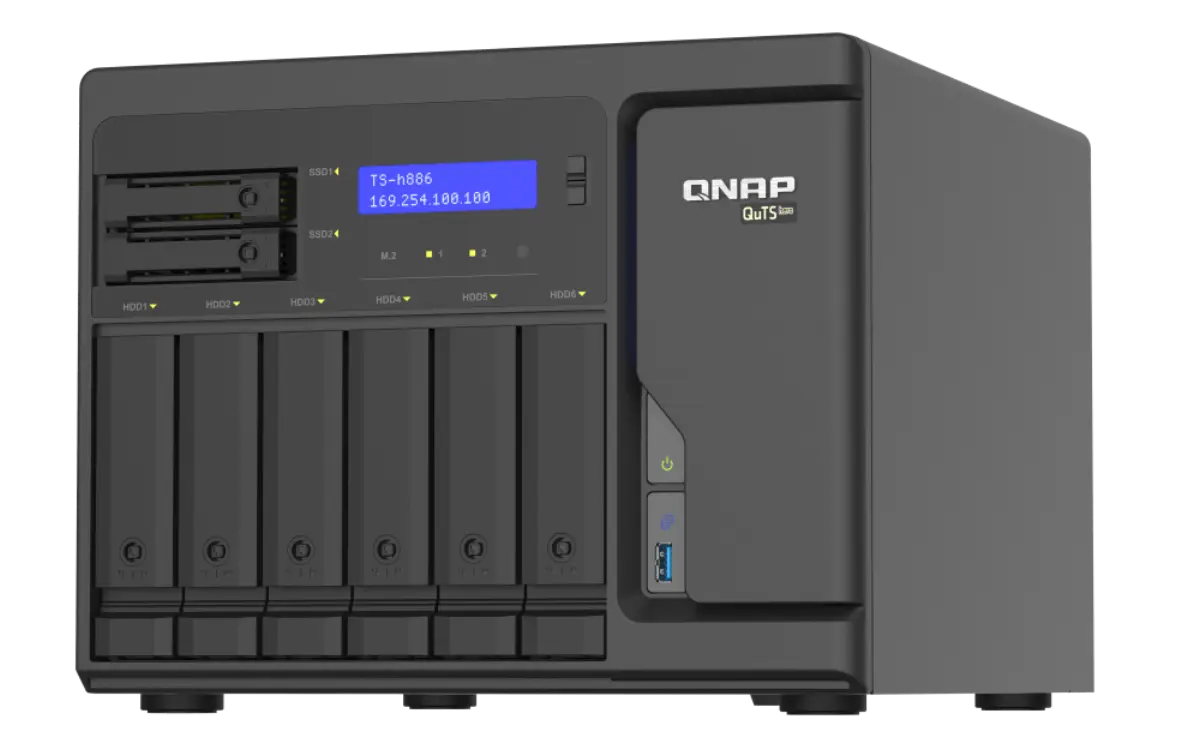
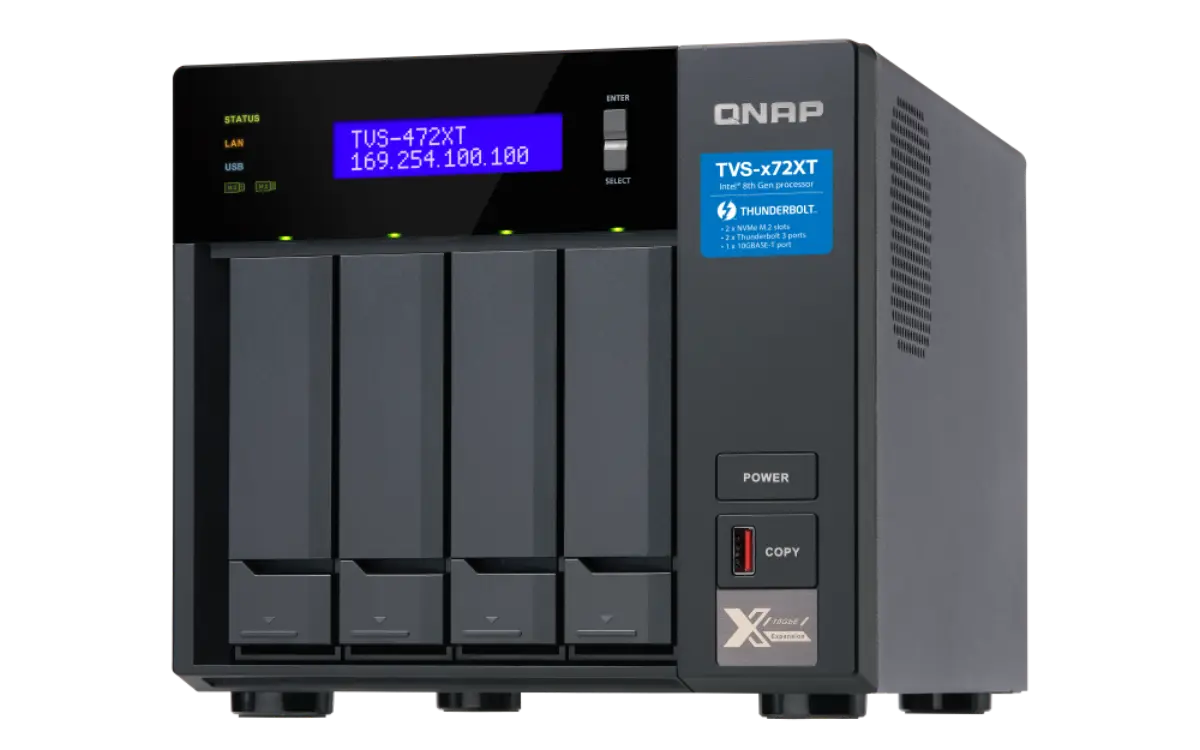
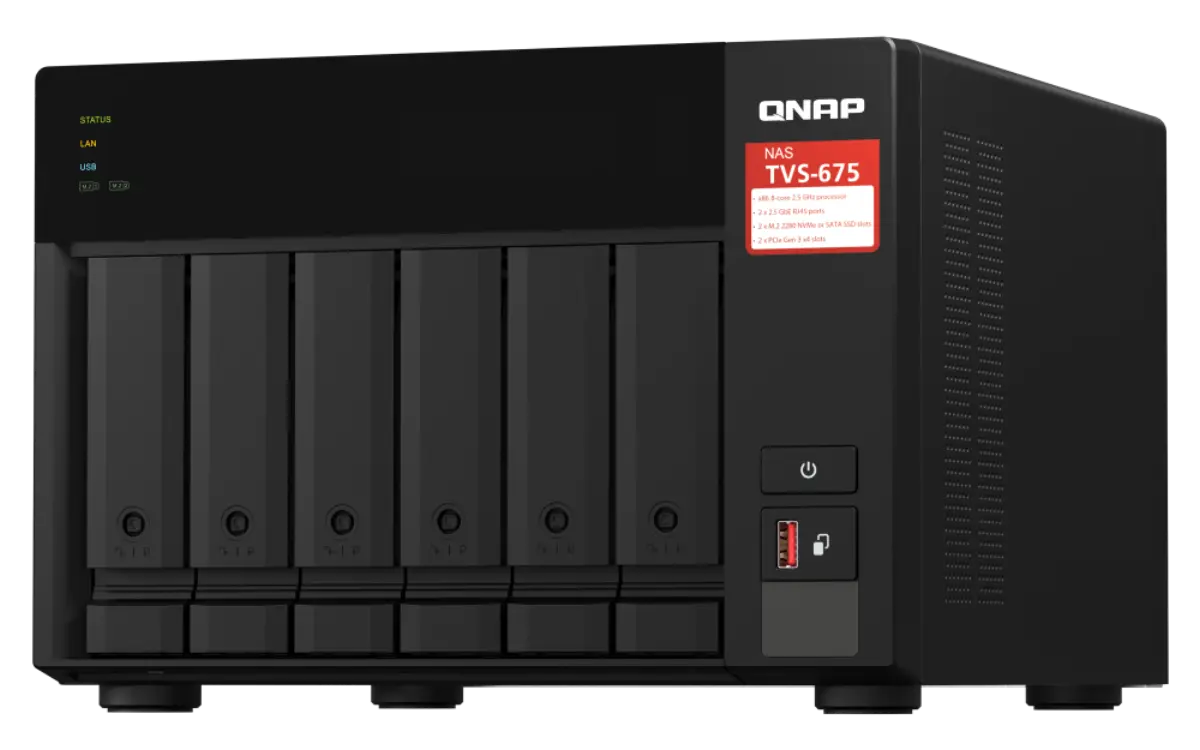
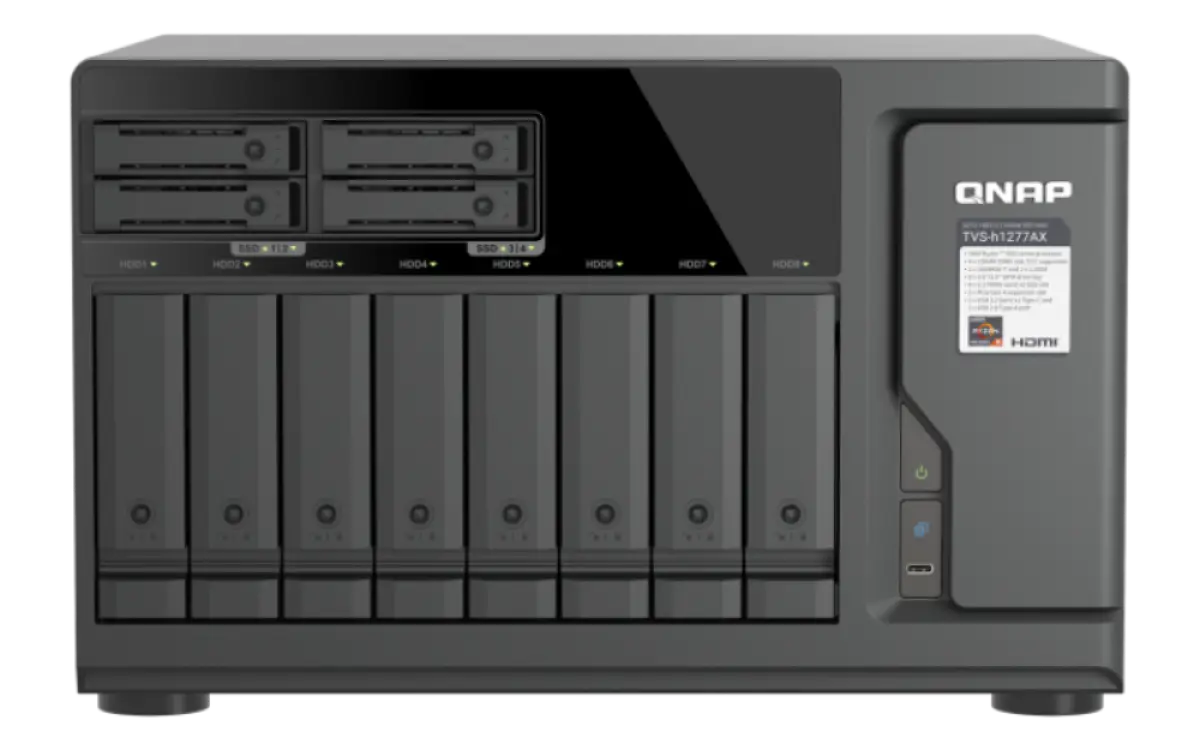
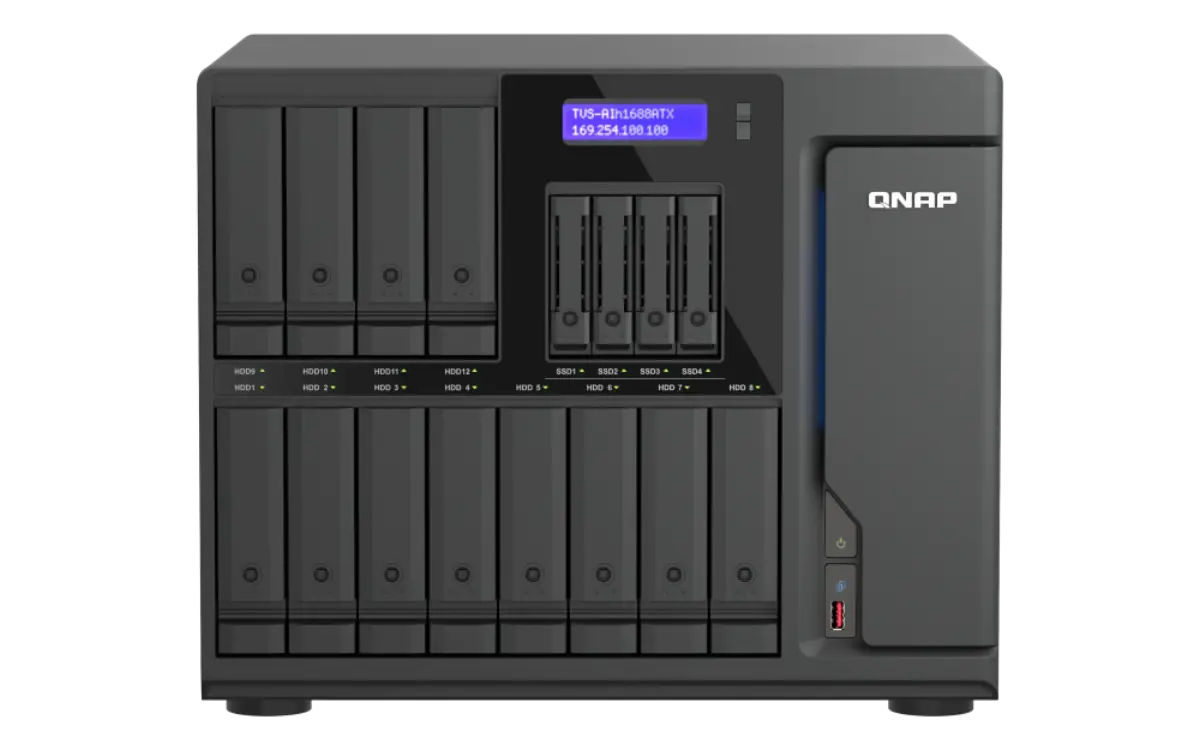
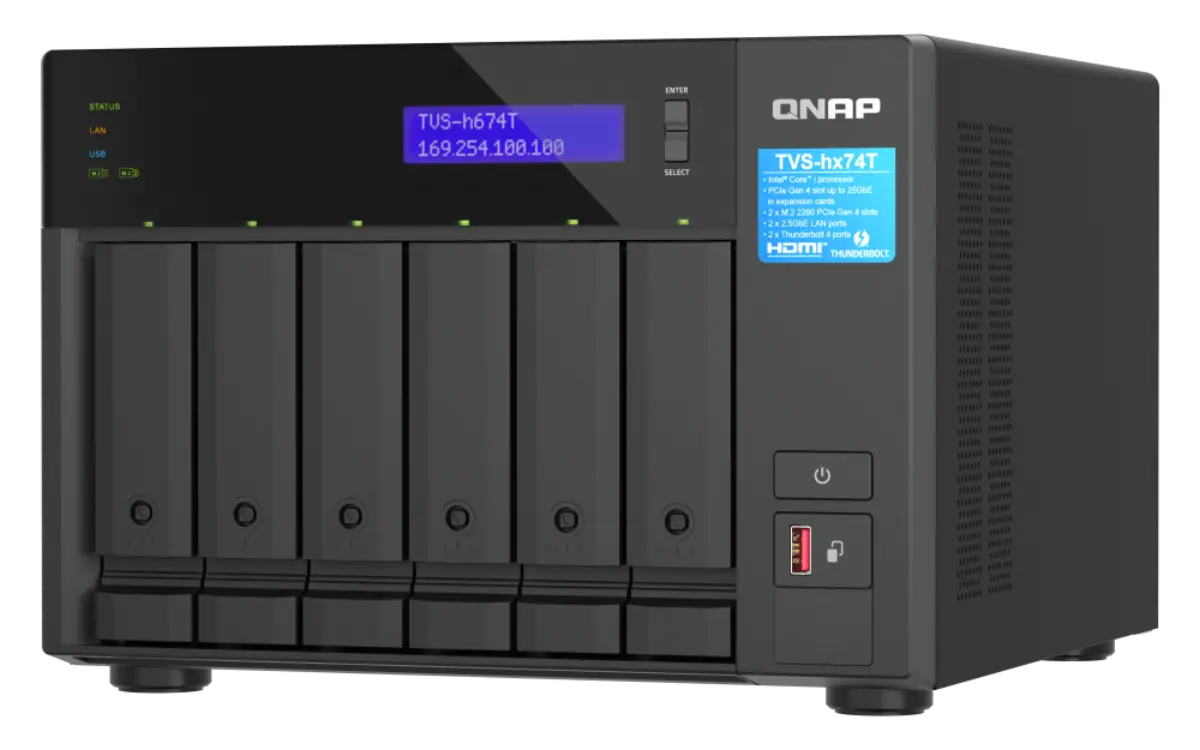
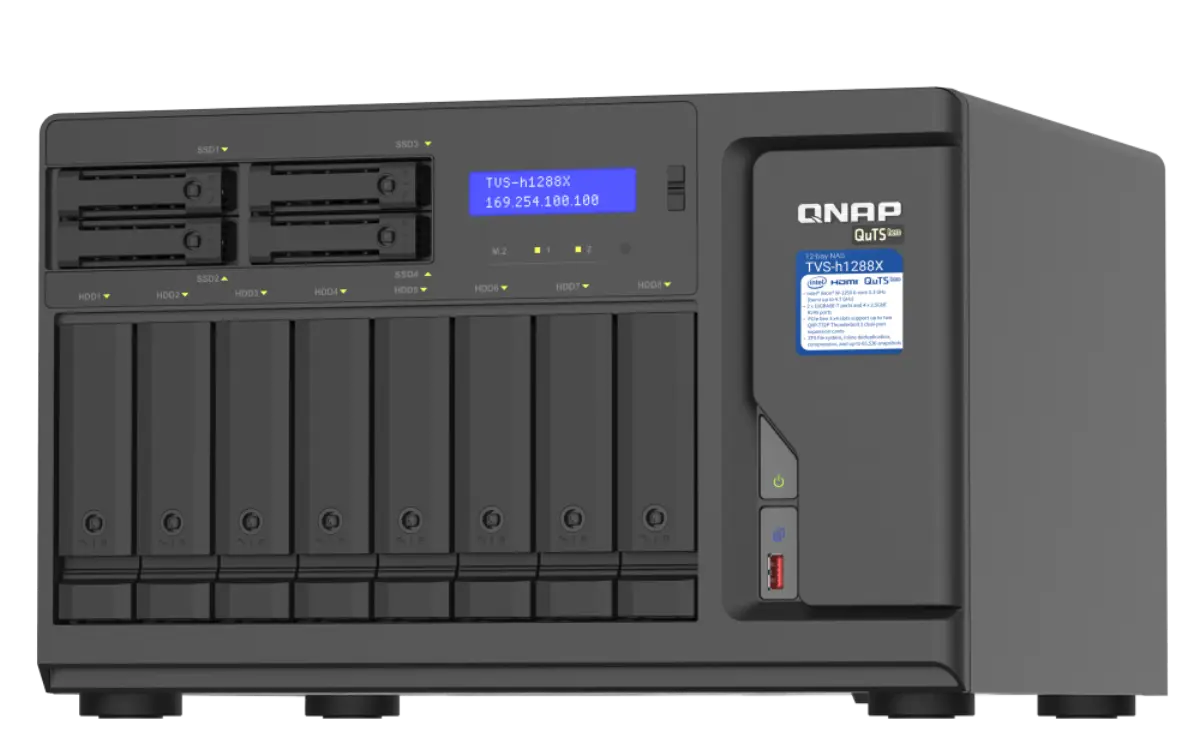
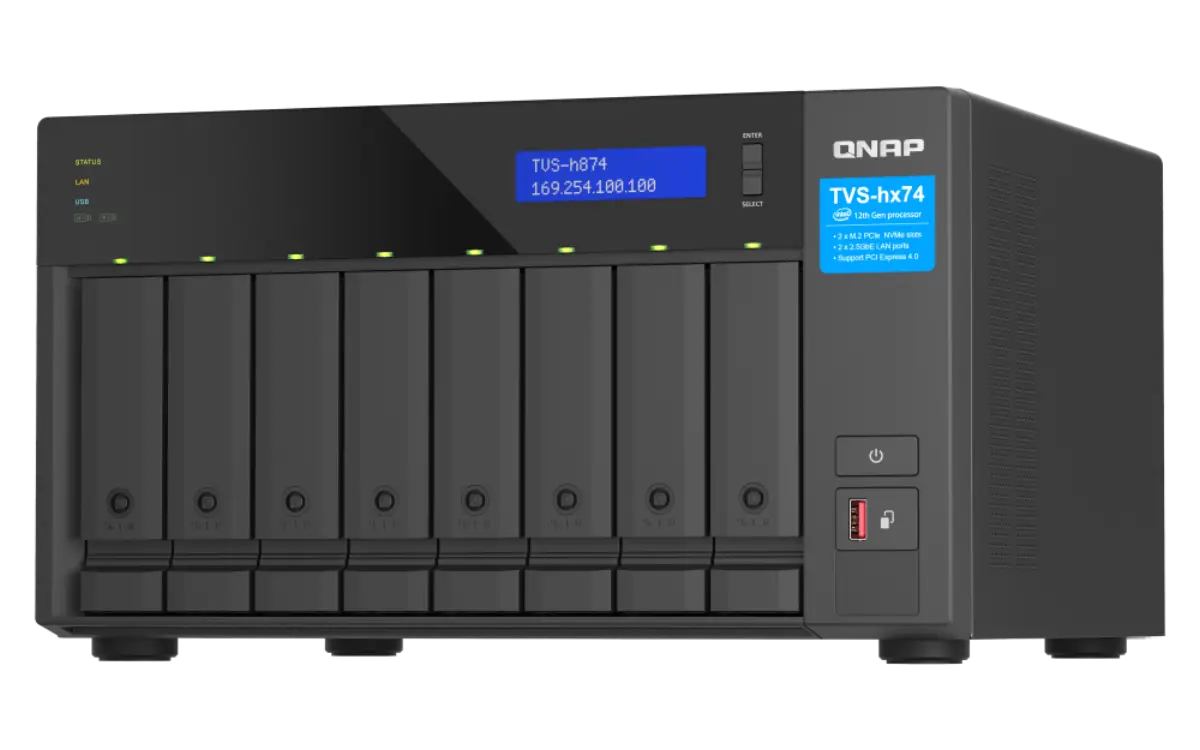
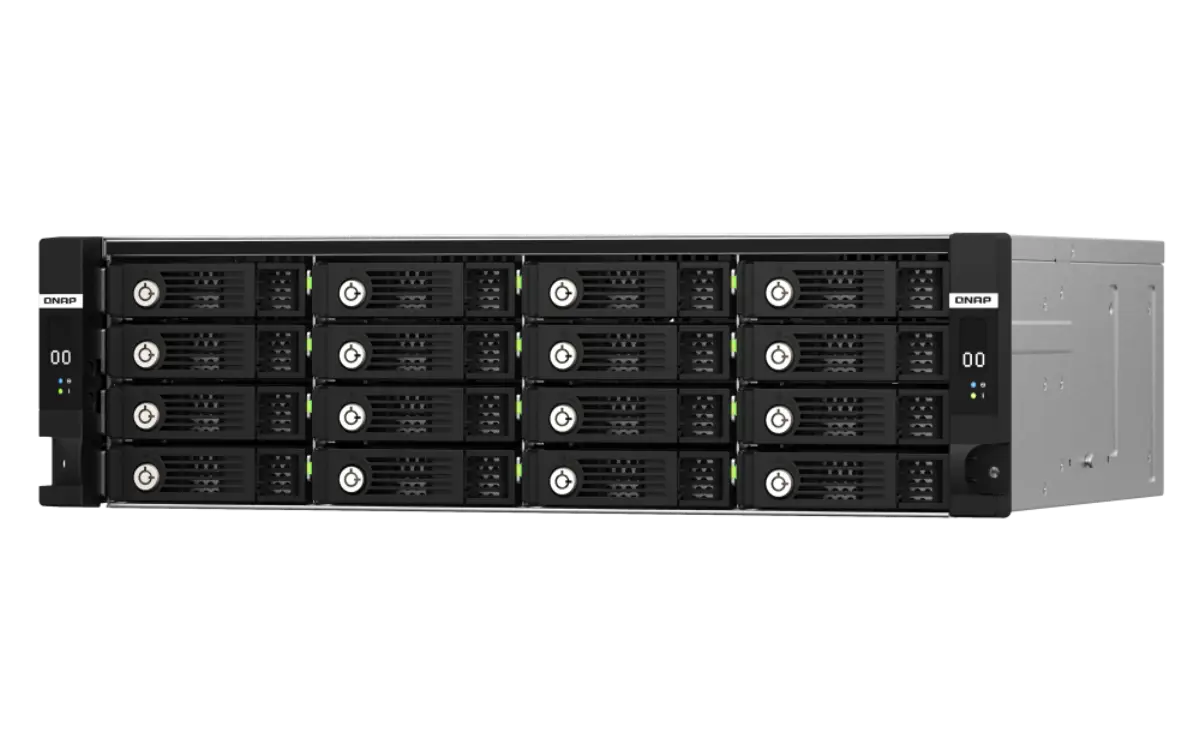
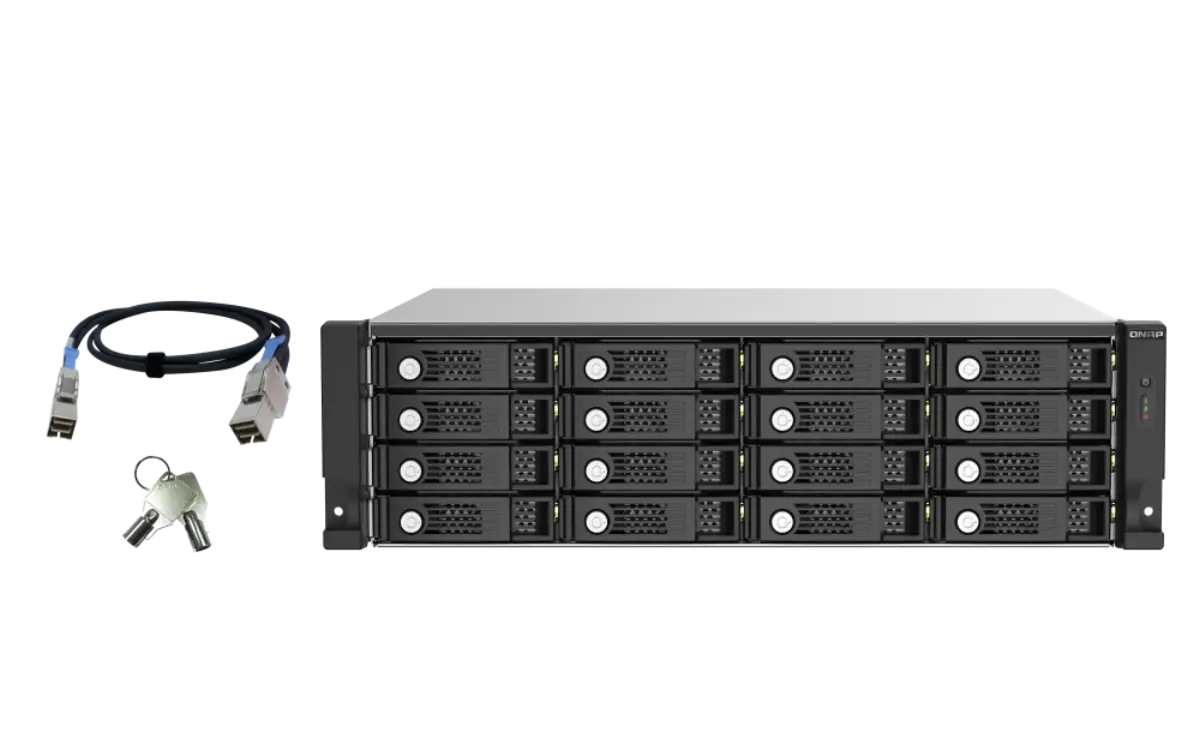
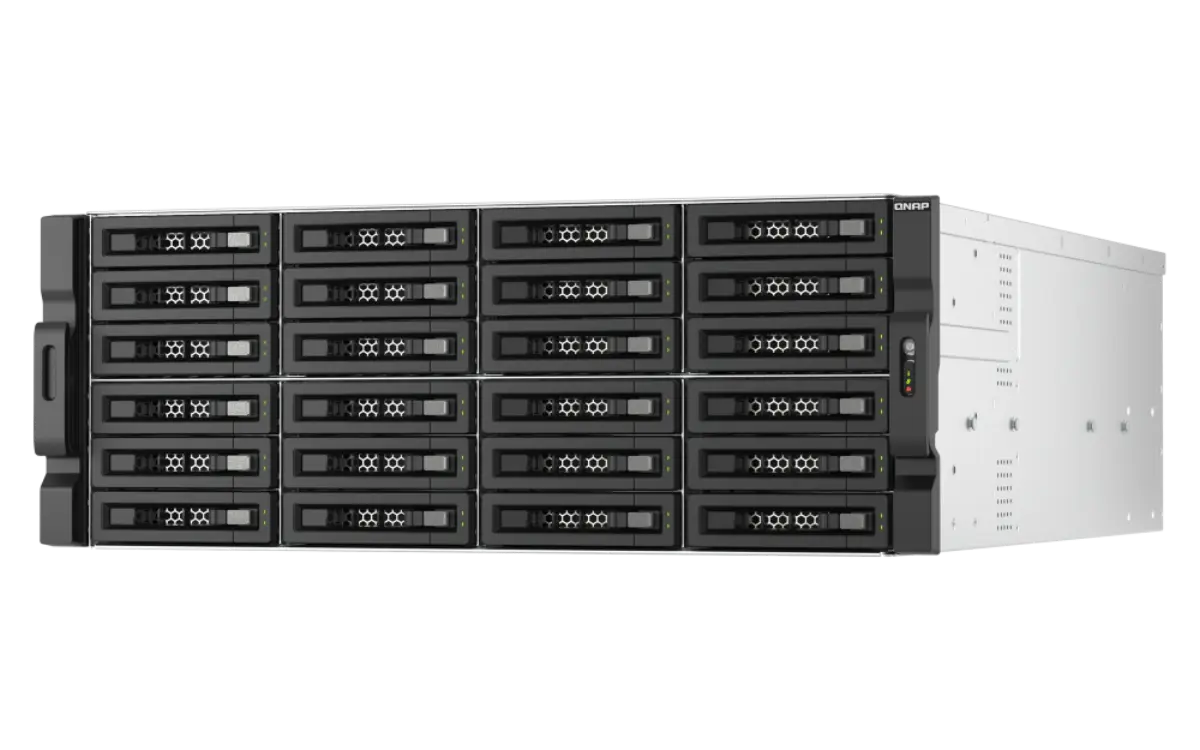
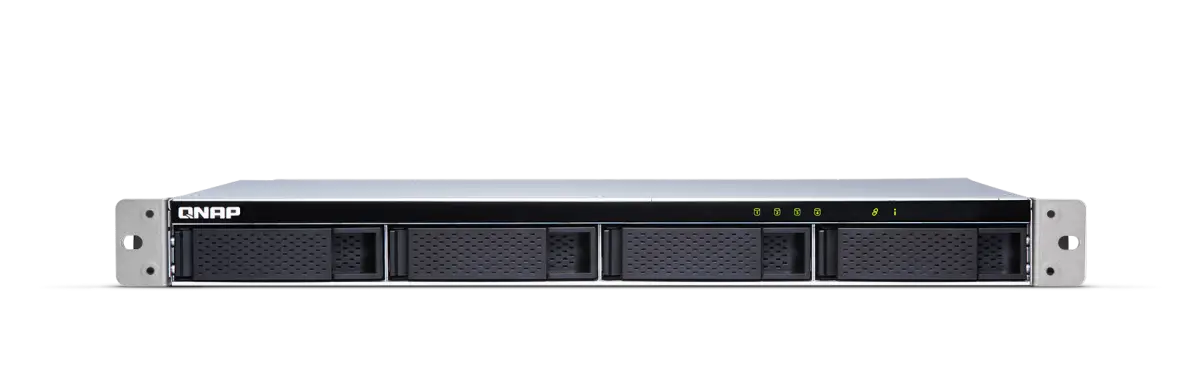
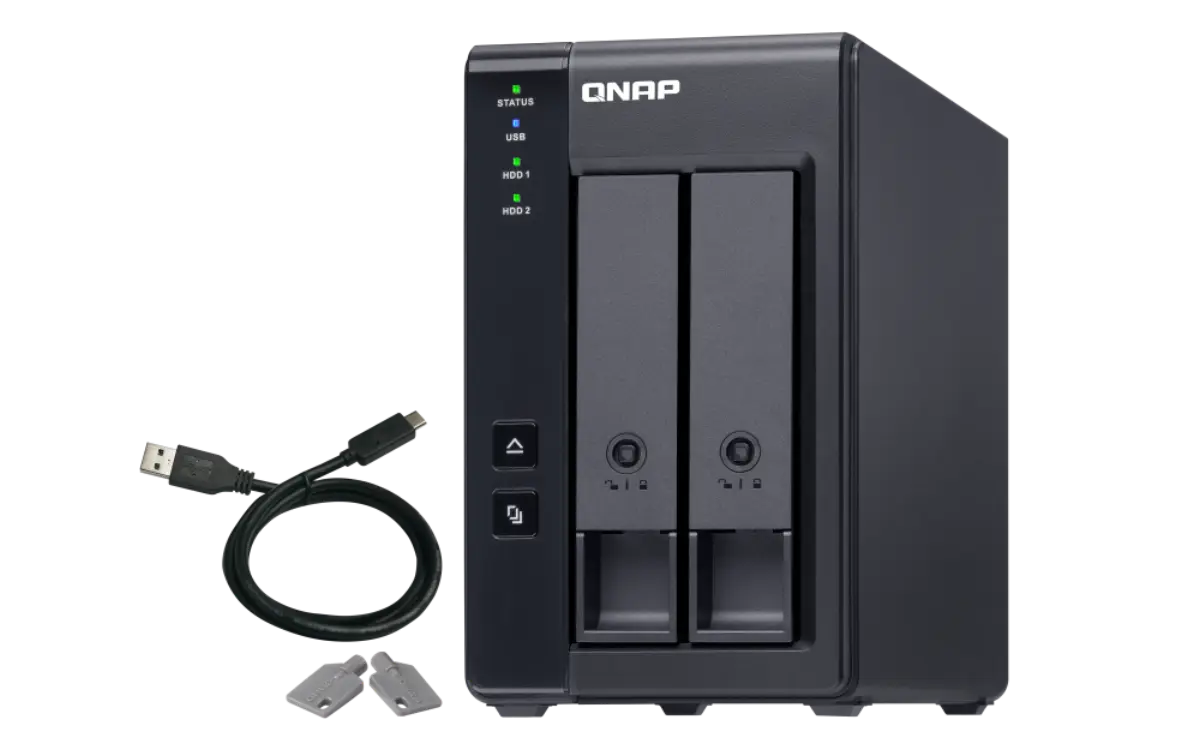
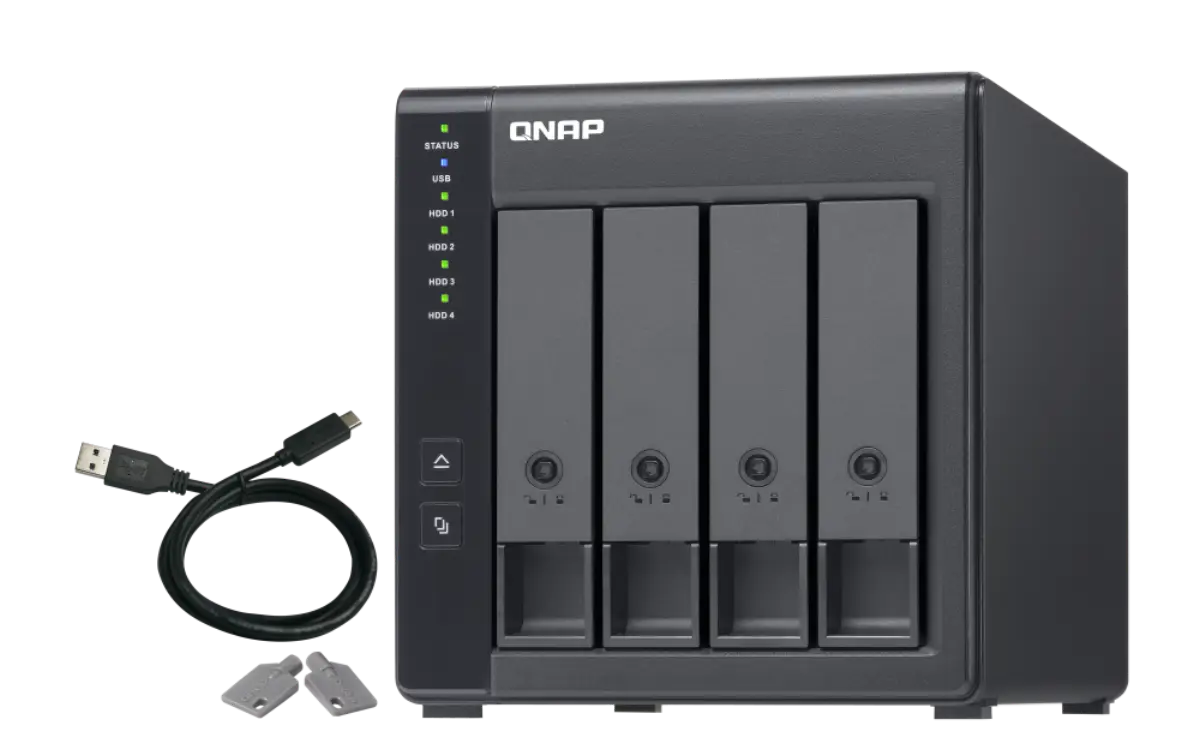
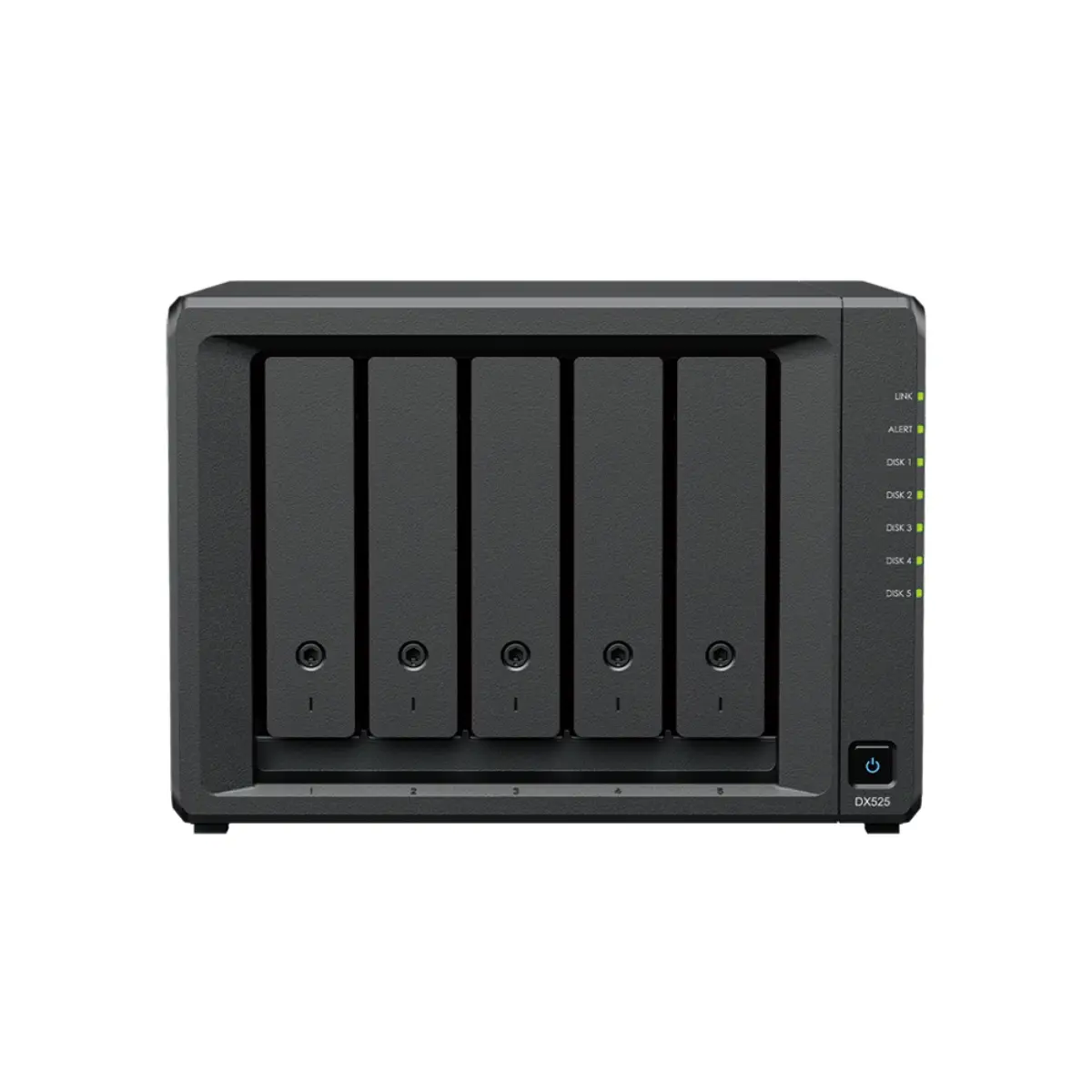
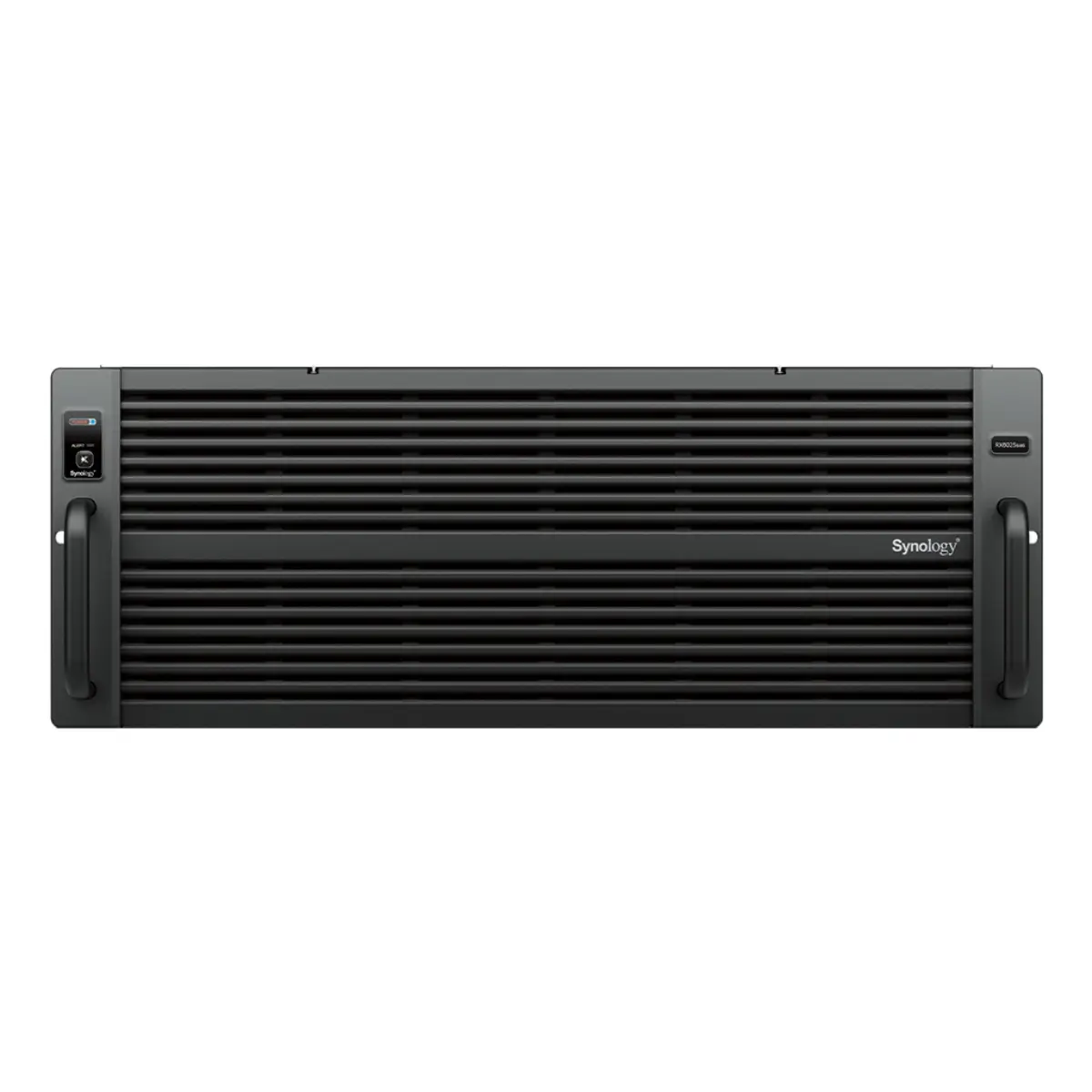
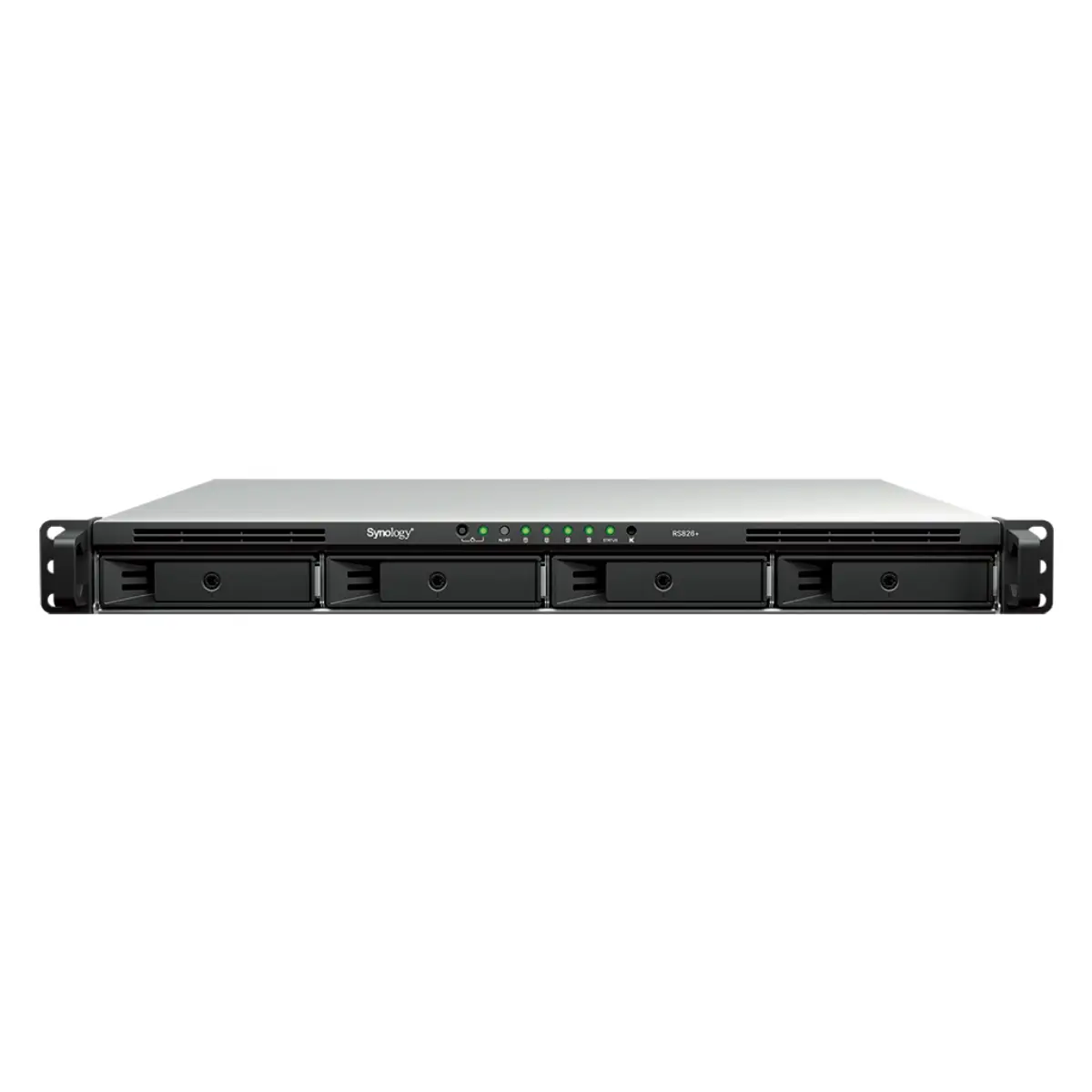
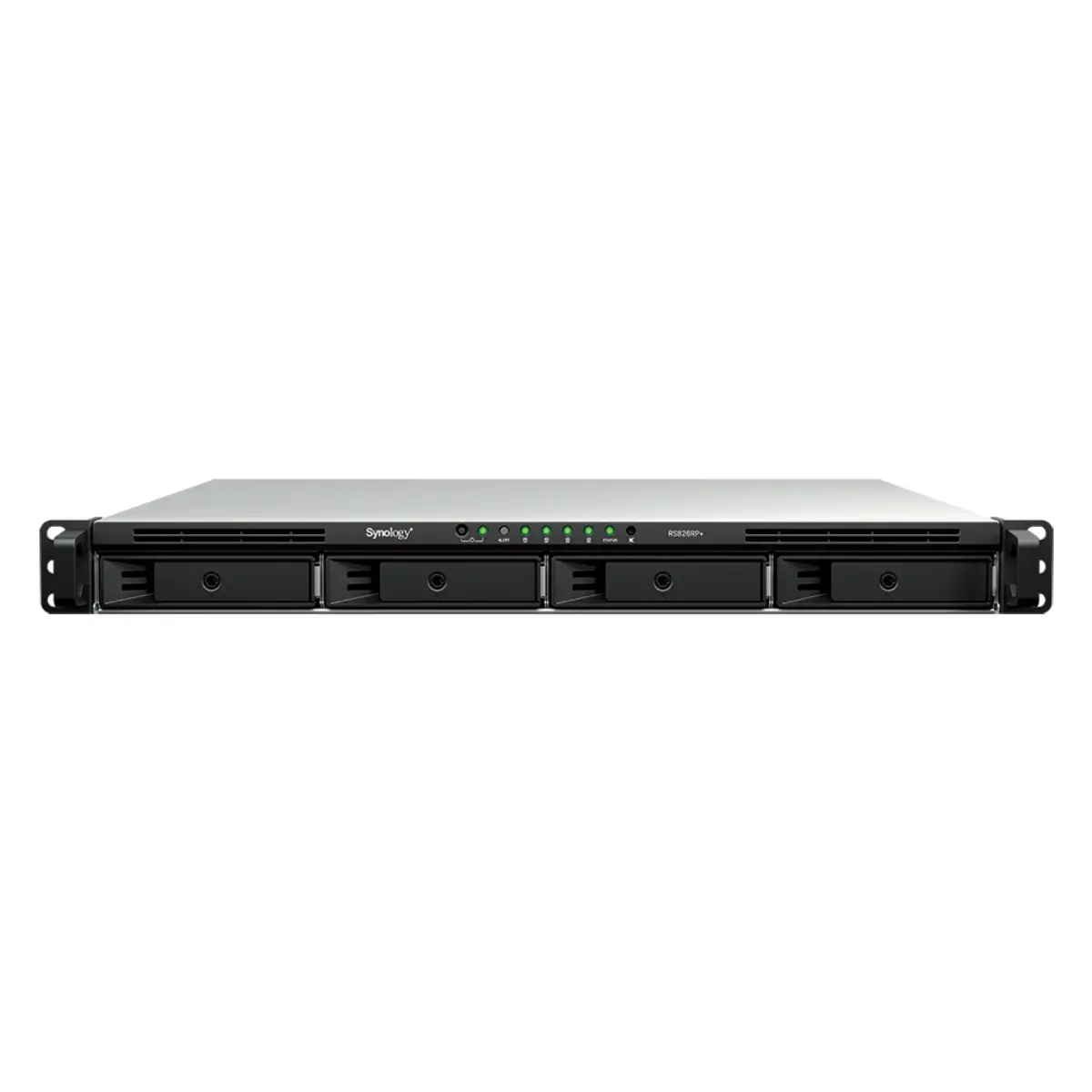
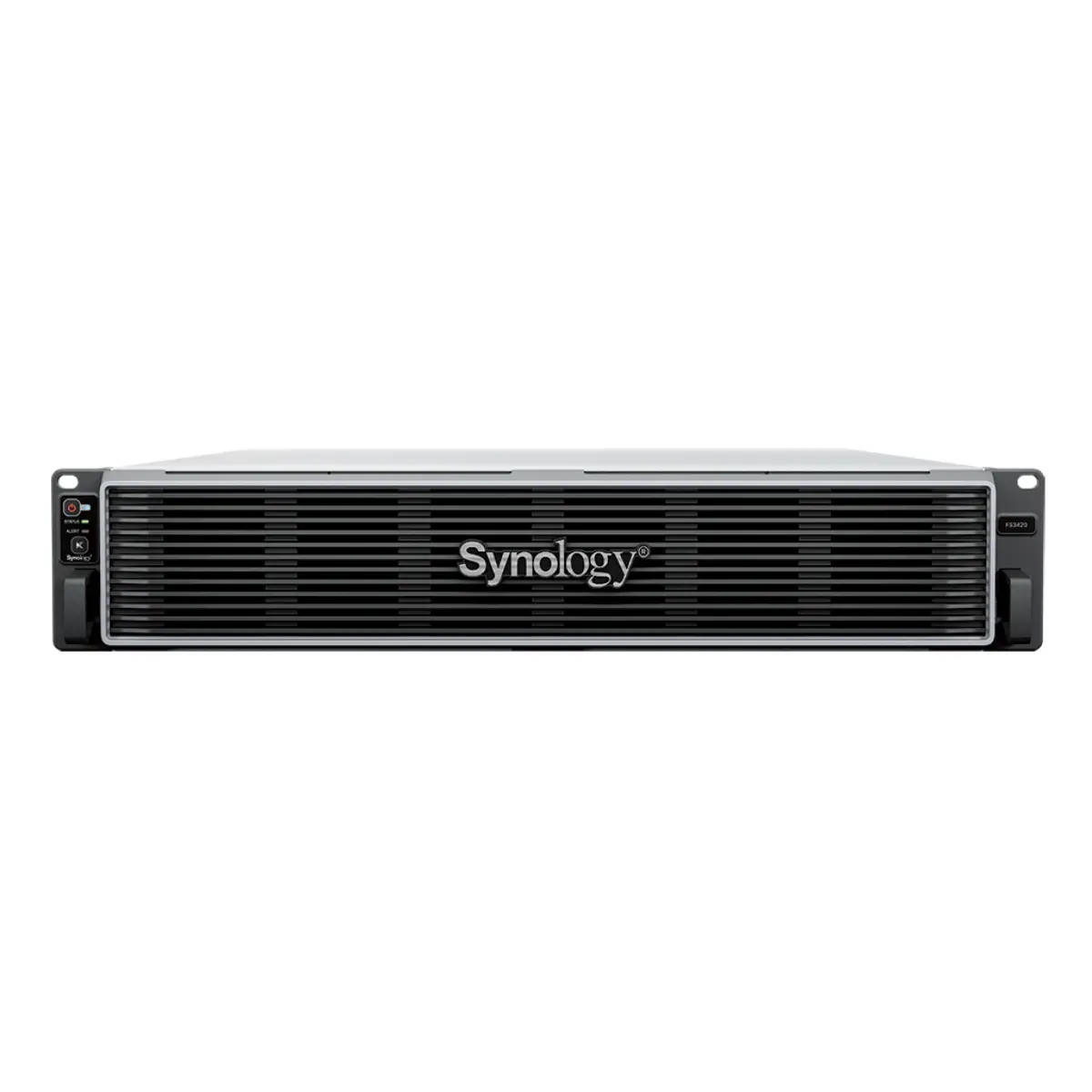
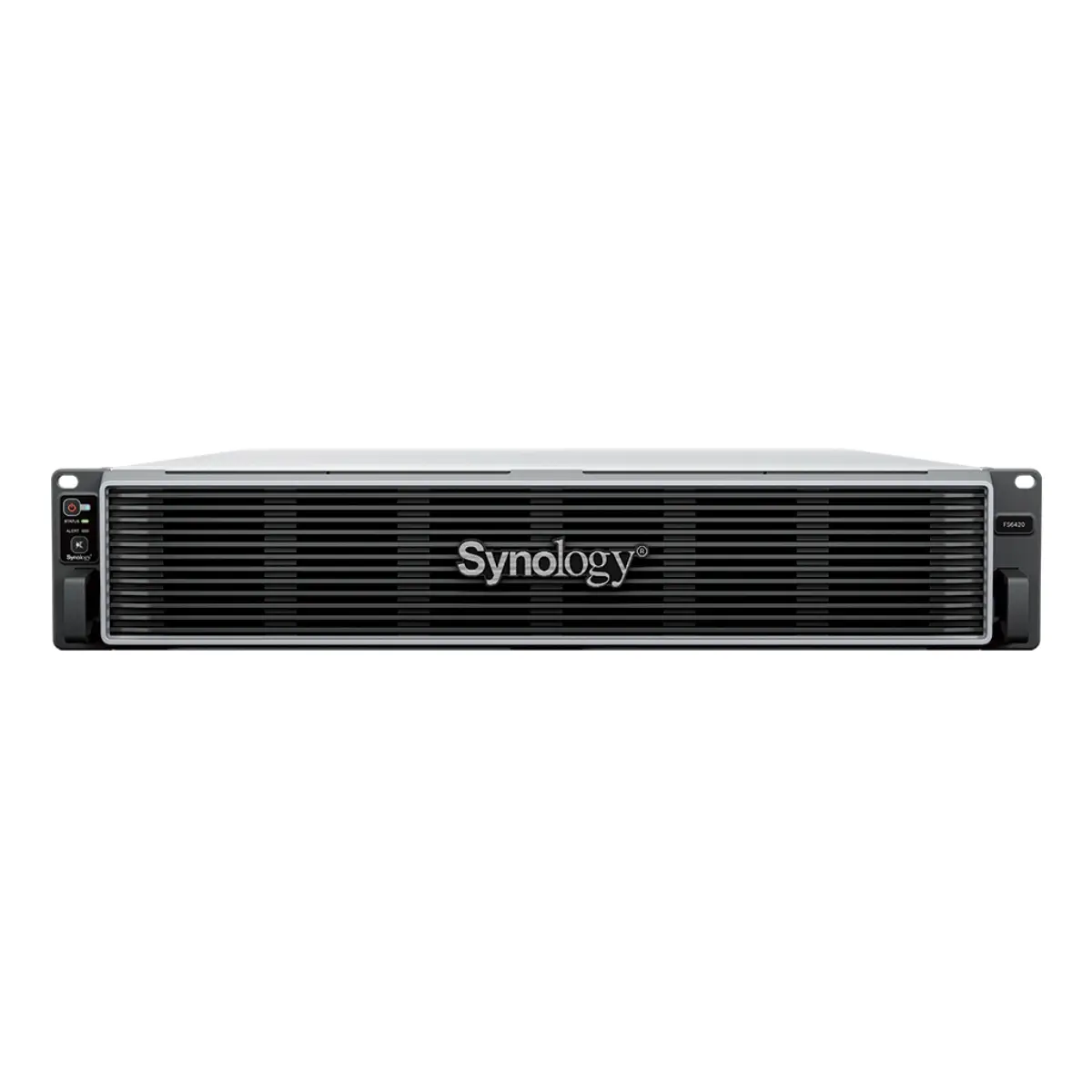
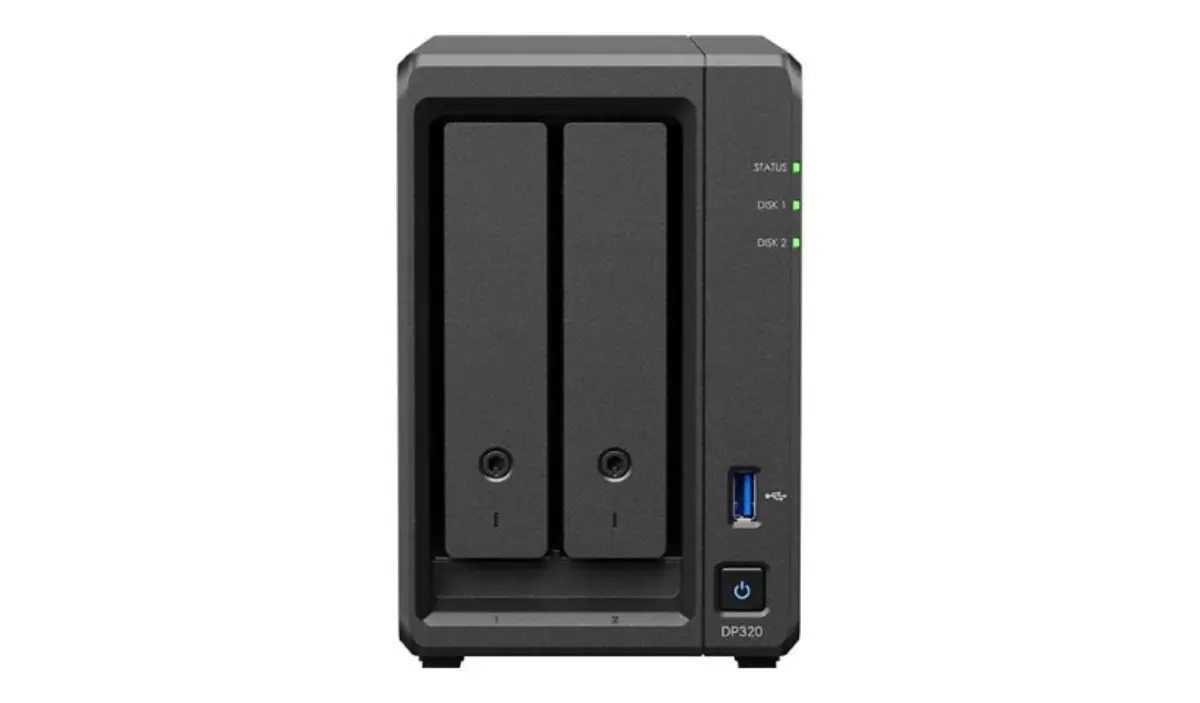
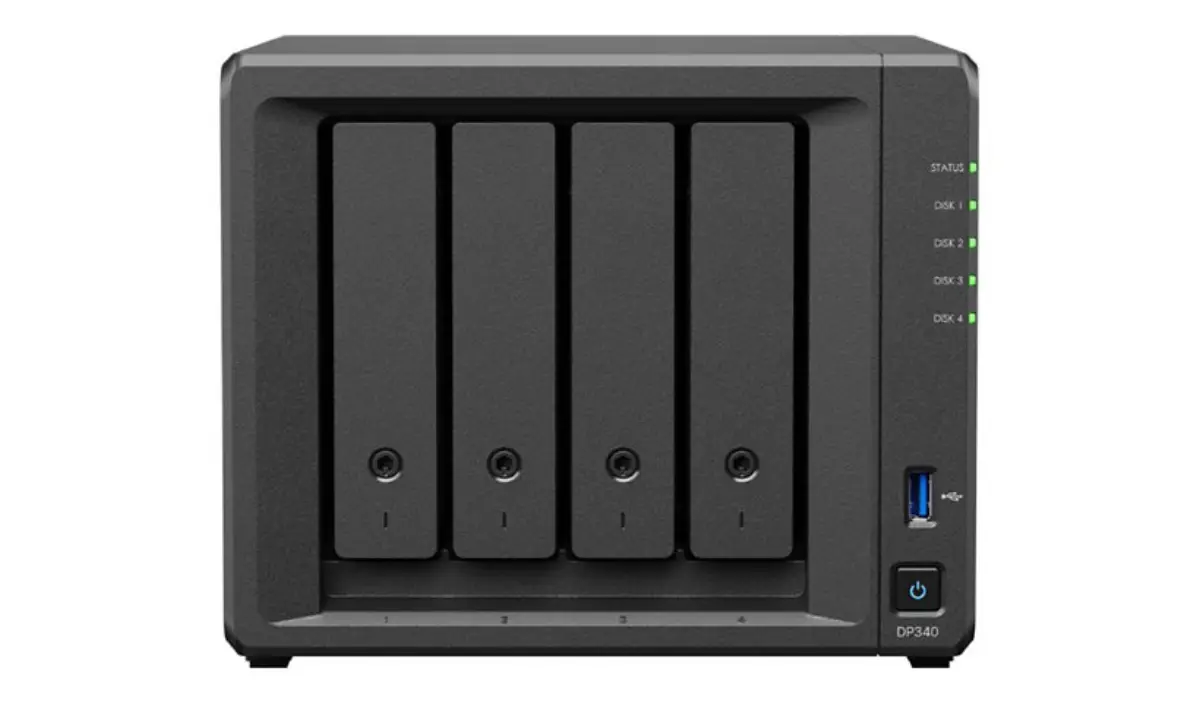
We supply Synology DS/RS/SA/HD and QNAP TS/TVS/TS-h across the line. Synology wins on software polish and integration. QNAP wins on raw hardware per dollar and ZFS via QuTS hero. We quote both on most RFQs and the customer picks on the software story rather than the price.
Click any product for specs, use-case guidance, and a prefilled WhatsApp quote. Trade pricing on request — we don't publish public prices.
The factors that actually decide the spec — not the marketing matrix.
DSM (Synology) is more polished and unified. QTS / QuTS hero (QNAP) gives more flexibility and ZFS at the top of the line. Pick the OS that matches the in-house team's comfort — the hardware spec is secondary.
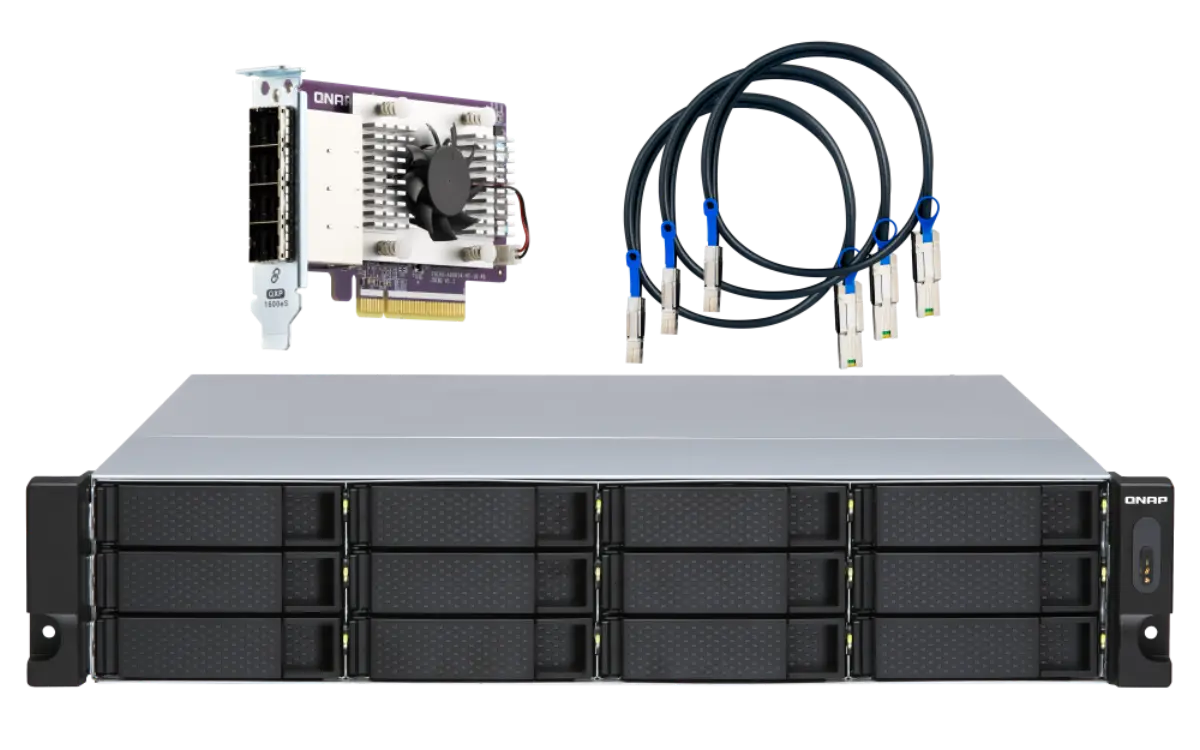
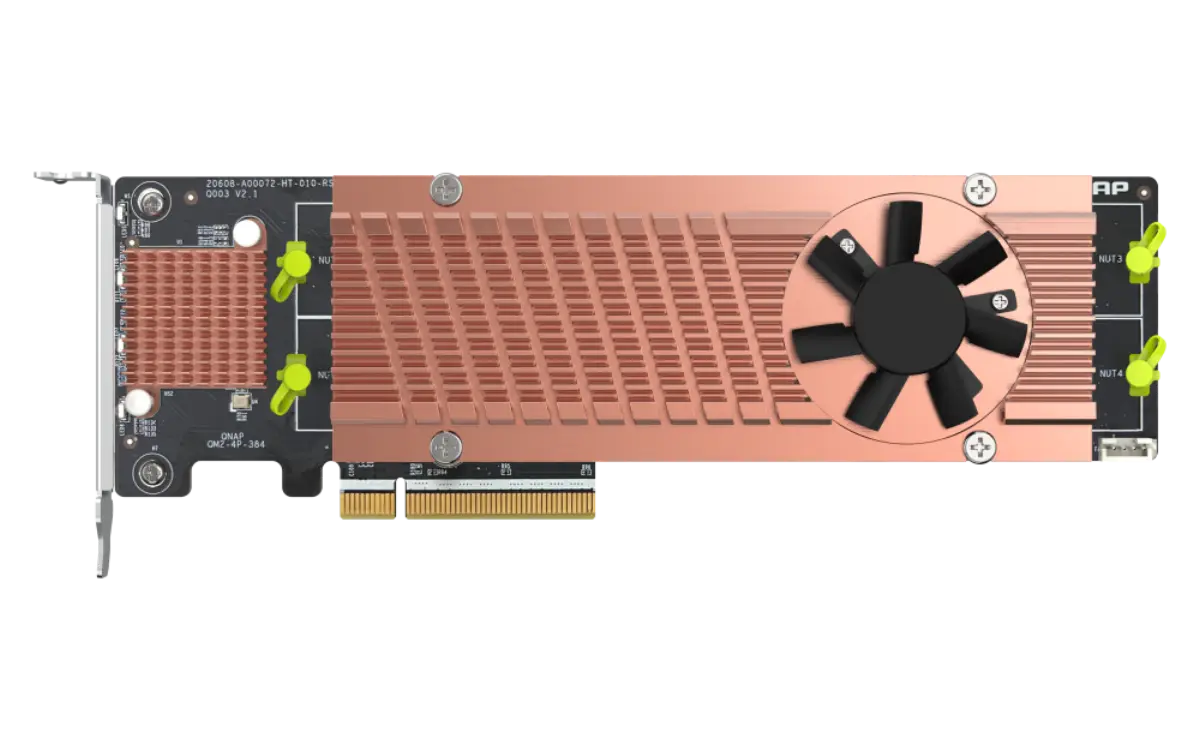
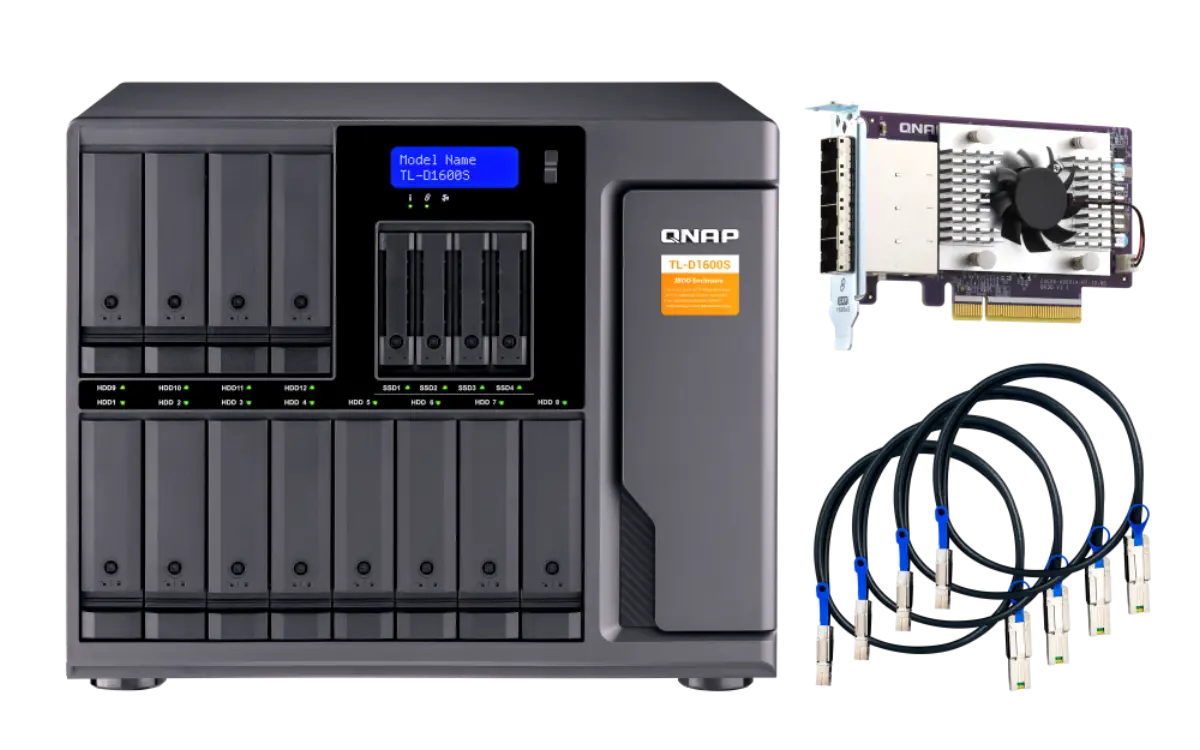
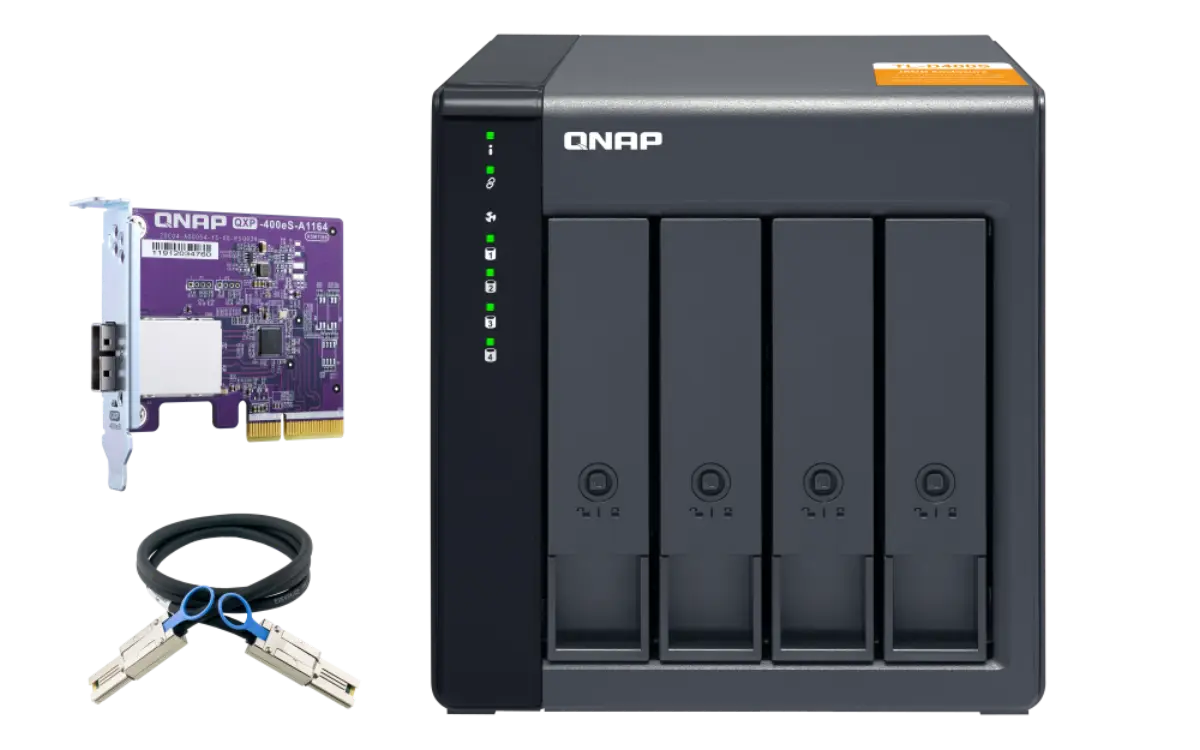
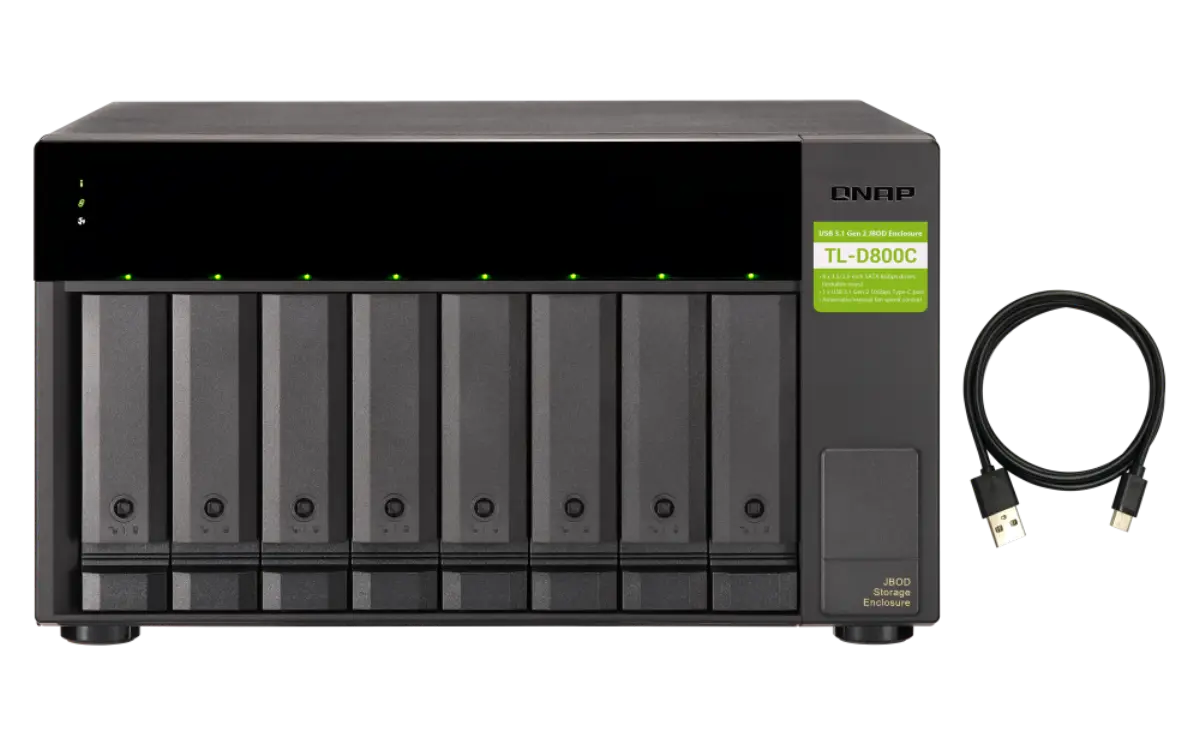
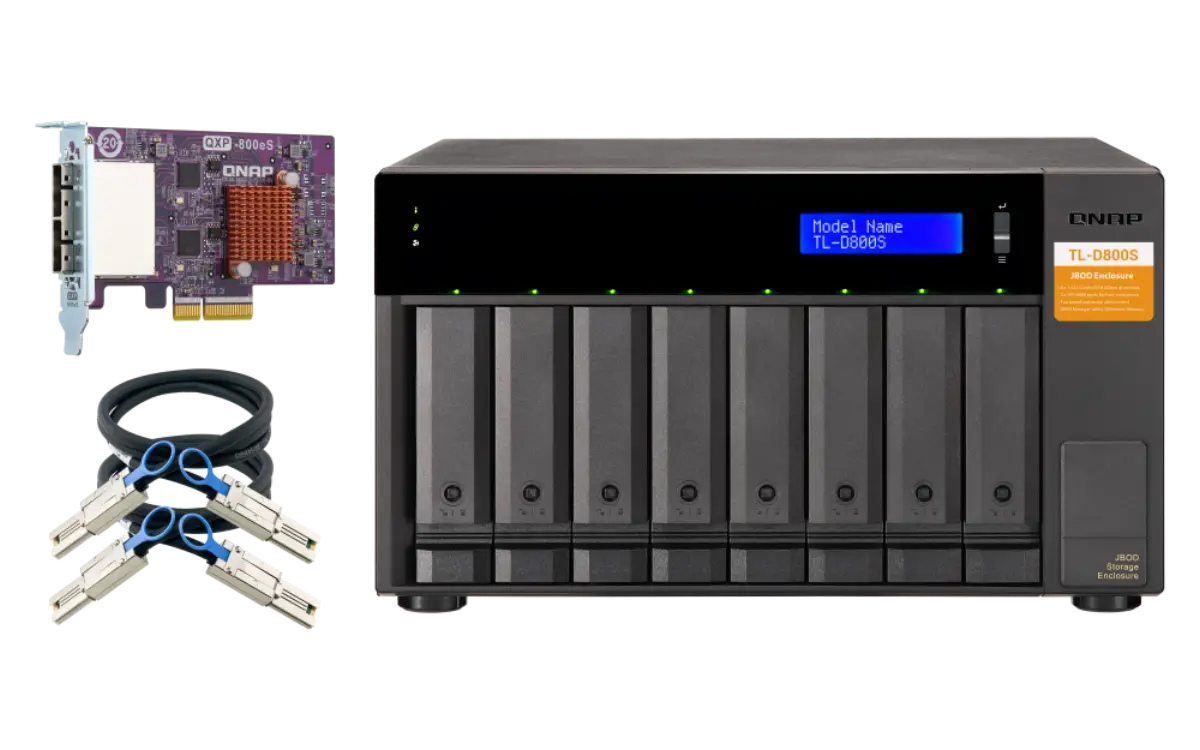
Buy one bay count above what you need now. NAS expansion via JBOD shelves works but adds a second hop. A 4-bay today becomes a 6-bay in two years — start at 8-bay if growth is likely.
Single-user video edit or replication target → 10GbE is the threshold. SOHO file shares can run on 2.5GbE comfortably. Multi-user video editing needs link aggregation or 25GbE.
ZFS snapshots and Virtualization Station both eat RAM. Specify 16GB+ on any QuTS hero deployment with snapshots enabled. 32GB+ for Container Manager / Virtualization Station hosting more than 4 VMs.
Questions that actually come up on quotes. If yours isn't here, WhatsApp us or send the form.
Both have mature platforms. Synology has a cleaner security update cadence and tighter software integration. QNAP has a wider hardware range and ZFS via QuTS hero. We see comparable AFR in our installed base of both. Pick on the software story.
Yes for file-sharing, Active Directory join, backup target, and basic identity. For workloads that depend on specific Windows features (Group Policy, Exchange Server, specific .NET apps), the NAS is a complement to Windows Server, not a replacement.
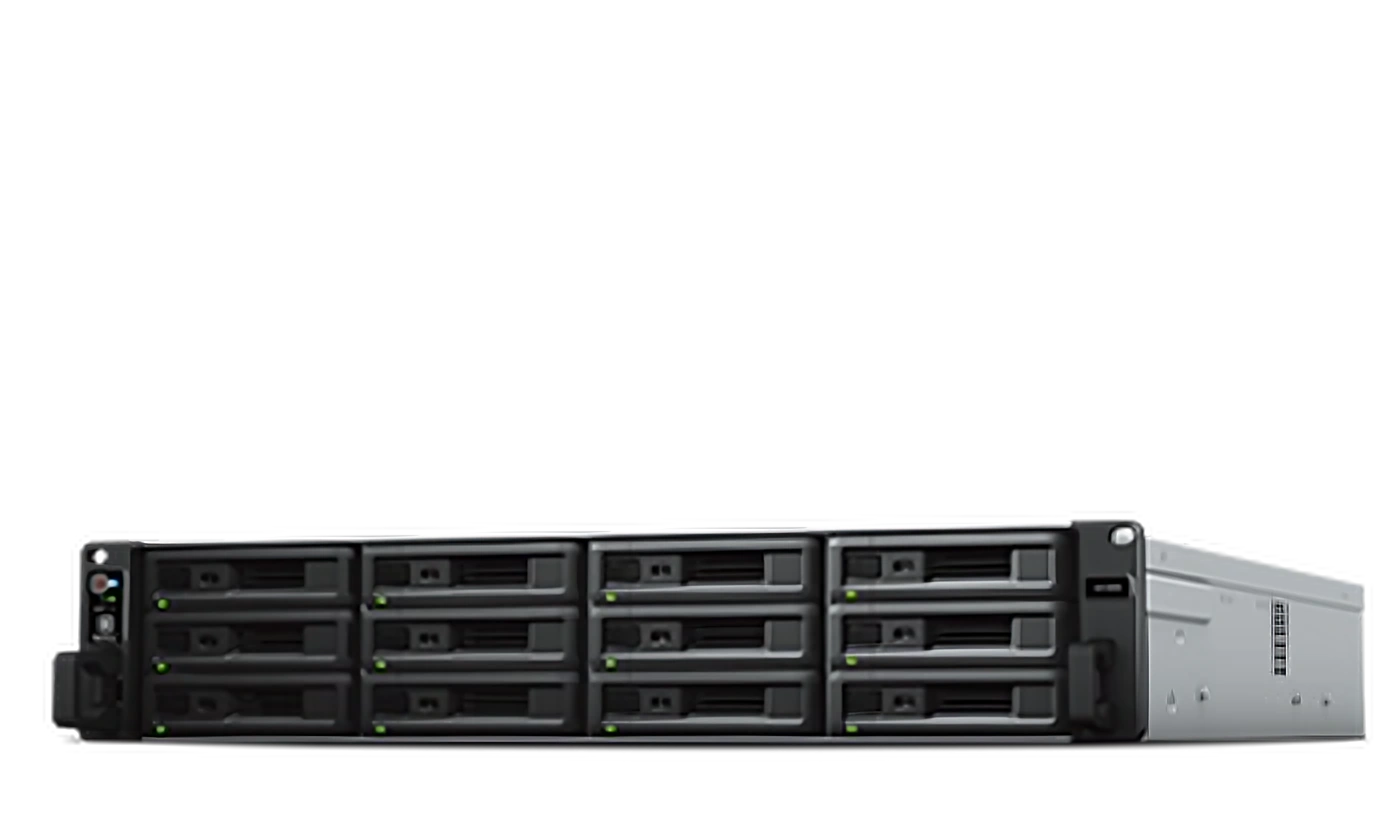
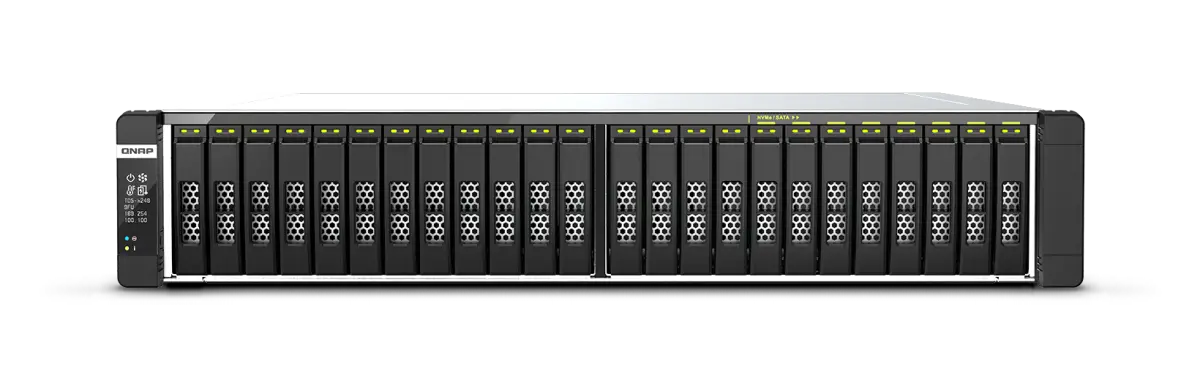
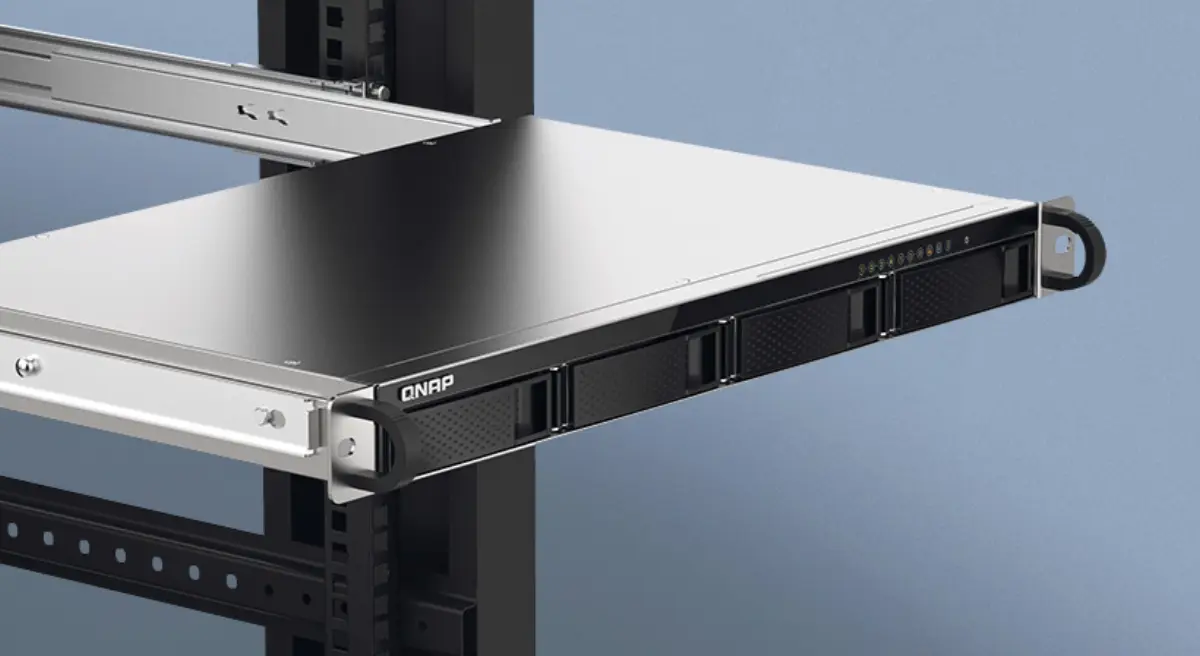
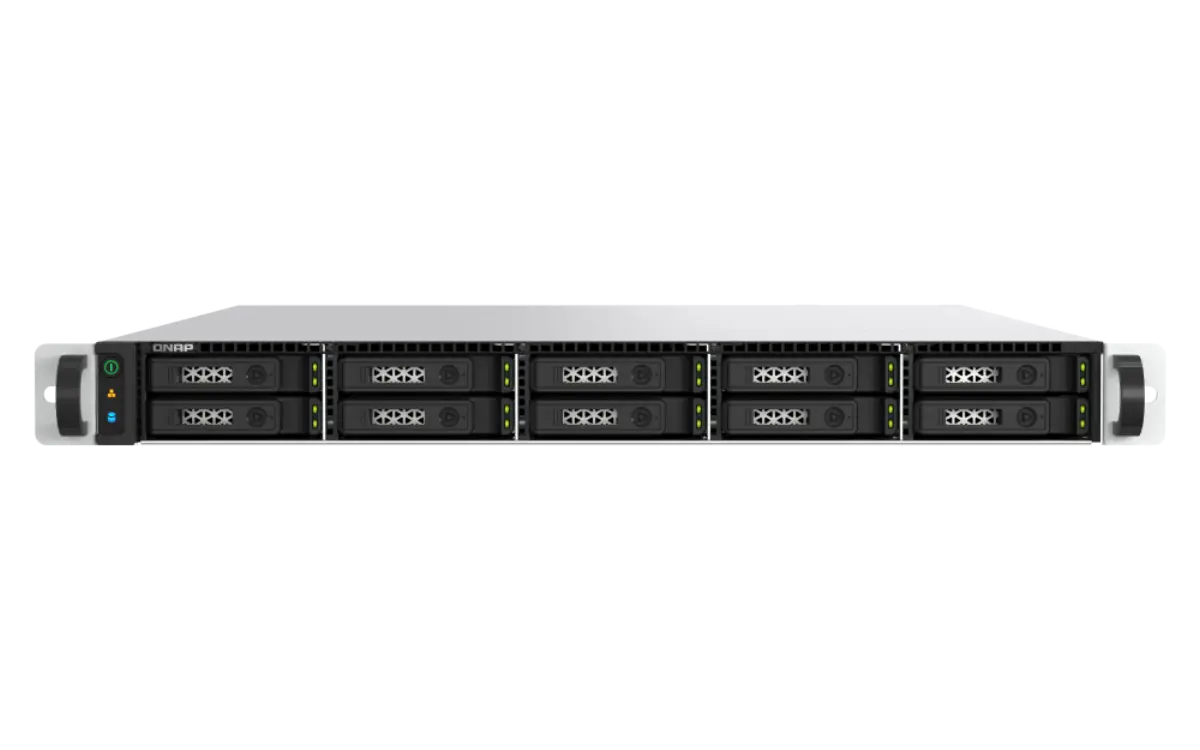
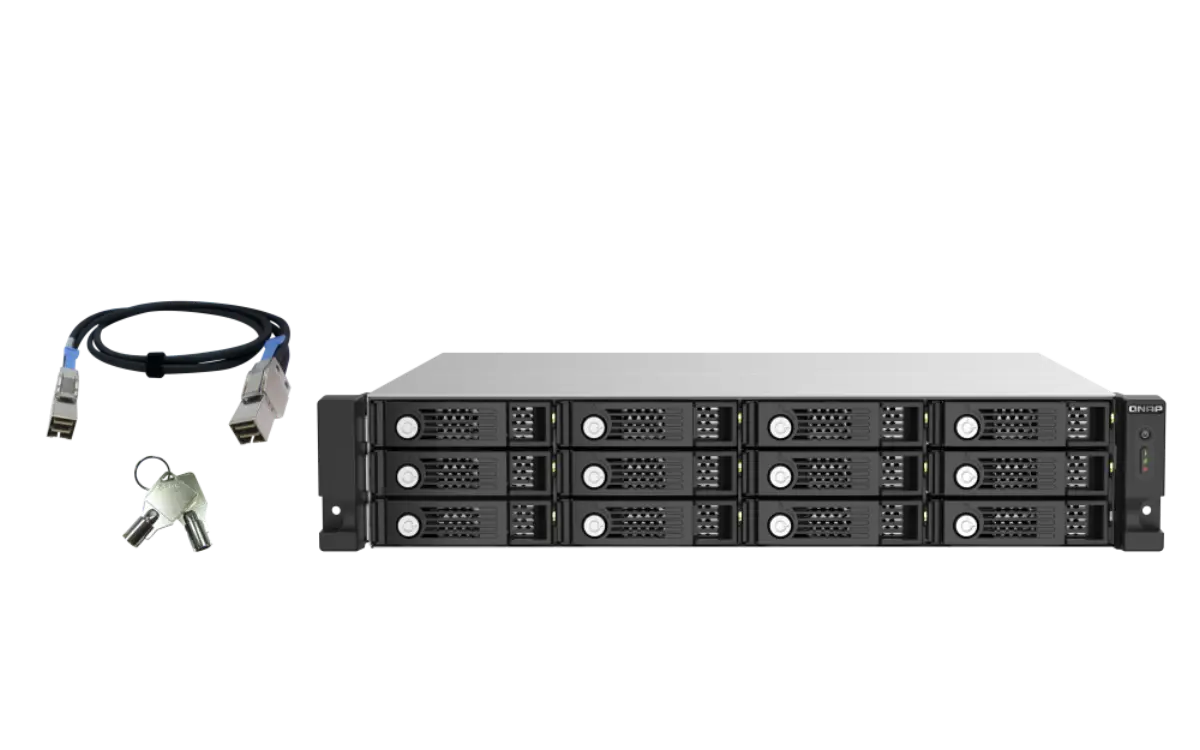
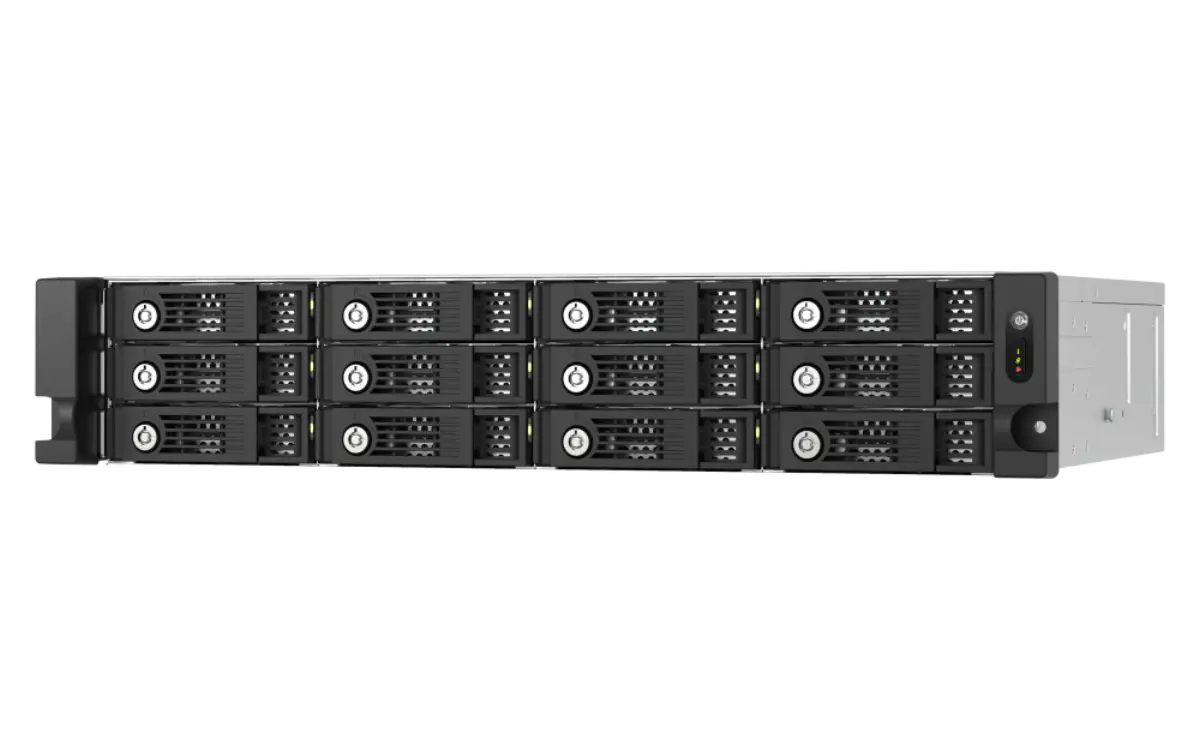
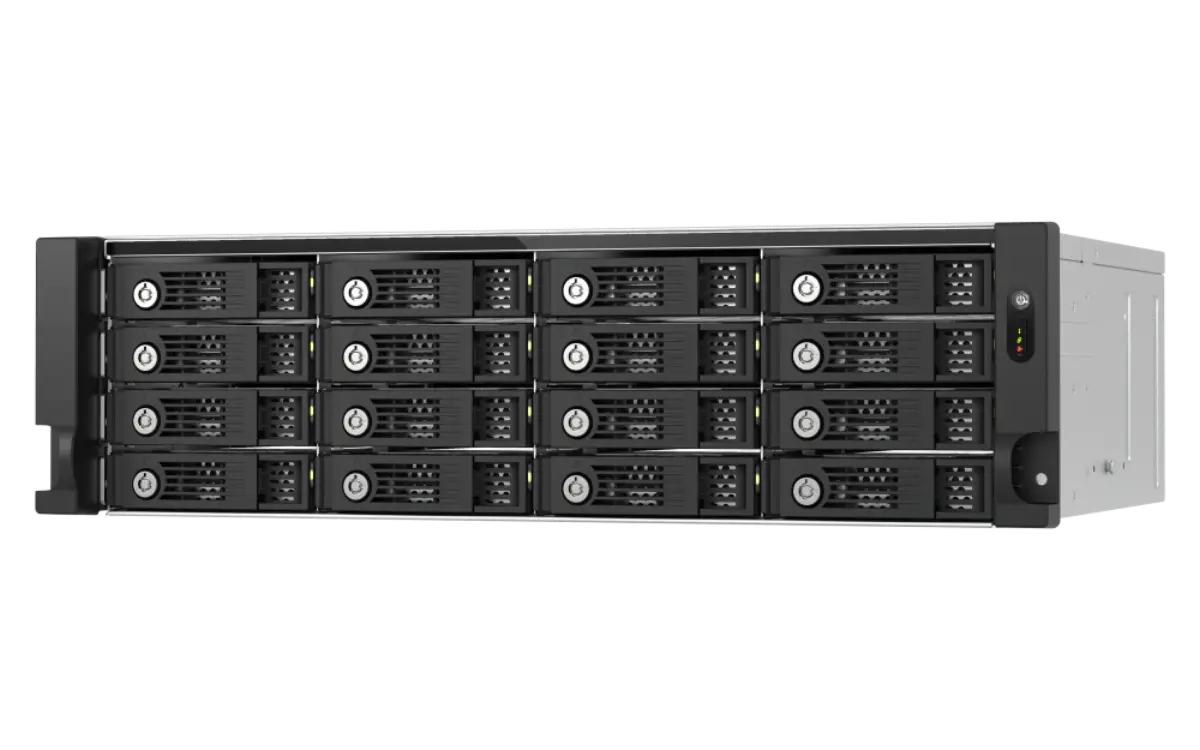
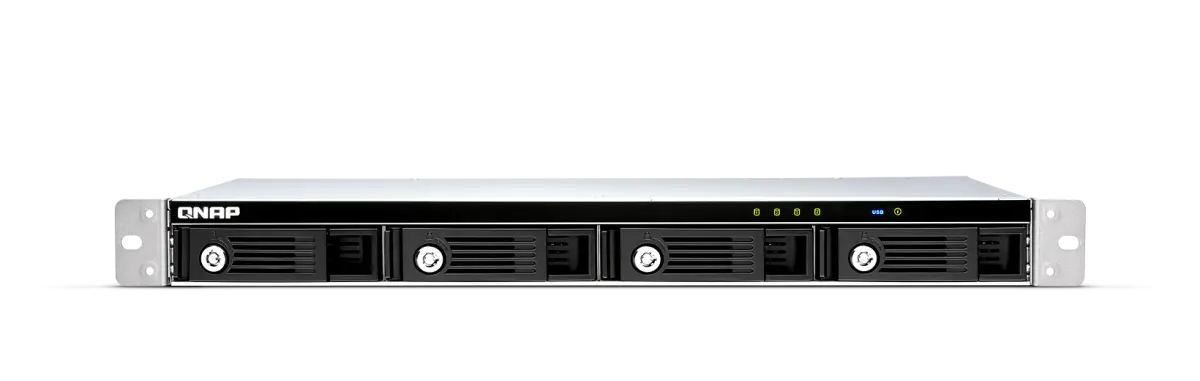
Desktop NAS fits in offices with no rack space, runs quieter, and costs less. Rackmount becomes worth it above 8 bays, where airflow and rack uniformity matter. For 12+ bay deployments, rackmount is the default.
QTS is the standard QNAP OS — ext4 filesystem, good for general SMB workloads. QuTS hero is the ZFS-based variant — inline deduplication, snapshot-based ransomware resistance, copy-on-write integrity. For virtualization datastores, QuTS hero is the better choice. Migration between the two requires data move, not in-place upgrade.
If the NAS records cameras 24/7 via Surveillance Station or QVR Pro, yes — Seagate SkyHawk or WD Purple Pro for the camera count. If the NAS only stores video AFTER recording (e.g., the NVR records, NAS archives), standard NAS drives work fine.
Hardware ships next-day in Dubai. Initial DSM/QuTS setup, RAID build, and basic configuration is a half-day for the in-house IT team. Full configuration (AD join, Active Backup setup, Surveillance Station camera onboarding) is 2–5 days depending on scope.
Quote requests get a same-business-day reply with stock confirmation, trade pricing, and a delivery slot. After-hours calls land 24/7.
Reply within 4 business hours · Calls 24/7
Your basket is empty
Browse products and add items to build your quote request.