Laser or on-screen pointing
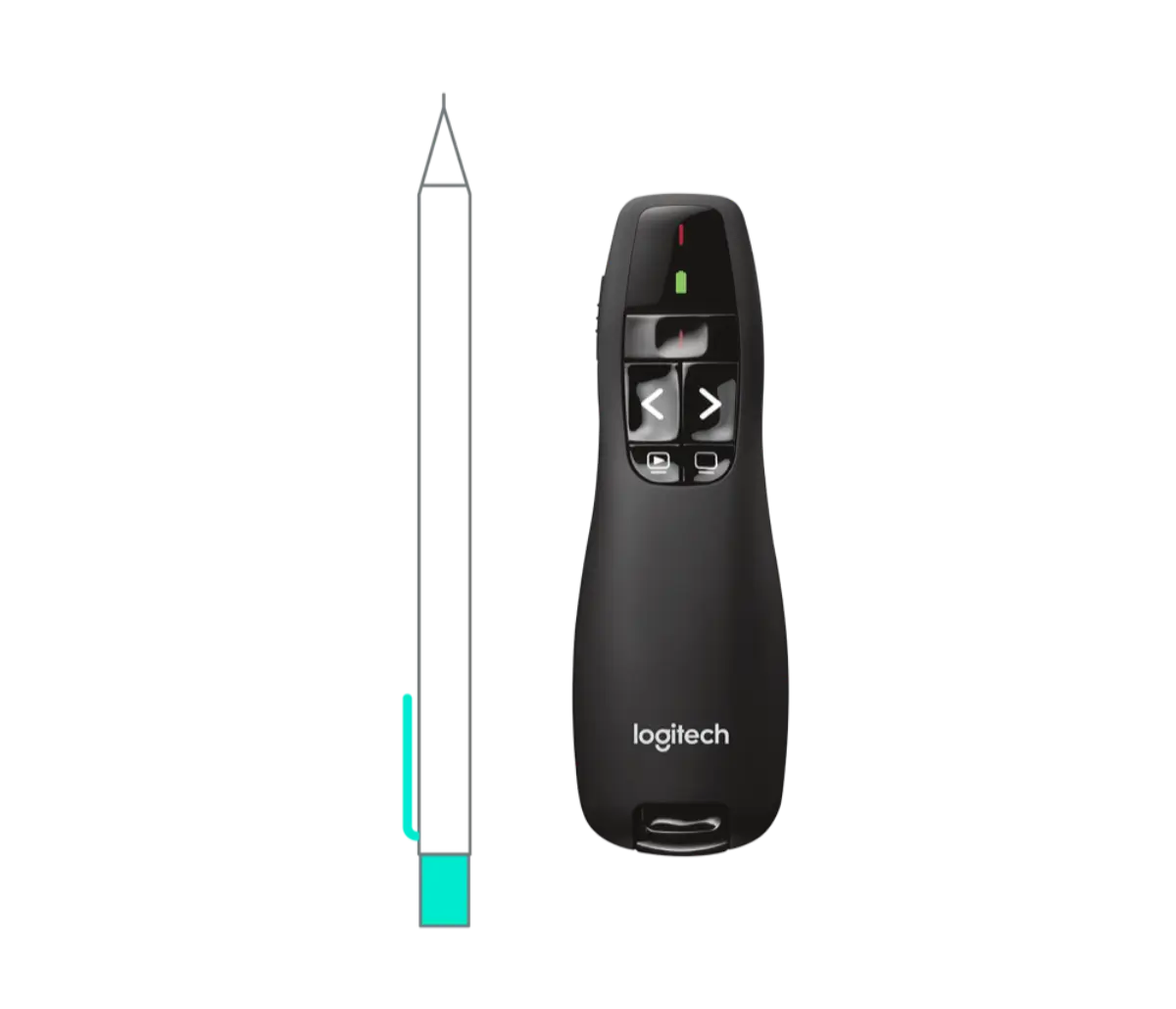
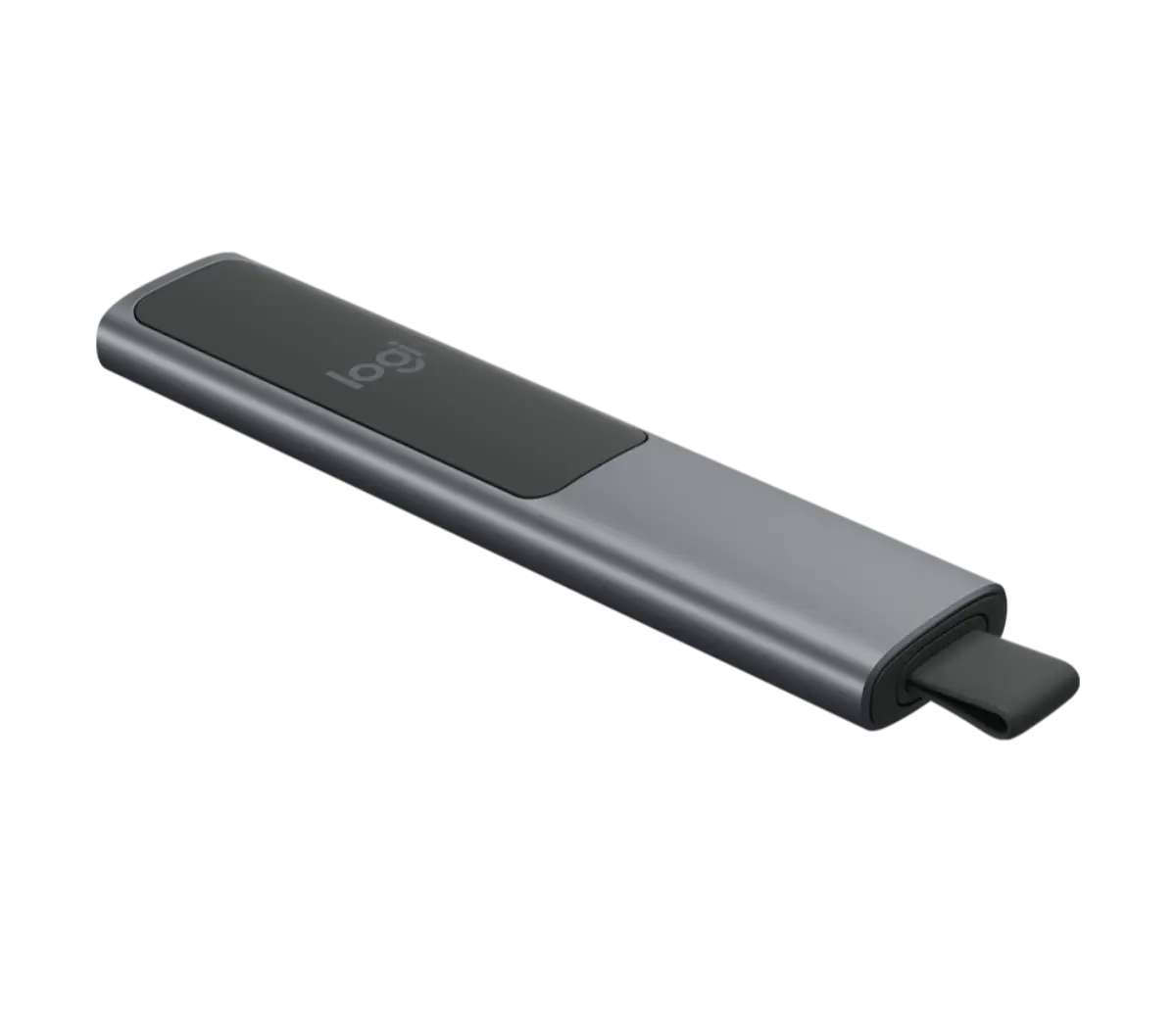
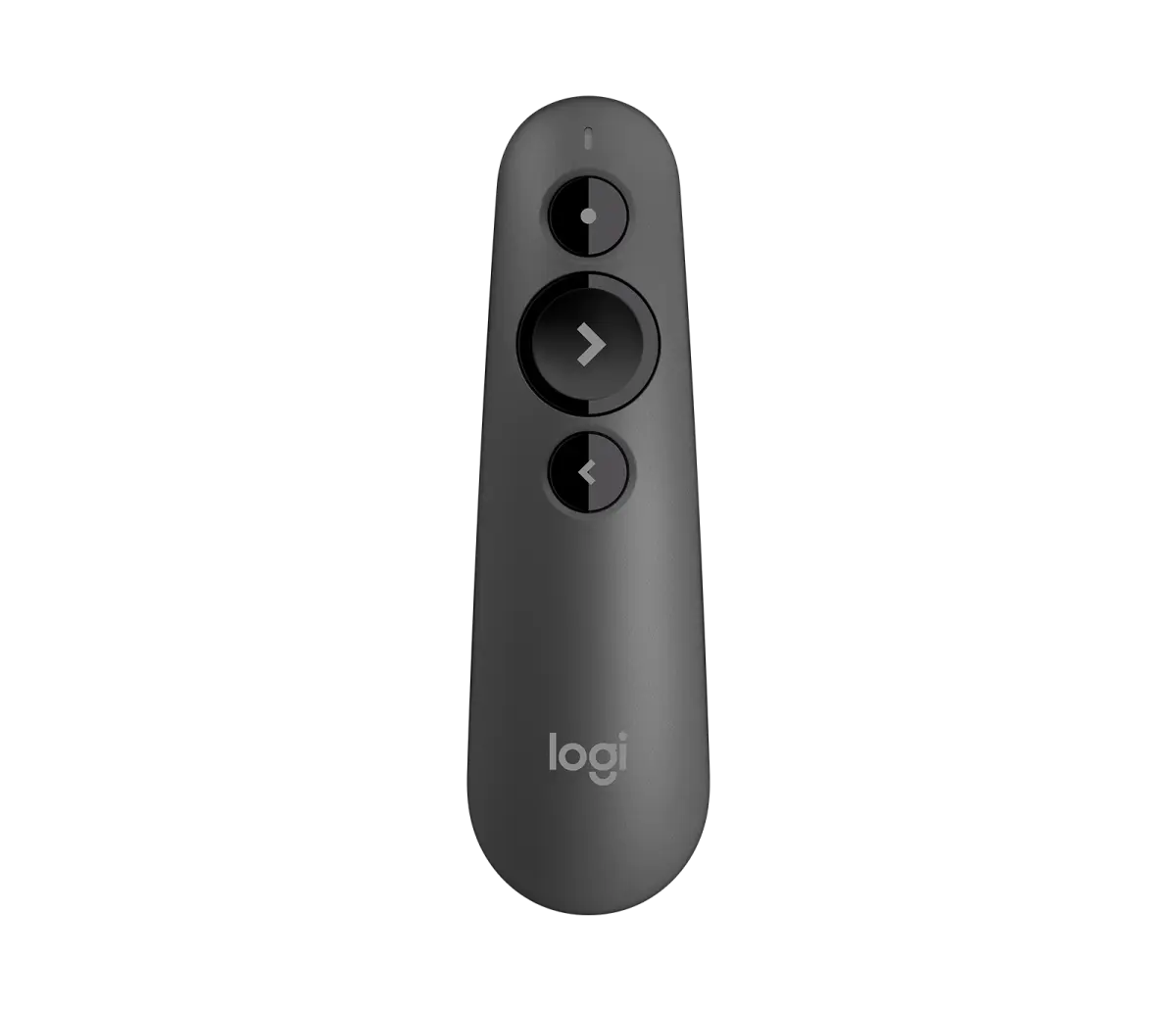
R400 and R500S use a red laser pointer, which suits projectors and screens. Spotlight draws a highlight and cursor on the screen, so it shows on LED video walls and in recordings, where a laser dot does not.
Logitech R400, R500S and Spotlight: wireless slide clickers with laser or on-screen pointing for boardrooms, events and lecture halls.
A presentation remote lets the speaker move around the room instead of standing at the laptop. It is a small purchase that makes every meeting smoother, and a good one lets you change slides, point at detail and stay in eye contact with the room. We stock three Logitech models, and the choice between them comes down to how the pointer needs to show up. The R400 is the classic wireless presenter with a red laser pointer. The R500S adds Bluetooth alongside its 2.4GHz receiver. The Spotlight is the premium model with on-screen highlight, magnify and cursor control.
Laser versus on-screen pointing is the decision that matters most. A laser dot works on a projector or a plain screen, and it is cheap and simple. It does not show up well on LED video walls, and it does not appear at all in a recording or on a video call. Logitech's Spotlight draws the highlight and cursor on the screen itself, so the live audience and remote attendees both see it. Choose Spotlight for LED walls, hybrid meetings and recorded sessions, and the R400 or R500S for ordinary projector rooms.
Check three practical points before you order for a fleet. Range: Logitech specifies Spotlight at up to 100 feet, and for a large hall we confirm the distance for the other models on the quote. Connection: the R500S and Spotlight pair by Bluetooth as well as the USB receiver, which helps when a locked-down laptop has no spare port. Setup: each remote ships with its receiver and works with basic slide control on Windows and macOS without a driver, and Spotlight's extra features use Logitech's software.
Presenters are popular for corporate AV kits, event companies and universities, and we quote them per unit or in quantity from stock at our Bur Dubai office. A spare in the AV cabinet is cheap insurance, because a flat battery or a missing receiver is the usual reason a presentation starts late. They sit within our wider Logitech range, and our guide to Logitech presentation remotes compares the three models in more detail. Send the models and quantities on WhatsApp for a price the same working day, with same-day Dubai delivery on orders confirmed before 2pm.
Updated October 2026
Click any product for specs, use-case guidance, and a prefilled WhatsApp quote. Trade pricing on request — we don't publish public prices.
The factors that actually decide the spec — not the marketing matrix.
R400 and R500S use a red laser pointer, which suits projectors and screens. Spotlight draws a highlight and cursor on the screen, so it shows on LED video walls and in recordings, where a laser dot does not.
All three work over a 2.4GHz receiver at normal room distances, and R500S and Spotlight add Bluetooth. For a large hall, confirm the throw distance on the quote.
Each ships with its receiver and works for basic slide control on Windows and macOS with no driver. Spotlight's highlight and magnify features use Logitech's software.
List the rooms first. Projector rooms are fine with a laser presenter. LED walls, hybrid meeting rooms and recorded sessions need an on-screen pointer. One mixed order covers both.
Questions that actually come up on quotes. If yours isn't here, WhatsApp us or send the form.
The Logitech Spotlight, because its highlight and cursor are drawn on the screen and show on LED video walls and in recordings, where a red laser dot does not. For projectors, the R400 or R500S laser presenters are enough.
From our Bur Dubai office. We stock the Logitech R400, R500S and Spotlight. Send the model and quantity for a same-day quote, with same-day Dubai delivery on orders confirmed before 2pm.
Both are wireless laser presenters. The R500S adds Bluetooth alongside the 2.4GHz receiver, so it can connect without the dongle when the laptop allows it.
Usually not well. A laser dot is hard to see on LED video walls and does not appear in recordings or video calls. Use an on-screen pointer such as Spotlight for those settings.
No for basic slide control. Each model works out of the box on Windows and macOS with its receiver. Spotlight's highlight and magnify features need Logitech's software.
Yes. Event companies, universities and corporate AV teams order these in quantity. They ship from Bur Dubai stock with pricing on request.
Quote requests get a same-business-day reply with stock confirmation, trade pricing, and a delivery slot. After-hours calls land 24/7.
Reply within 4 business hours · Calls 24/7
Your basket is empty
Browse products and add items to build your quote request.