
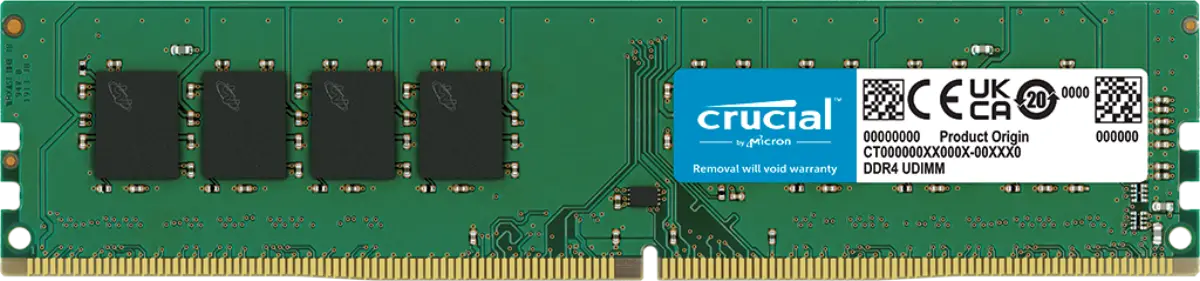
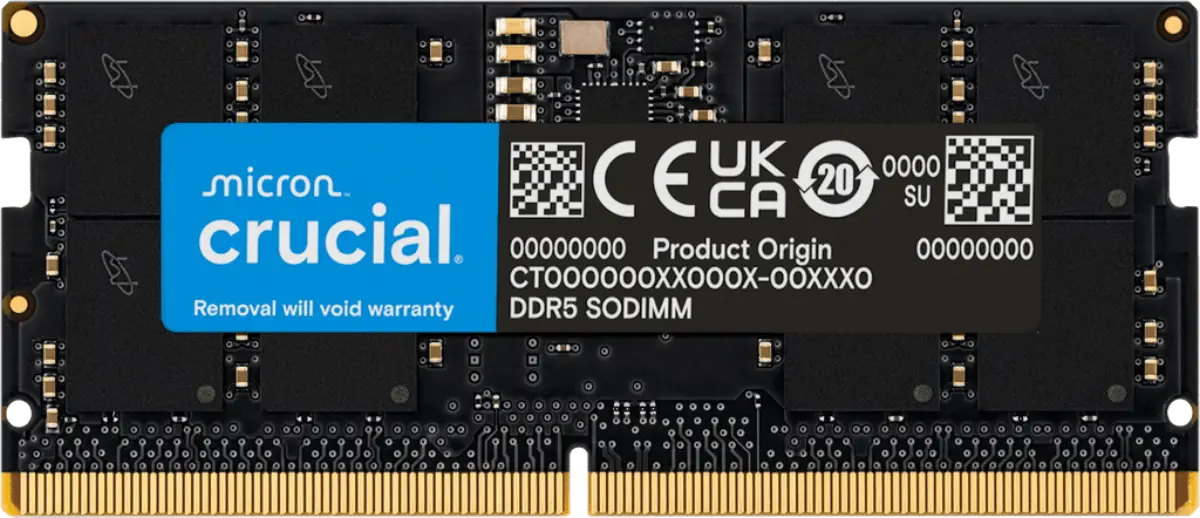
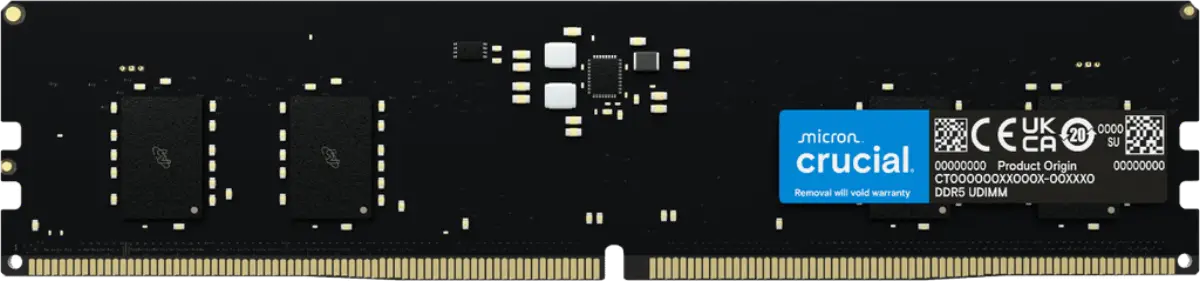
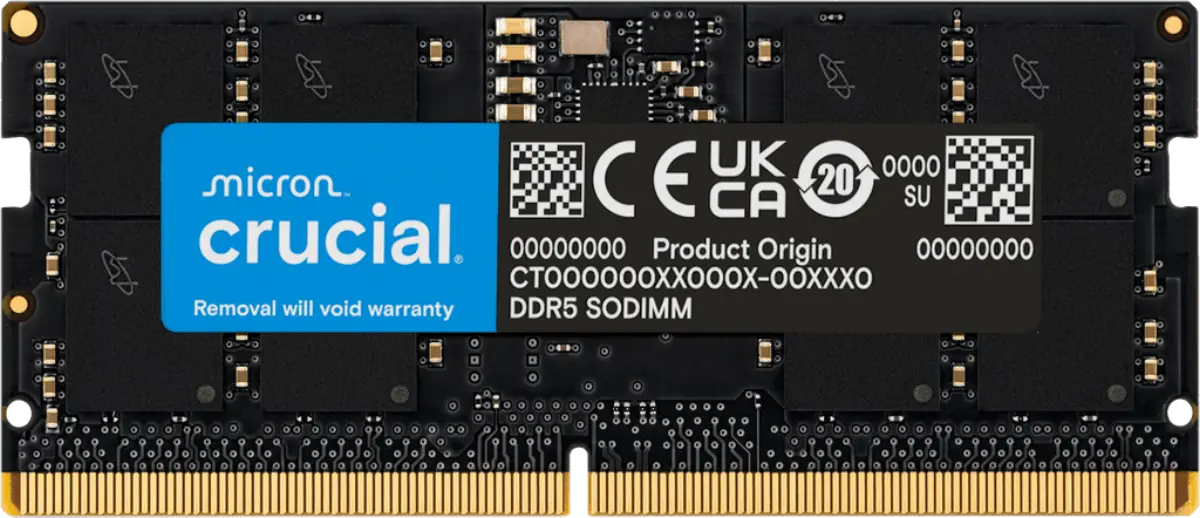
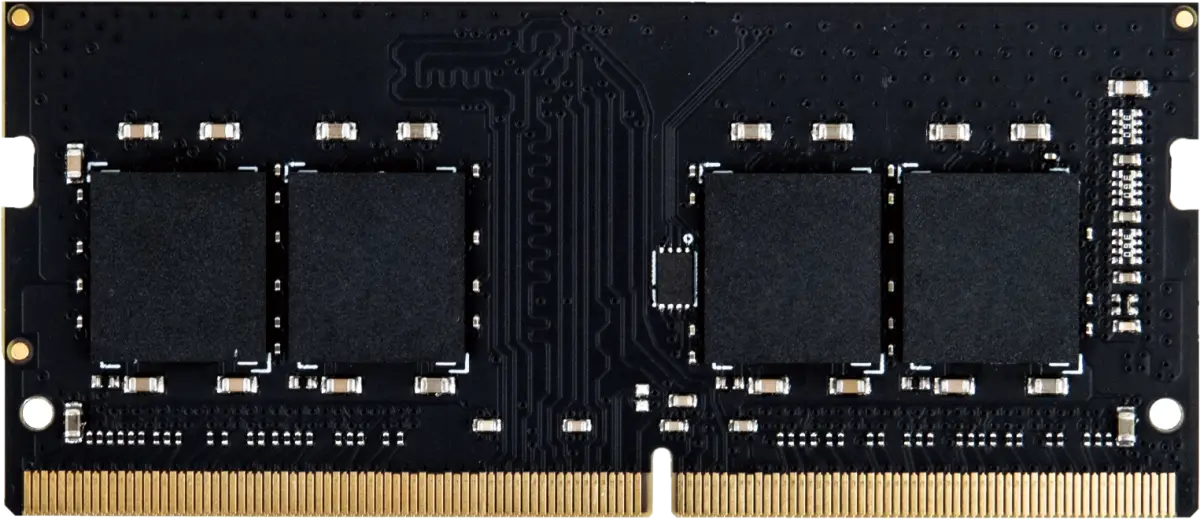
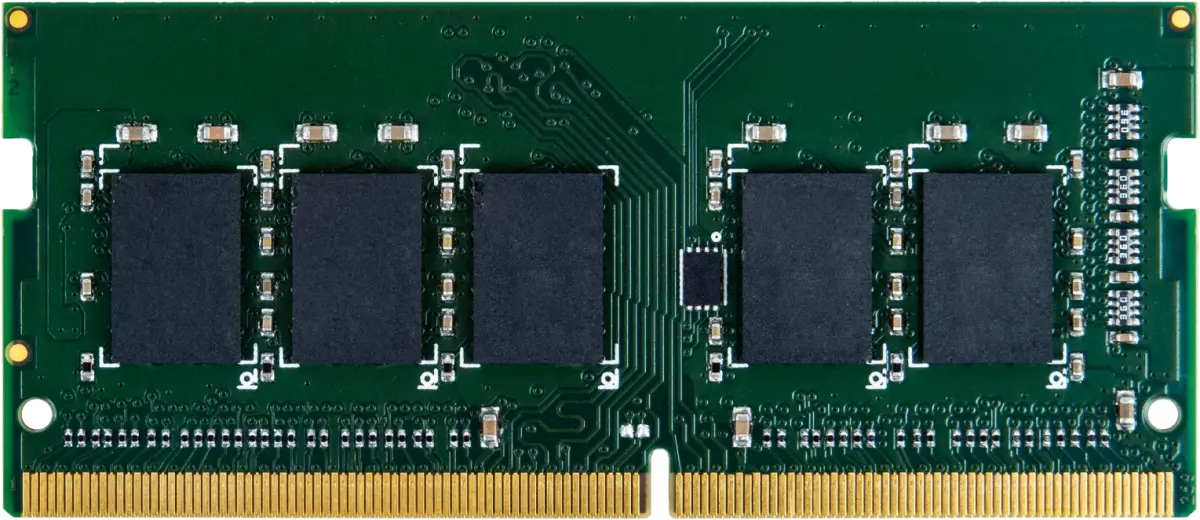
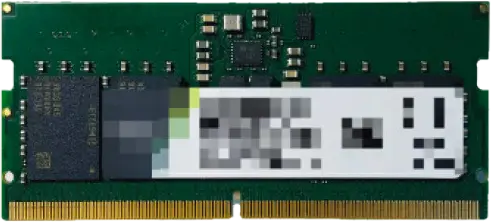
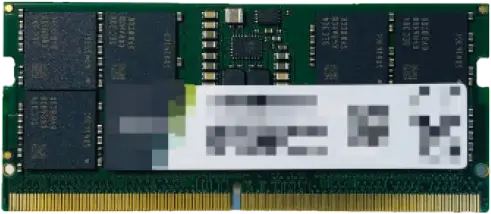
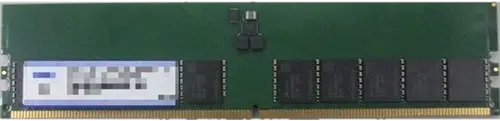
Match type, form factor and capacity
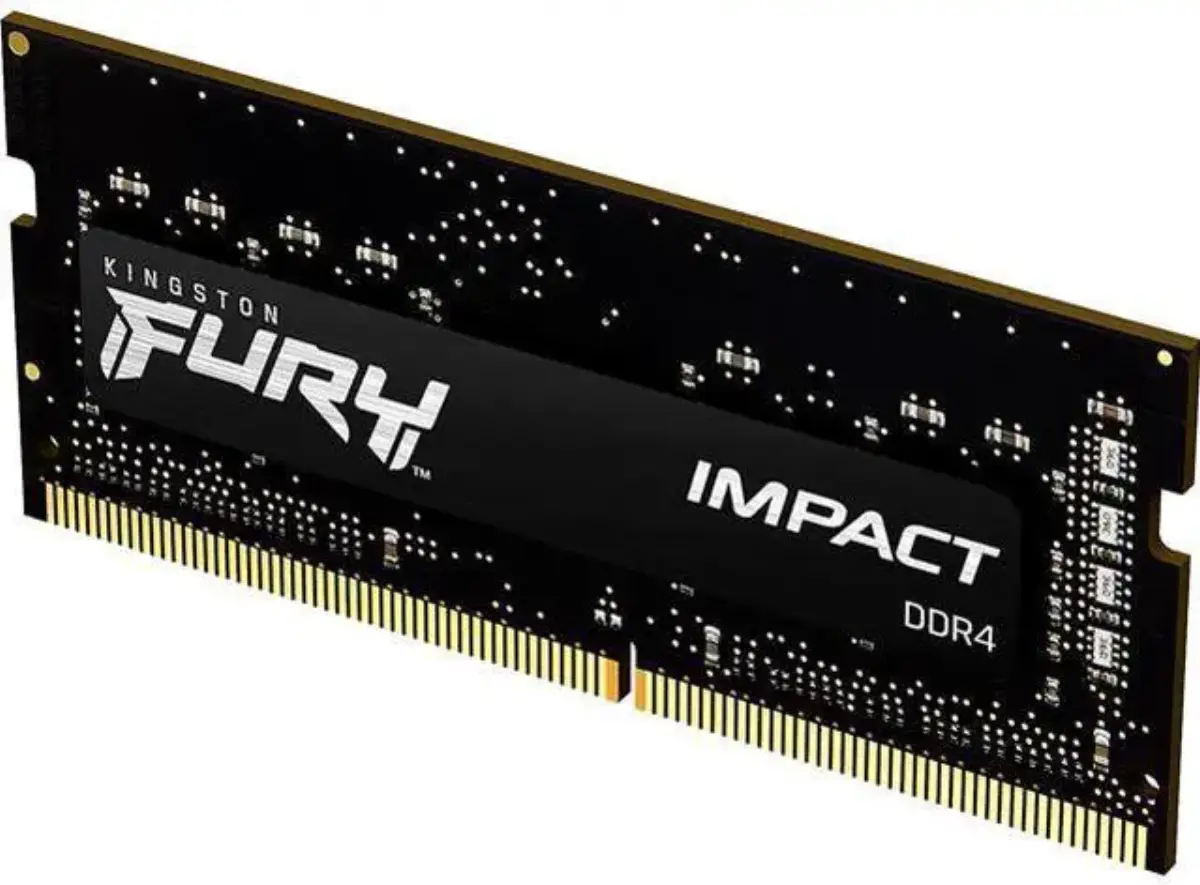
DDR4 and DDR5 do not mix. DIMM for desktops, SO-DIMM for laptops, mini PCs and most NAS units. Confirm what the machine accepts with the vendor's memory finder before ordering.
DDR4 and DDR5 for desktops and laptops, ECC for servers, upgrade modules for NAS. Kingston, Crucial, Lexar and PNY, quoted from Bur Dubai stock.
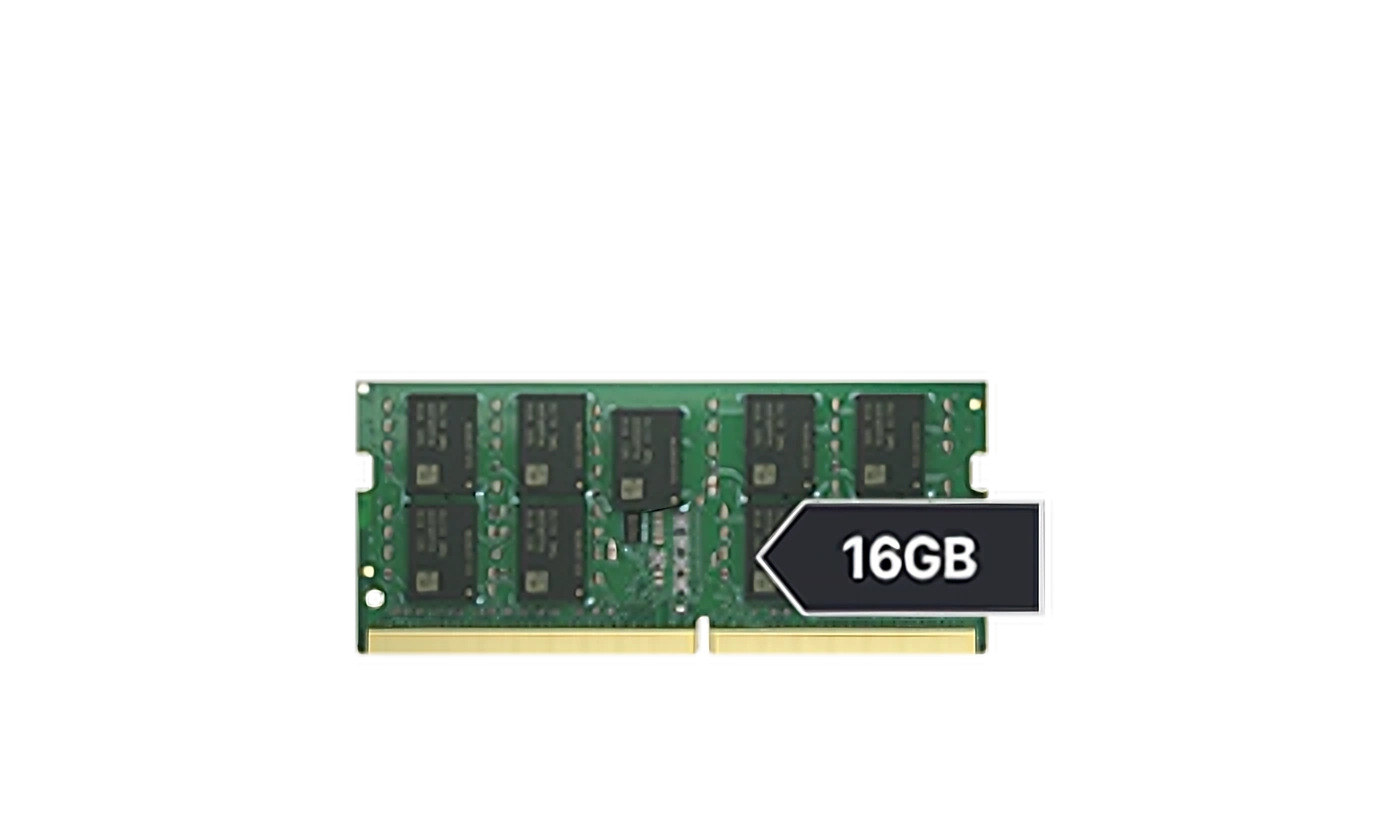
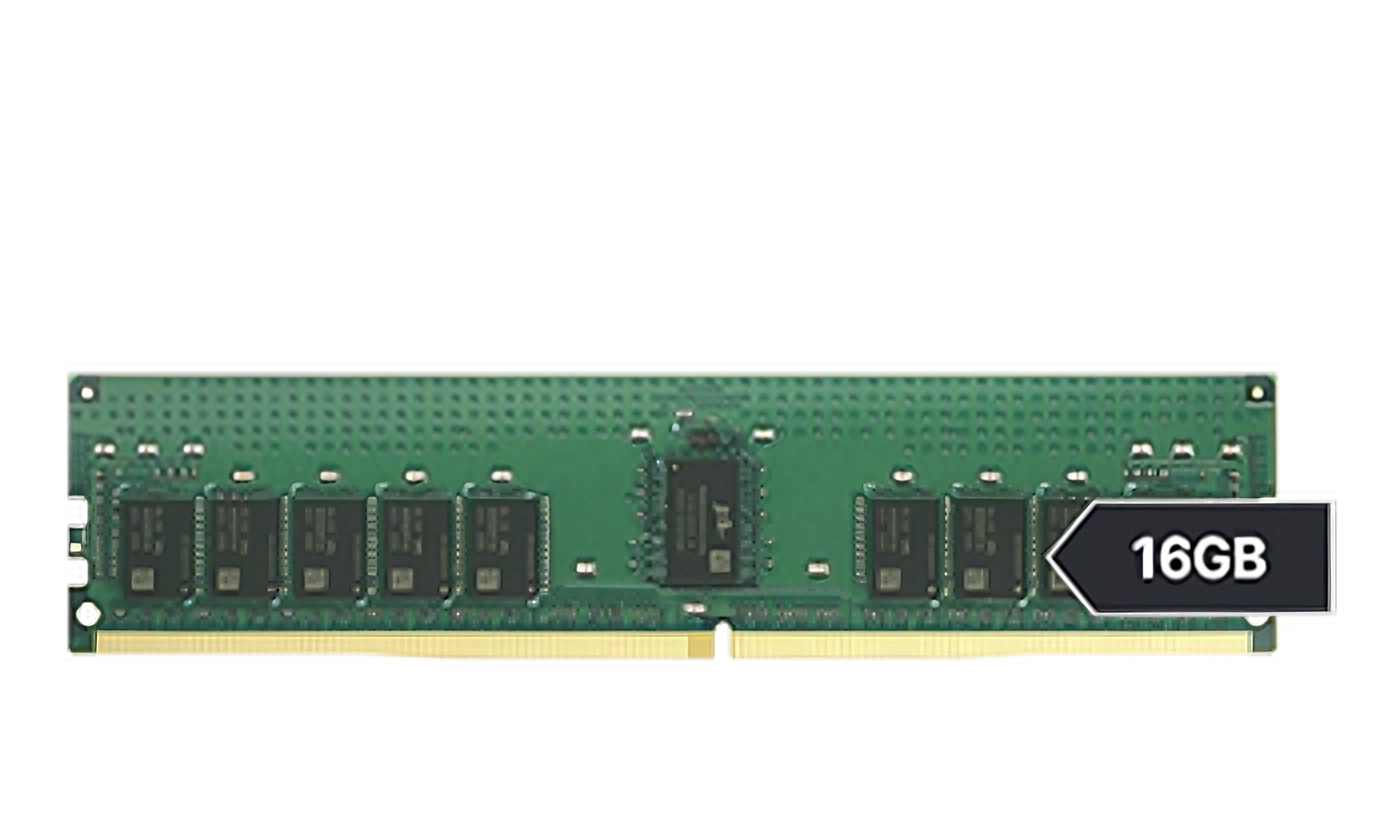
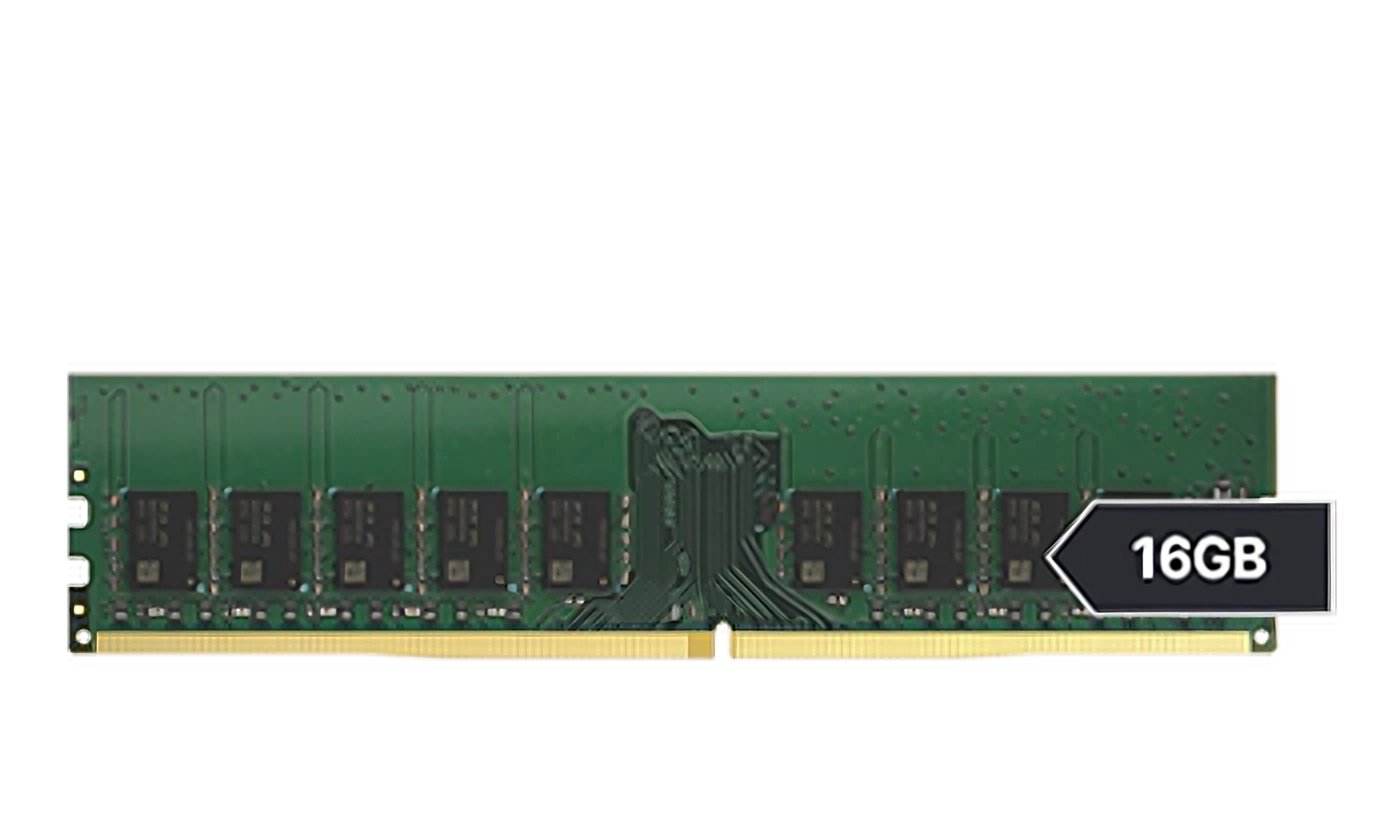
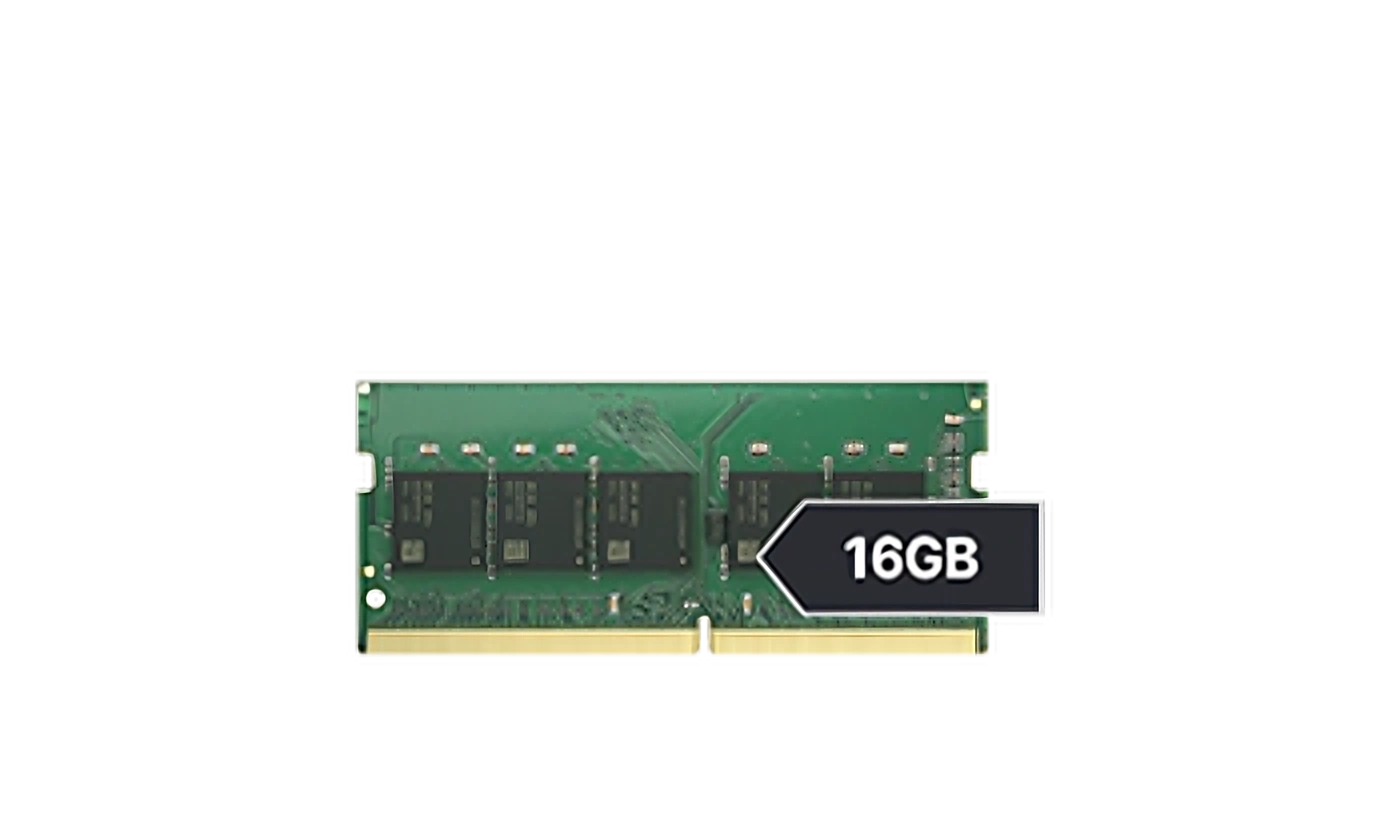
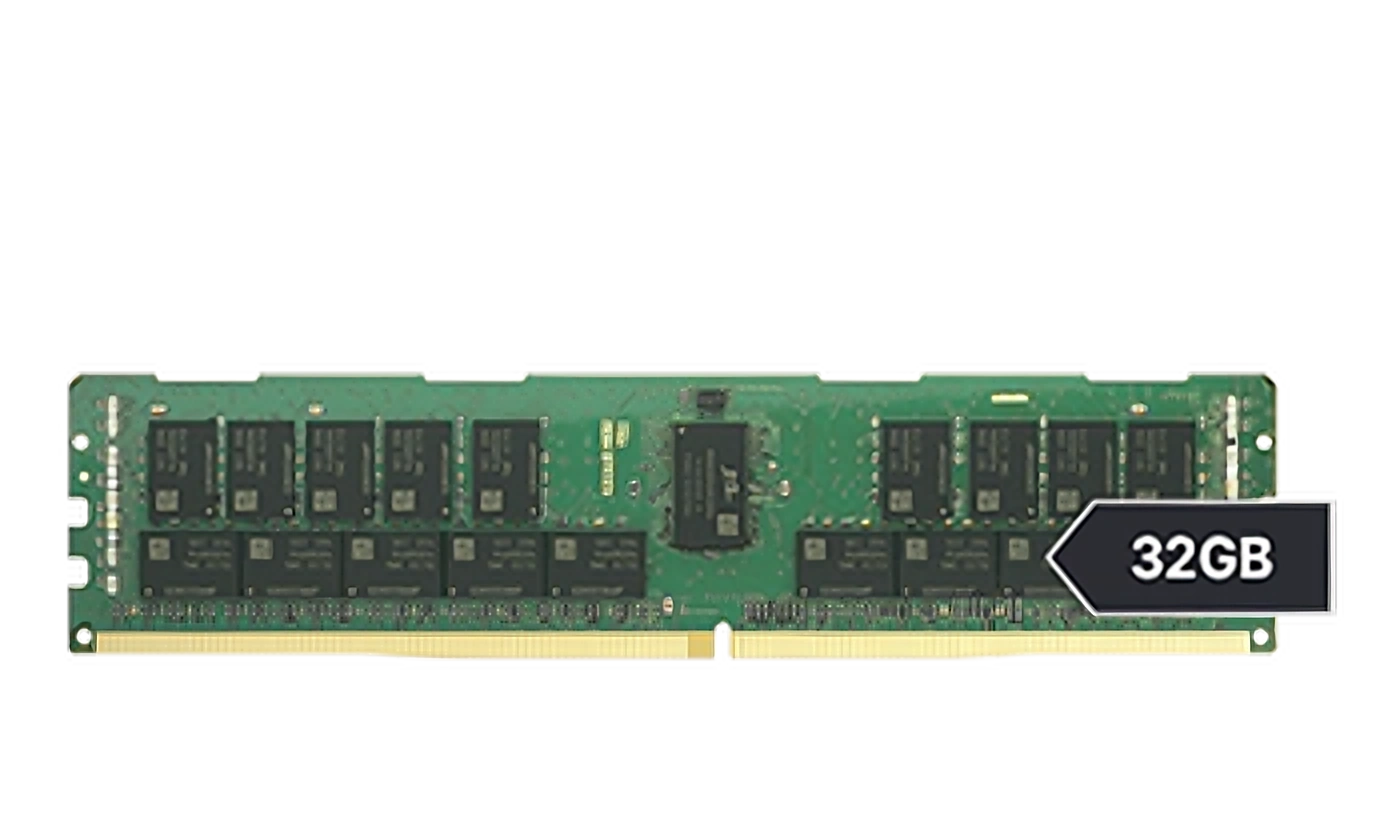
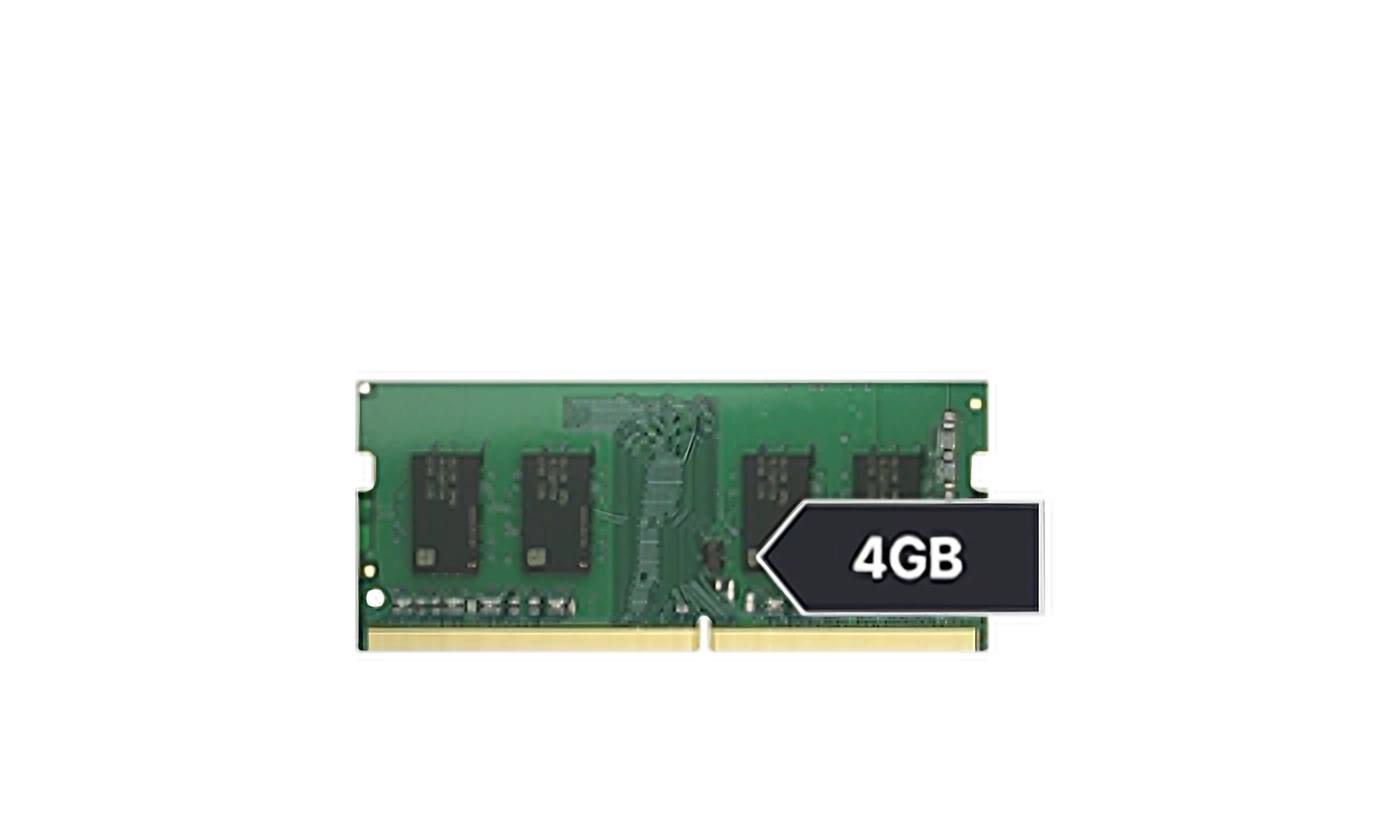
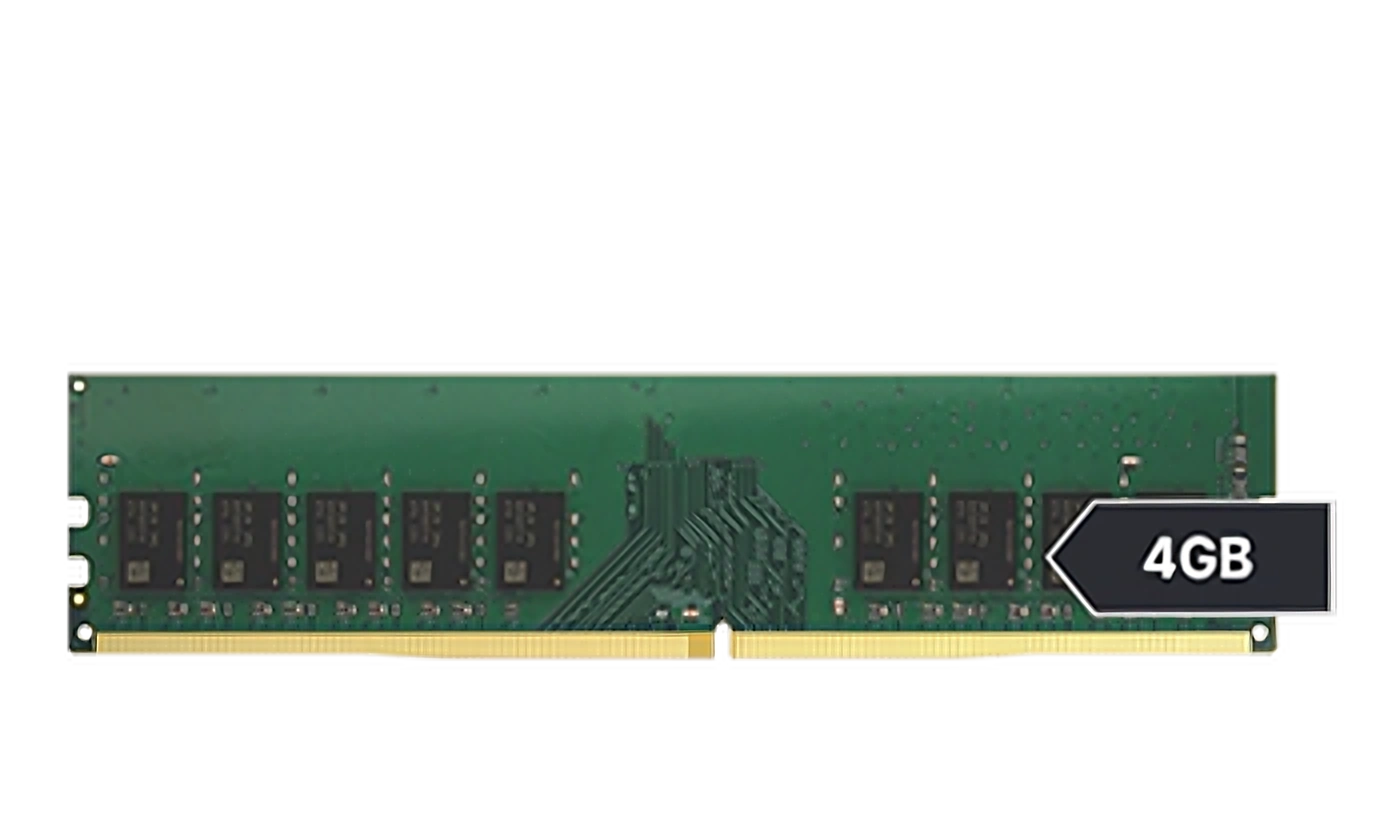
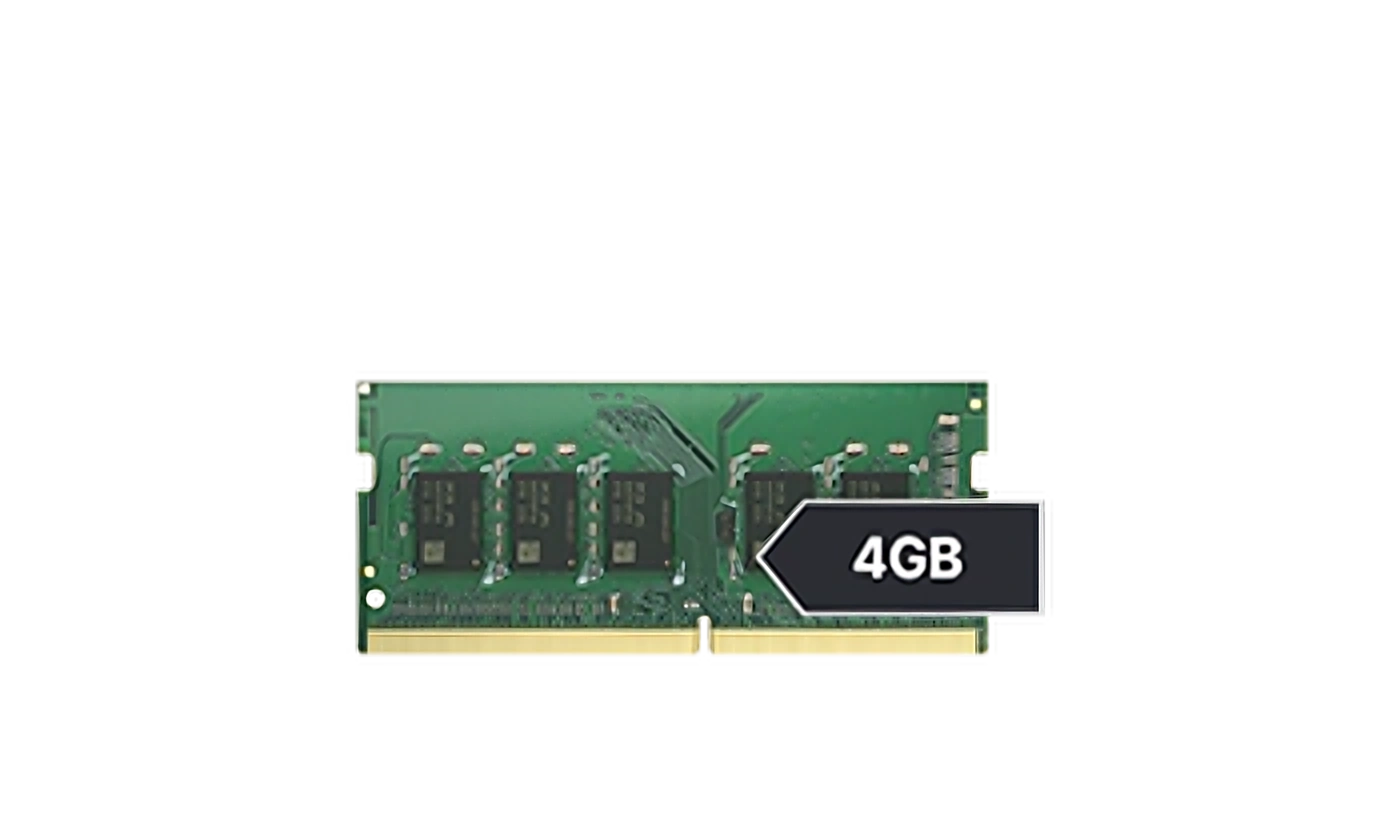
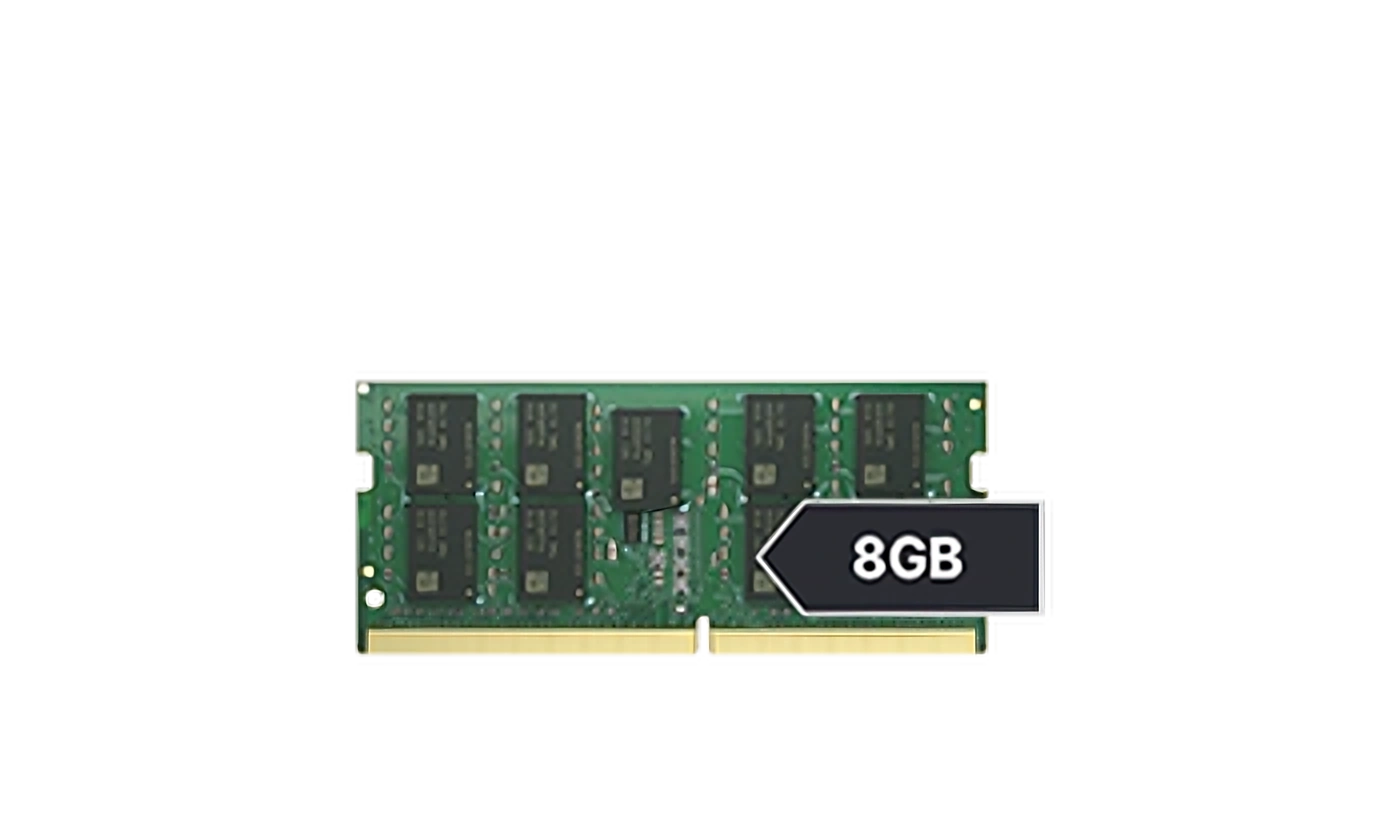
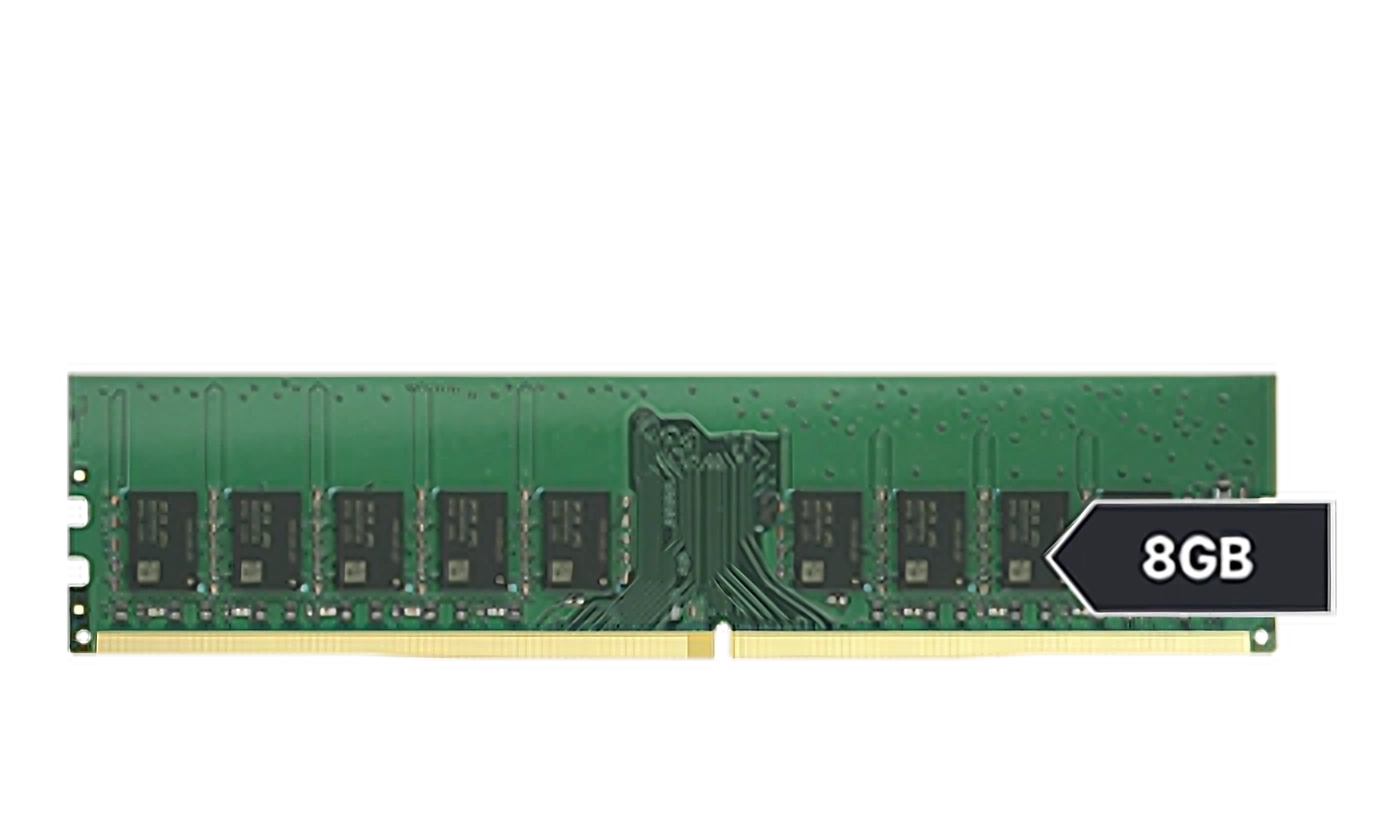
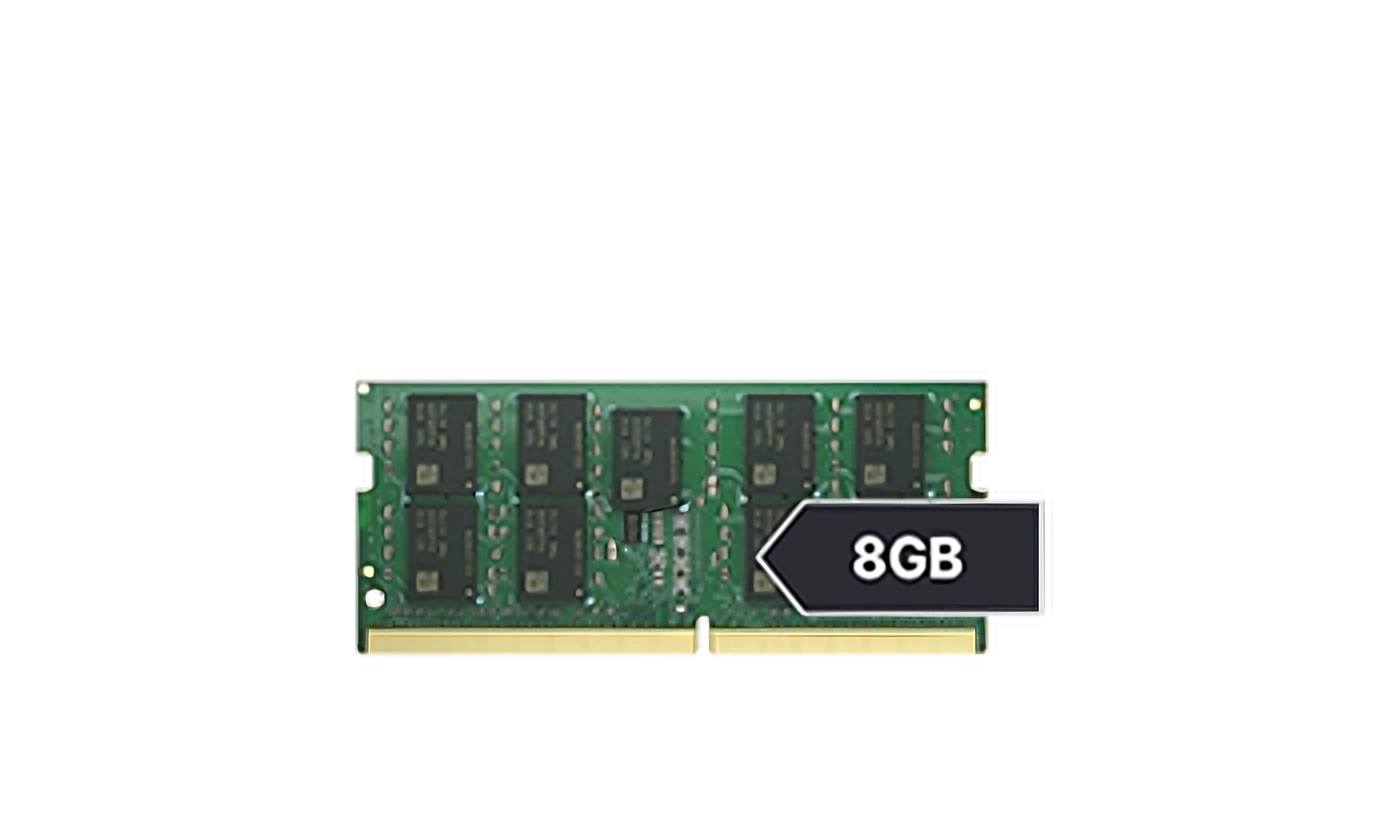
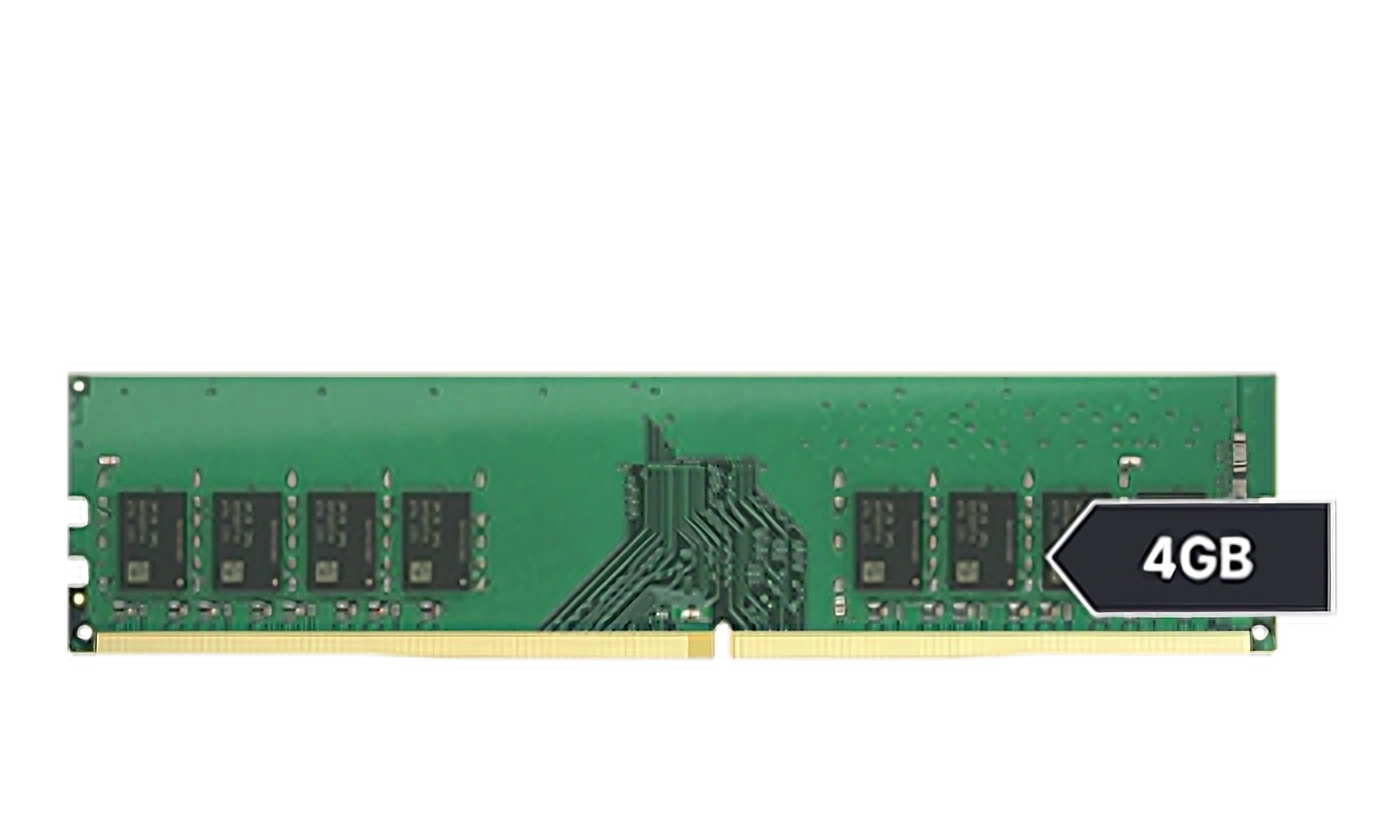
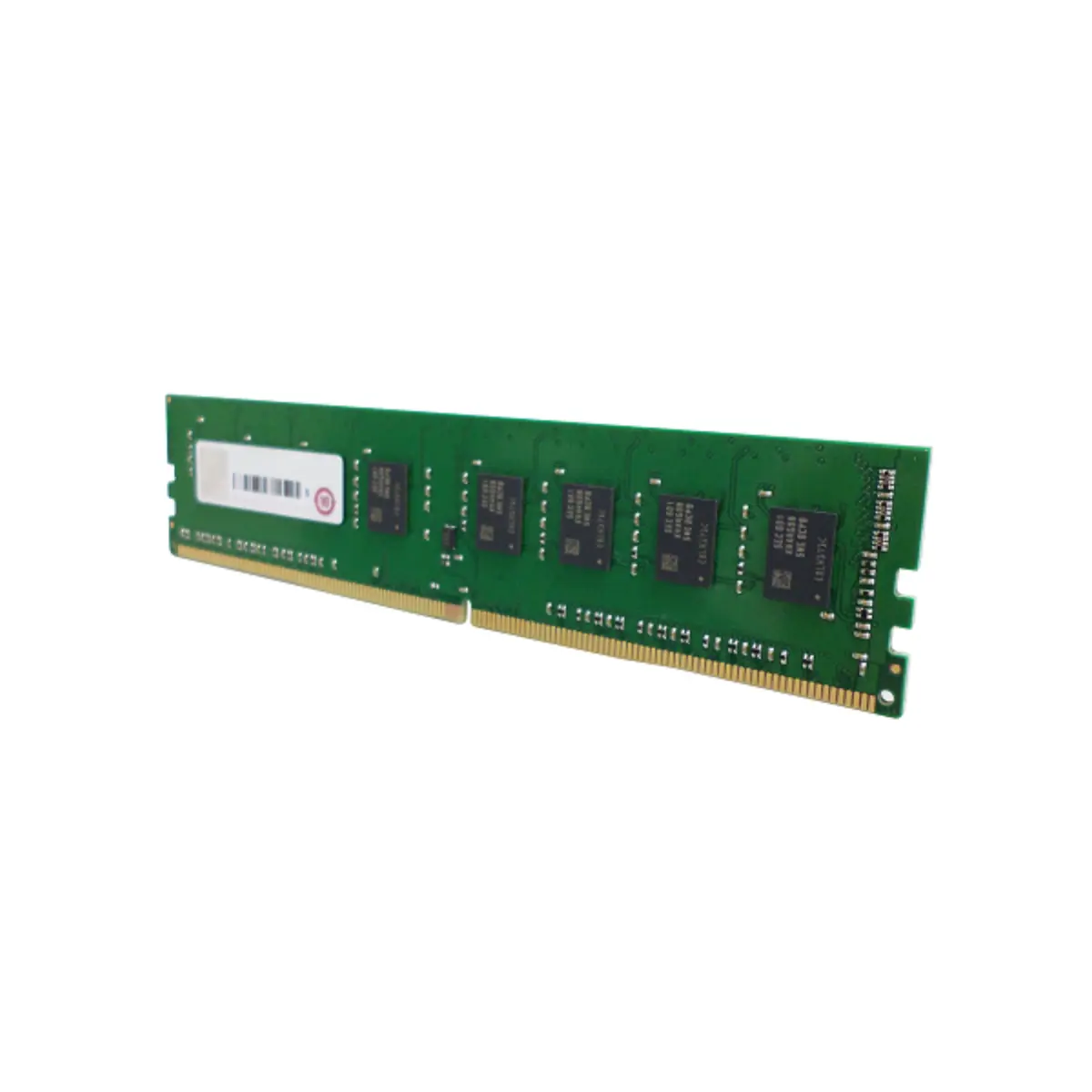
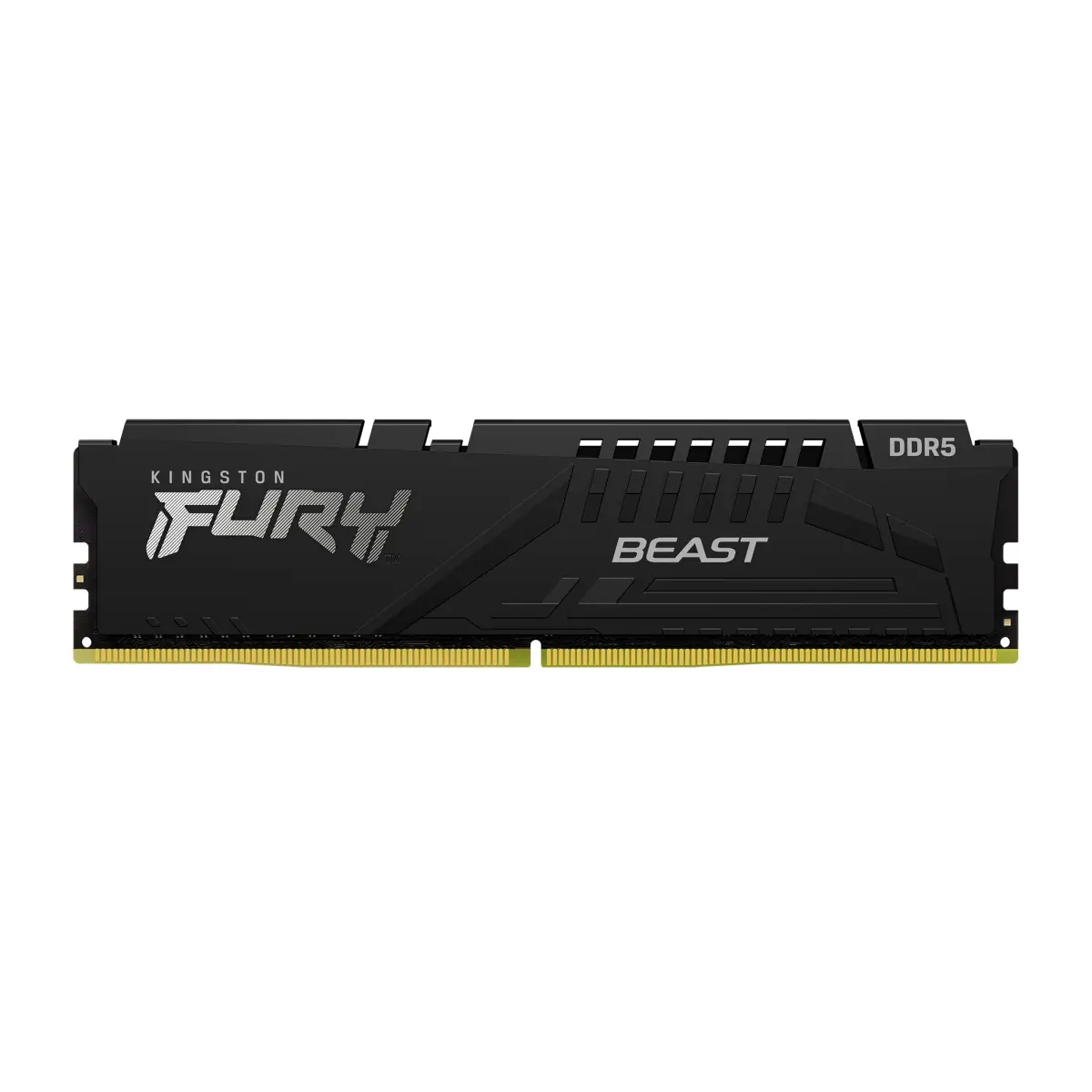
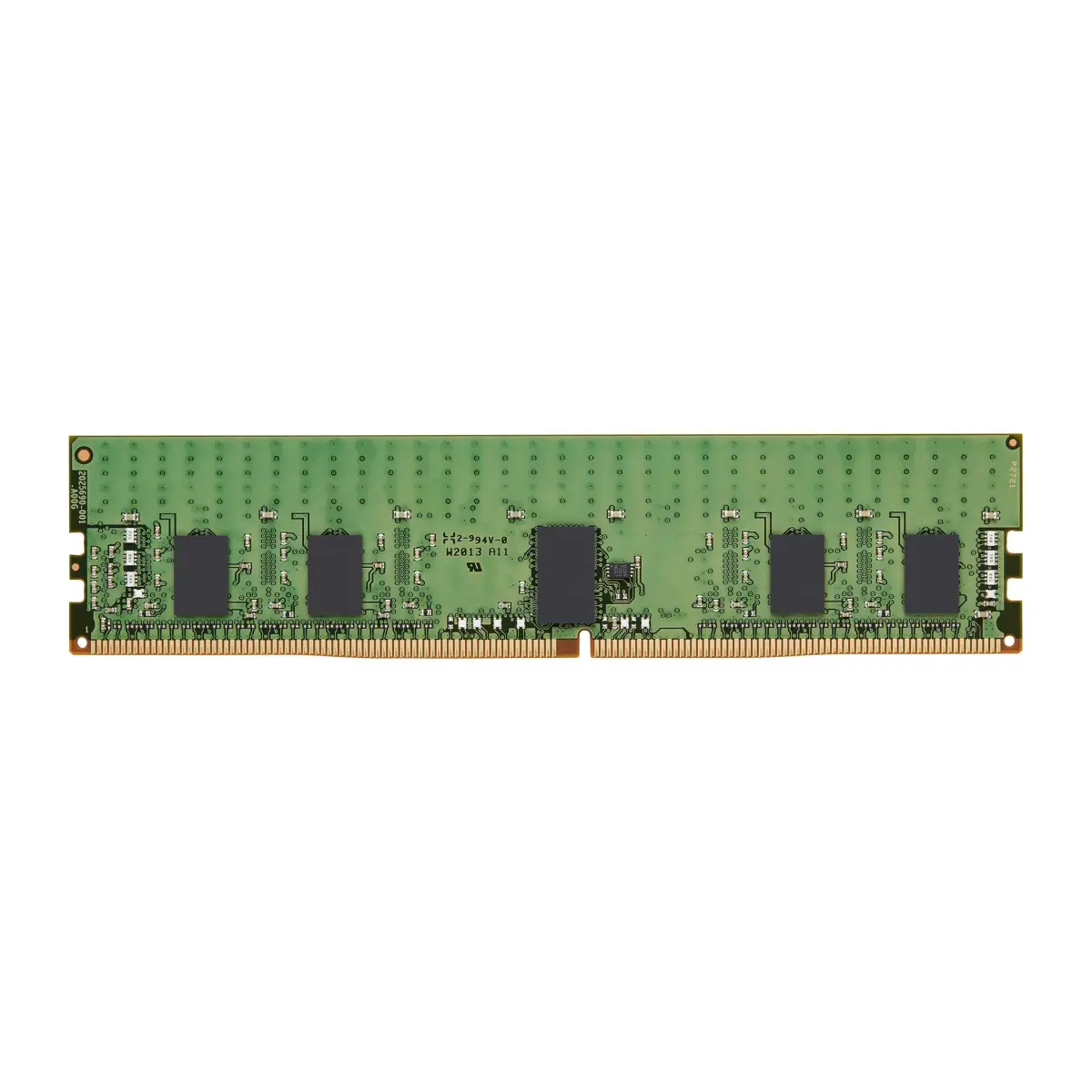
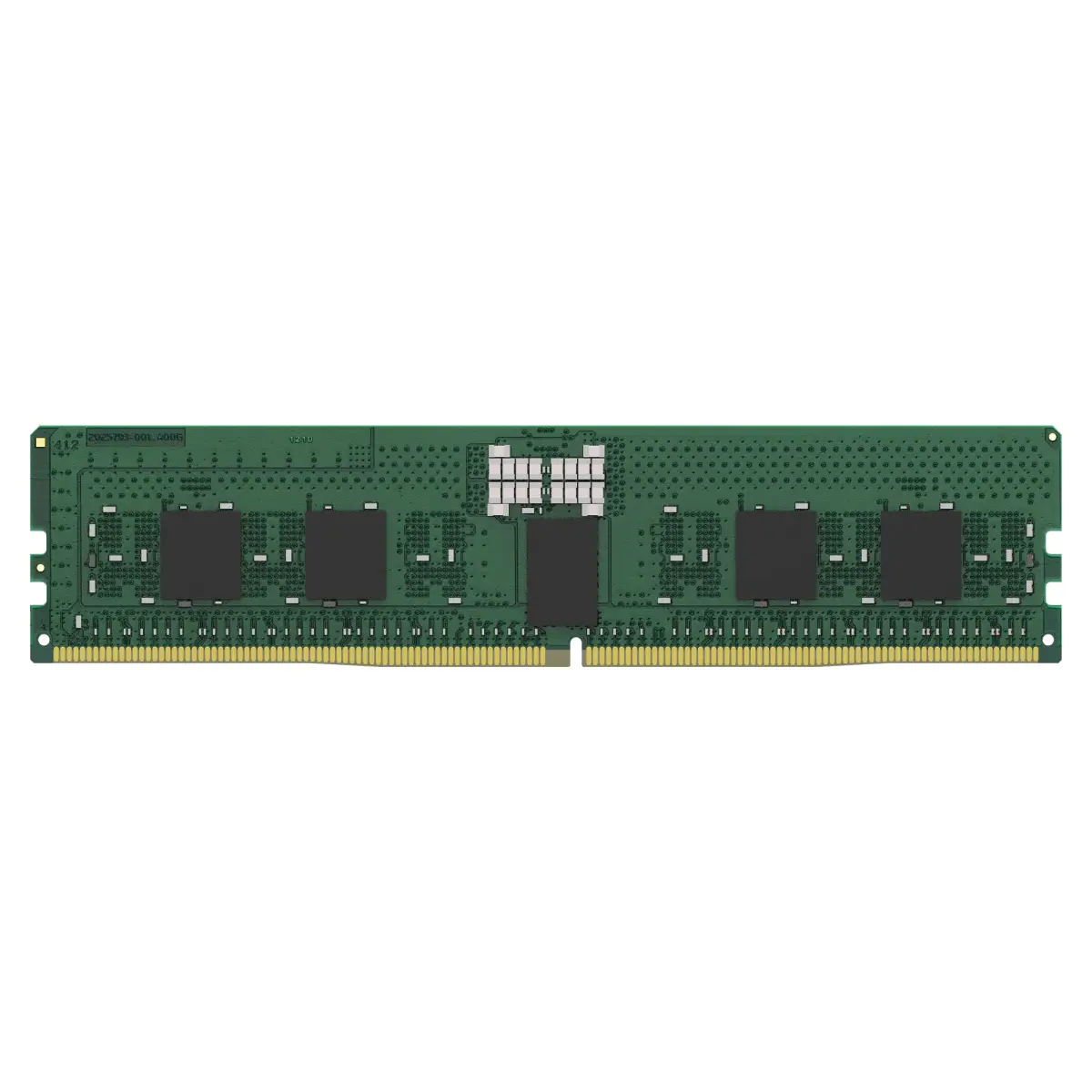
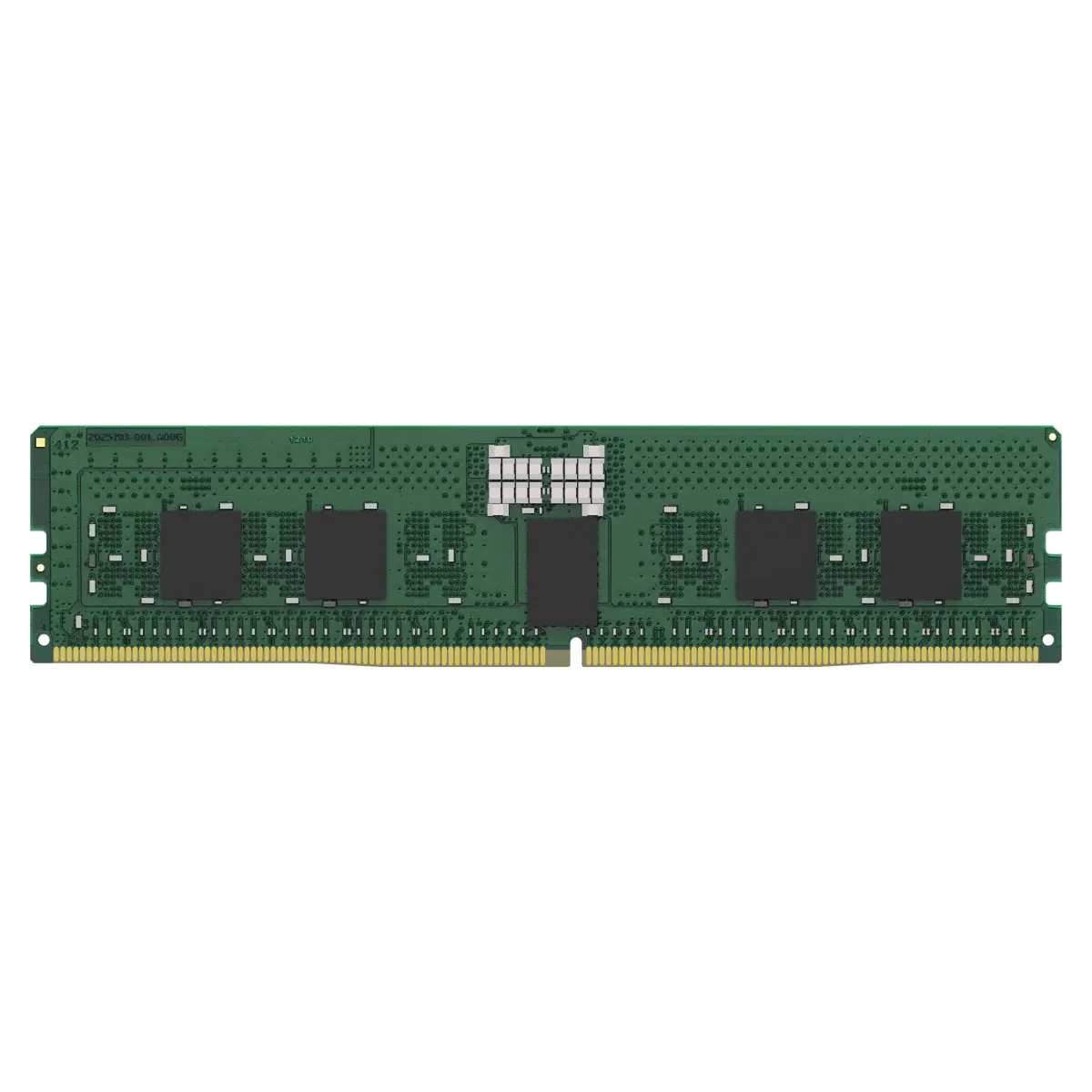
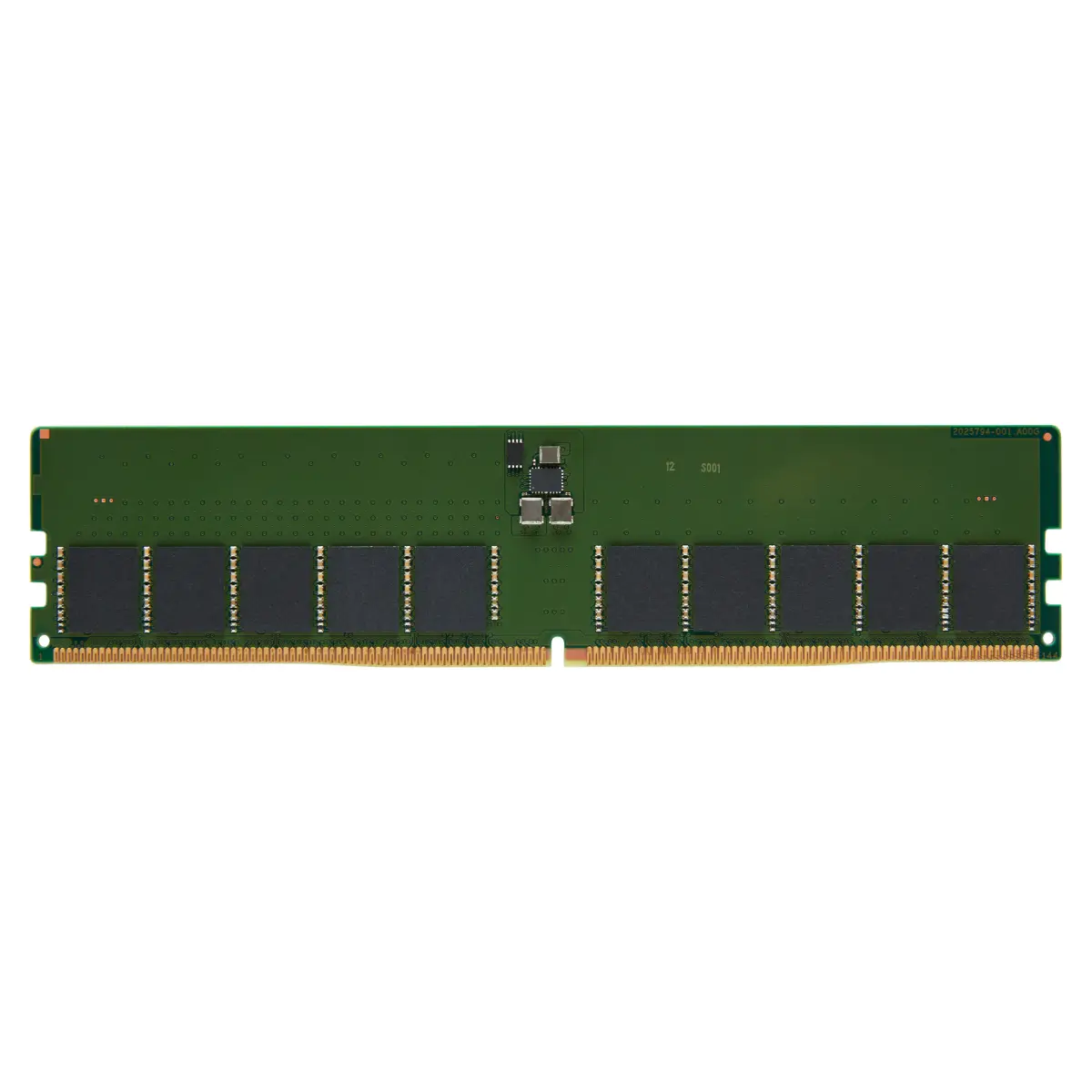
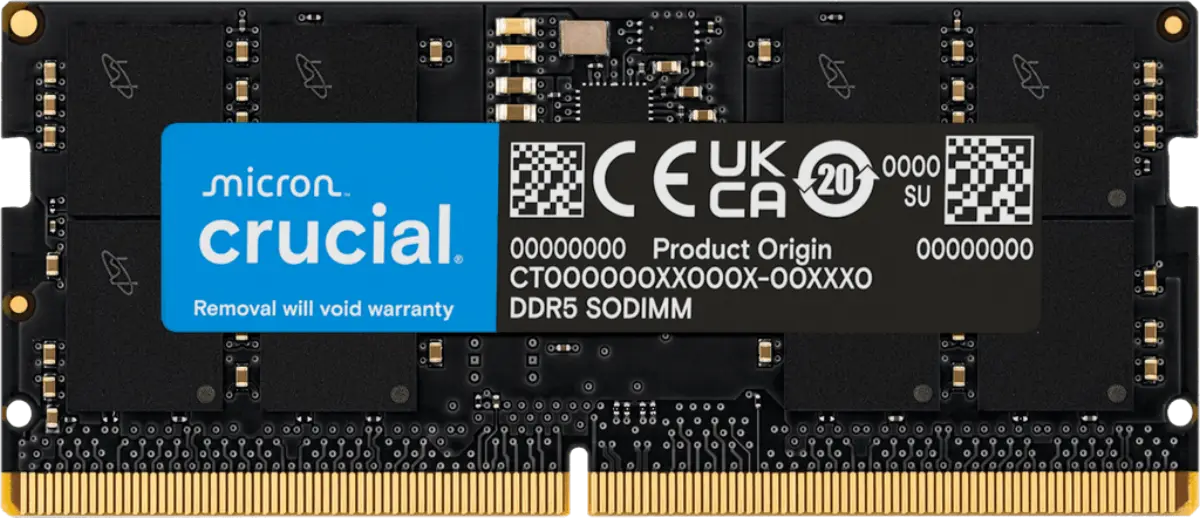
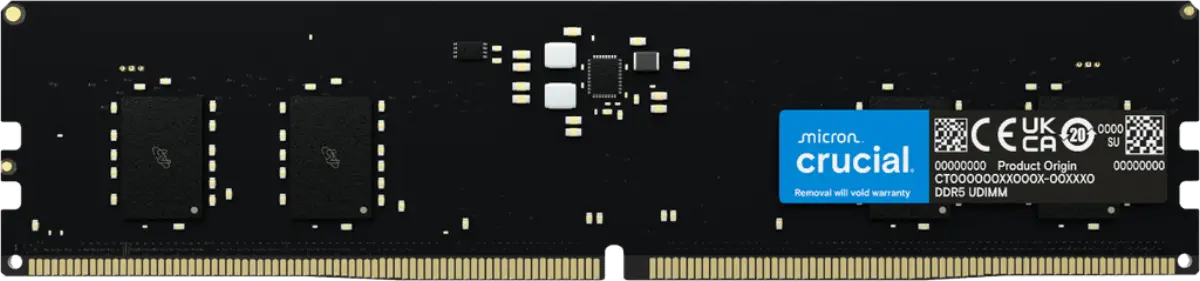
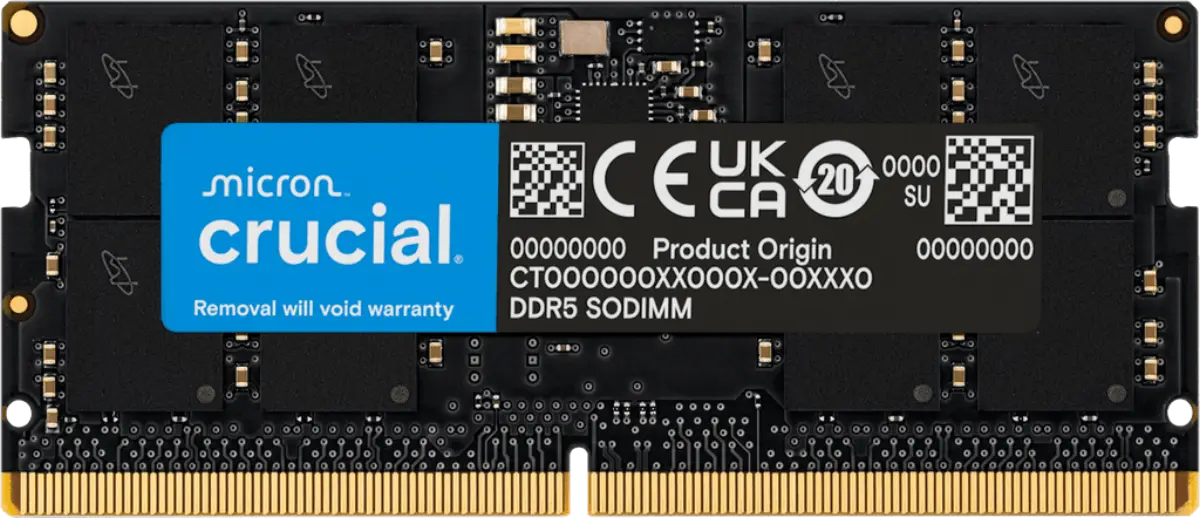
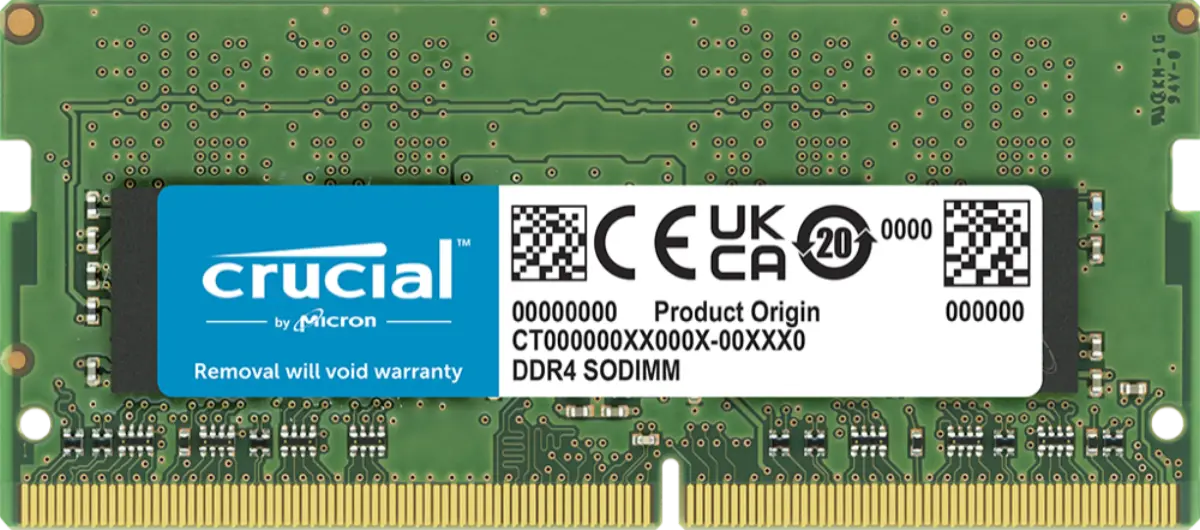
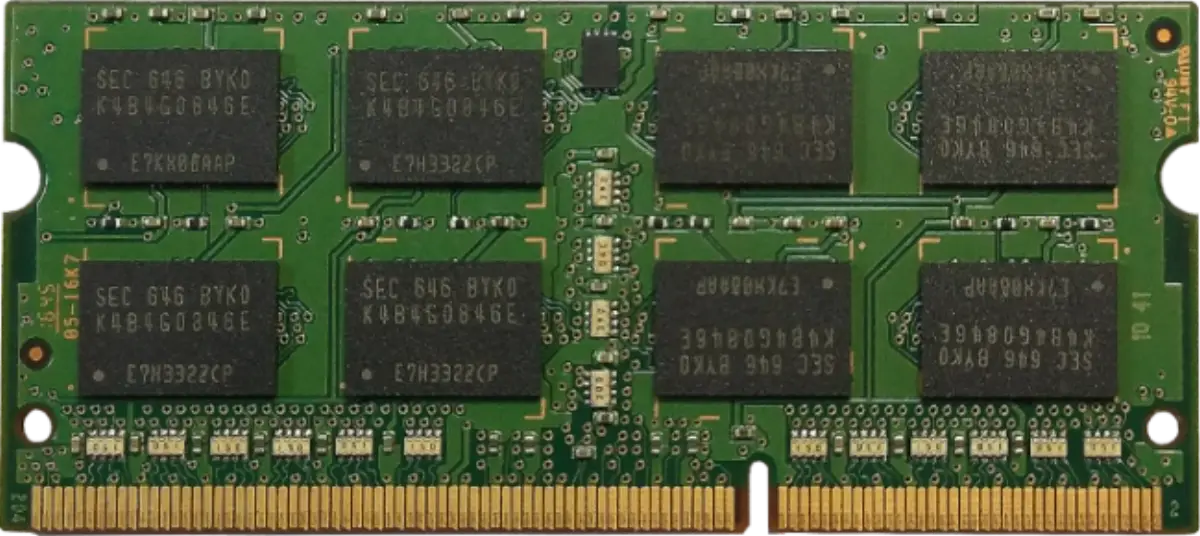
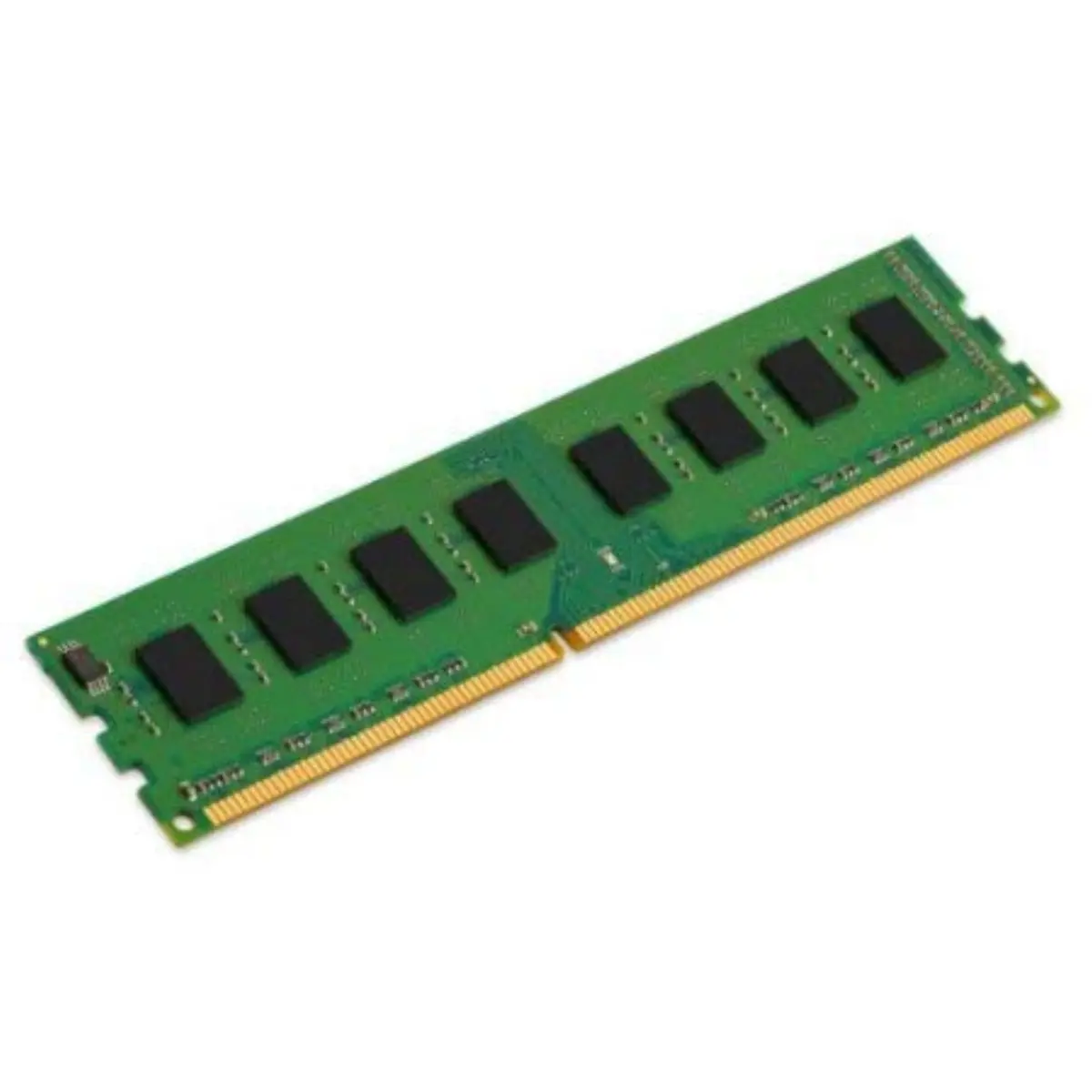
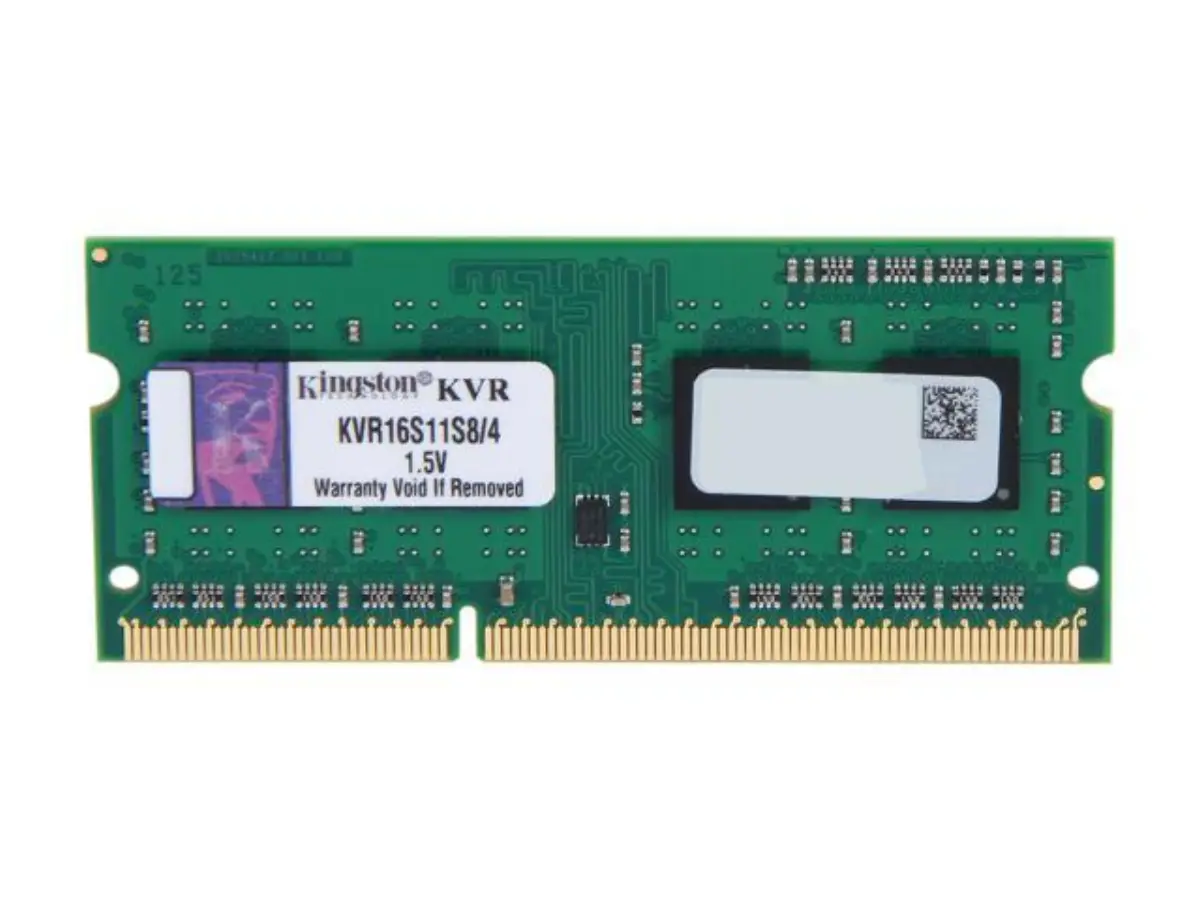
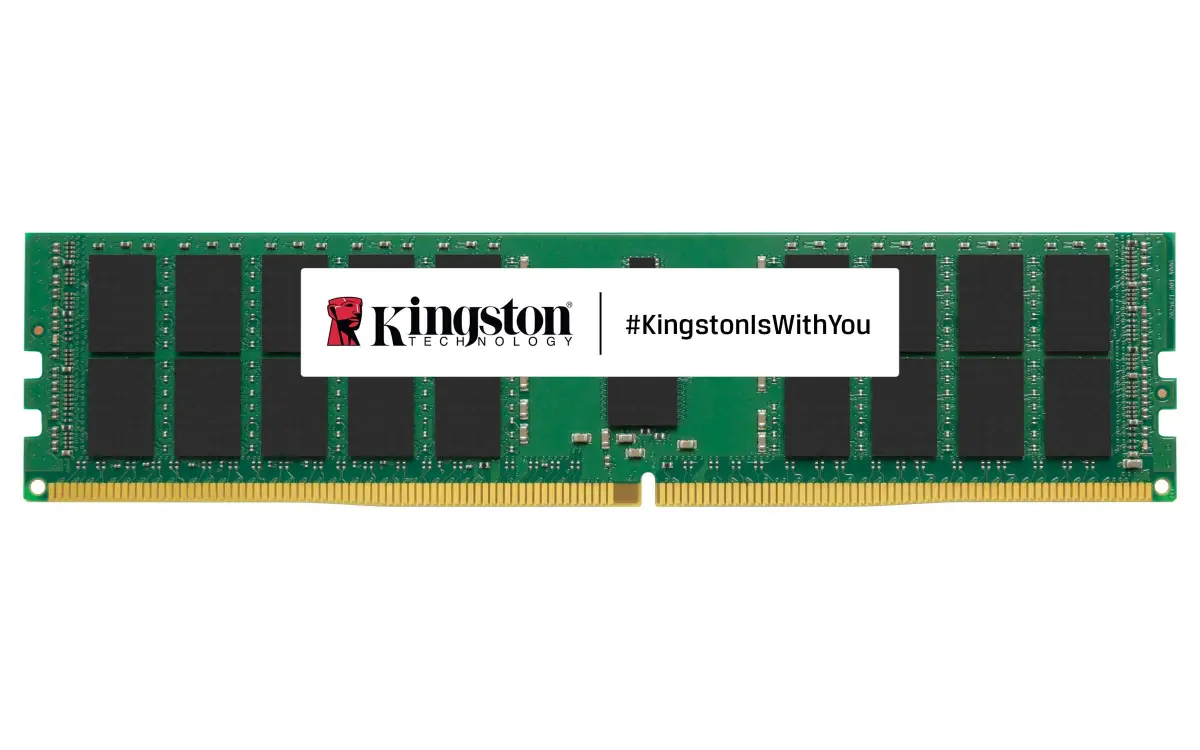
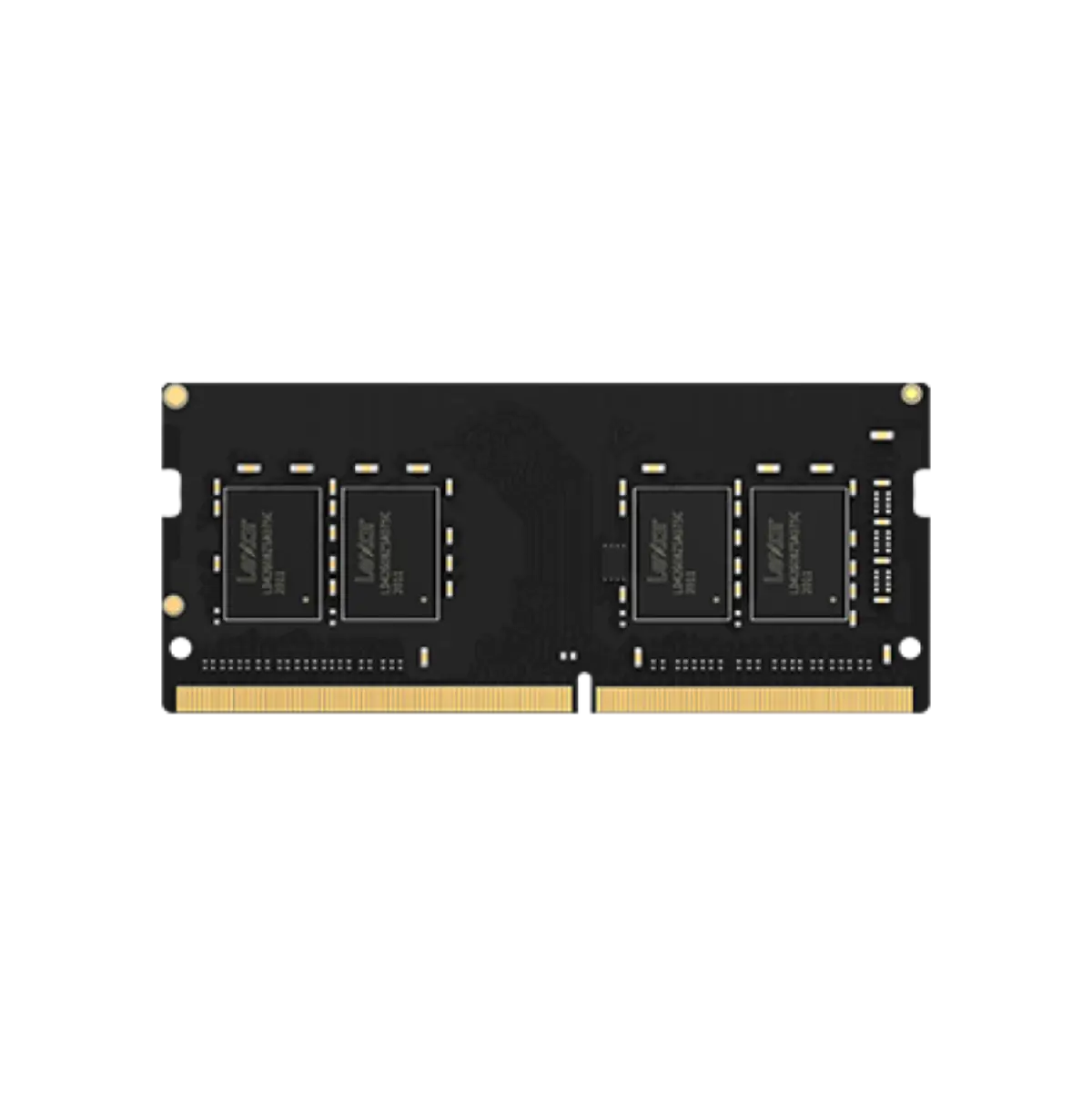
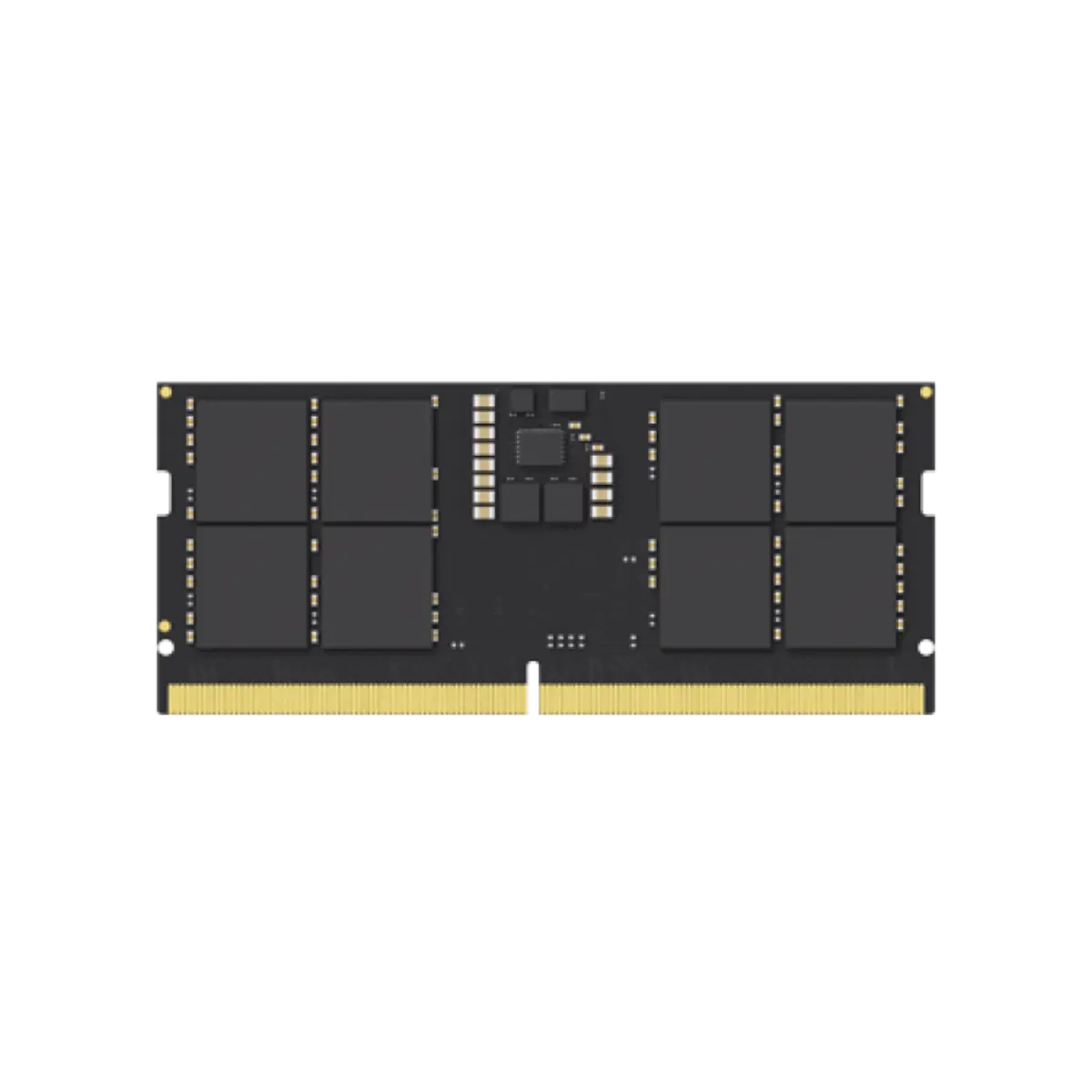
Matching RAM comes down to three things: the memory type, the form factor and the capacity. DDR4 and DDR5 are not interchangeable, and a board takes only one. Desktops use full-size DIMMs. Laptops, mini PCs and most NAS units use the smaller SO-DIMM. If you are unsure what a machine accepts, Kingston's Memory Finder lists compatible modules by system model. Send us the model and we confirm the exact part number before quoting. For capacity, 8GB is the floor for a modern office PC, 16GB is the sensible default for most business users, and 32GB or more suits design, development and virtual machines. Some laptops have soldered memory that cannot be upgraded, so check before you buy. When you fill every slot, buy the modules together, because mixing old and new kits can pull the whole system down to the slowest module's speed.
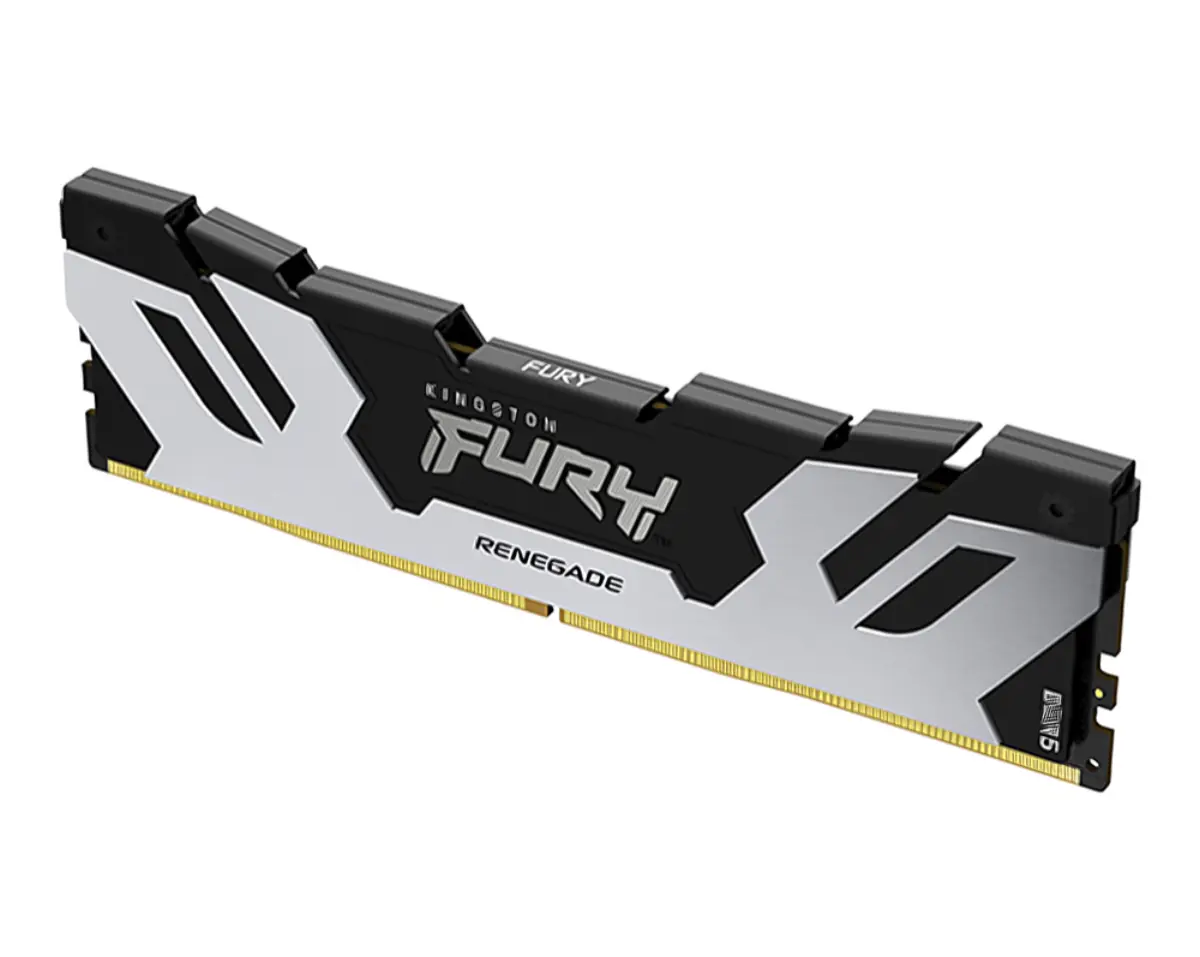
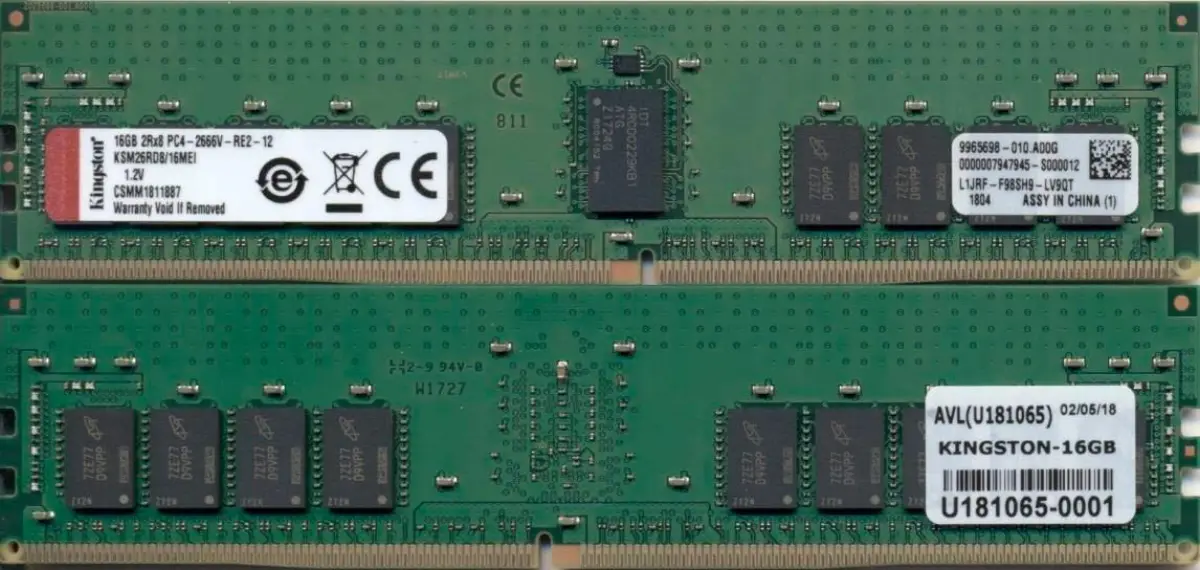
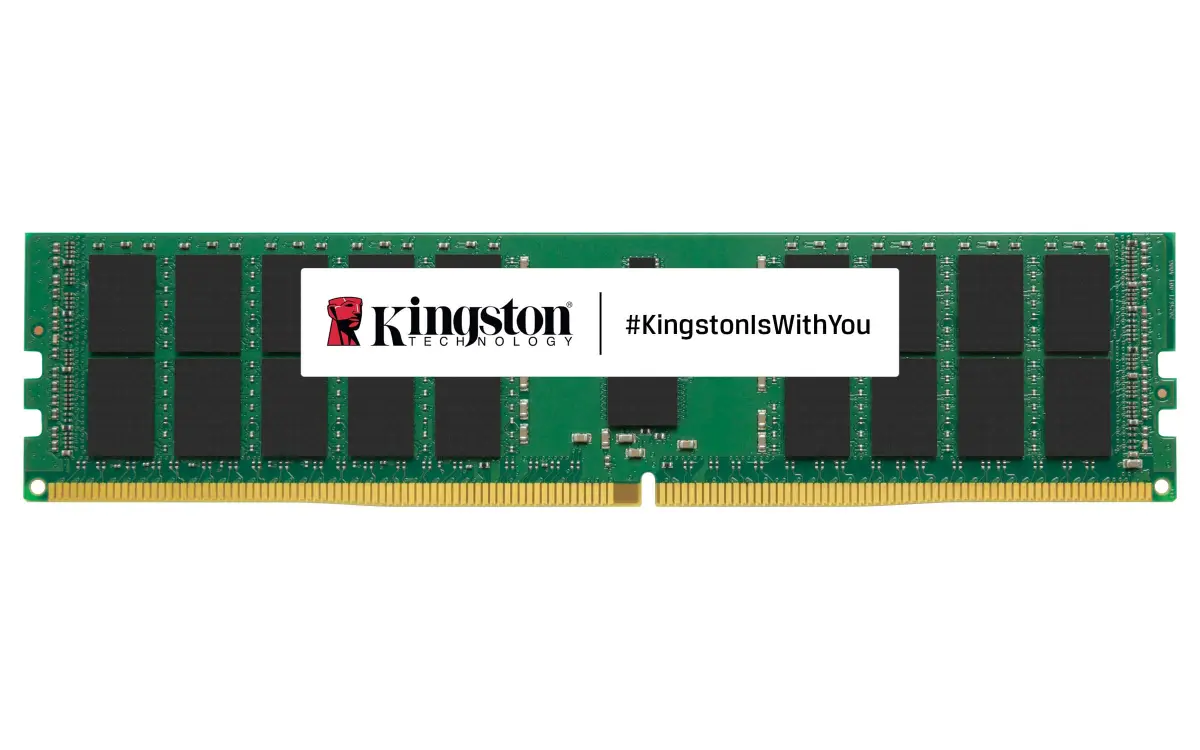
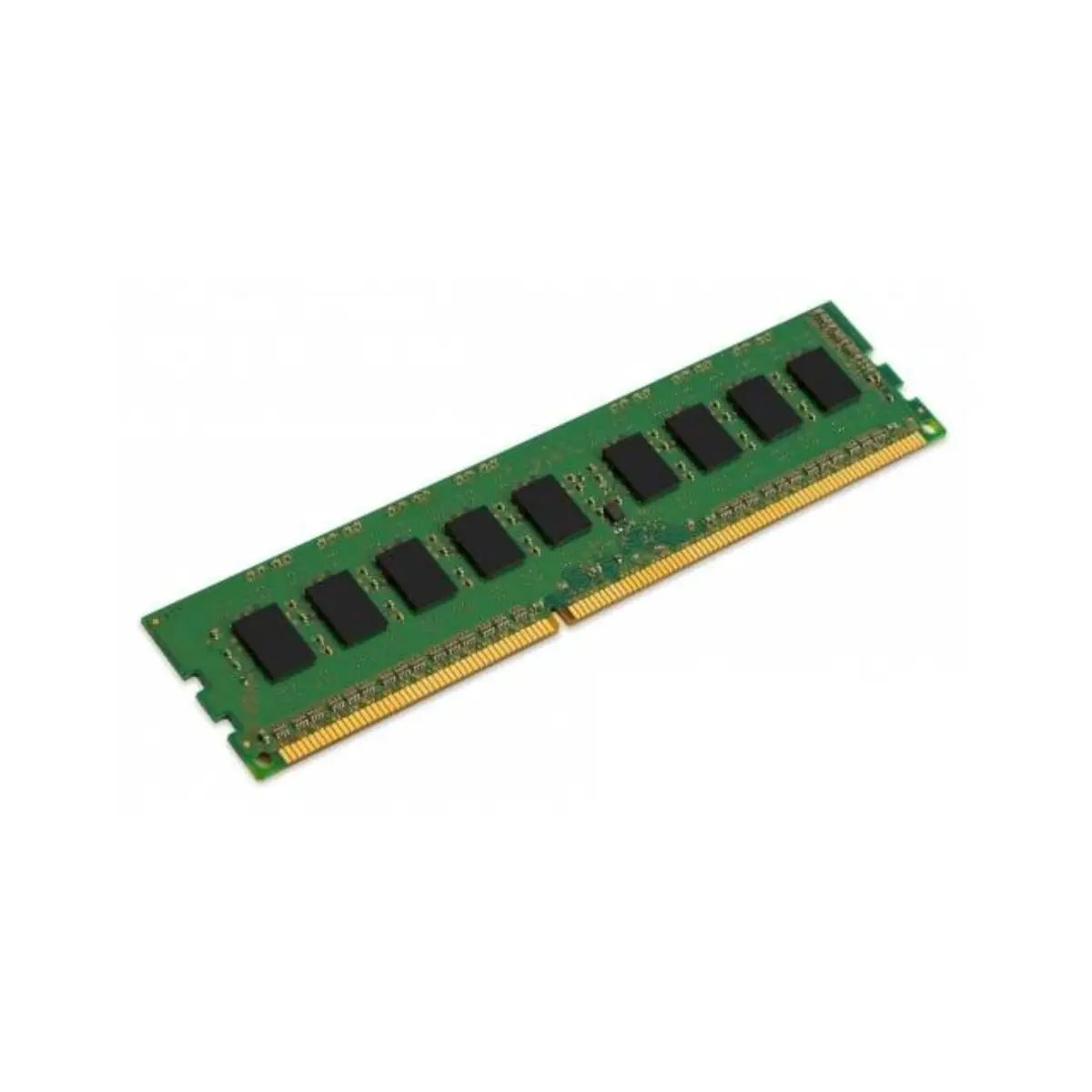
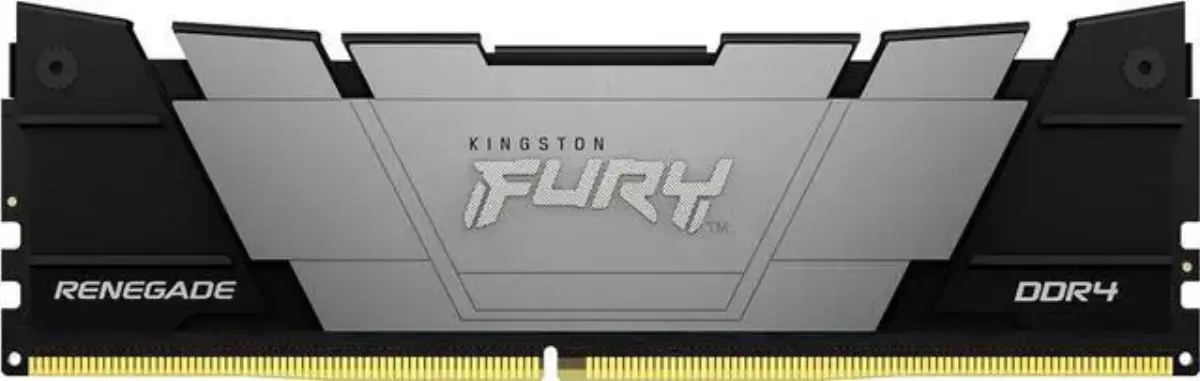
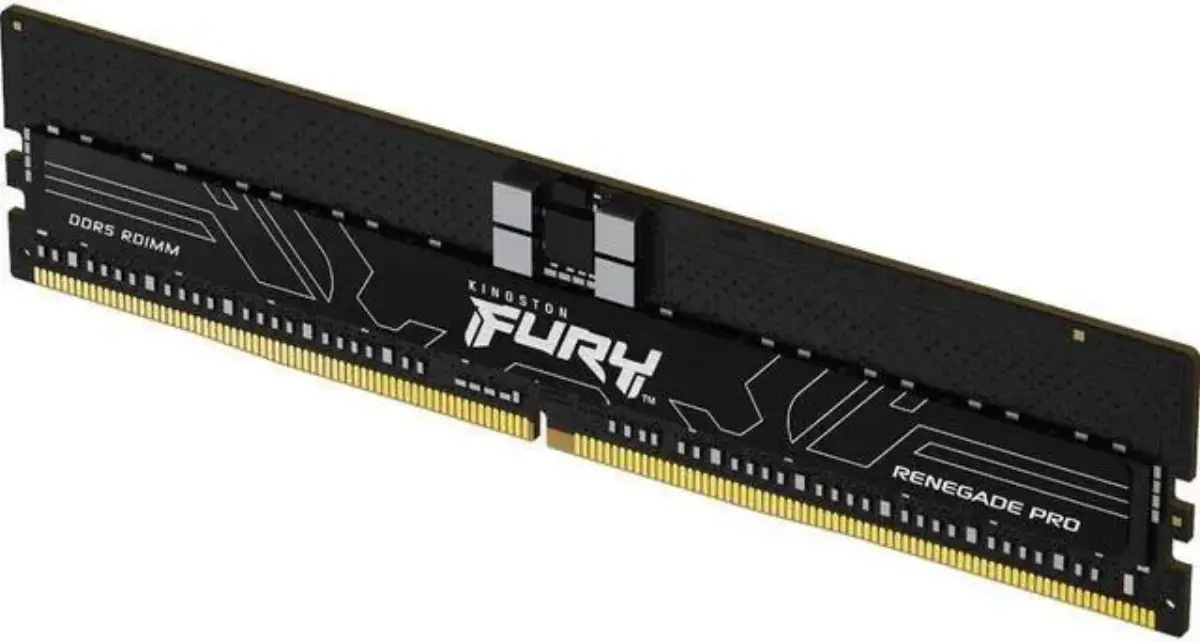
Servers are the exception to the rule of buying on price. Production servers should use ECC memory, which detects and corrects single-bit errors; Kingston has a clear explanation of ECC. Server boards also split into registered (RDIMM) and unbuffered (UDIMM) modules, and you cannot mix them. Our range includes Kingston Server Premier DDR4 and DDR5 RDIMM and UDIMM, plus Kingston FURY Renegade Pro RDIMM for workstations.
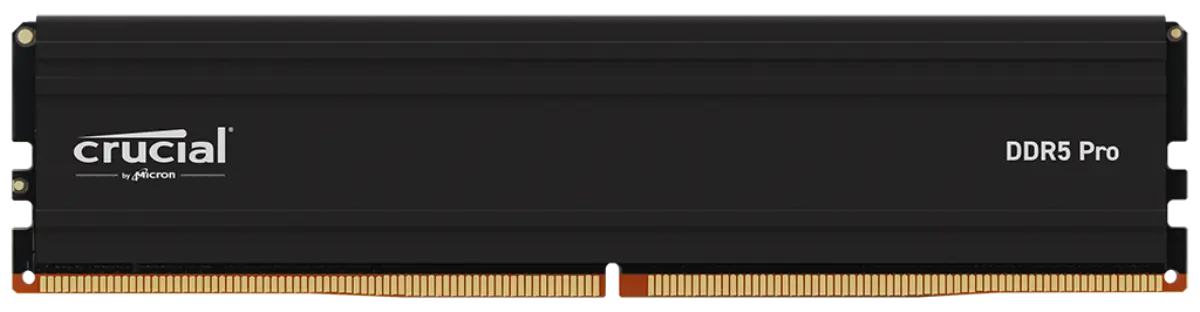
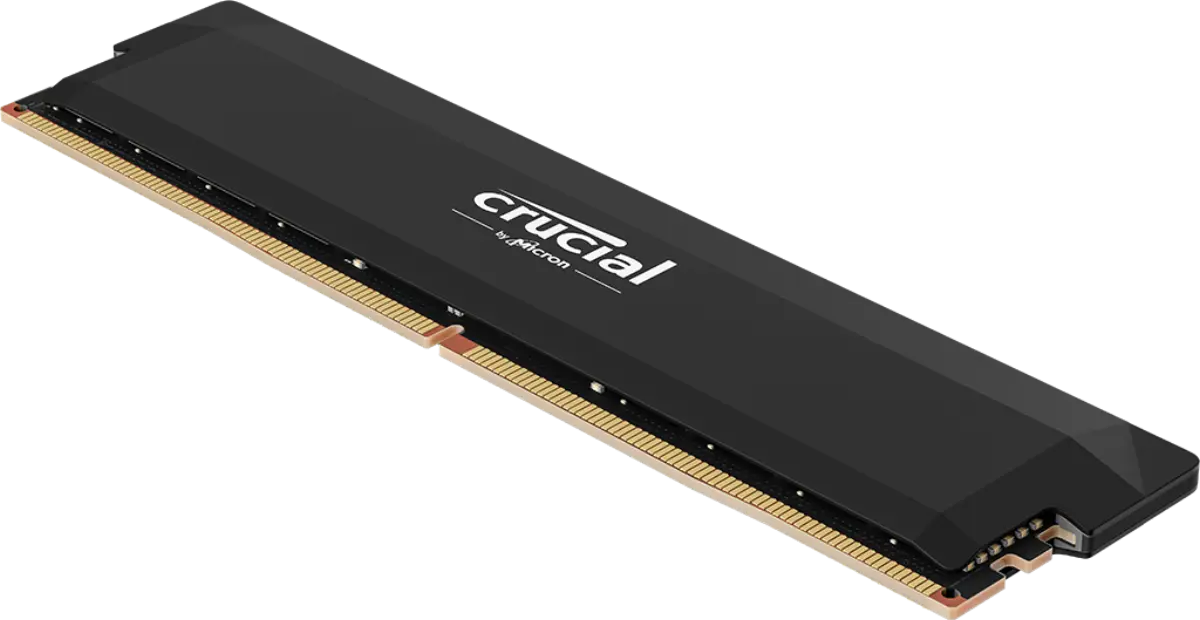
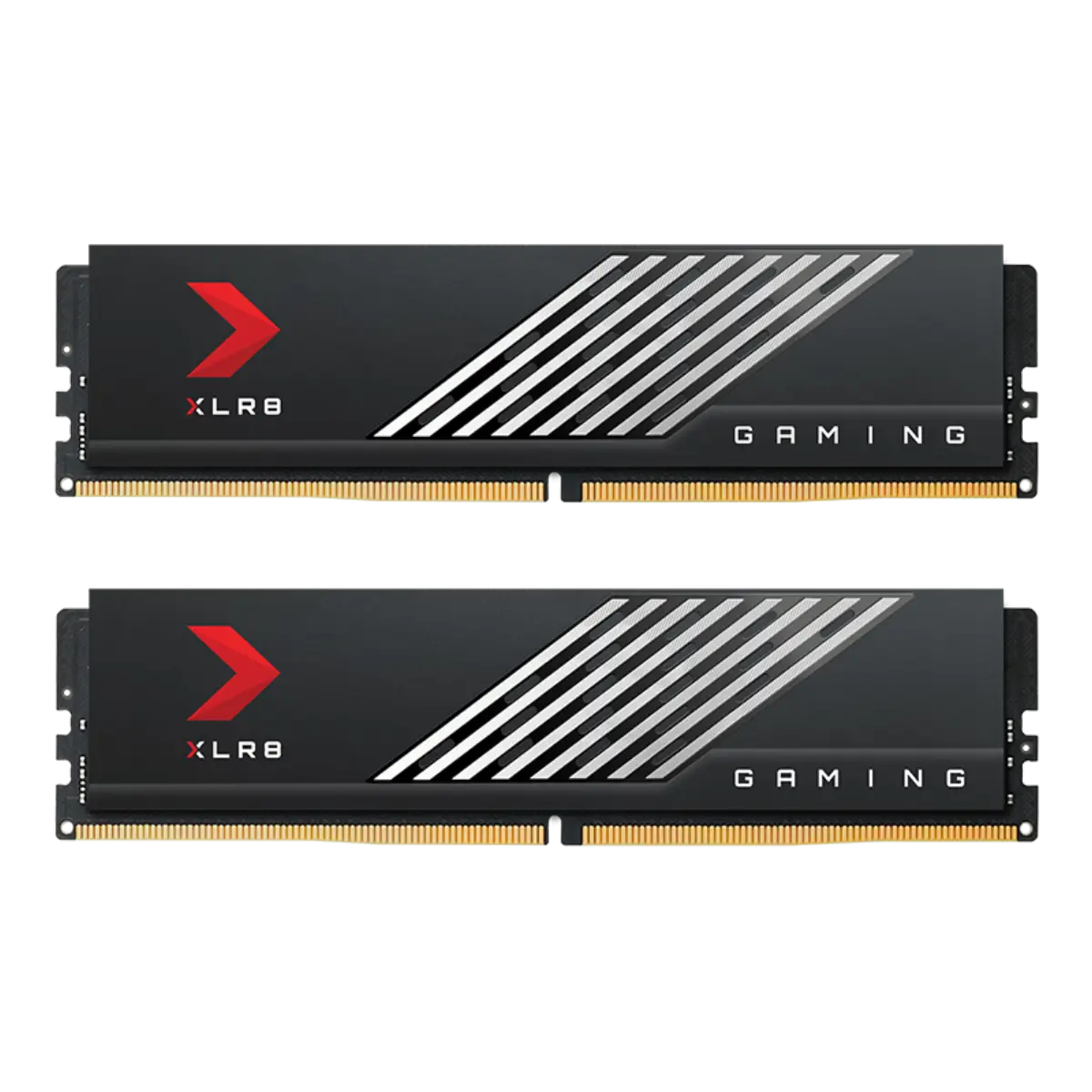
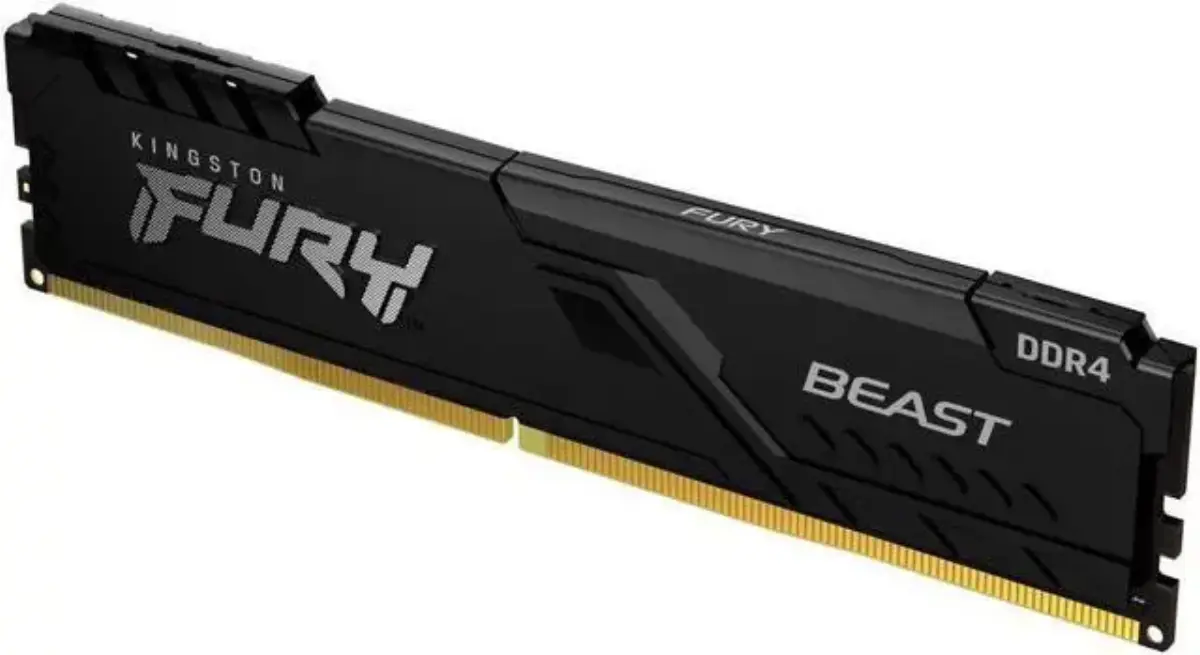
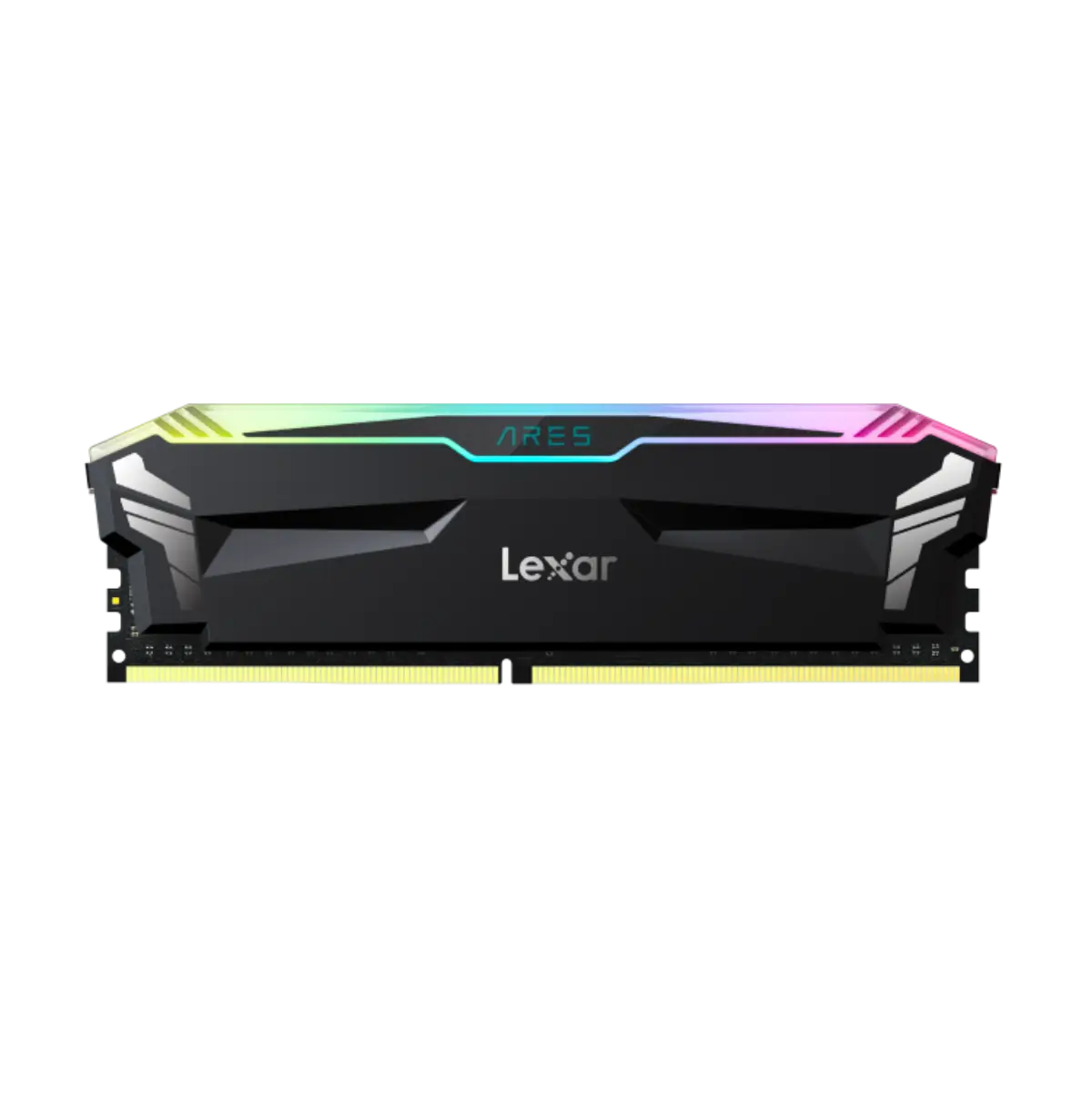
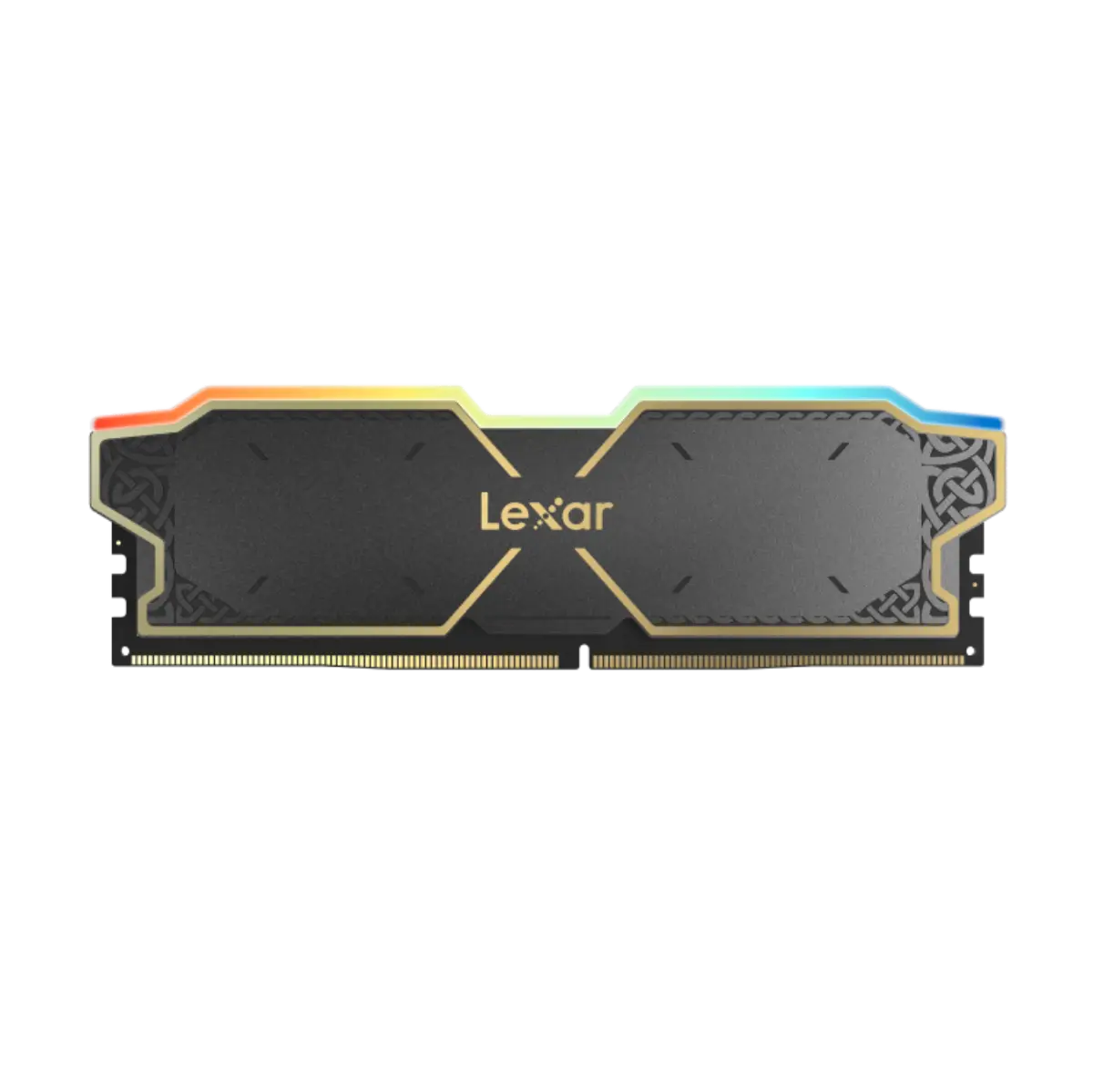
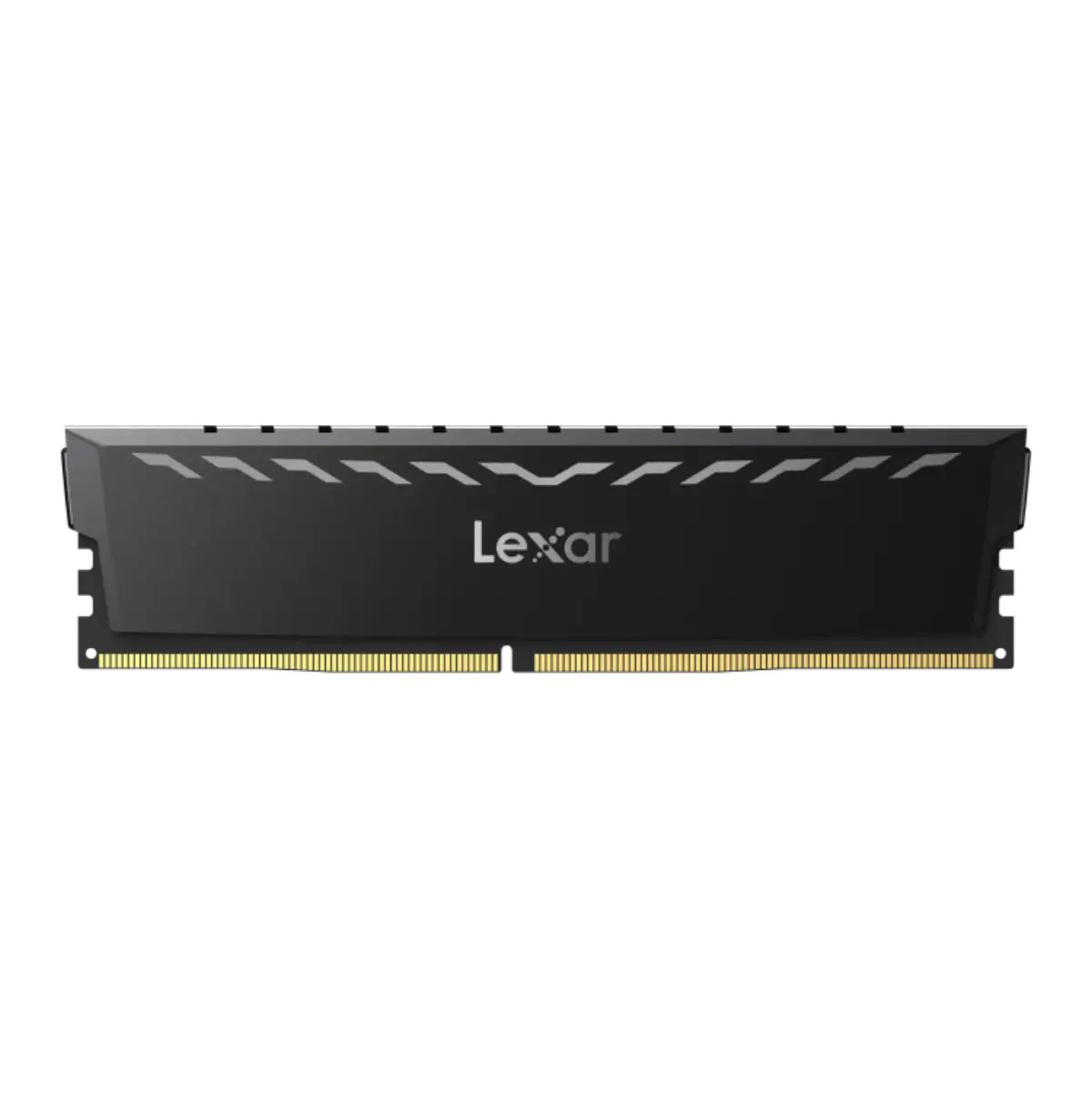
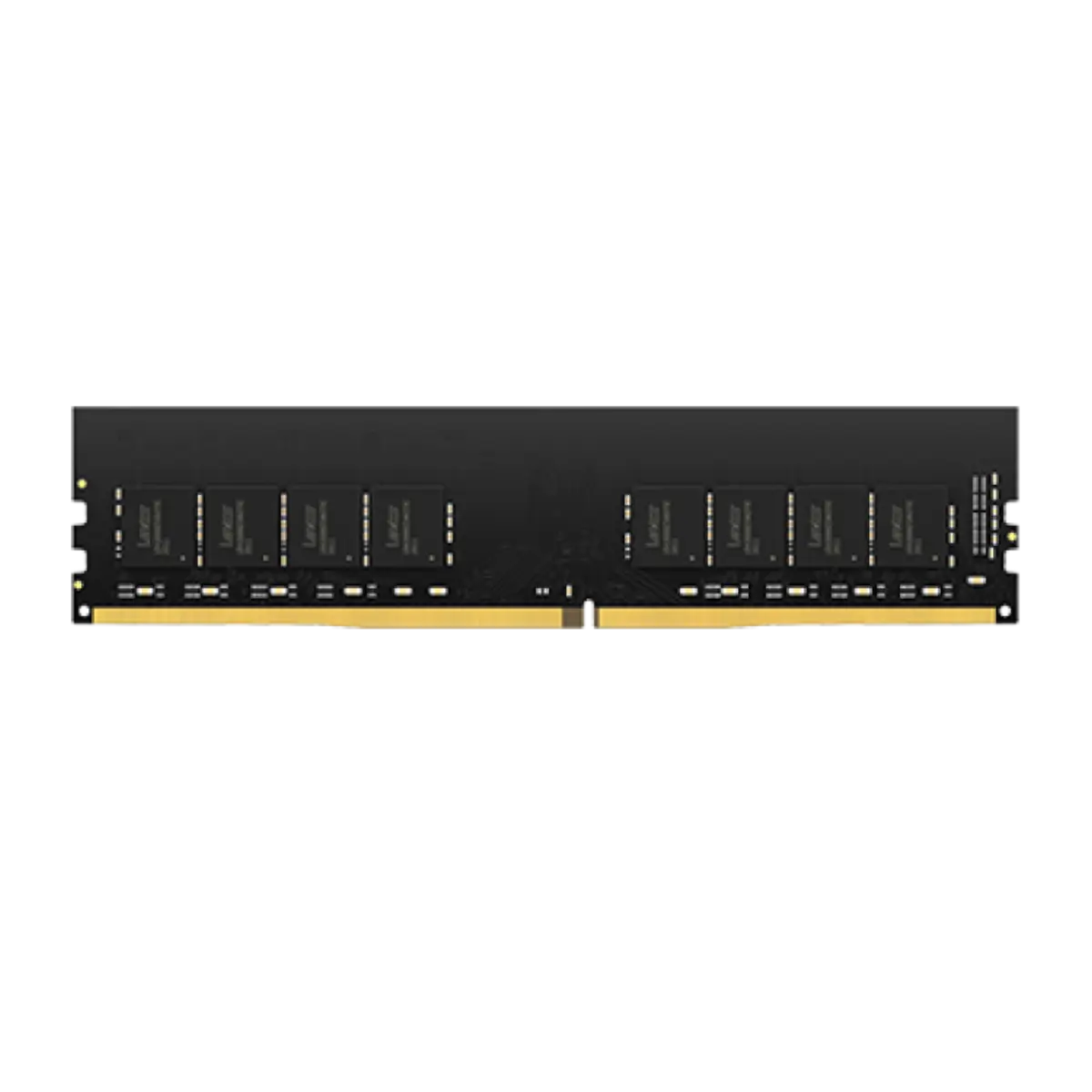
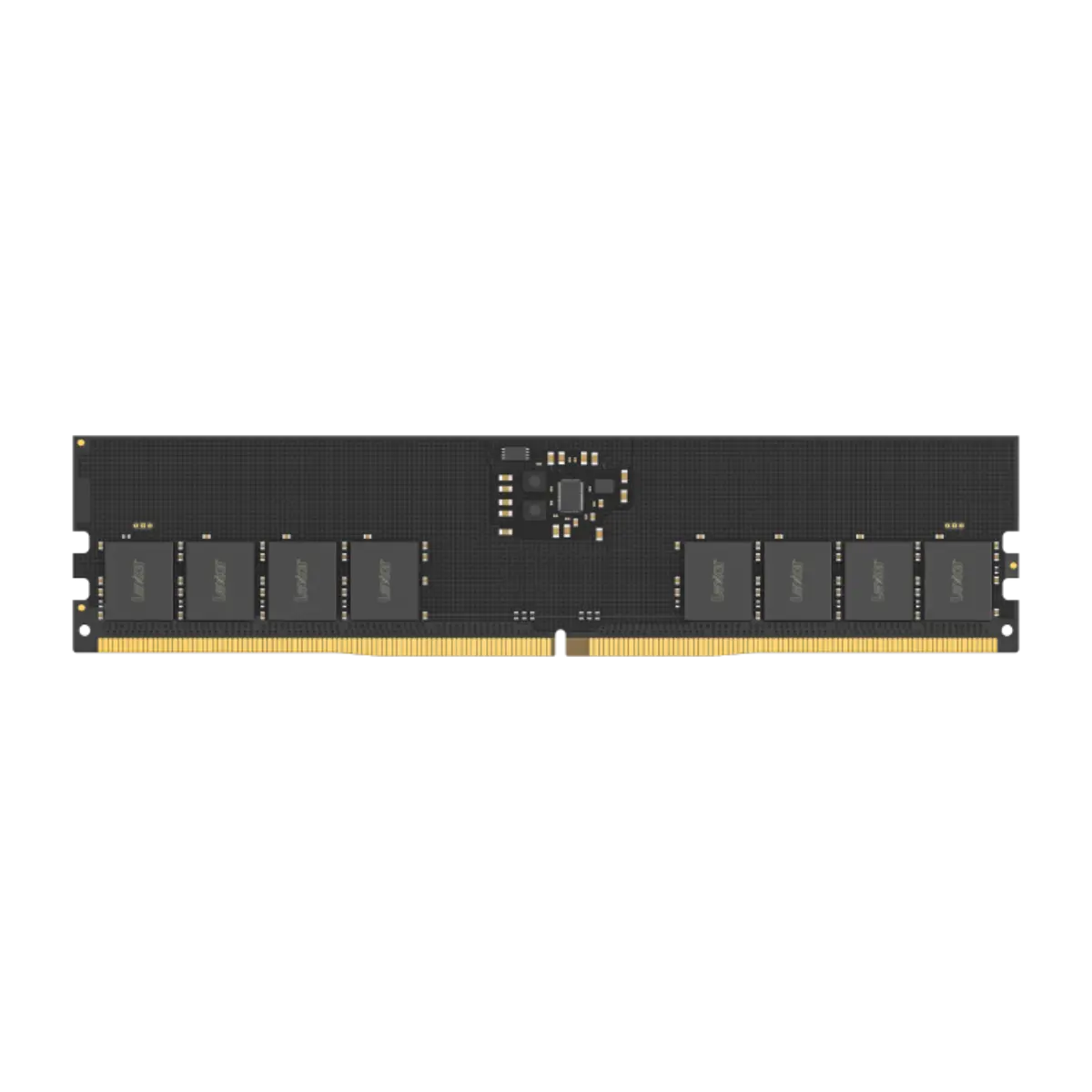
For PCs, Kingston FURY Beast and Renegade, Crucial Pro DDR5, PNY XLR8 and Lexar THOR cover gaming and workstation builds, and Kingston ValueRAM and Crucial SO-DIMM cover business desktops and laptops. Buy kits of two matched modules for dual-channel speed, and match the speed to what the platform supports, because faster memory simply runs slower. Our Kingston RAM page lists the full Kingston range, and Crucial and Lexar have their own pages.
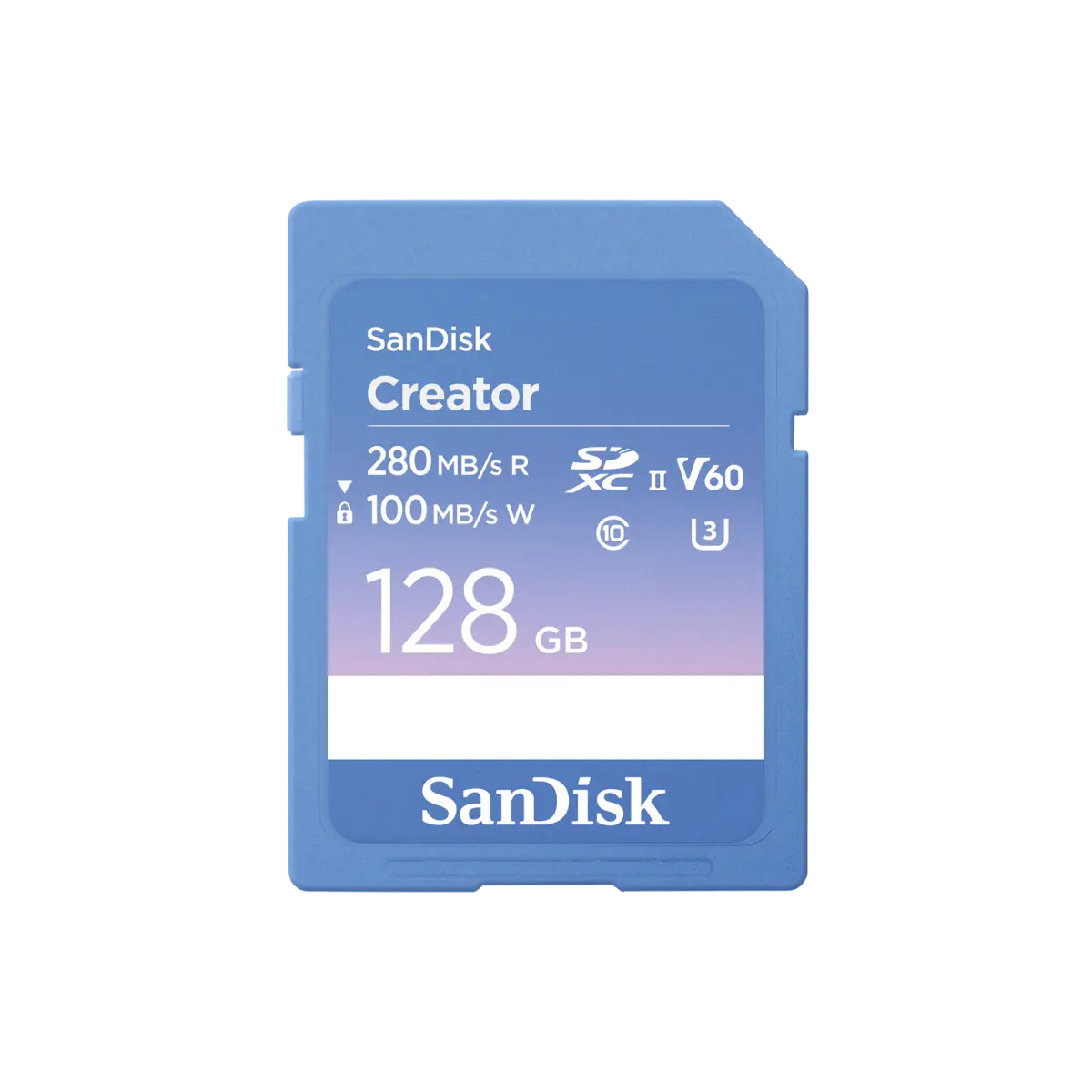
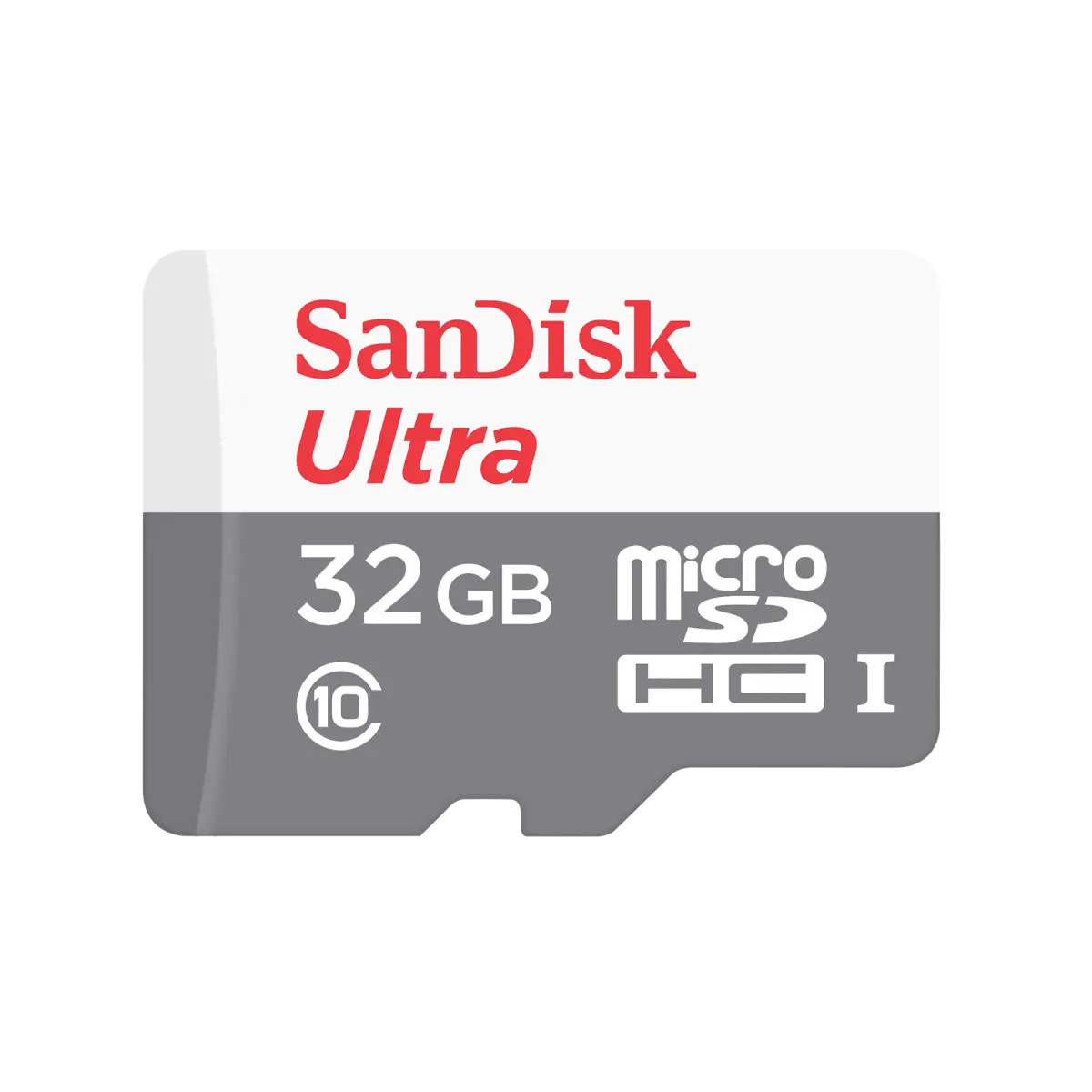
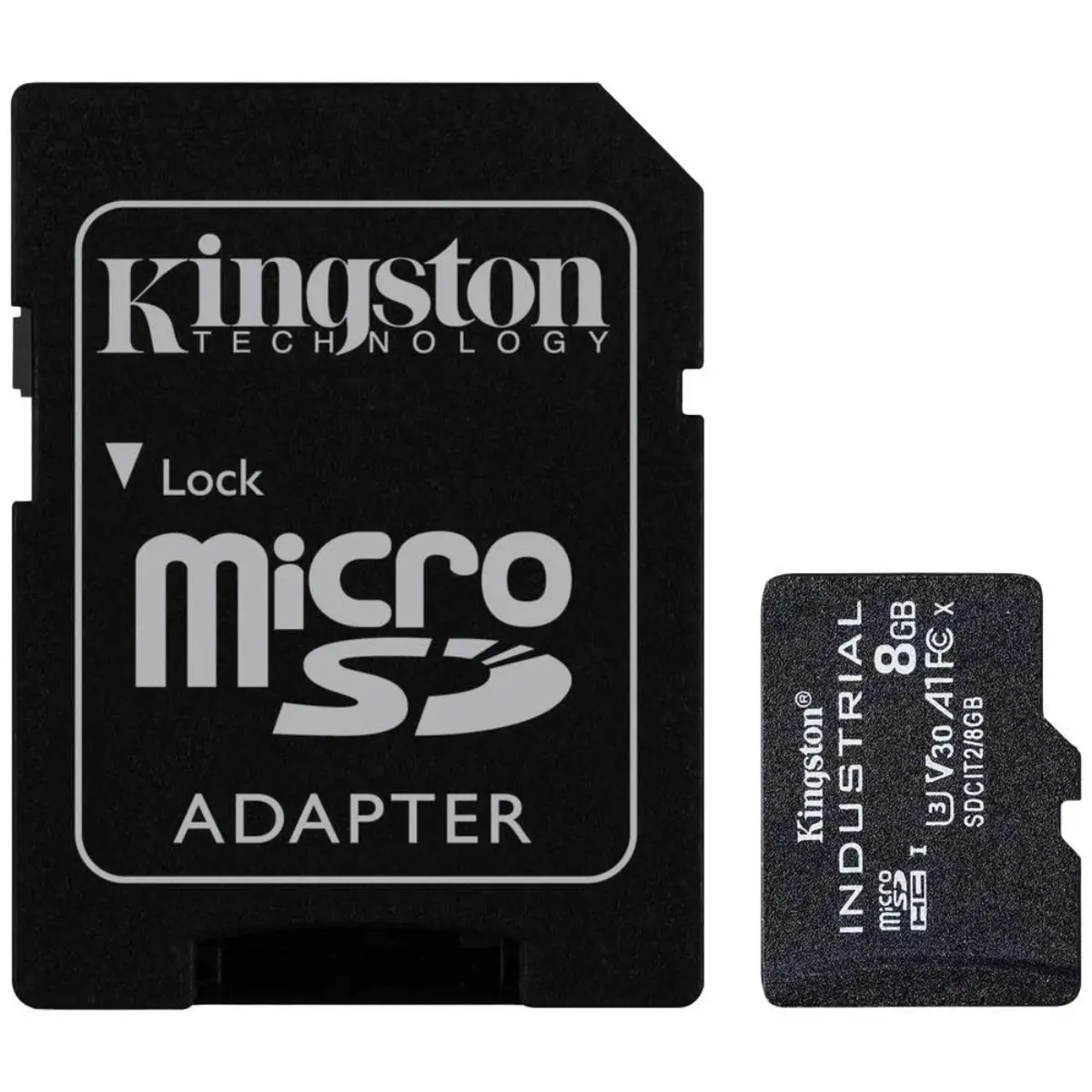
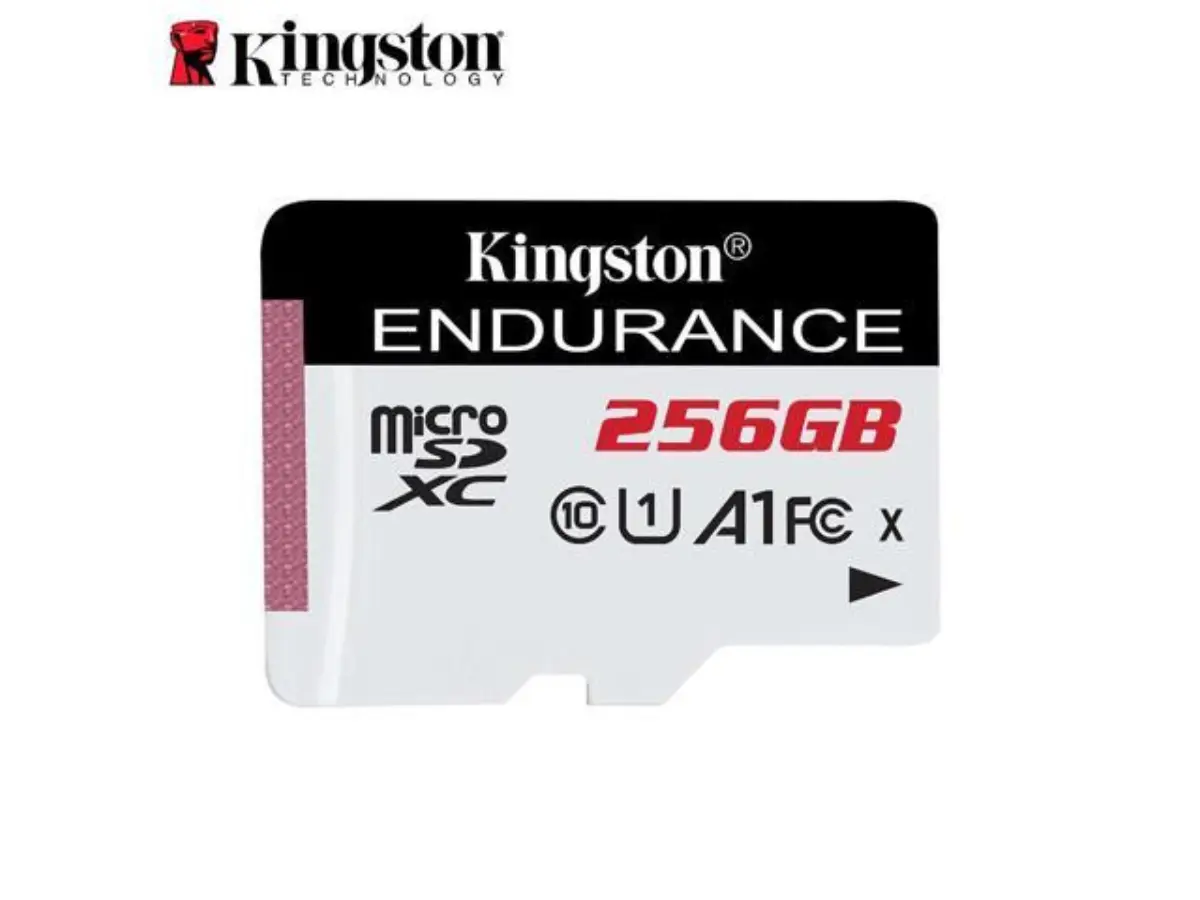
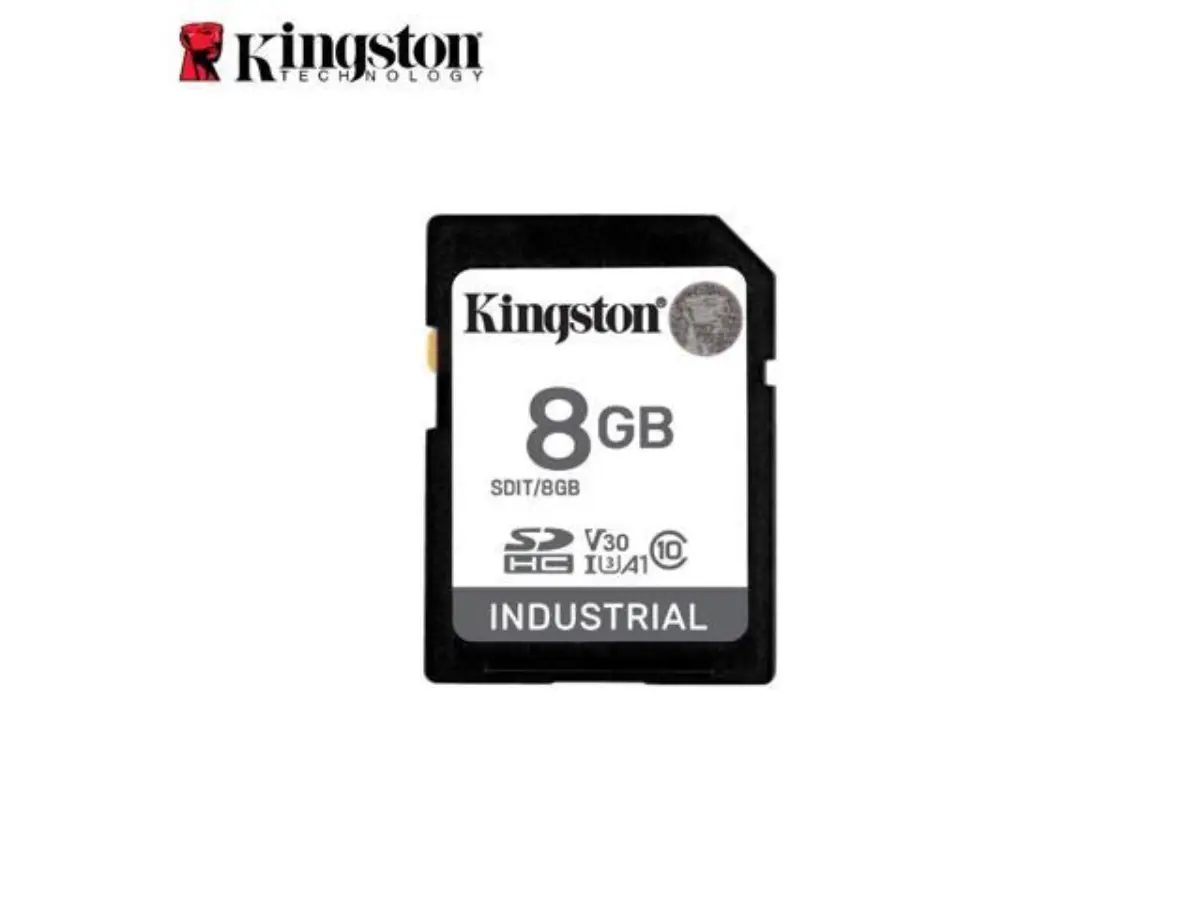
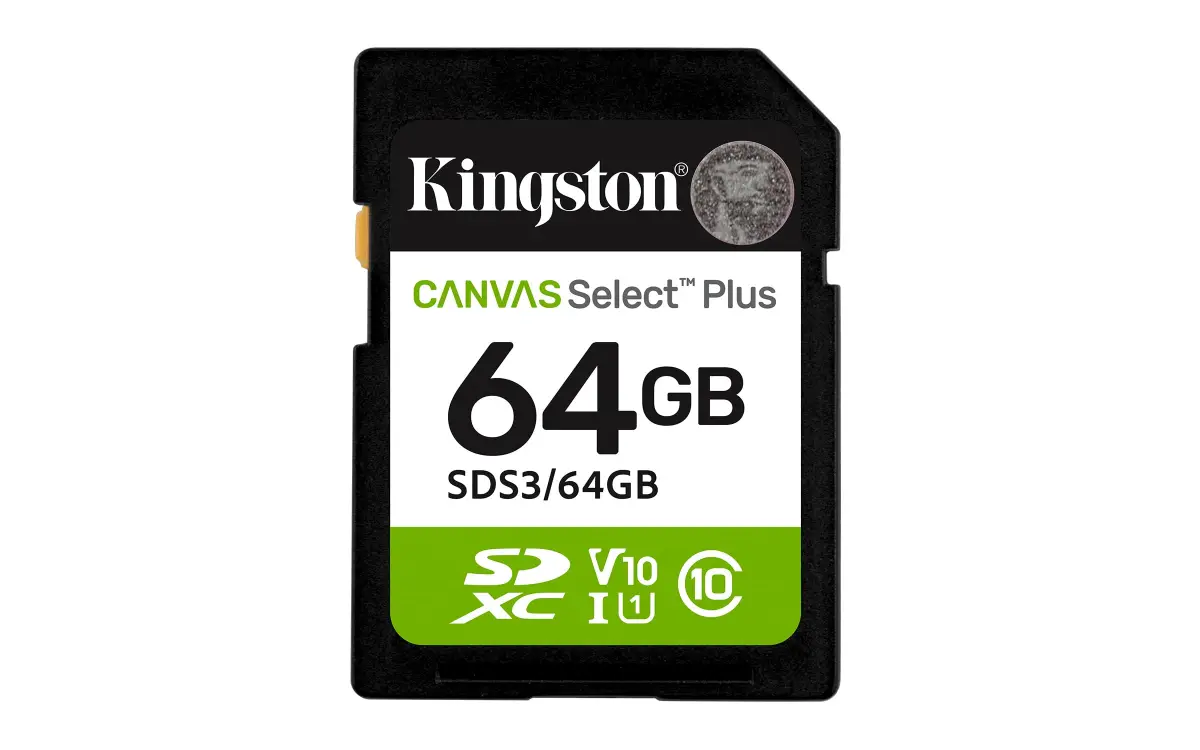
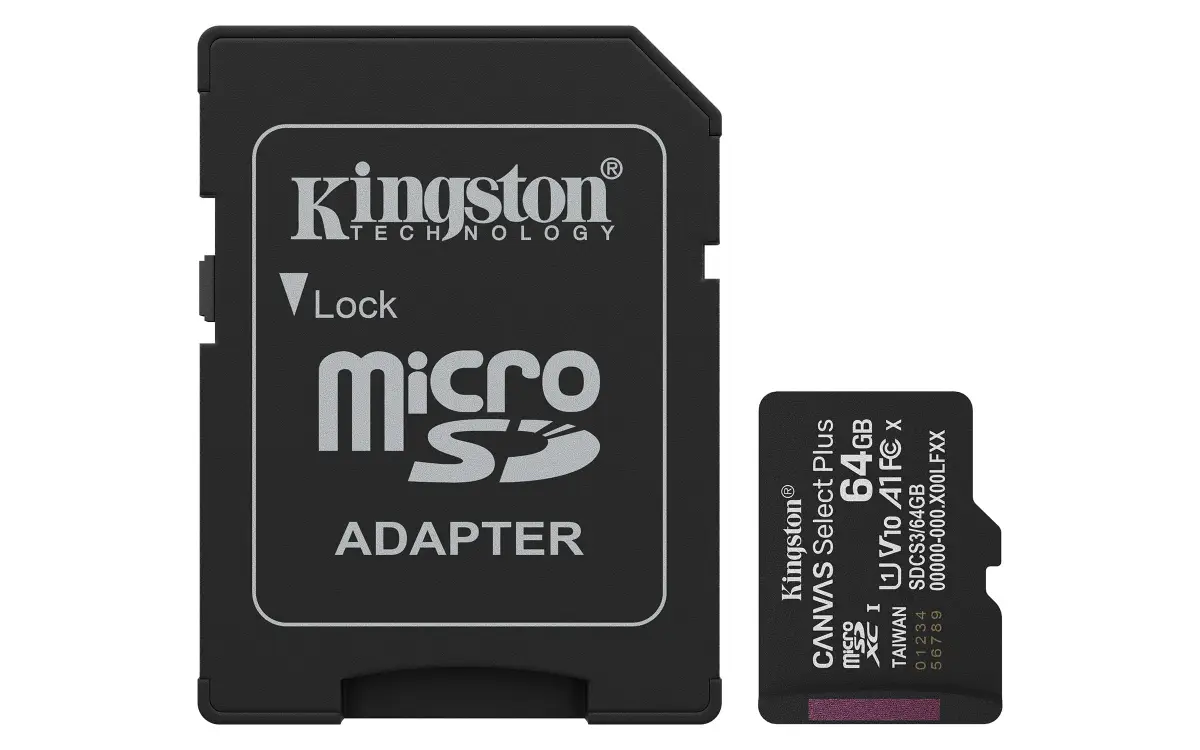
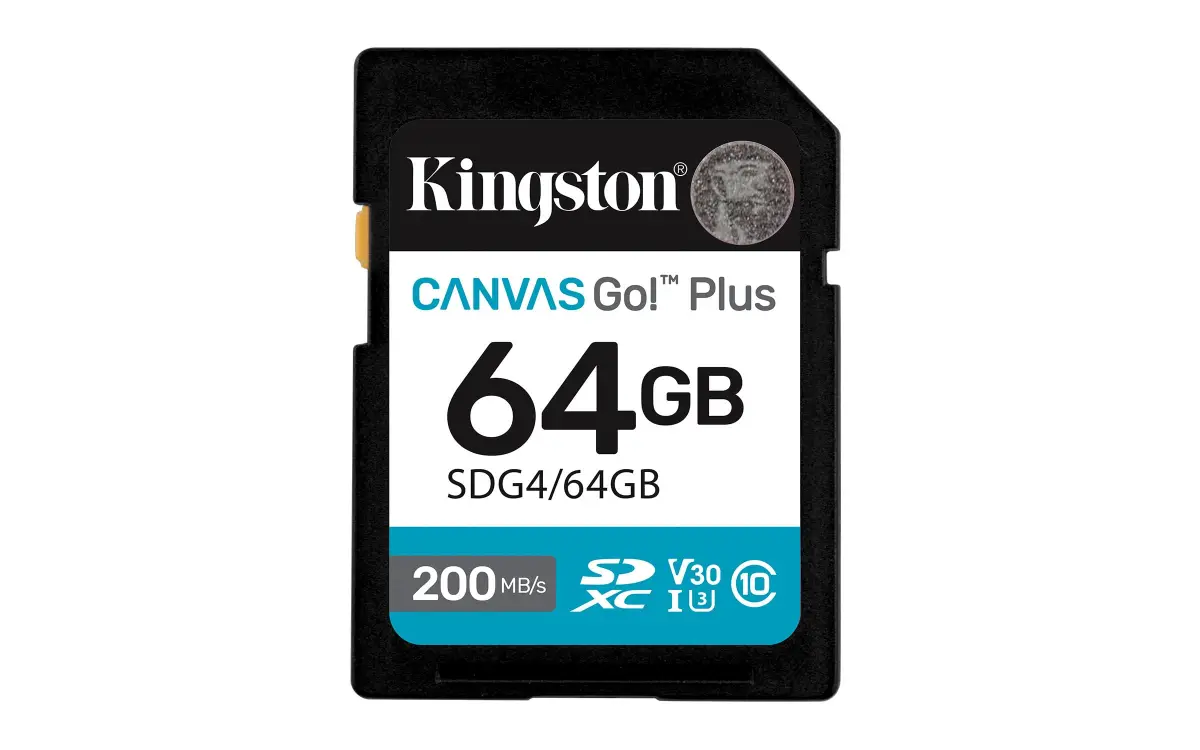
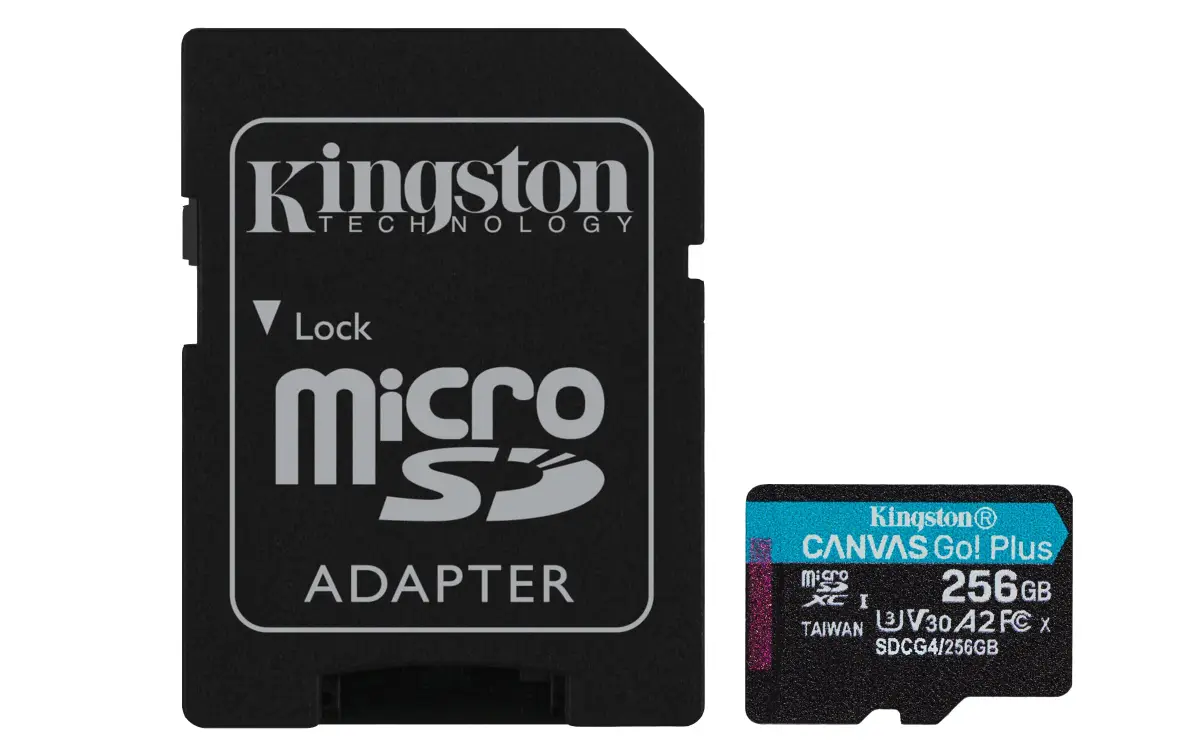
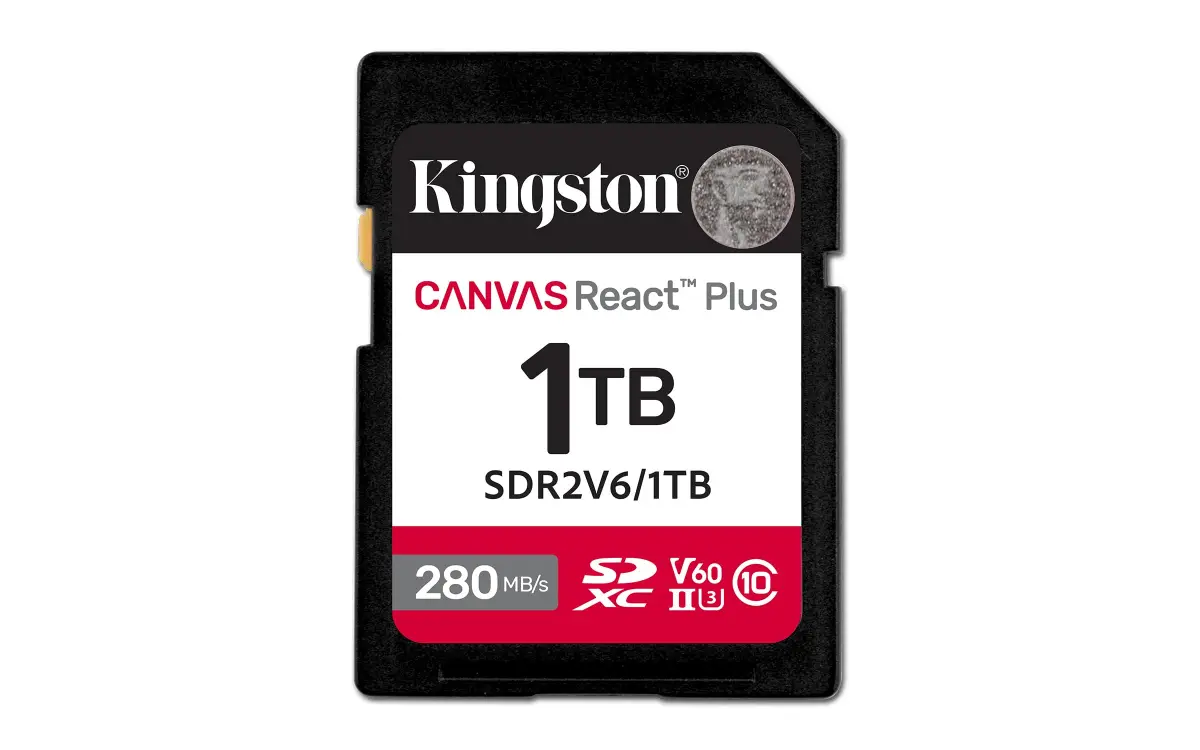
A NAS often gains the most from a memory upgrade. Extra RAM helps with snapshots, containers and virtual machines, and Synology and QNAP both sell upgrade modules; see our NAS page for the units. Camera memory cards are on the separate memory cards page, although a few Kingston SD and microSD lines also appear in this listing. We hold stock at our Bur Dubai office, and orders confirmed before 2pm are delivered the same day in Dubai.
Updated October 2026
Click any product for specs, use-case guidance, and a prefilled WhatsApp quote. Trade pricing on request — we don't publish public prices.
The factors that actually decide the spec — not the marketing matrix.
DDR4 and DDR5 do not mix. DIMM for desktops, SO-DIMM for laptops, mini PCs and most NAS units. Confirm what the machine accepts with the vendor's memory finder before ordering.
Production servers use ECC memory so single-bit errors are corrected instead of corrupting data. Match RDIMM or UDIMM to the board, and check the part number against the server vendor's list.
Buy two matched modules for dual-channel performance. Match the speed to what the CPU and board support, because faster memory is clocked down to the platform limit.
Add RAM to a NAS for snapshots, containers and virtual machines. Use modules the NAS vendor lists for the model, and note that some models need ECC.
Questions that actually come up on quotes. If yours isn't here, WhatsApp us or send the form.
Check the memory type (DDR4 or DDR5), the form factor (DIMM or SO-DIMM) and the maximum capacity in the manual, or use a memory finder such as Kingston's. Send us the machine model and we confirm the part number before quoting.
Only if the board supports it, because the two are not interchangeable. For a new build on a DDR5 platform, buy DDR5. For an existing DDR4 machine, add DDR4 rather than replacing the board.
Yes, for production servers. ECC detects and corrects single-bit errors that would otherwise corrupt data. Match RDIMM or UDIMM to the board, and check the server vendor's supported list.
Entry NAS units run with the 2GB to 4GB they ship with. Offices with snapshots, backup jobs or containers do better at 8GB to 16GB, and virtual machines or ZFS snapshots on QNAP QuTS hero want more. Check the maximum for your model before buying.
It usually works if the type, speed and voltage match, and the system runs at the slowest module's speed. For best stability buy a matched kit. For a server, follow the vendor's supported memory list.
From our Bur Dubai office. See the Kingston RAM page for DDR4, DDR5, ValueRAM, FURY and Server Premier, then send the models and quantities for a price and stock position the same working day.
Yes. We list Synology DDR4 modules and QNAP modules for their NAS models. Send the NAS model and we confirm the compatible module and capacity.
Quote requests get a same-business-day reply with stock confirmation, trade pricing, and a delivery slot. After-hours calls land 24/7.
Reply within 4 business hours · Calls 24/7
Your basket is empty
Browse products and add items to build your quote request.