Skip to content
Fast storage

SSDs across the spec stack.

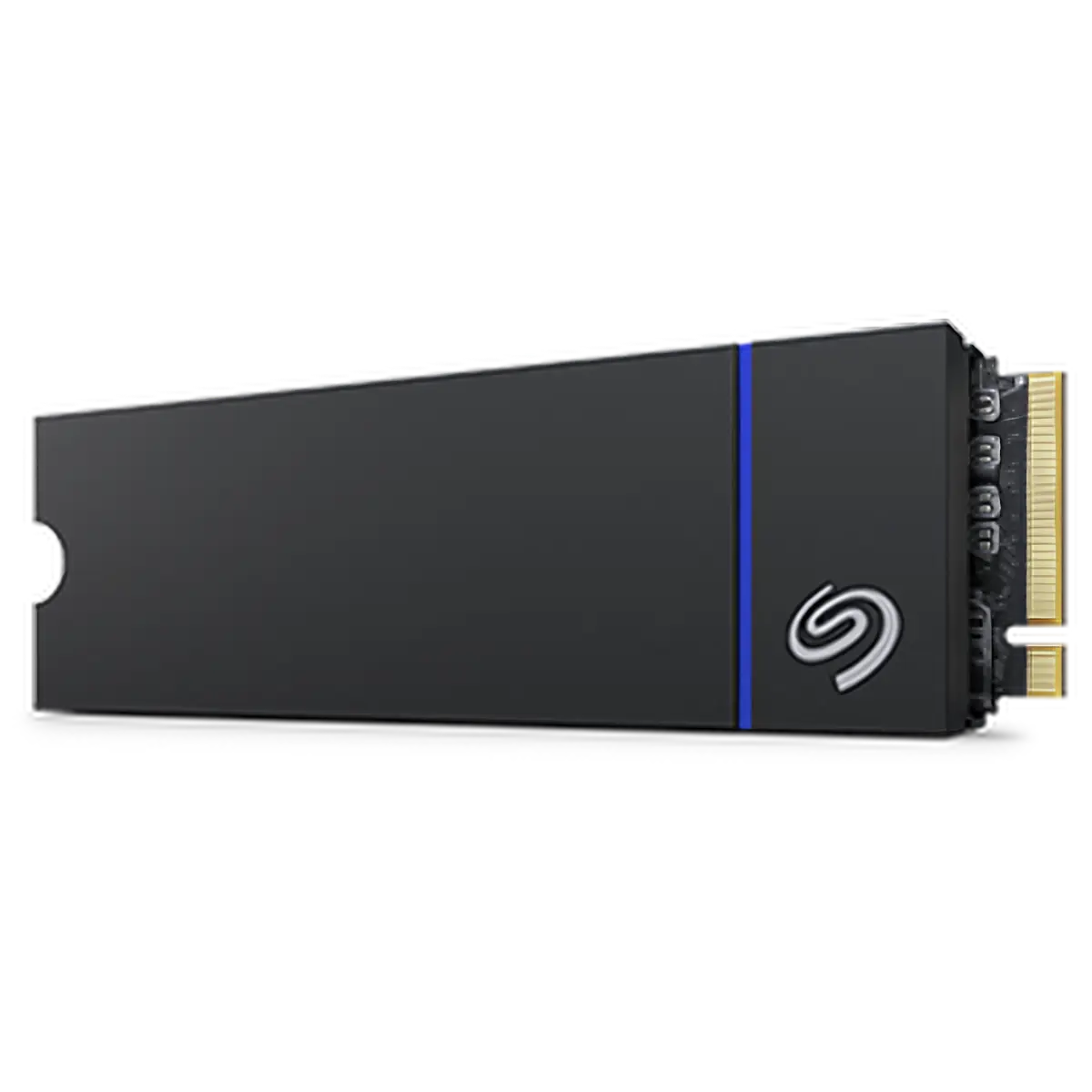
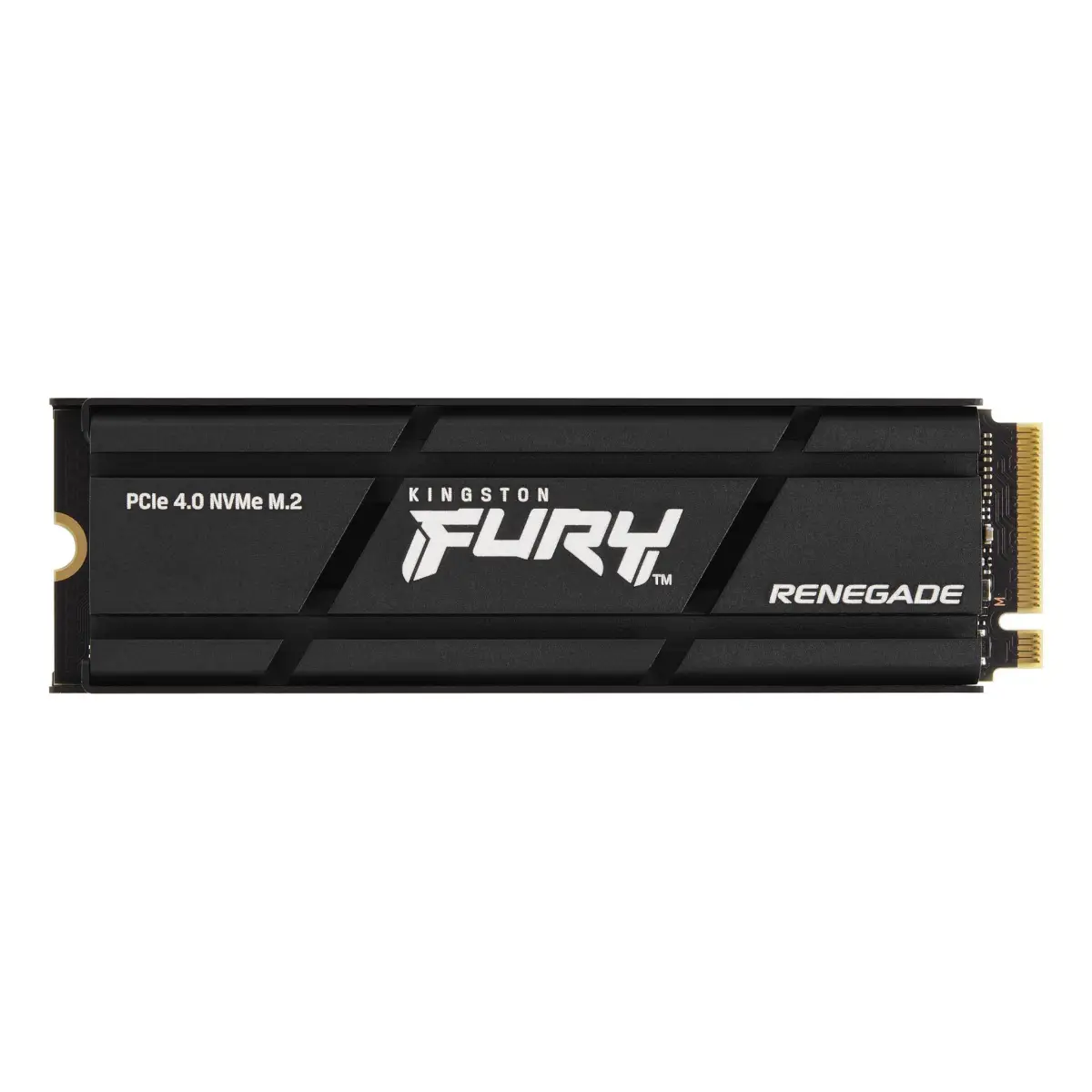
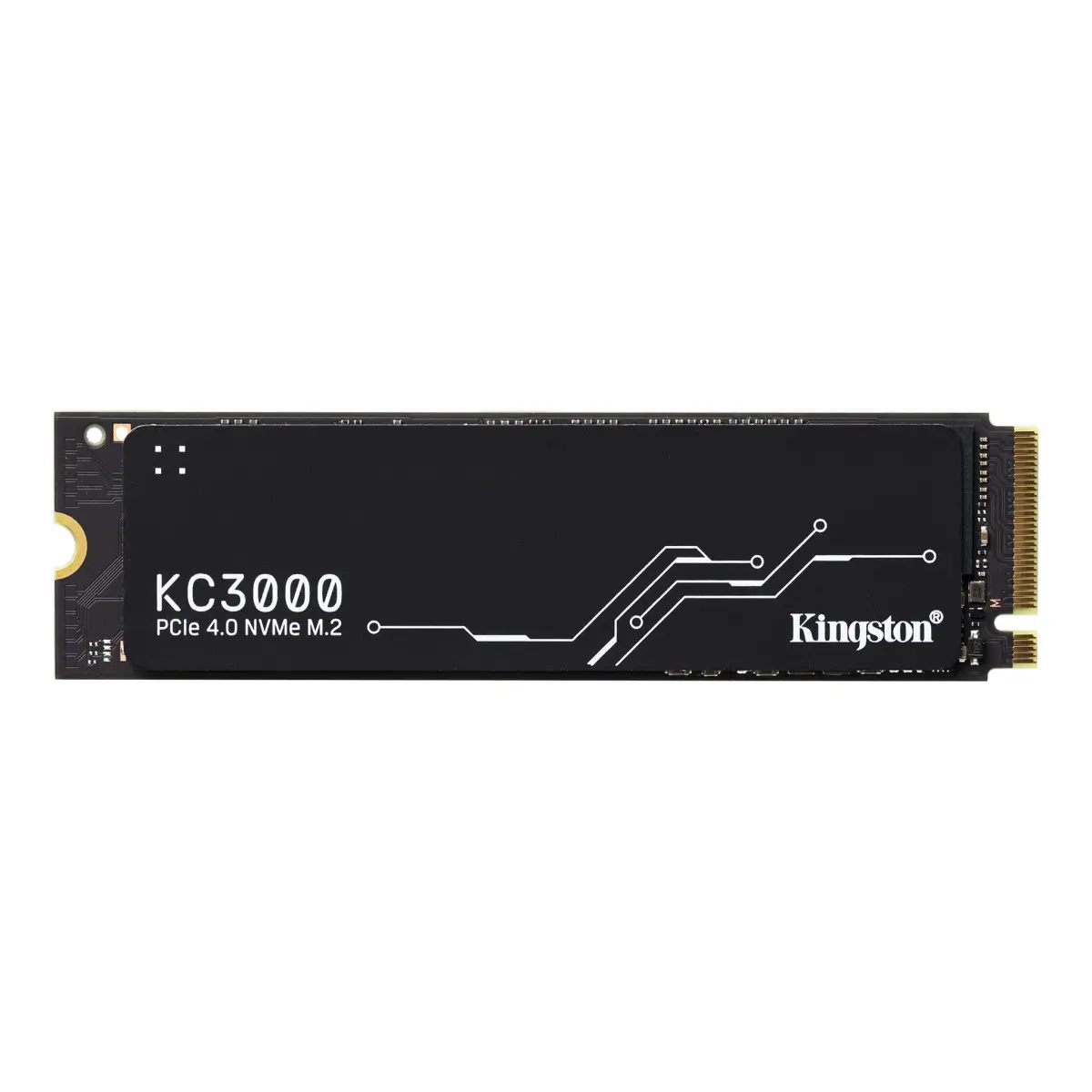
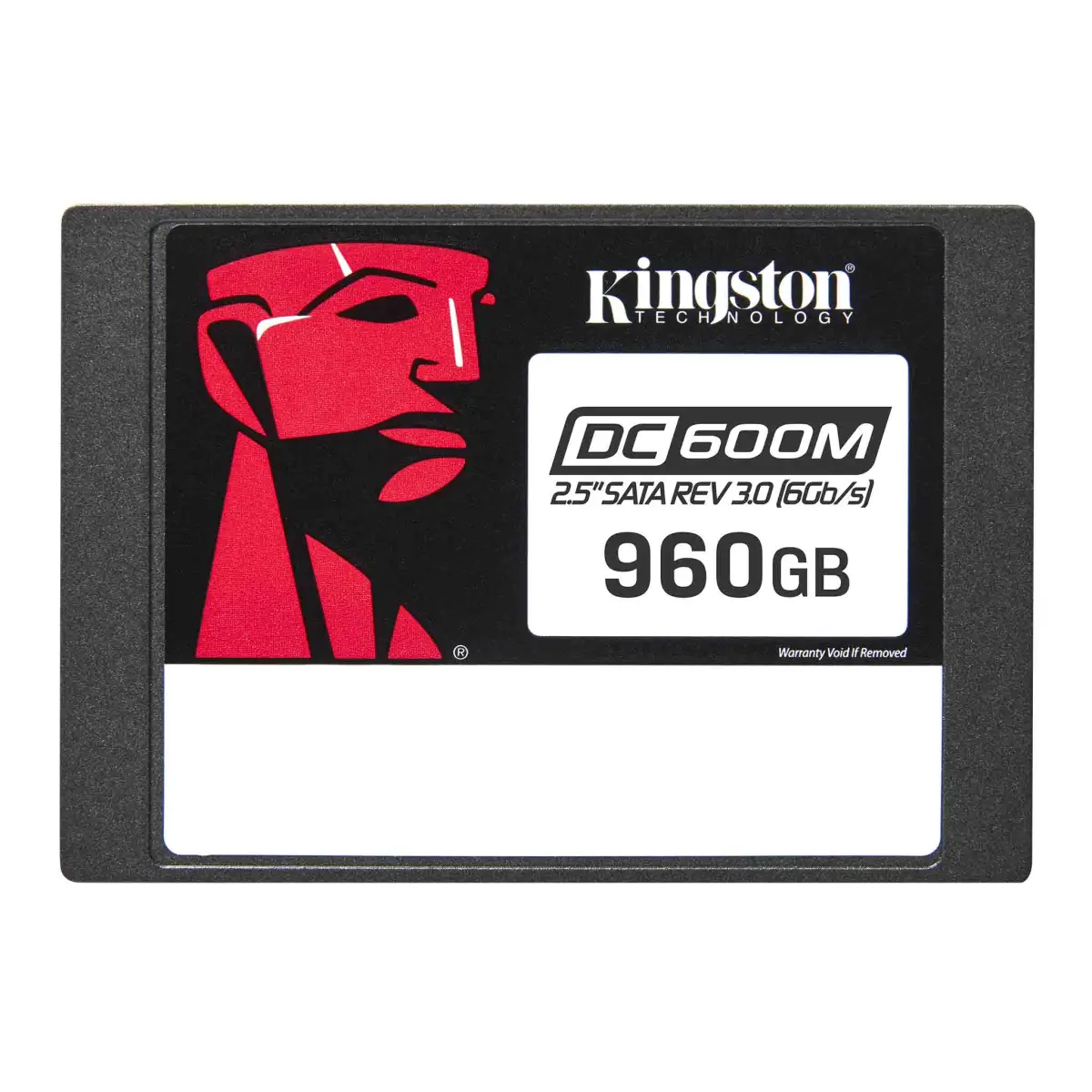
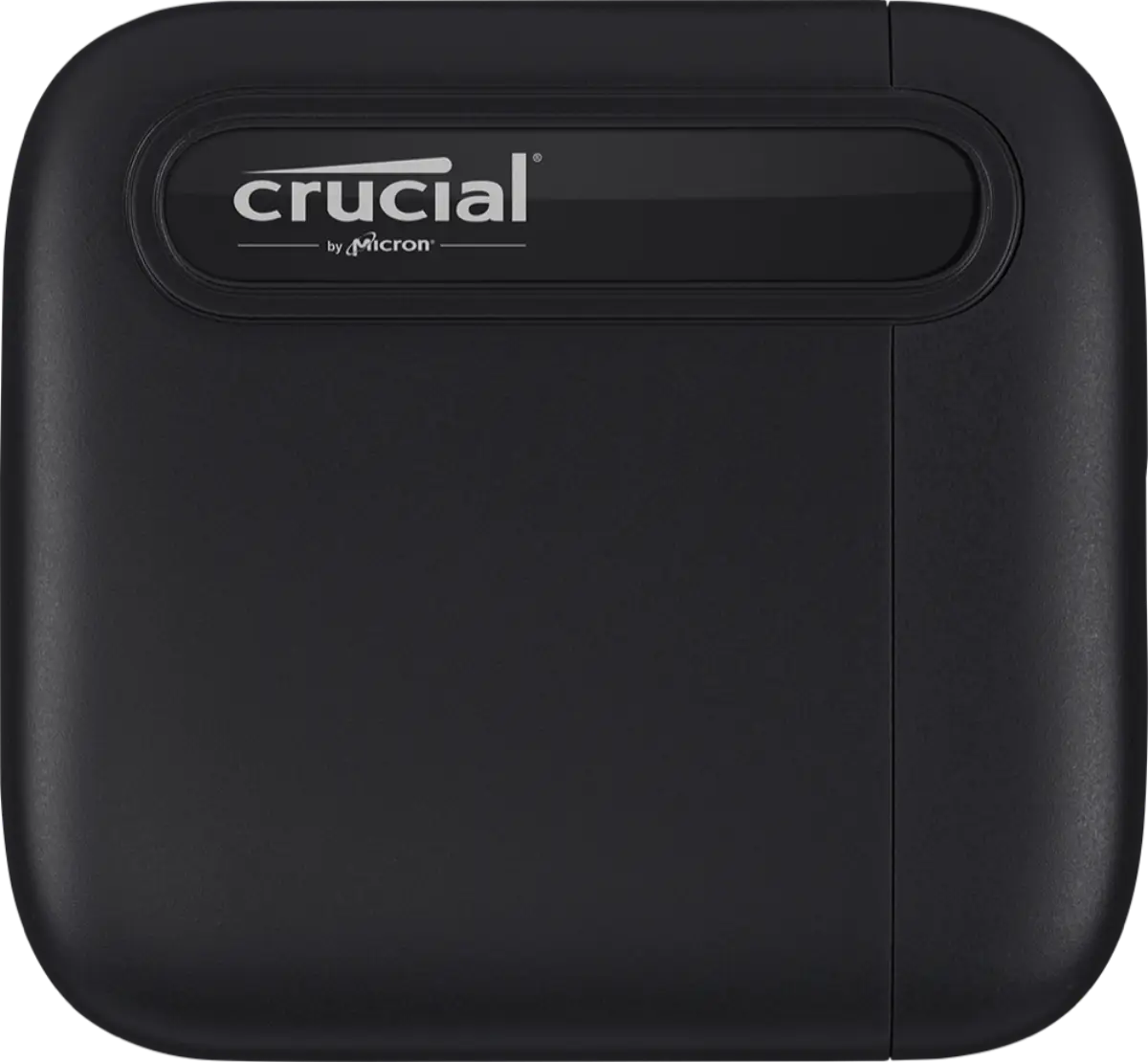
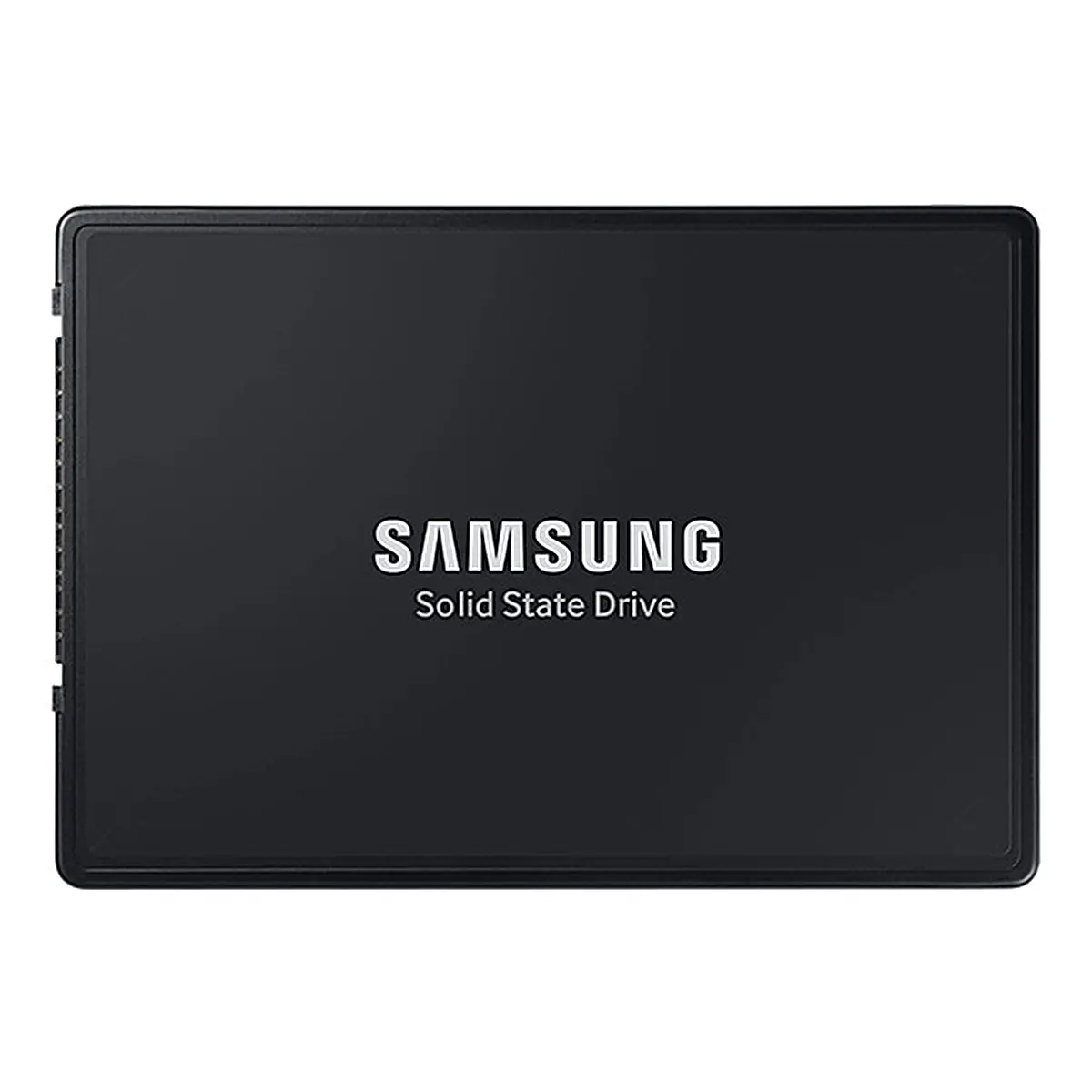
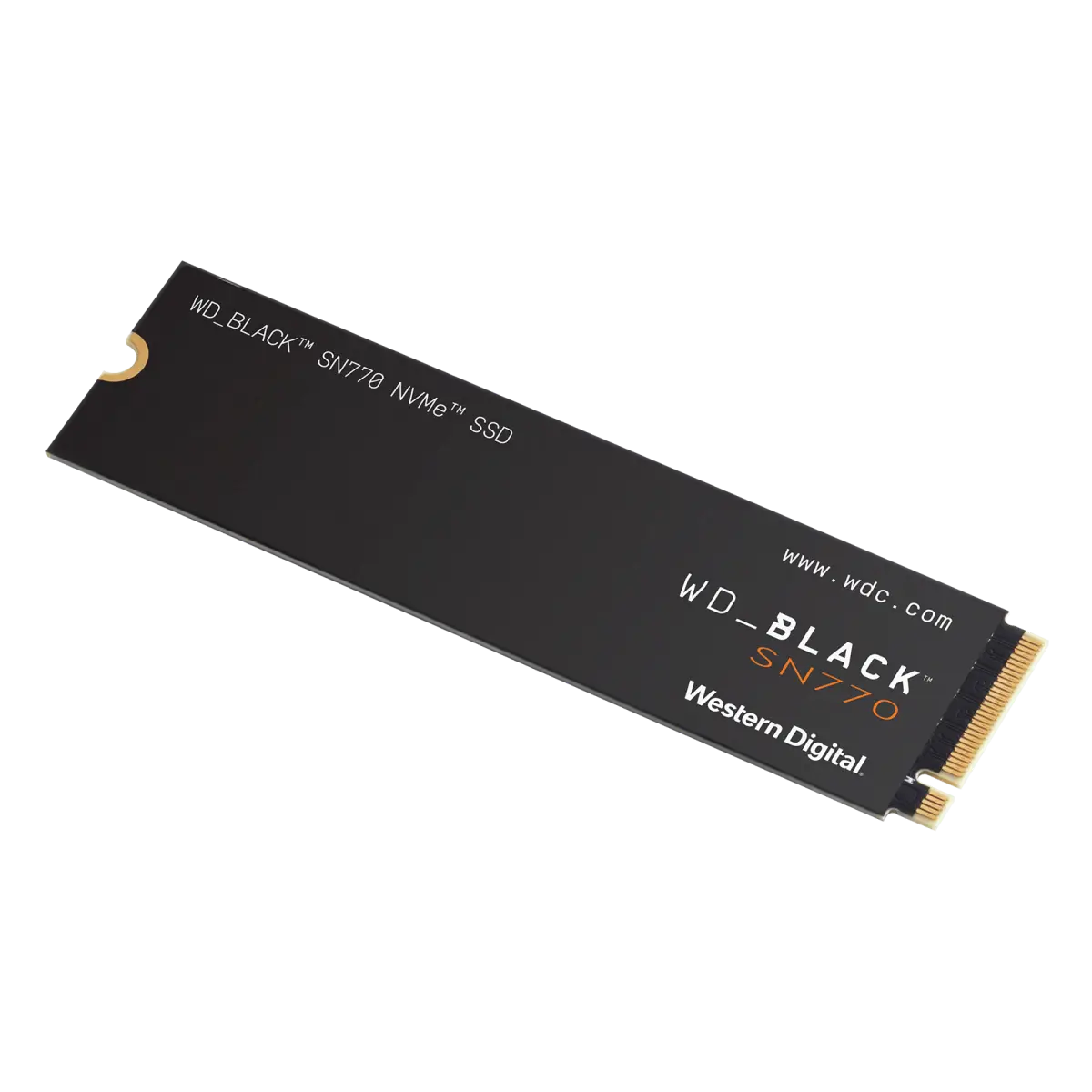
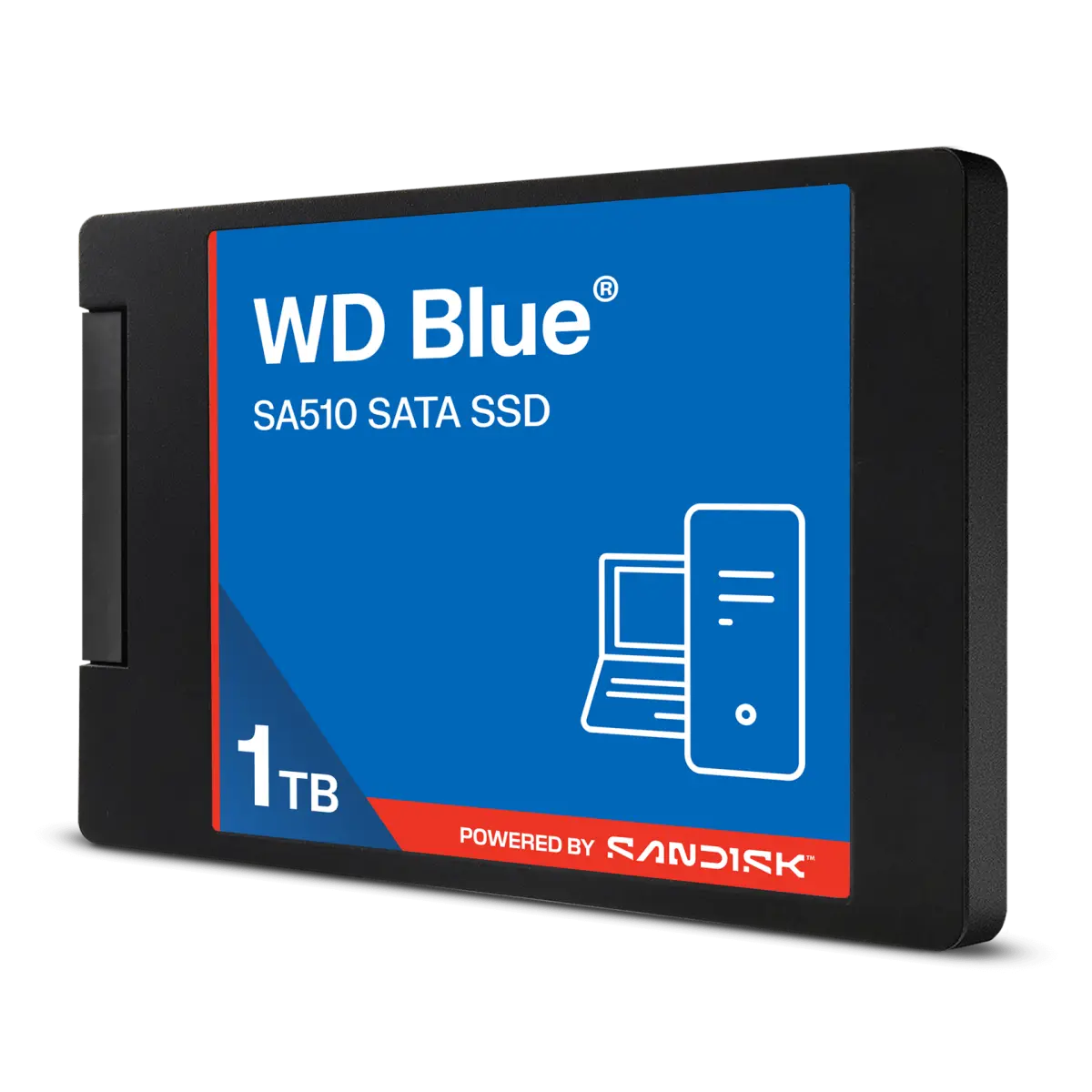
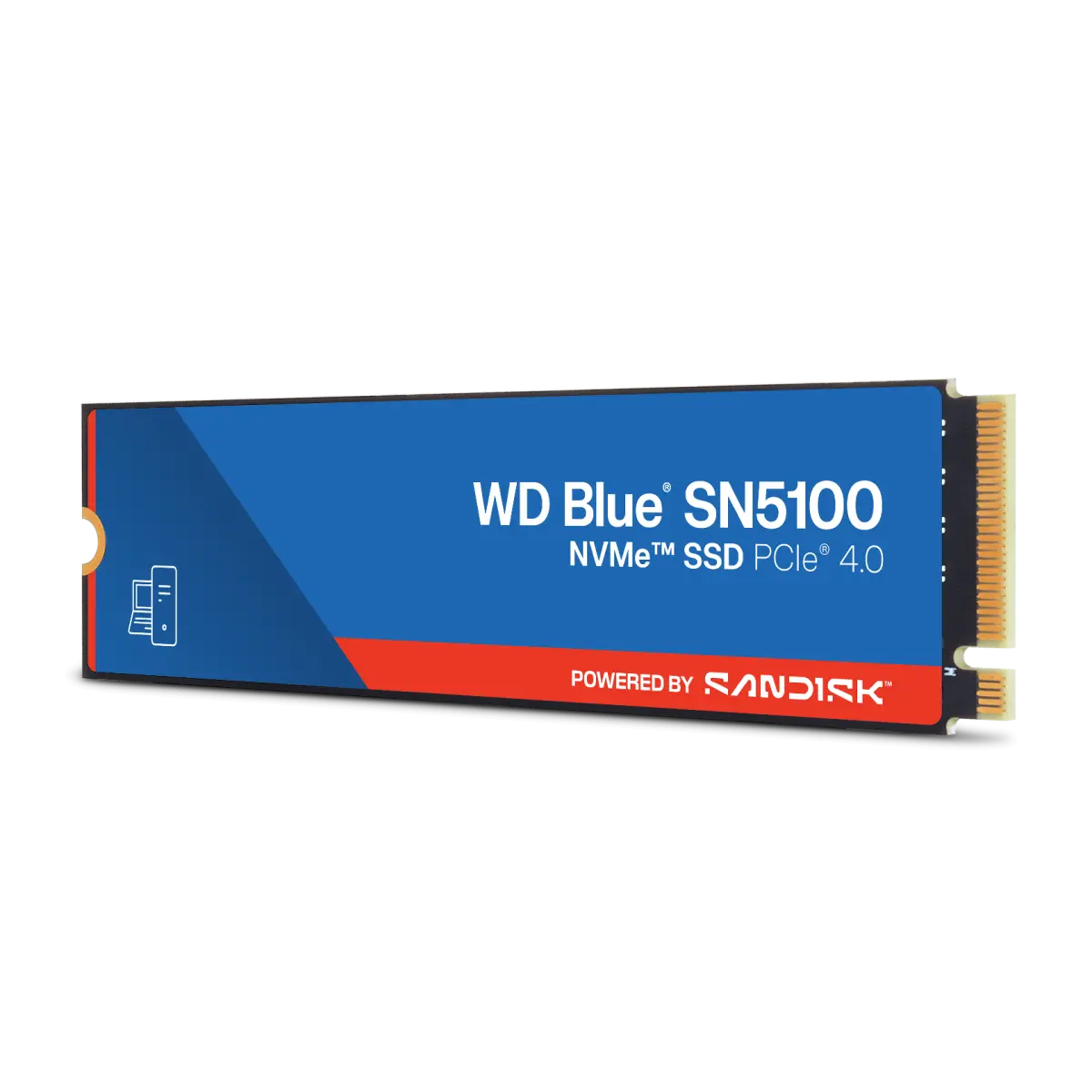
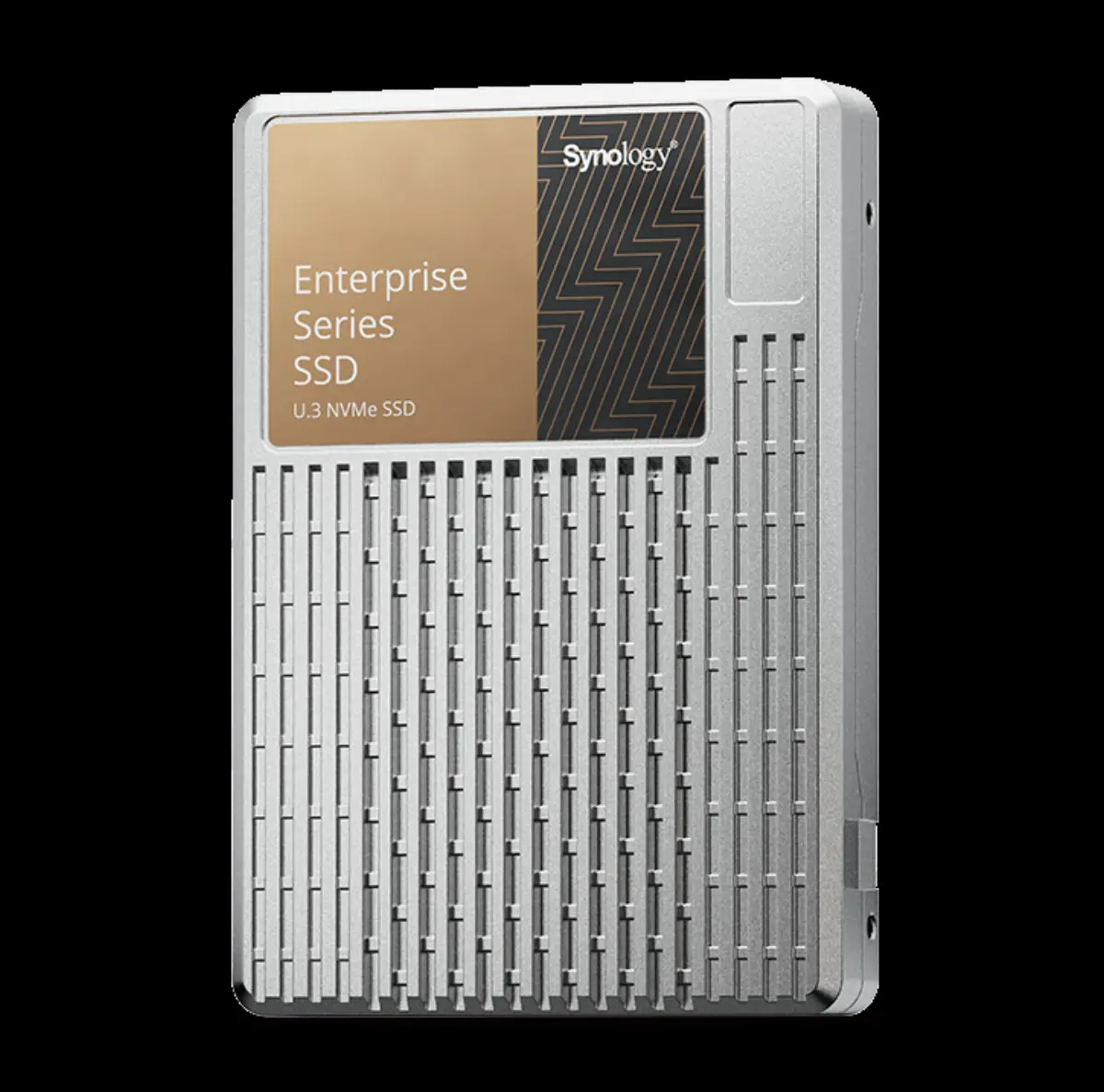
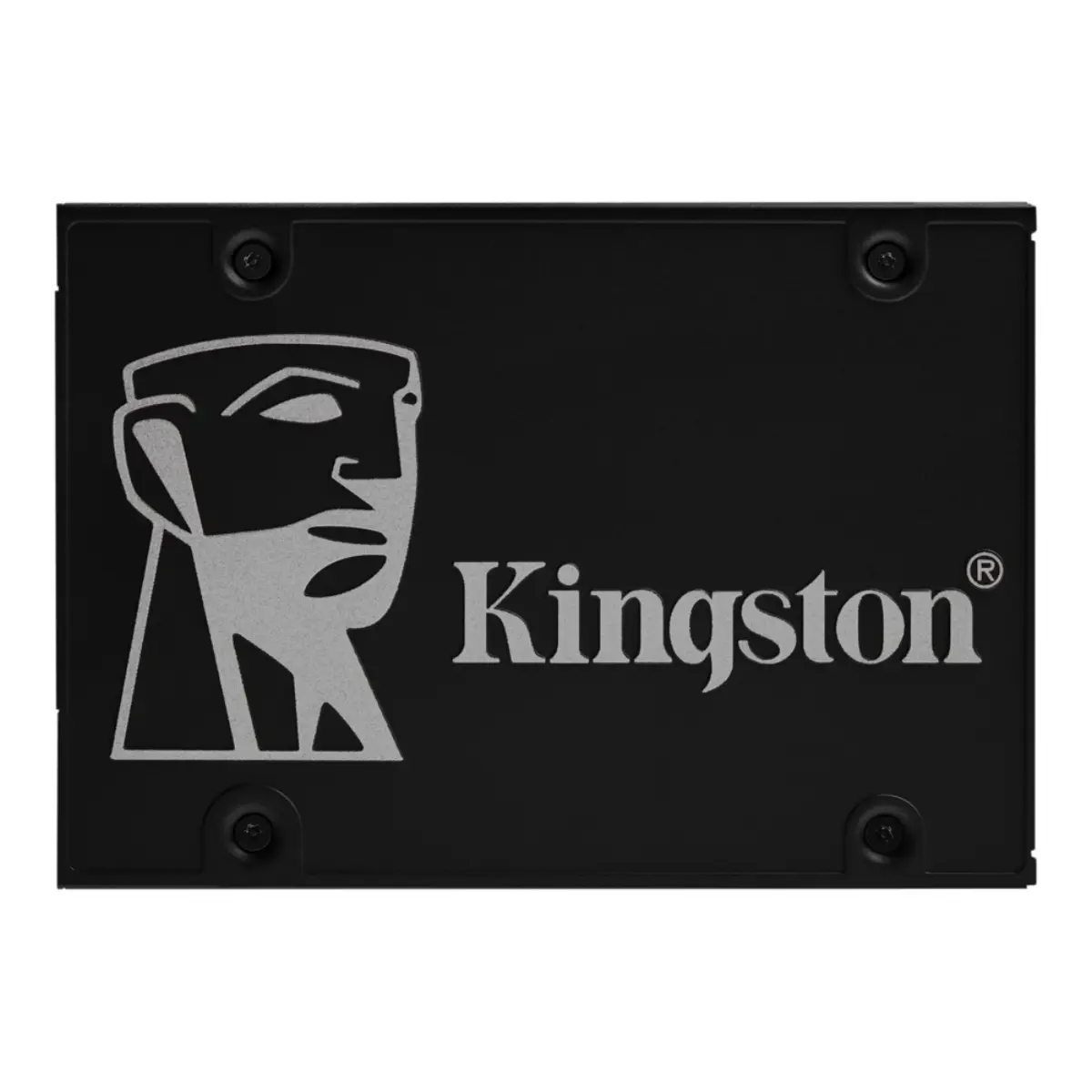
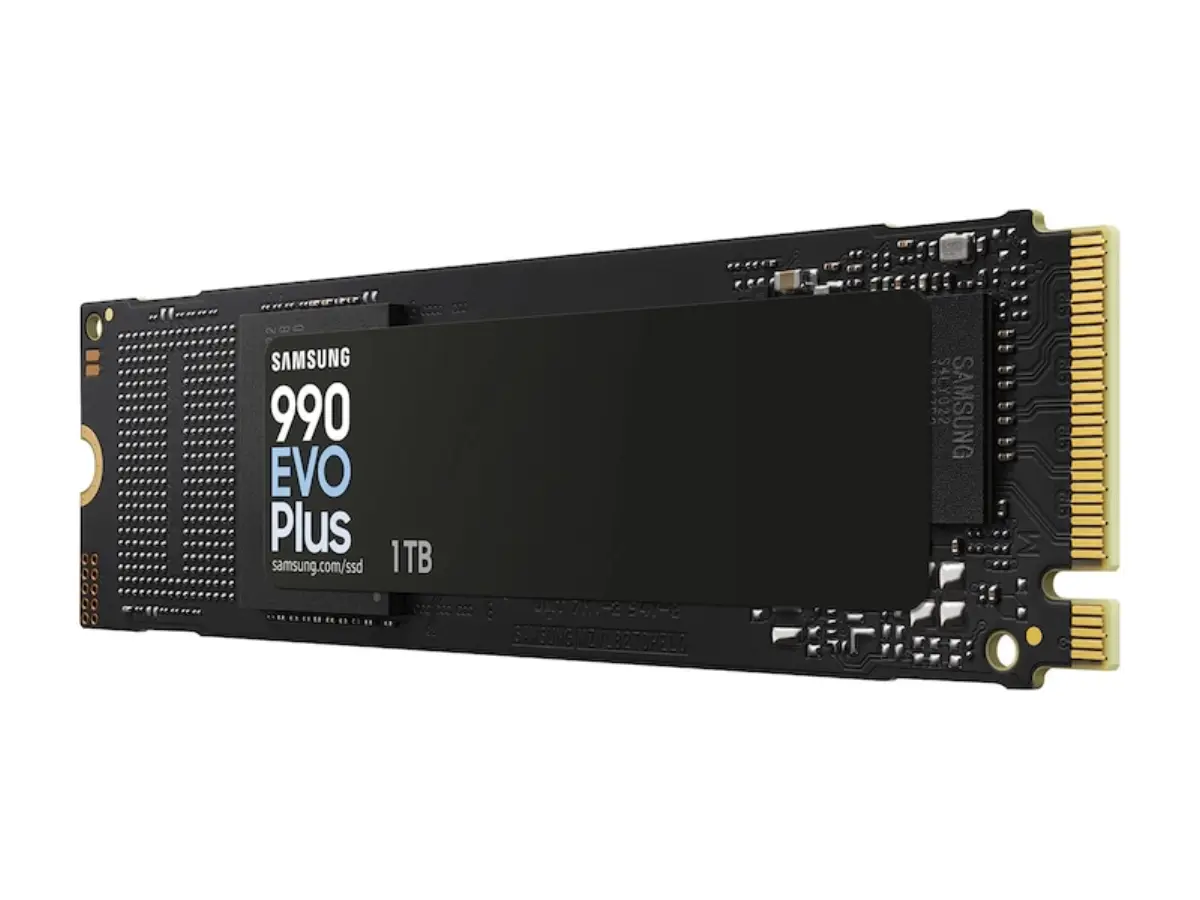
Consumer NVMe to U.2 enterprise. Samsung 990 Pro, Crucial T-series Gen5, Kingston DC-series, WD Red SSD — picked for the workload, priced for the quantity.

Why these brands

What we stock and why.

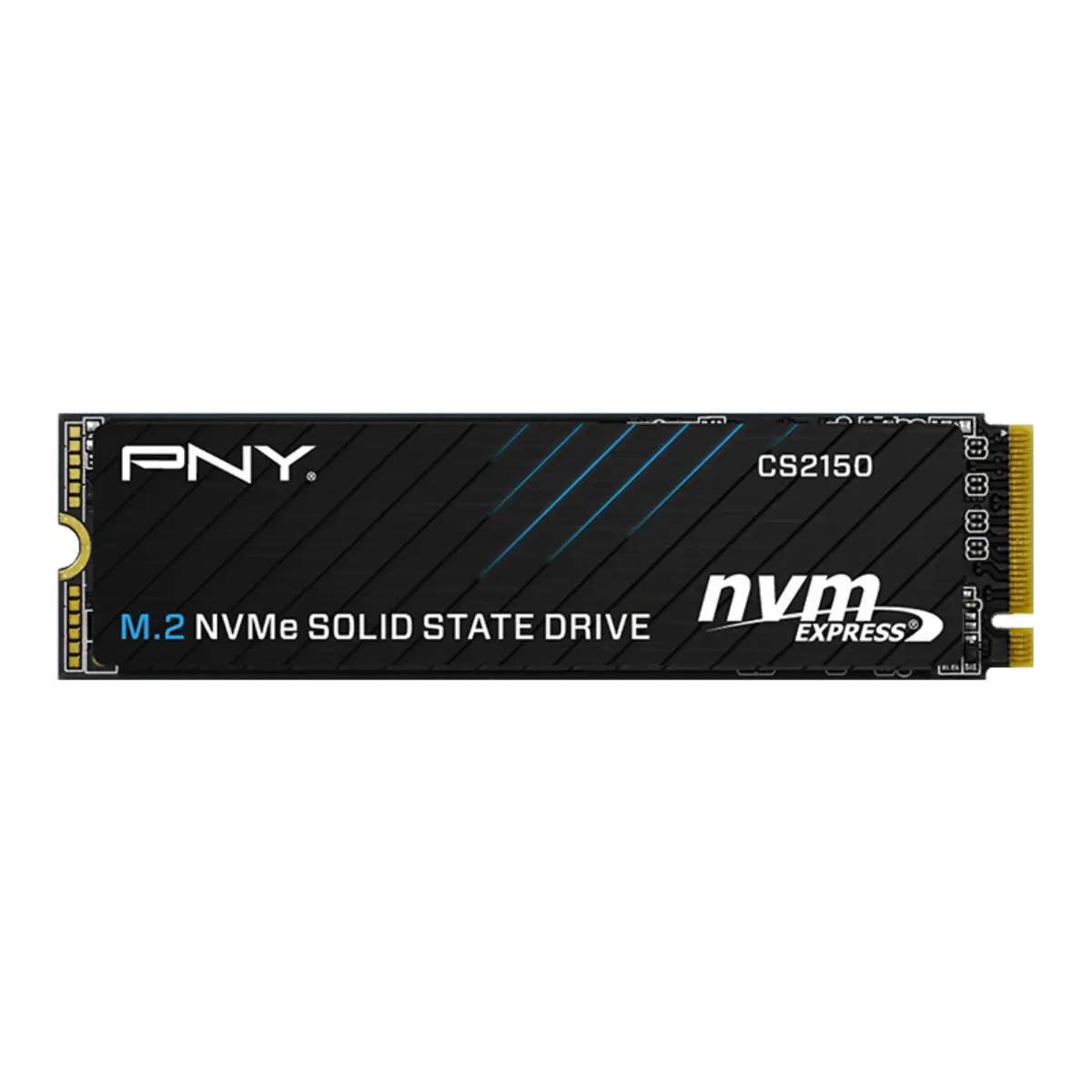
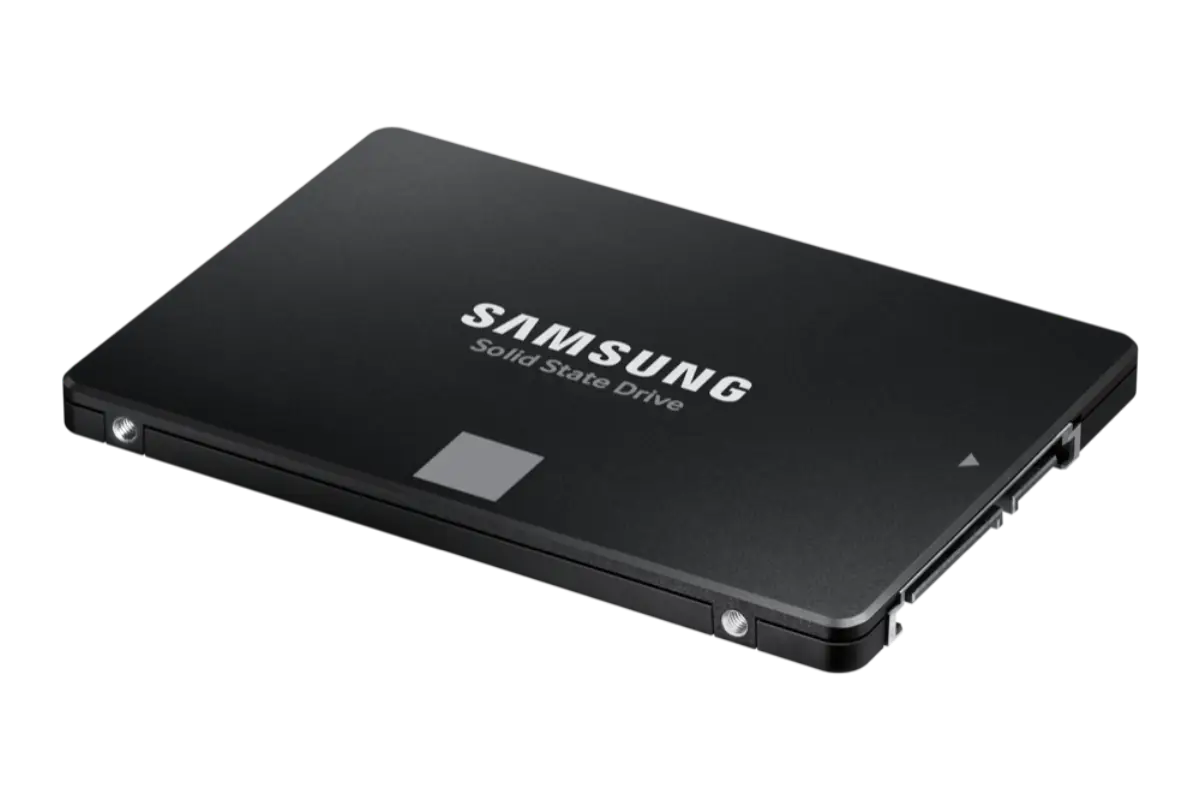
SSDs took over the OS-drive and scratch-disk tiers years ago. The conversation has moved on to which tier fits which workload — consumer NVMe for OS, prosumer for content scratch, enterprise NVMe with PLP for database, U.2 for hyperscale, SATA SSDs for laptop refreshes and budget builds.

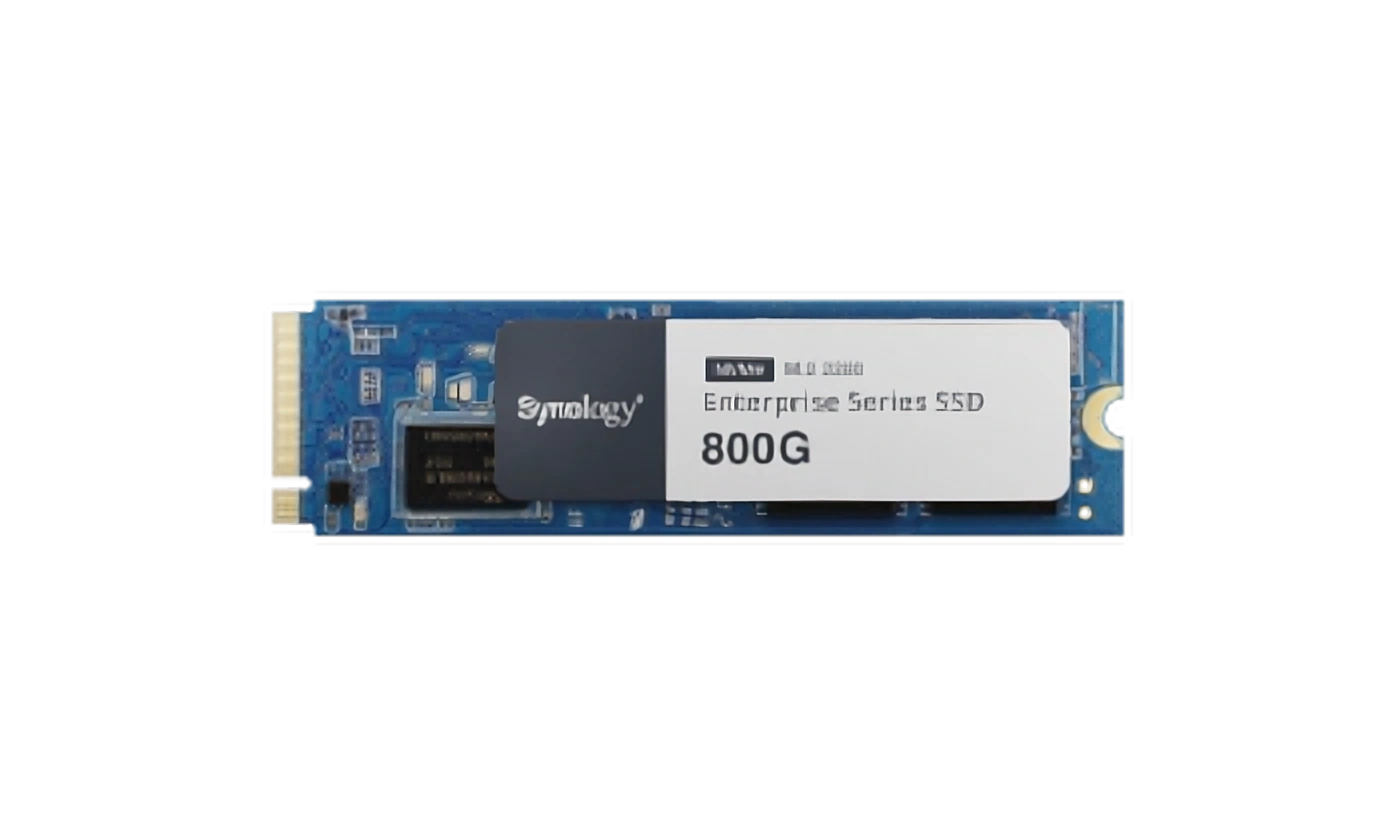
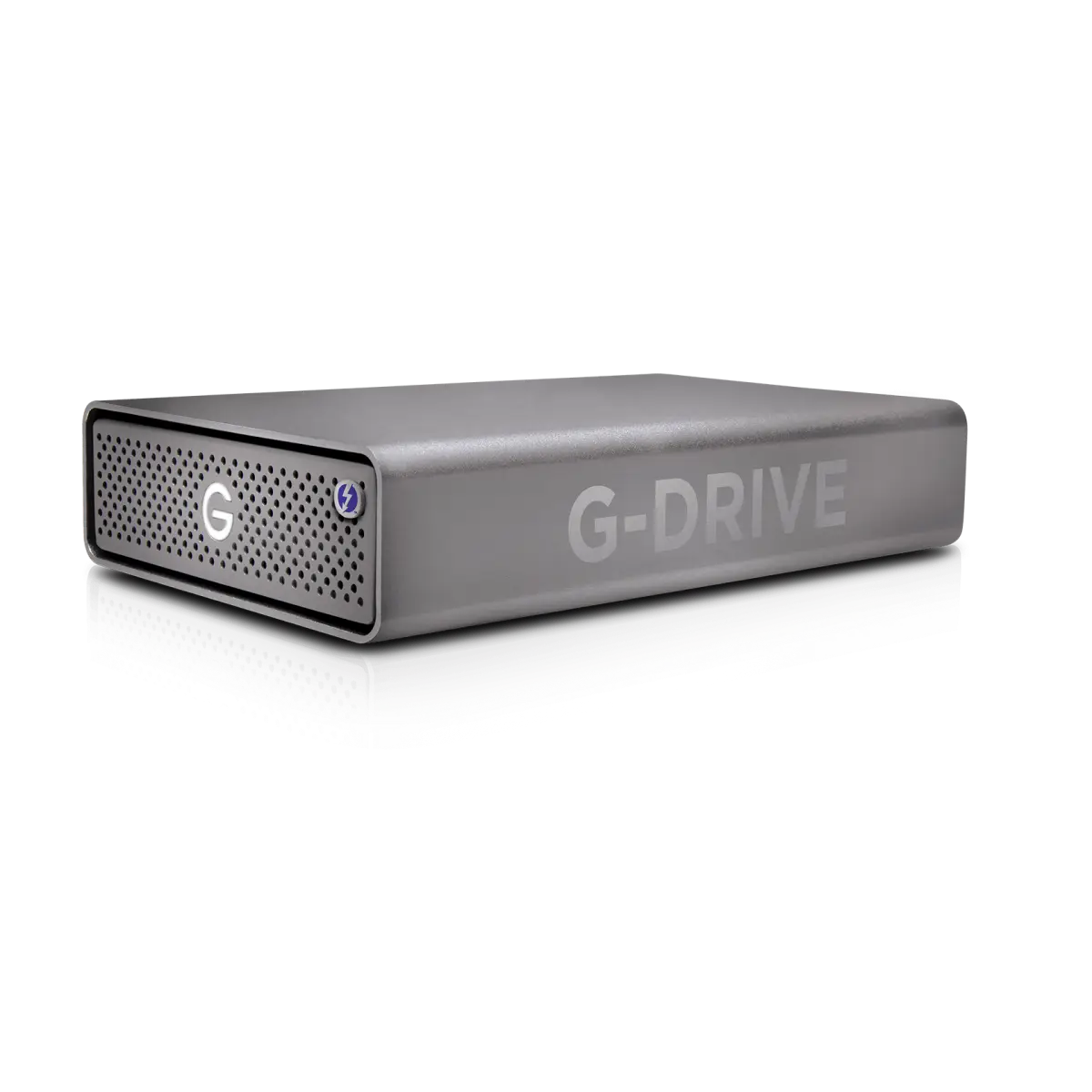
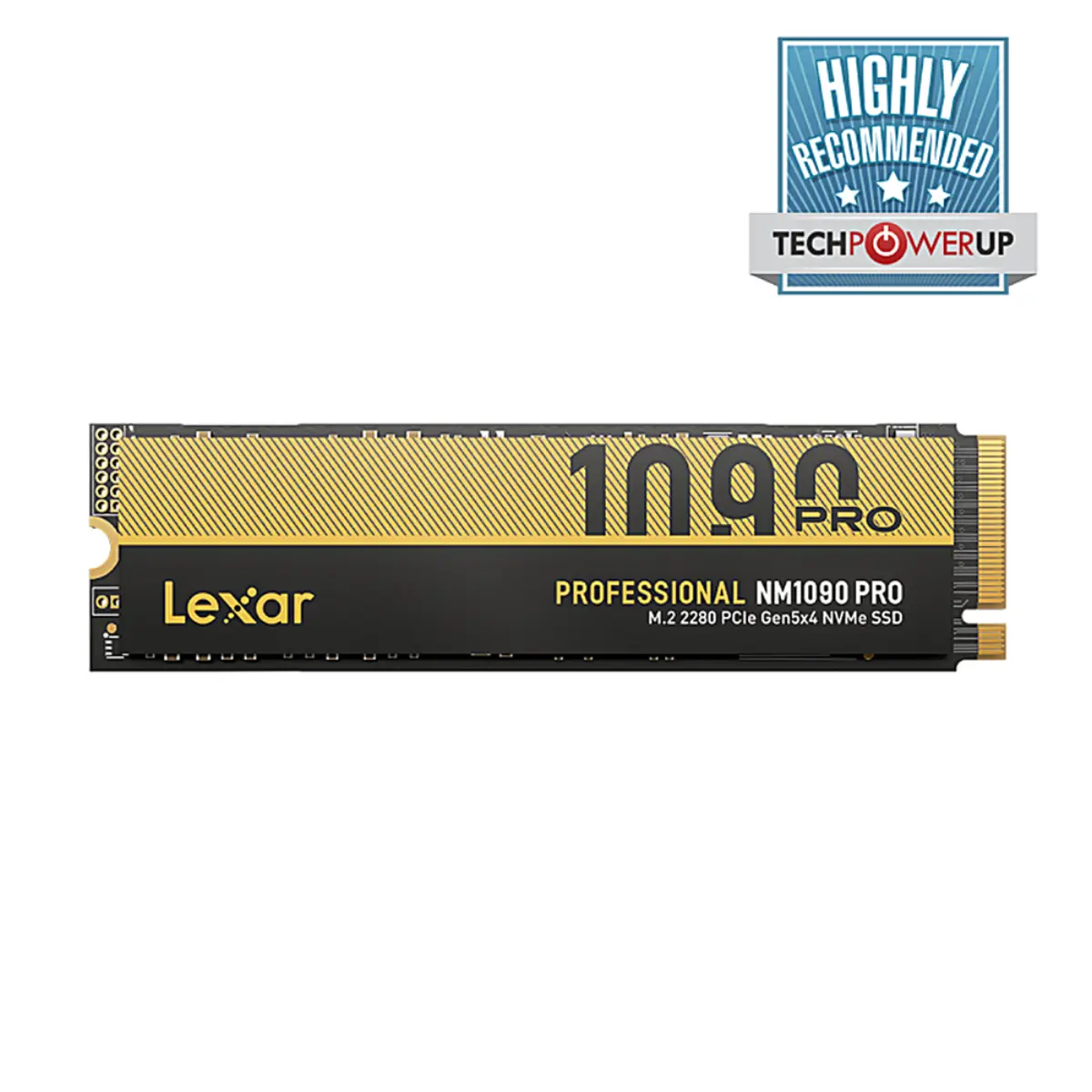
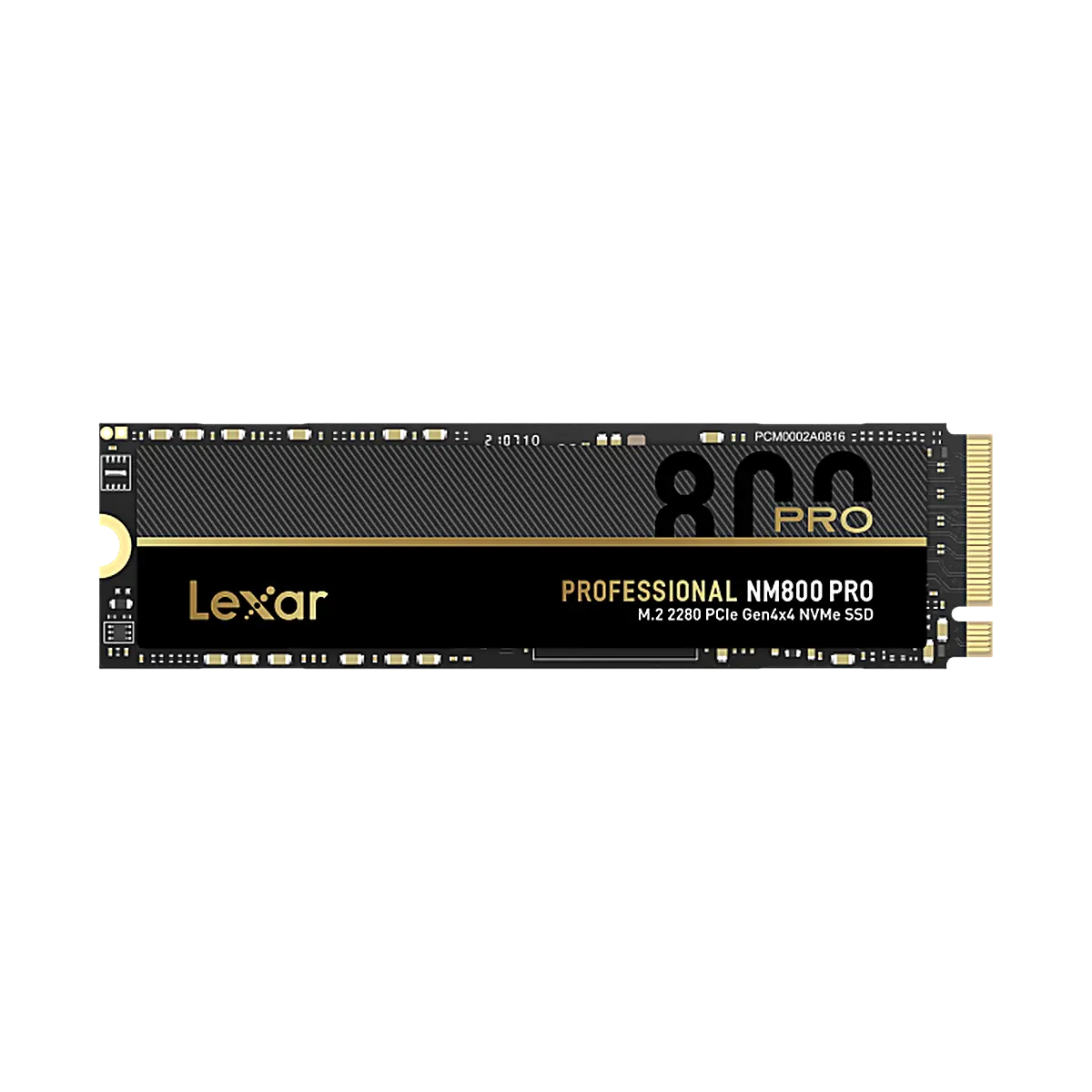
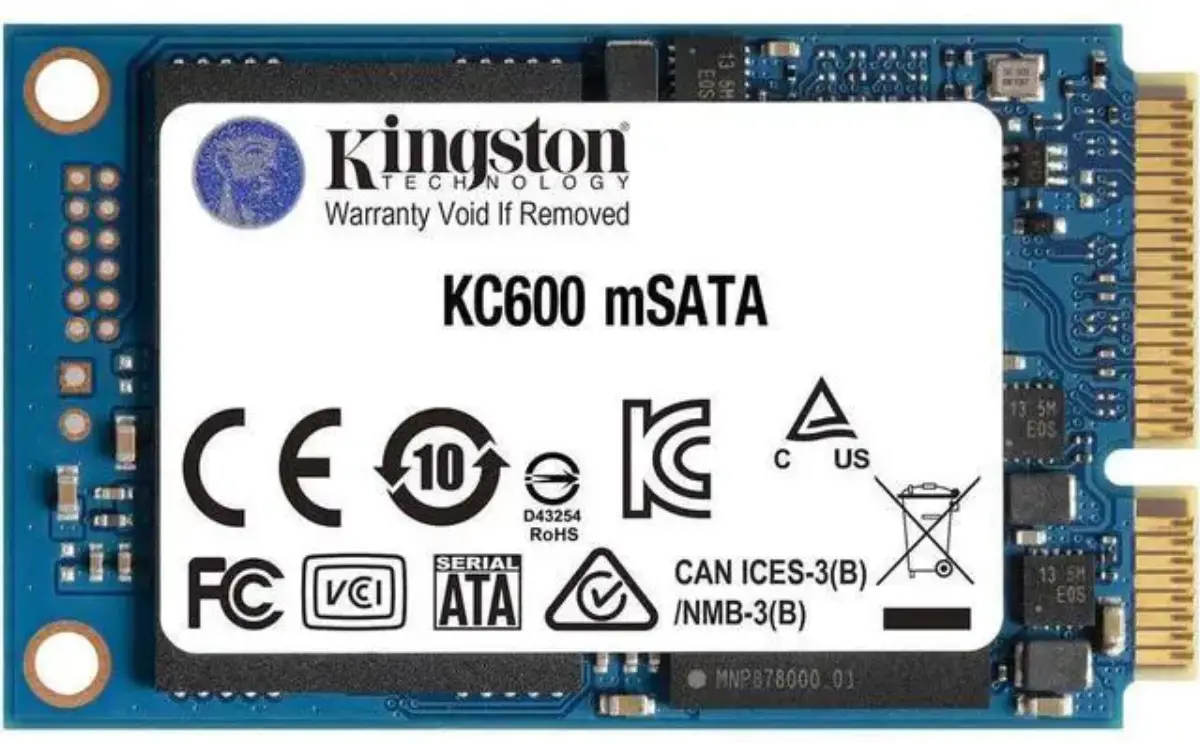
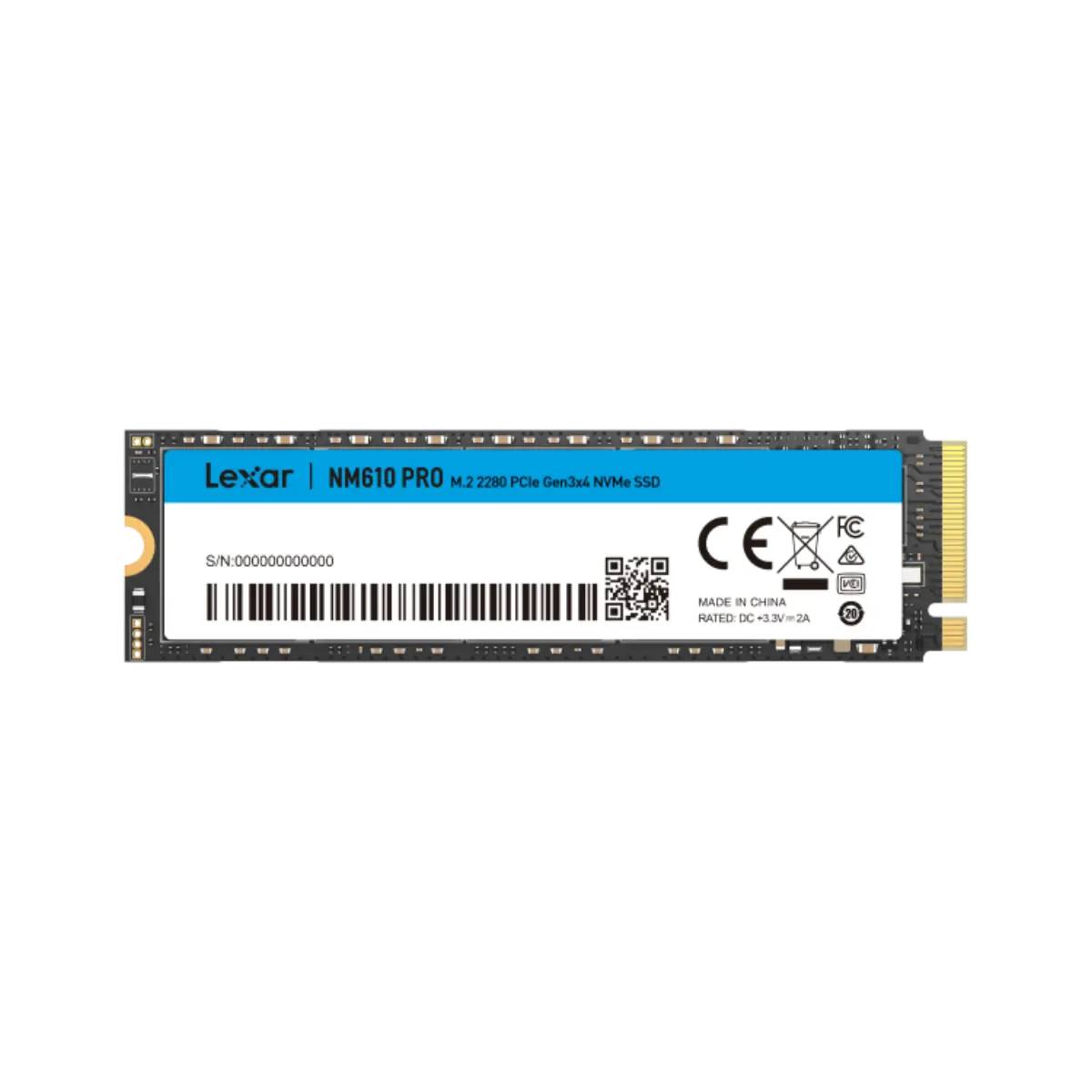
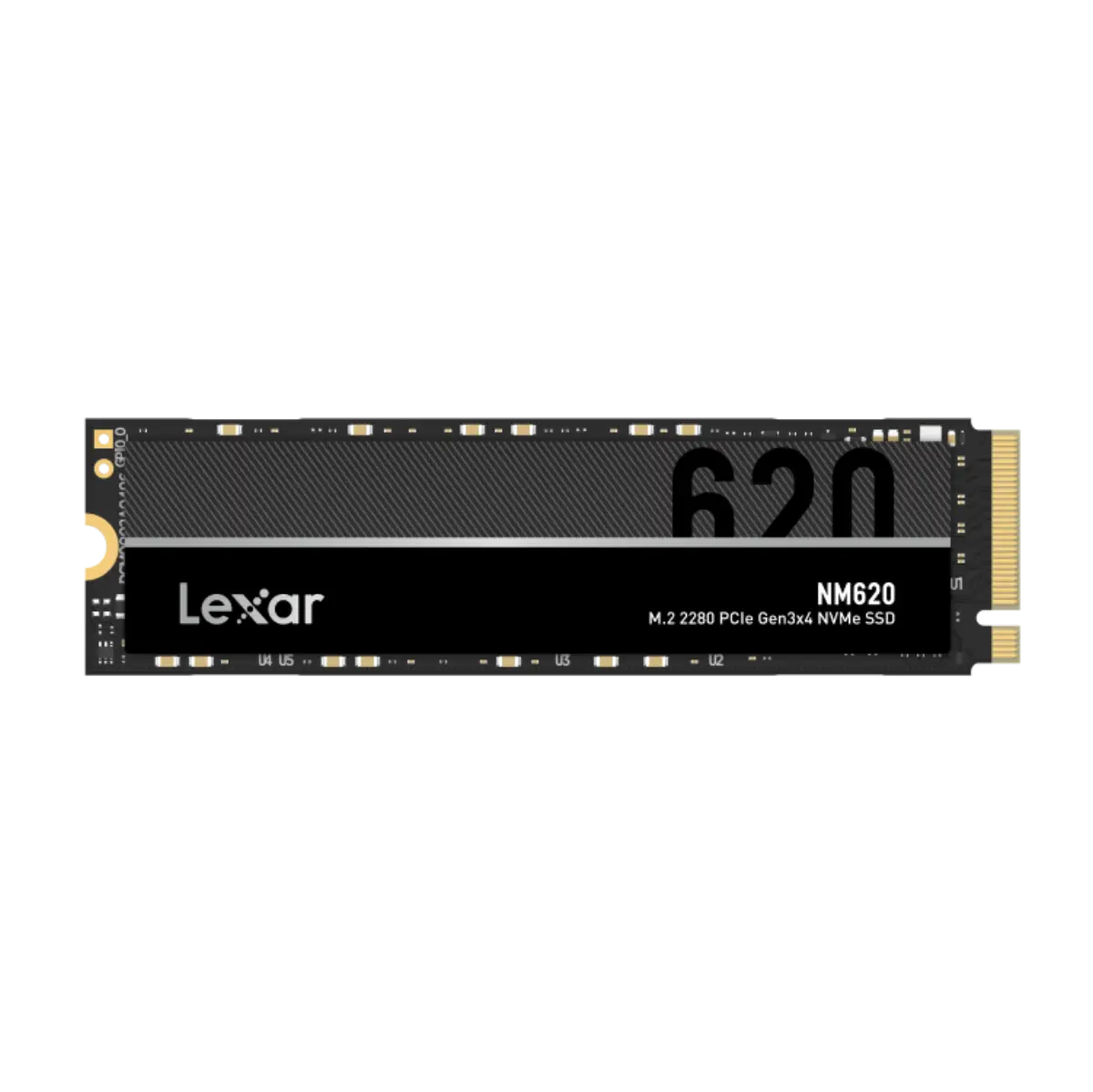
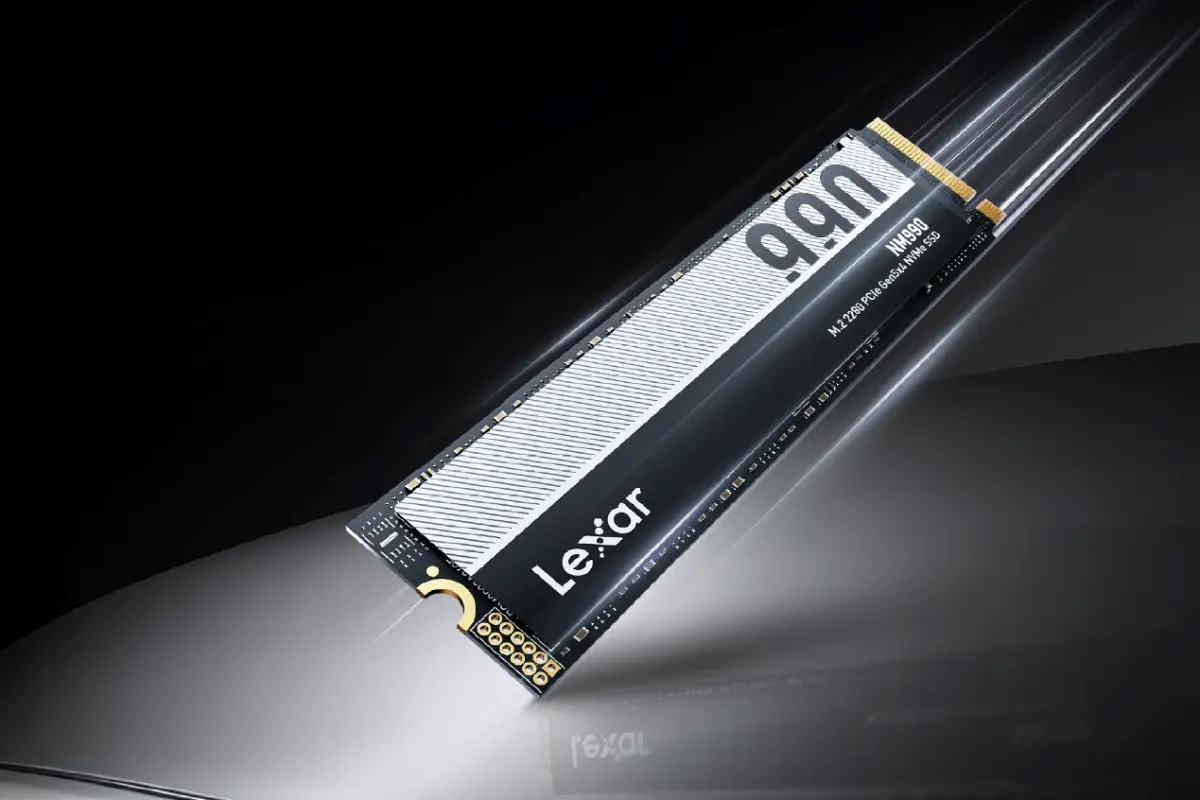
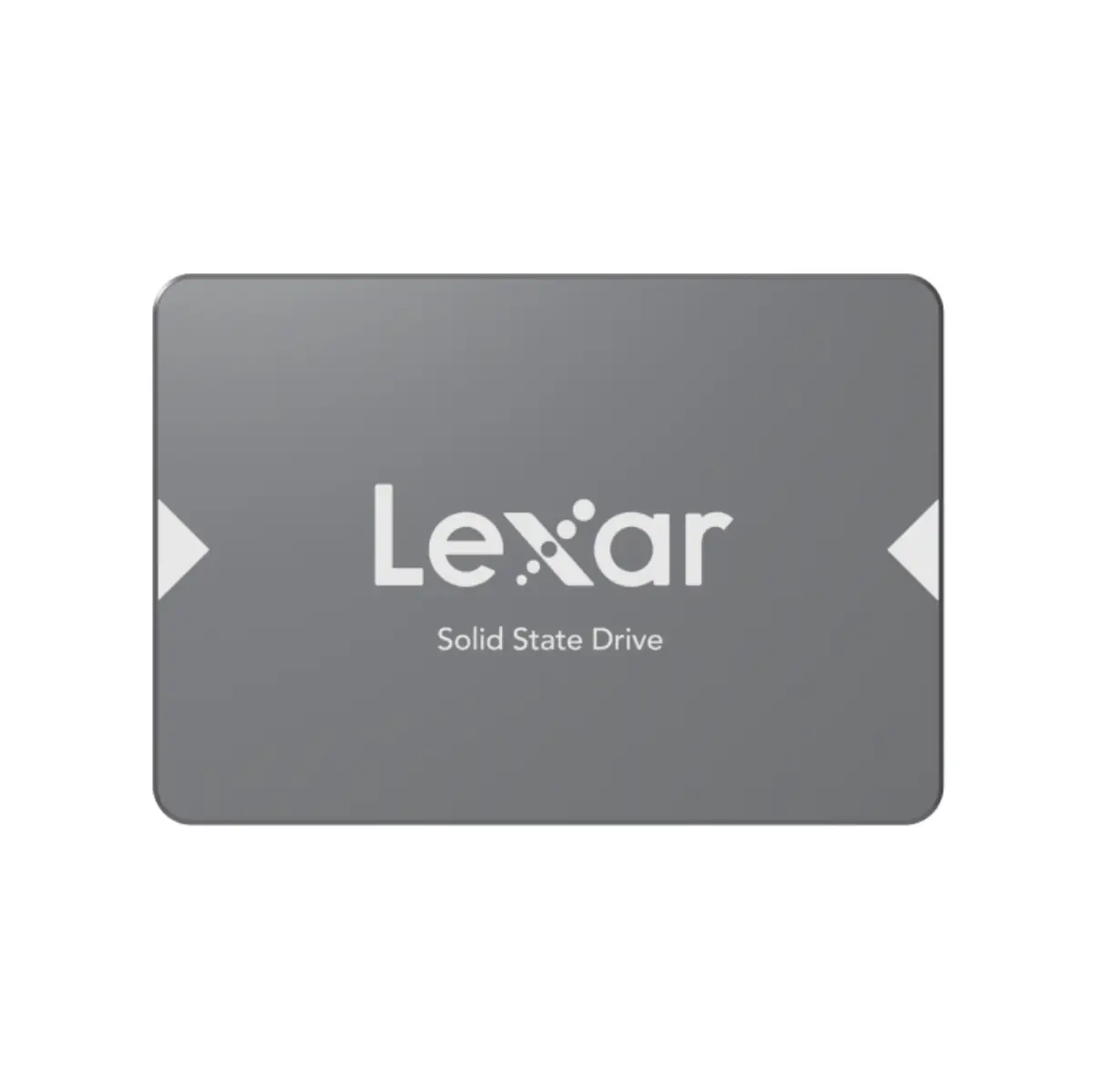
We supply Samsung, Crucial, Kingston, WD, SanDisk, and Lexar across the consumer-to-enterprise span. The enterprise tier (Kingston DC, Samsung PM9A3, Micron 7450) requires careful matchmaking — power-loss protection, endurance class, and the right firmware revision for the server controller all matter.

Suppliers

Brands we stock for this category.

  • WD Red SSD
  • Micron 7450
How to choose

Four things UAE buyers ask when scoping solid-state drives.

The factors that actually decide the spec — not the marketing matrix.

  1. 01

    Match endurance to workload

    Consumer SSDs (300–1200 TBW per TB) for OS and gaming. Prosumer (1500 TBW per TB) for content workstations. Enterprise (1 DWPD = ~1825 TBW per TB) for database servers, VM datastores, log volumes. Mismatched tiers burn through in 2–3 years.

  2. 02

    Power-loss protection for production

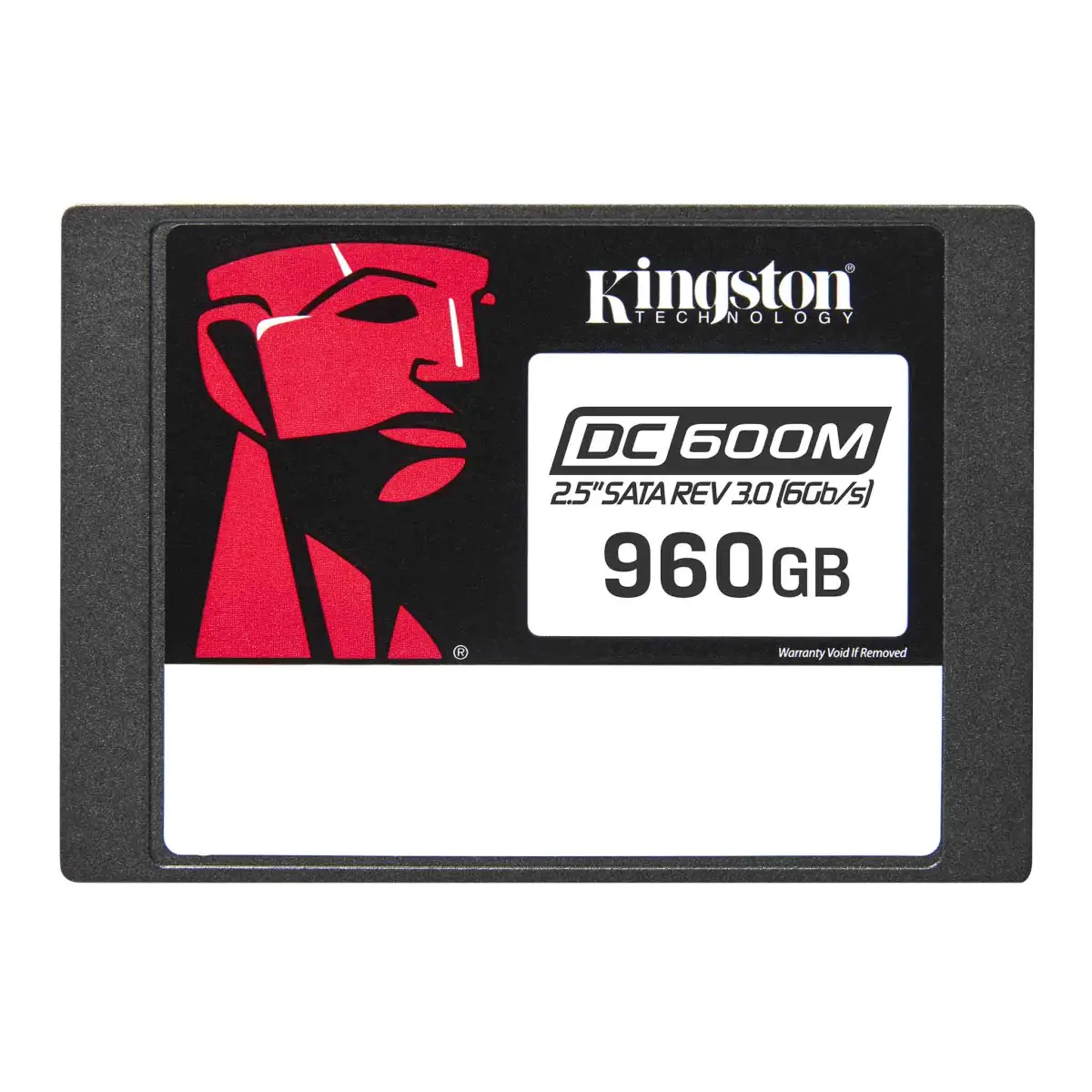
    Database, transaction-heavy, and VM datastore workloads require PLP. Without it, an unexpected power event can corrupt the FTL mapping and lose data. Consumer drives do not have PLP — only enterprise lines (DC600M, PM9A3, Micron 7450).

  3. 03

    Form factor decides controller

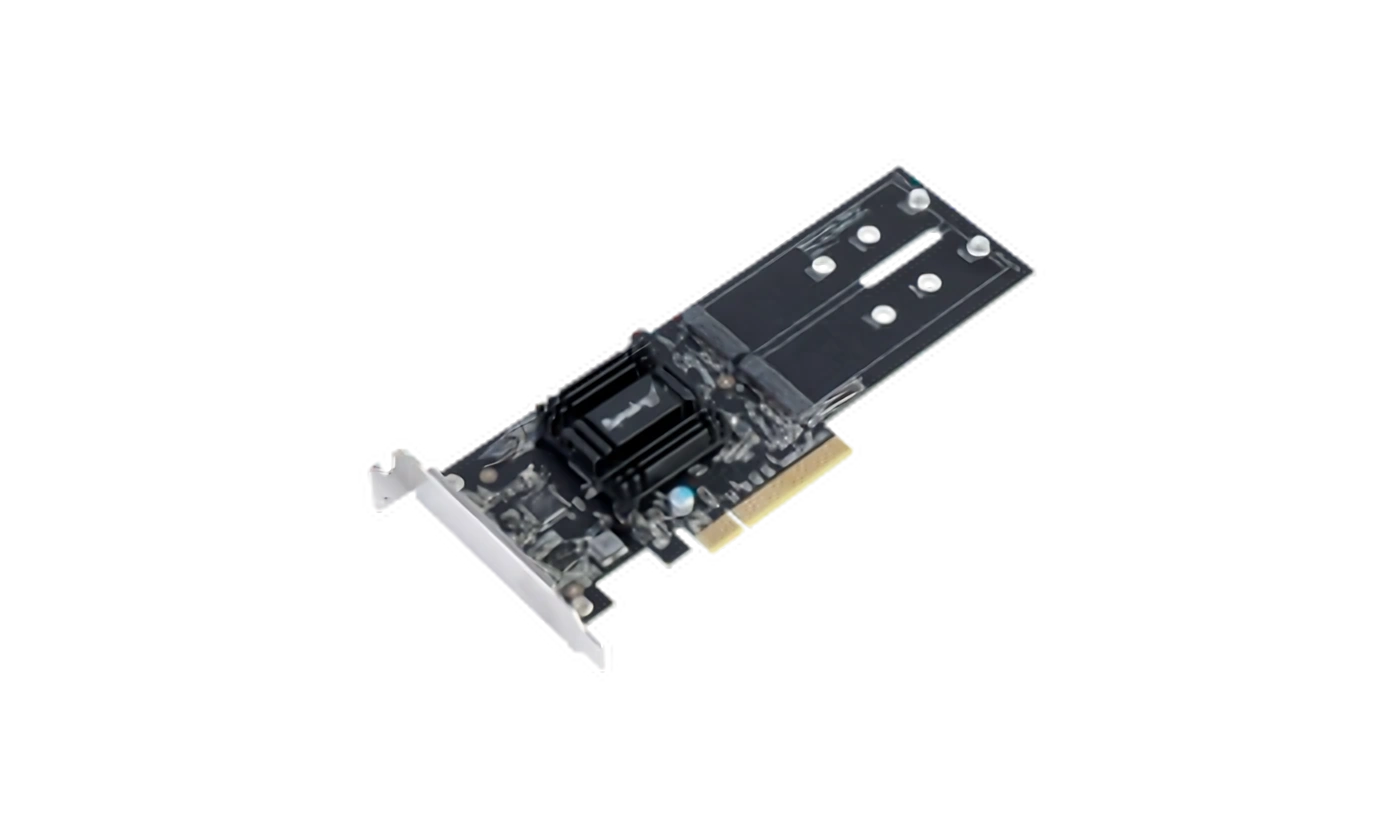
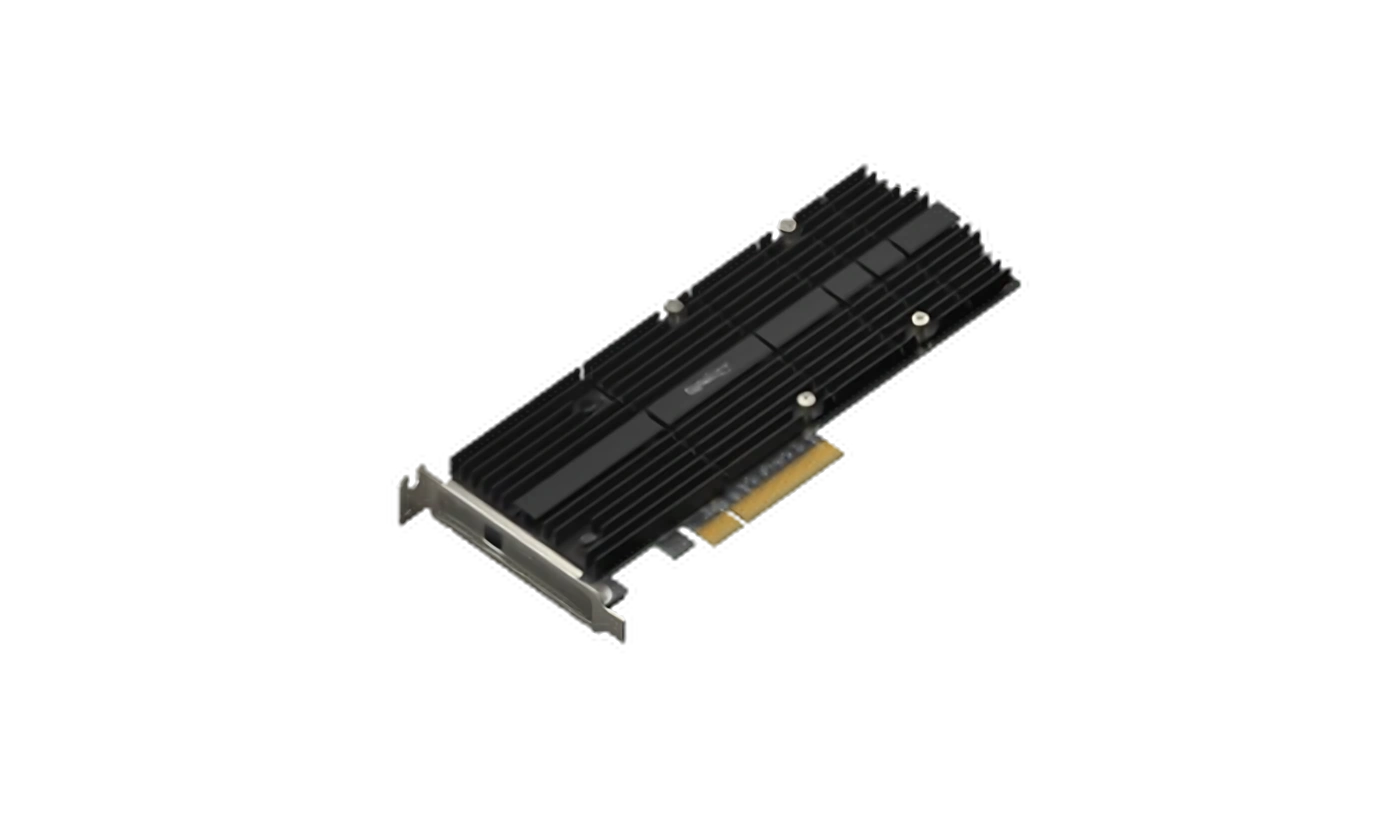
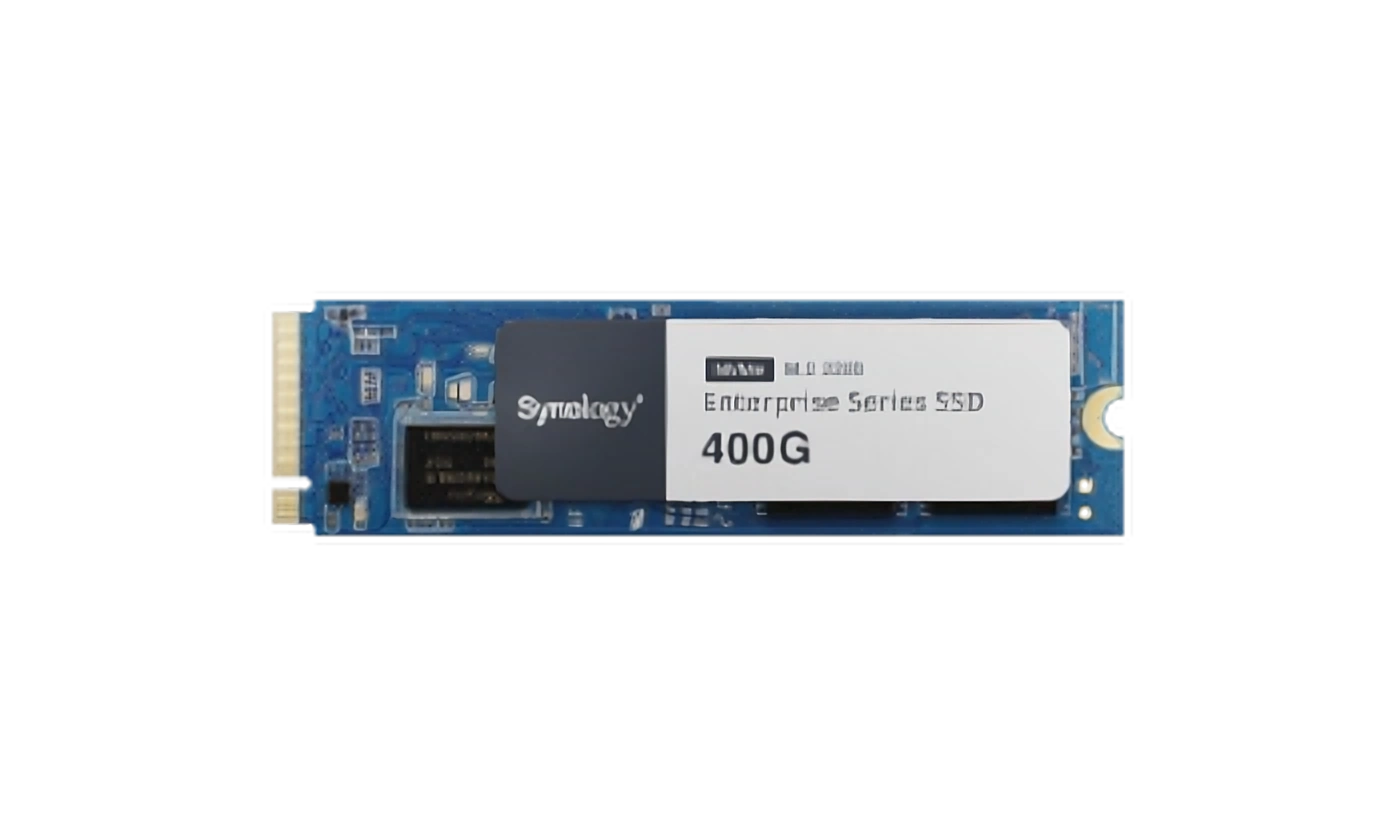
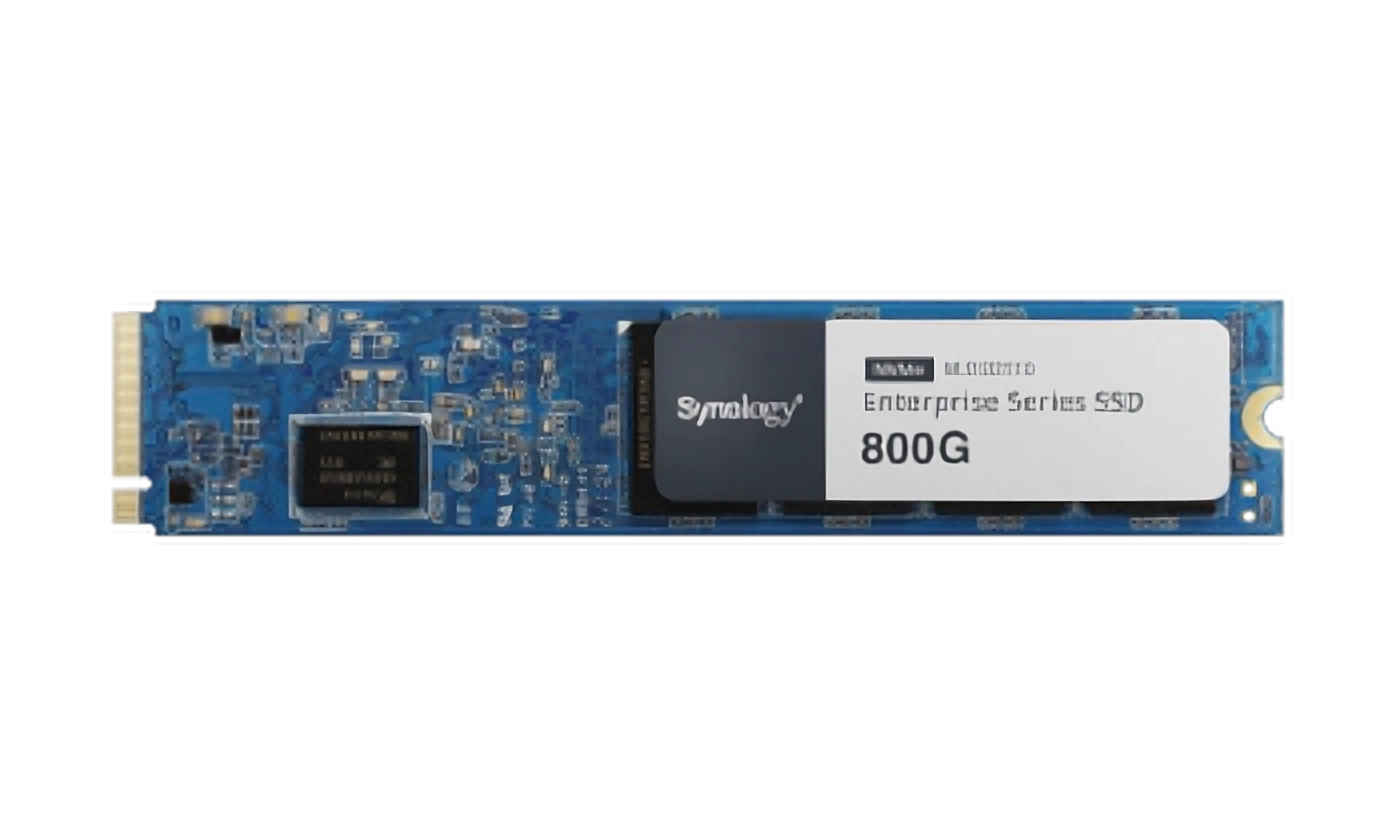
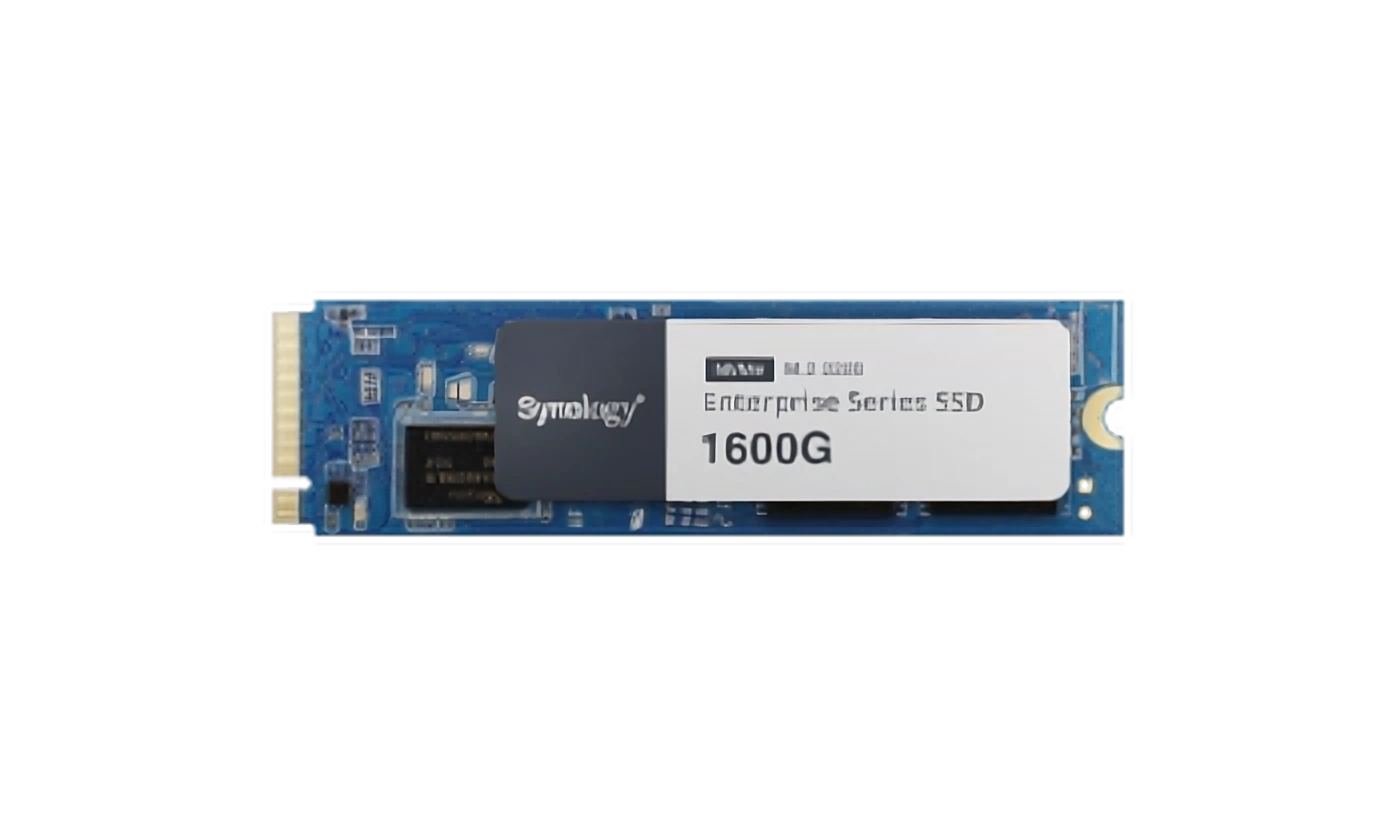
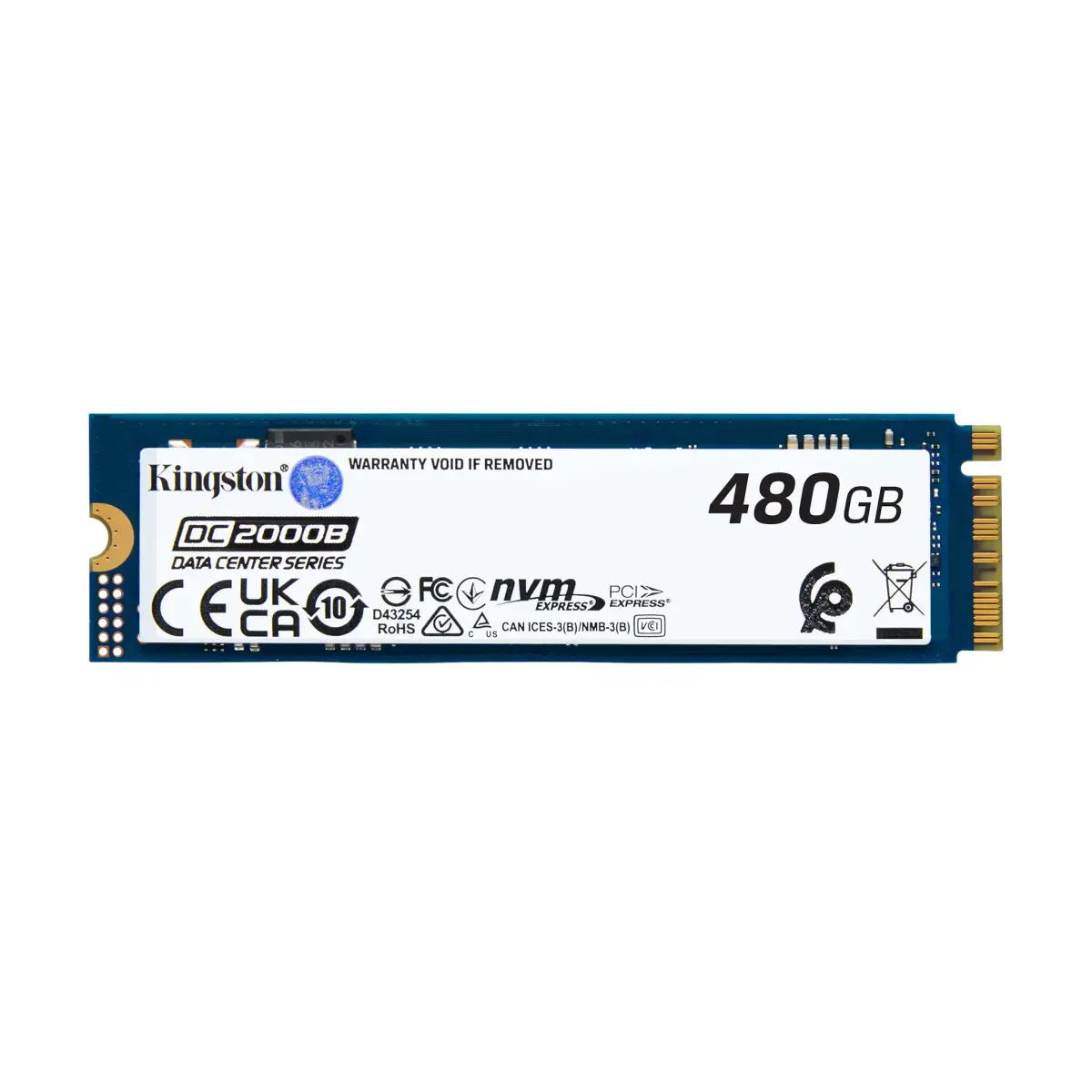
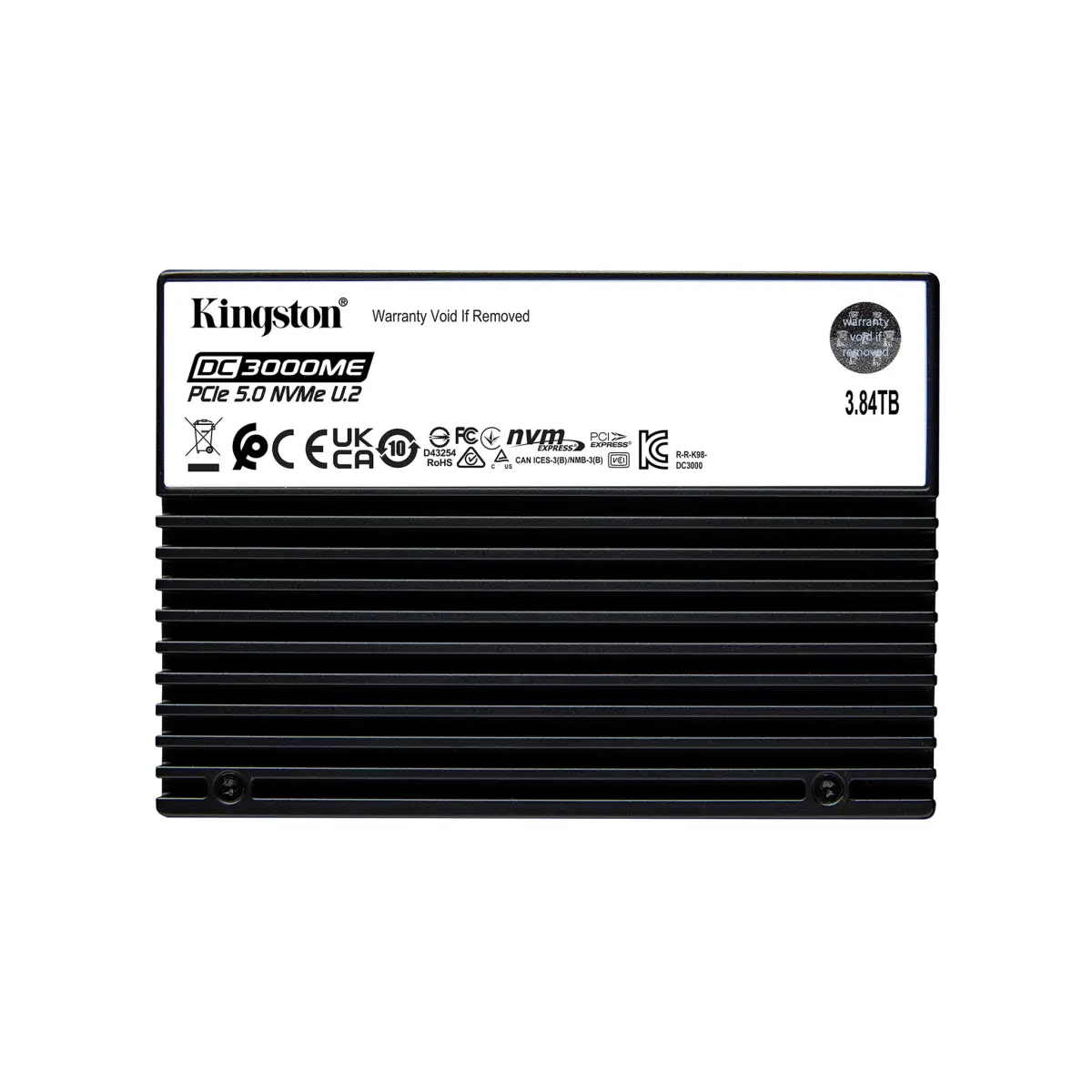
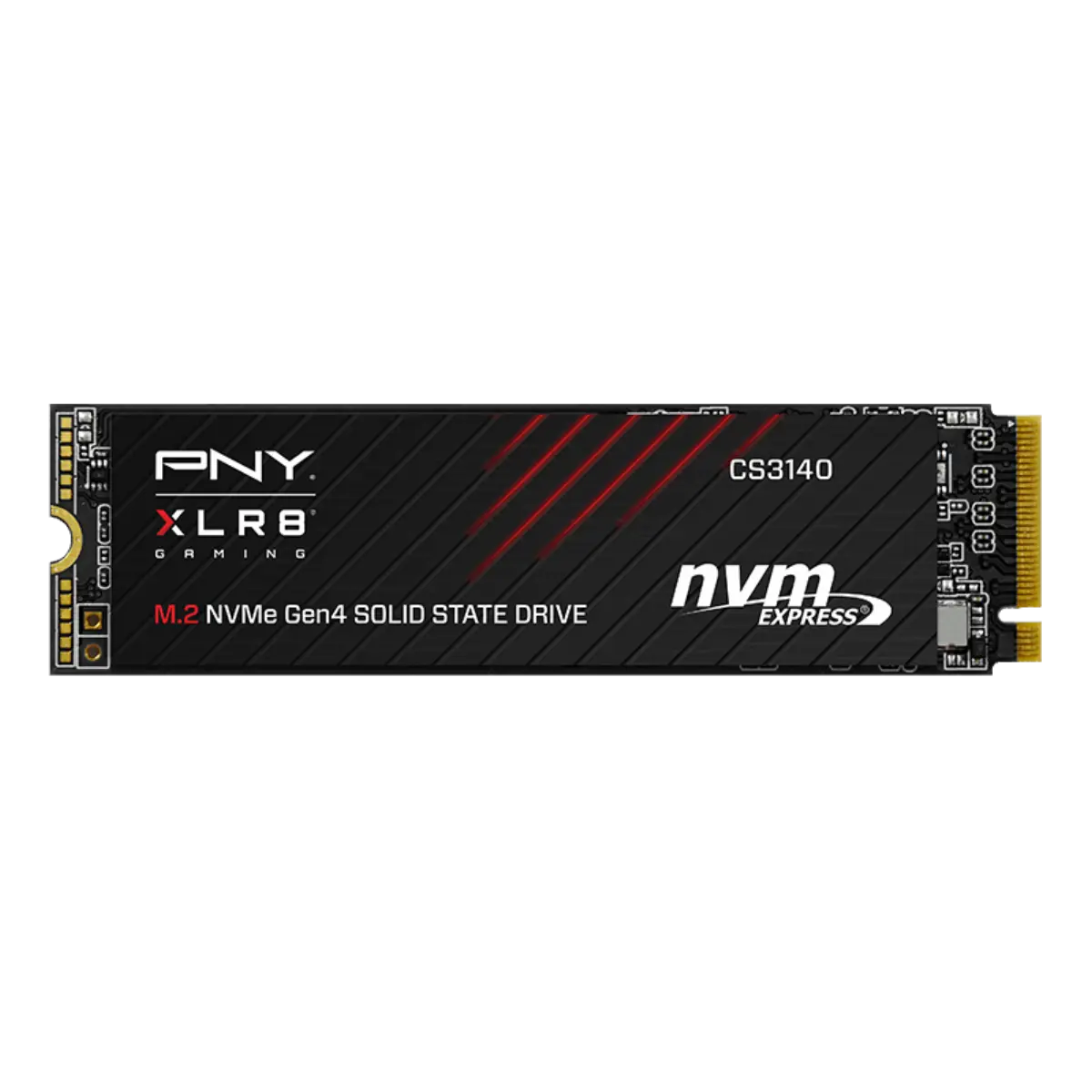
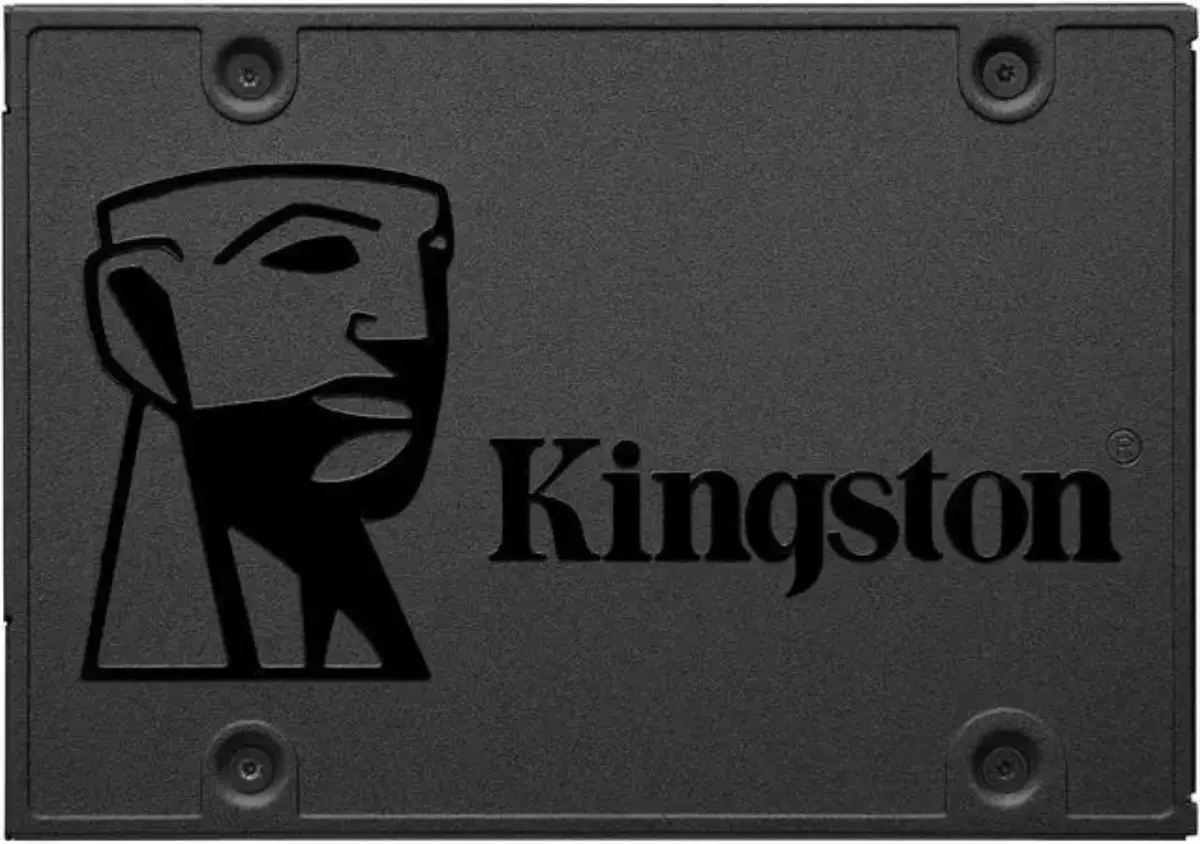
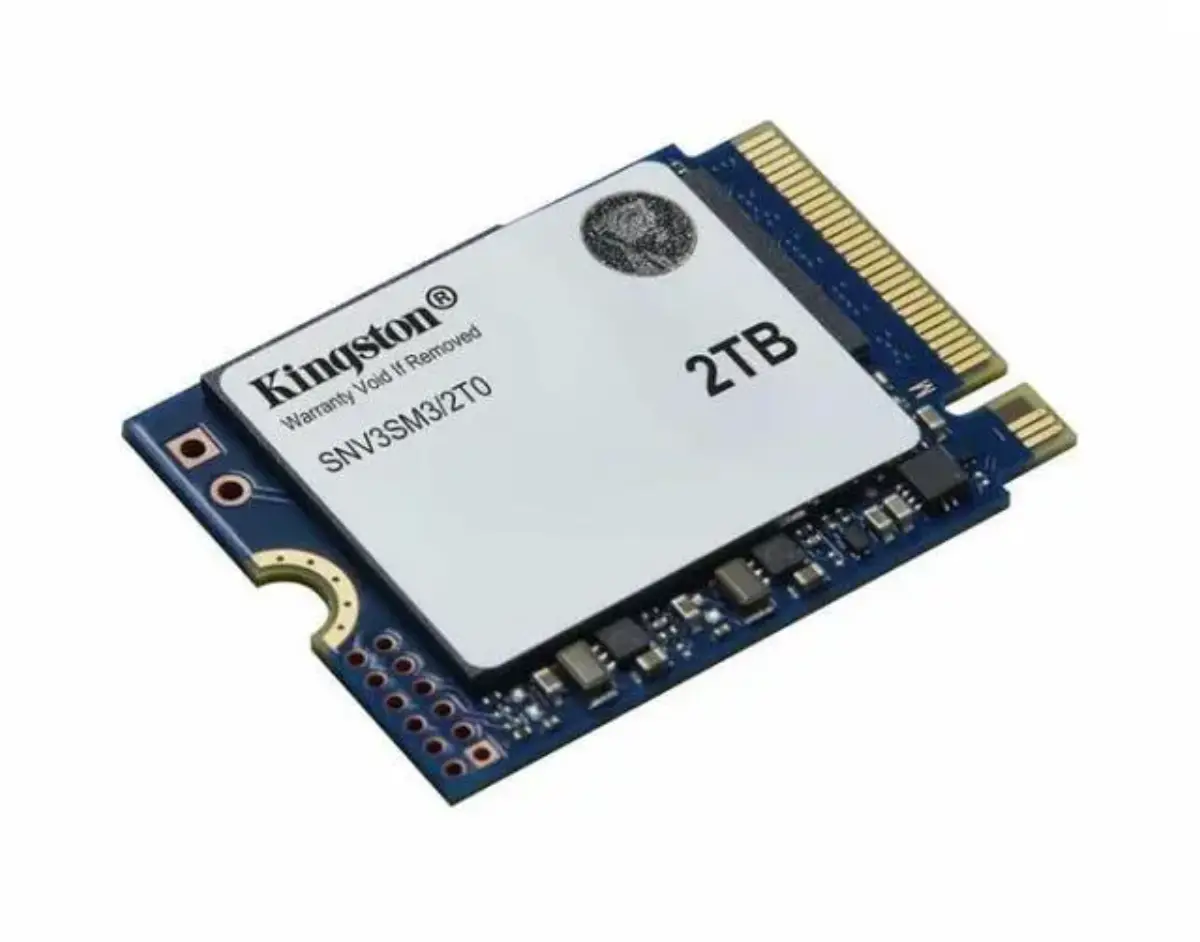
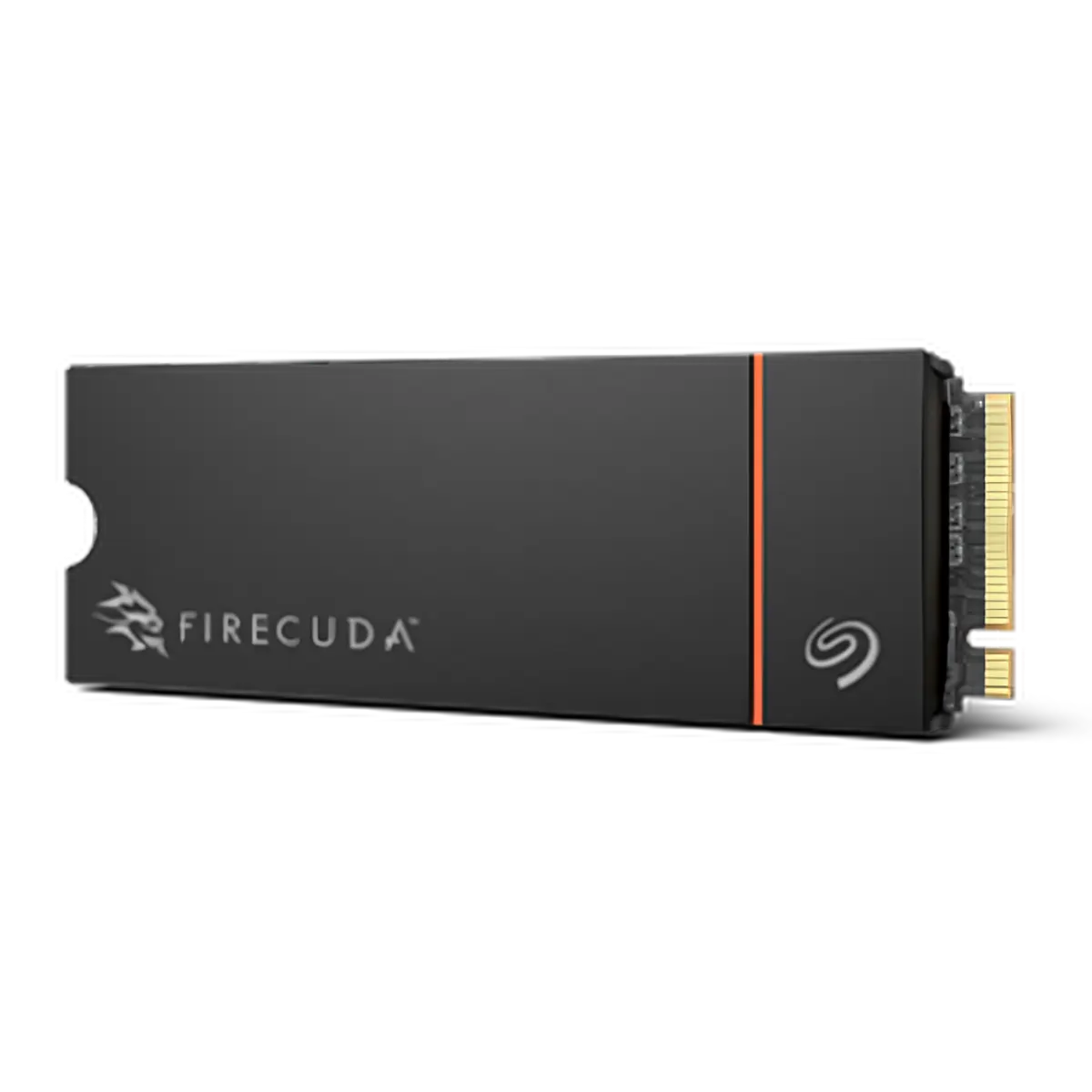
    M.2 NVMe for laptops and modern desktops. U.2 NVMe for servers with the right backplane. SATA 2.5" for older laptops and budget desktop refreshes. PCIe add-in for servers without M.2 sockets.

  4. 04

    Gen5 only when Gen5 lifts the workload

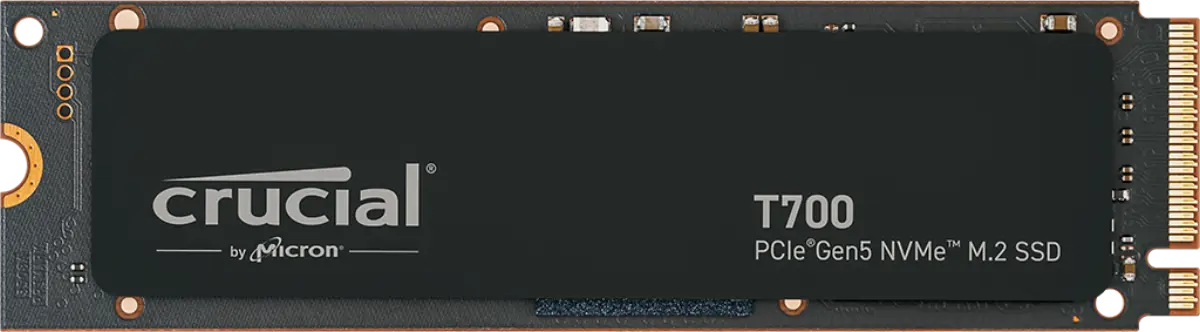
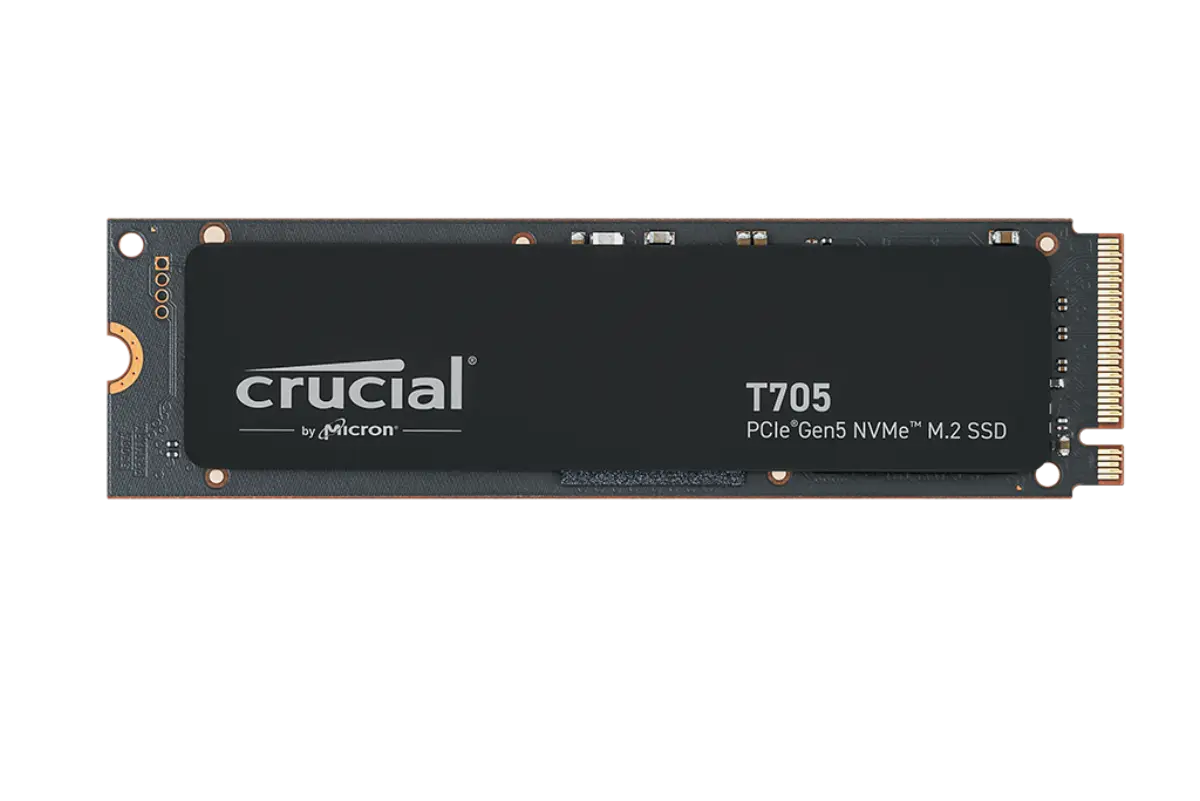
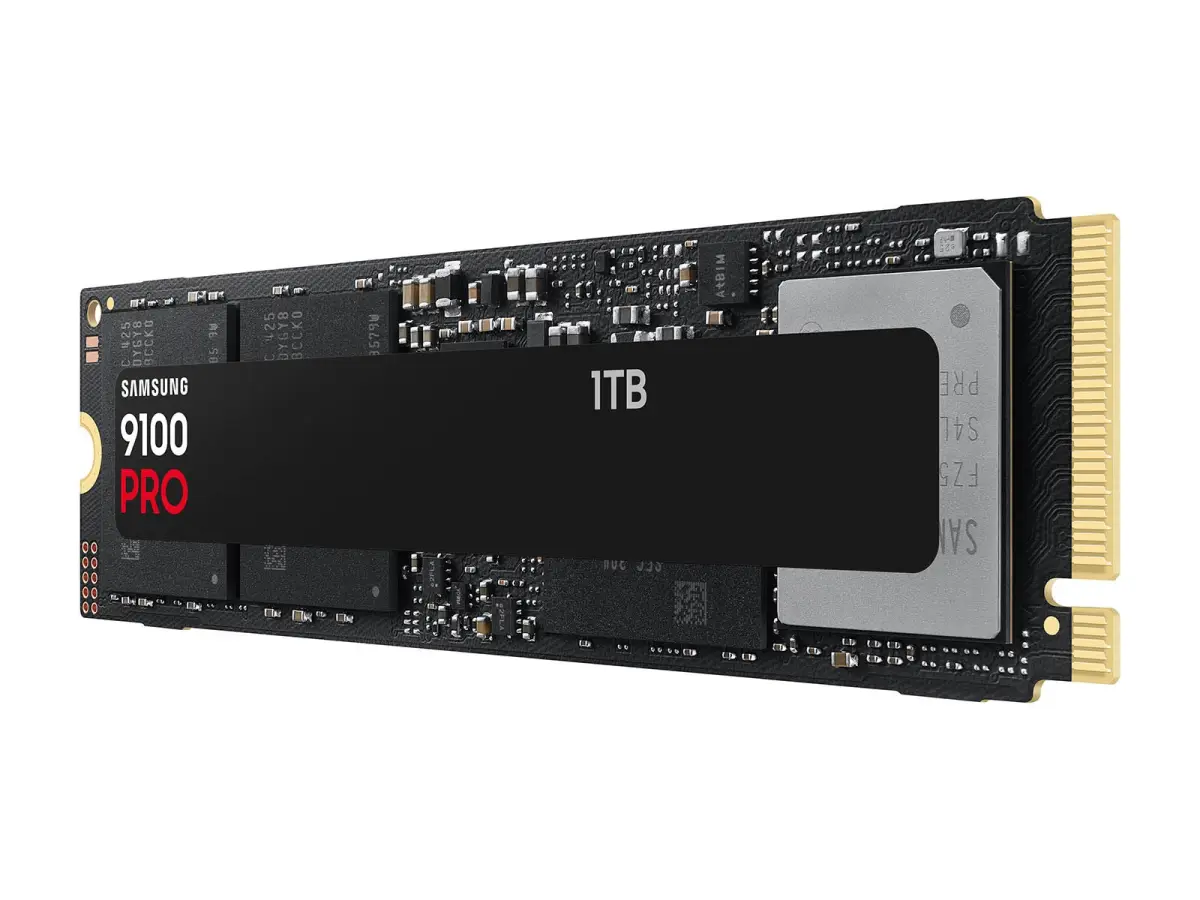
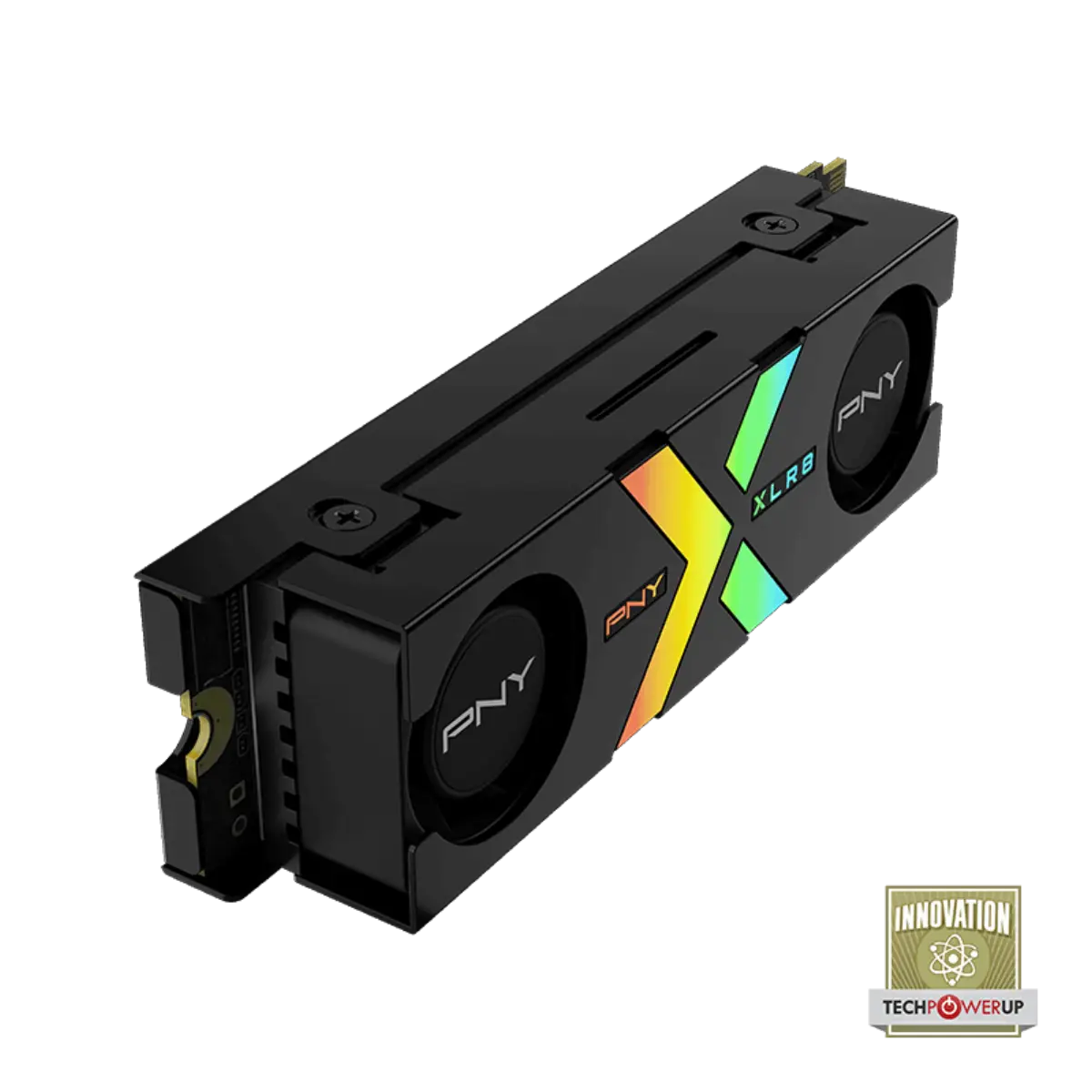
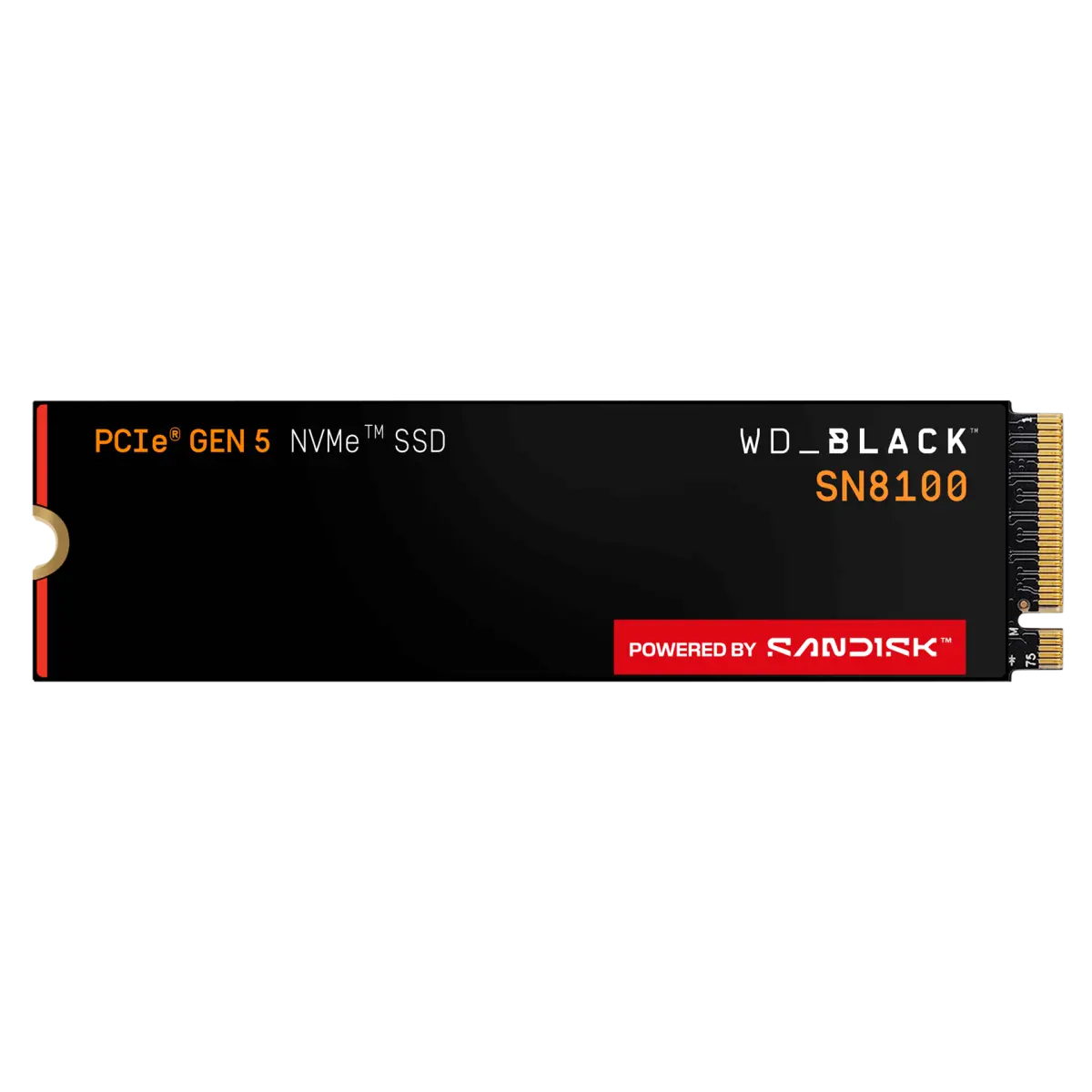
    Gen5 NVMe (T700, T705, 9100 Pro, Z540) costs significantly more than Gen4 — and the gains over Gen4 only matter on sustained sequential workloads. For OS drives and gaming, Gen4 is the better economic choice.

FAQ

Solid-state drives buyer questions, answered.

Questions that actually come up on quotes. If yours isn't here, WhatsApp us or send the form.

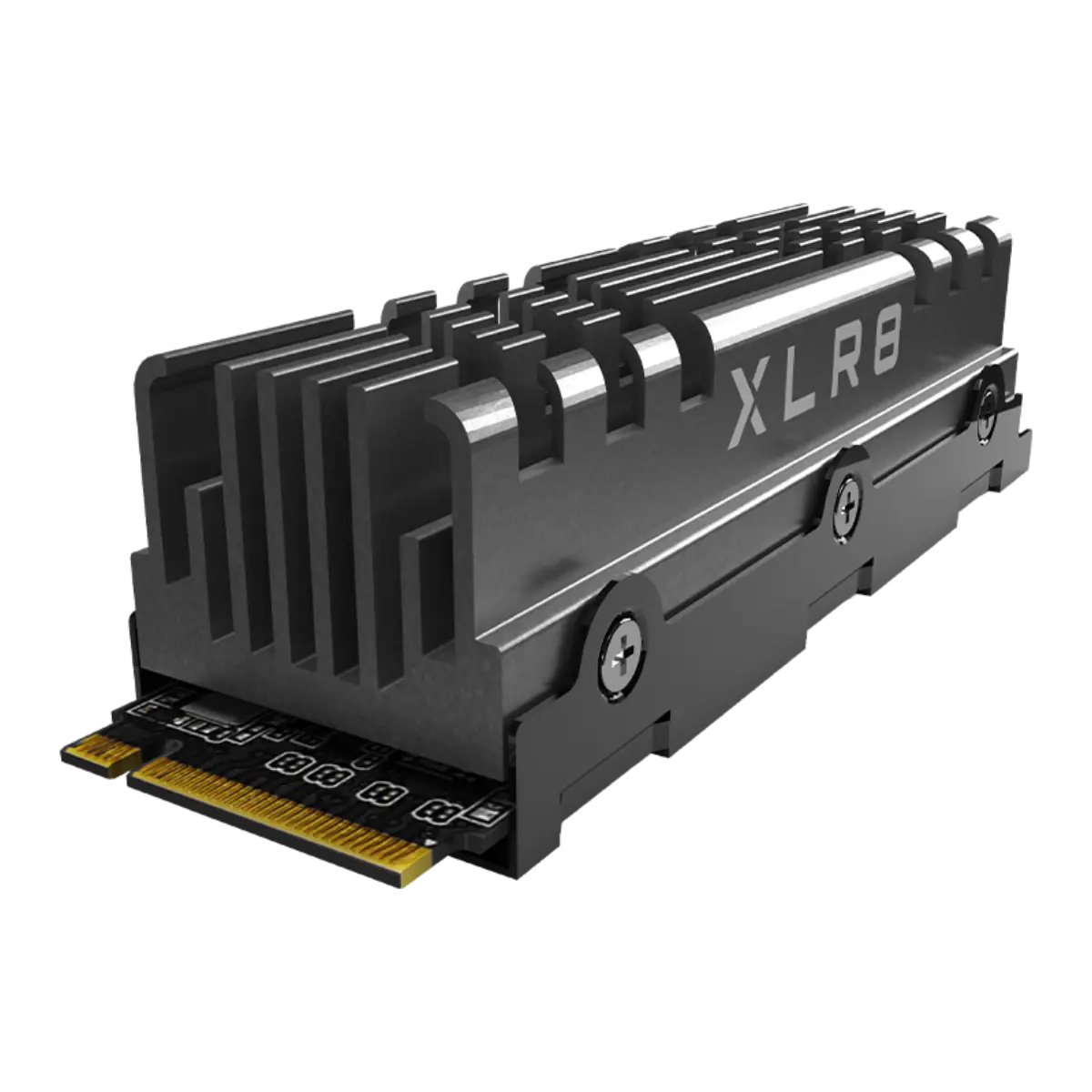
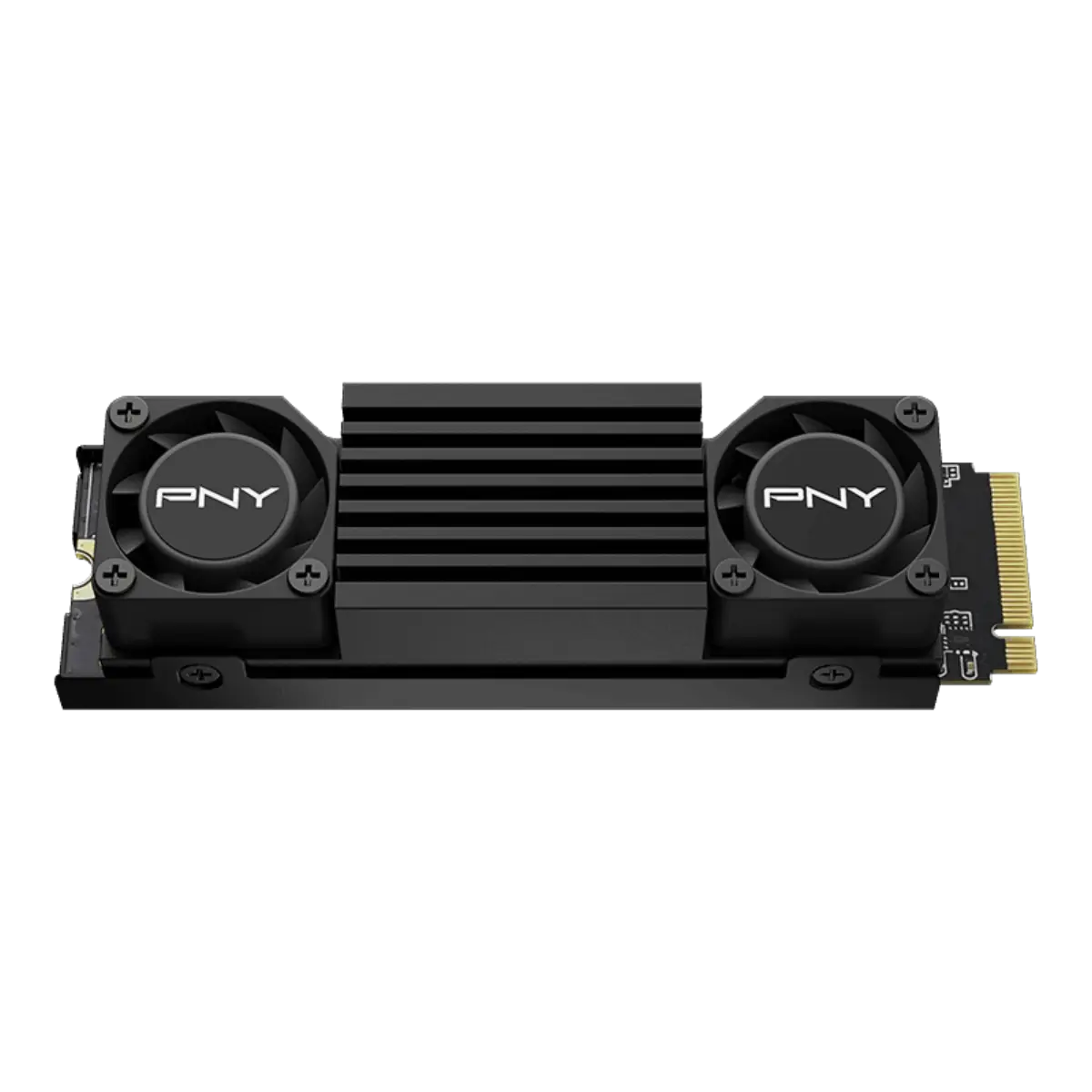
  • Within 3% of the top of the chart for consumer Gen4. Faster Phison E26 drives exist on paper. The 990 Pro's sustained performance and TBW endurance keep it the safe choice for prosumer workstations. With heatsink for sustained loads or PS5.
  • For most NAS workloads, no — NAS-rated drives (IronWolf, Red Pro, N300) are the correct spec. Enterprise SSDs (PM9A3, DC600M) shine in all-flash NAS arrays or as NVMe cache tier in mixed-array NAS — the PLP and DWPD endurance matter in those roles.

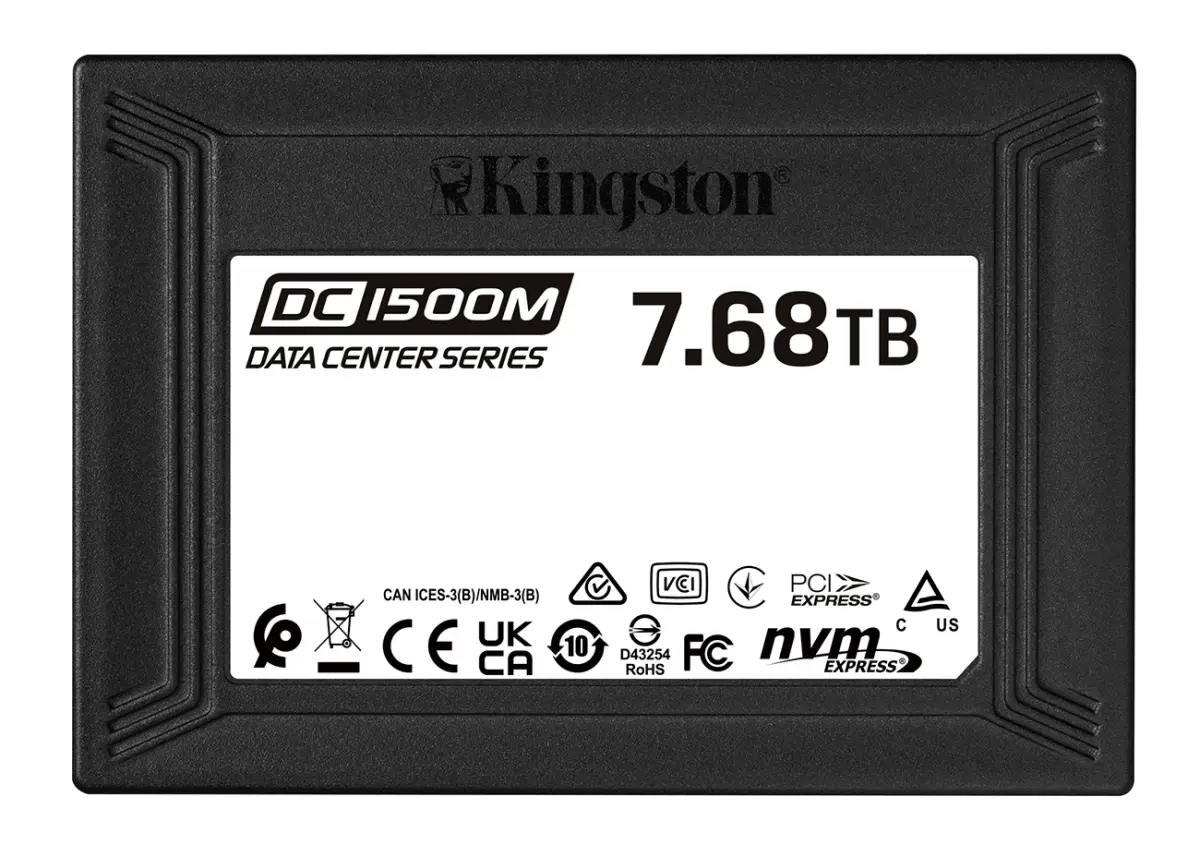
  • Samsung PM9A3 and Kingston DC1500M sit in the same 1 DWPD class. PM9A3 is more commonly on the Dell PowerEdge AVL. DC1500M tends to price slightly lower for the same capacity. We quote both on most enterprise refreshes.

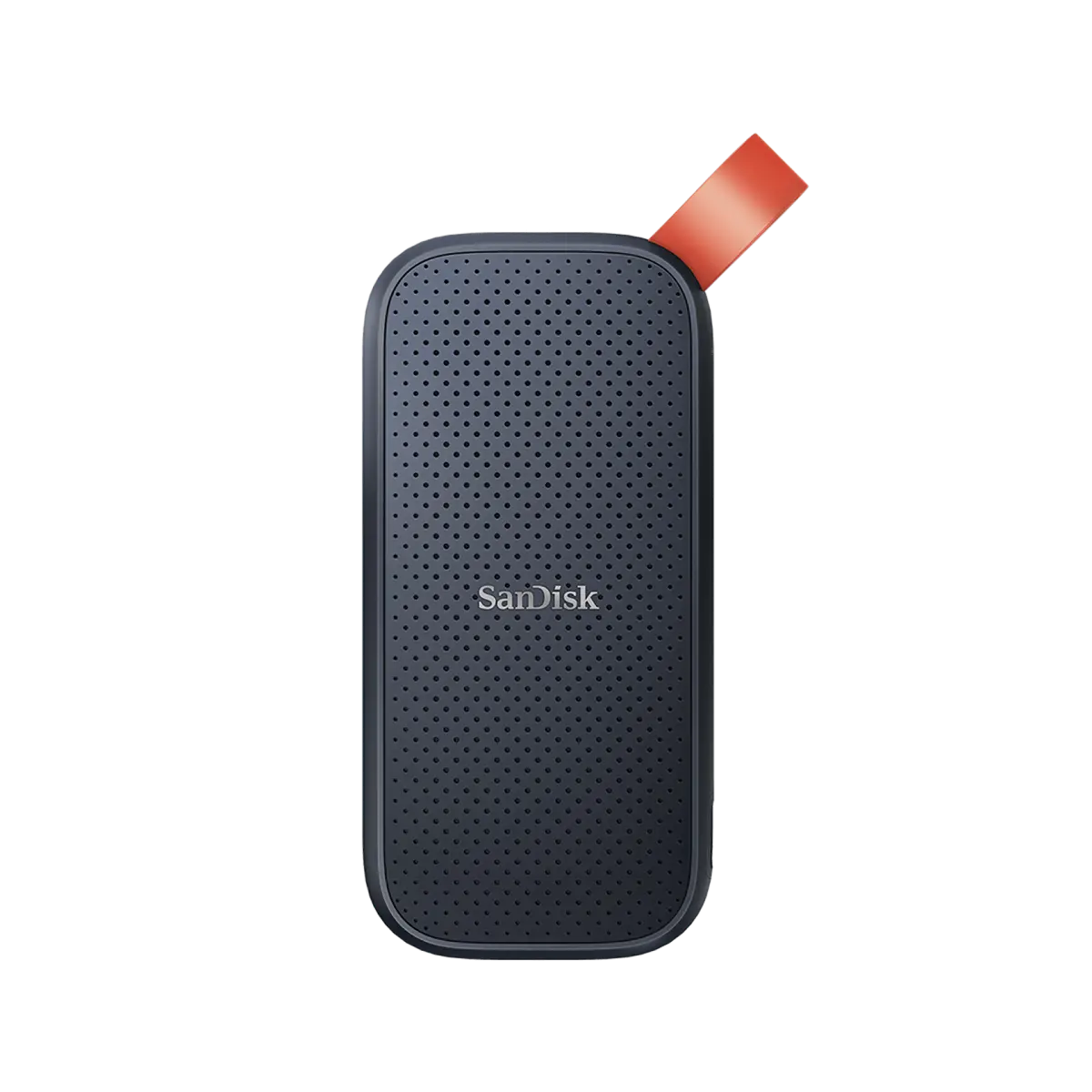
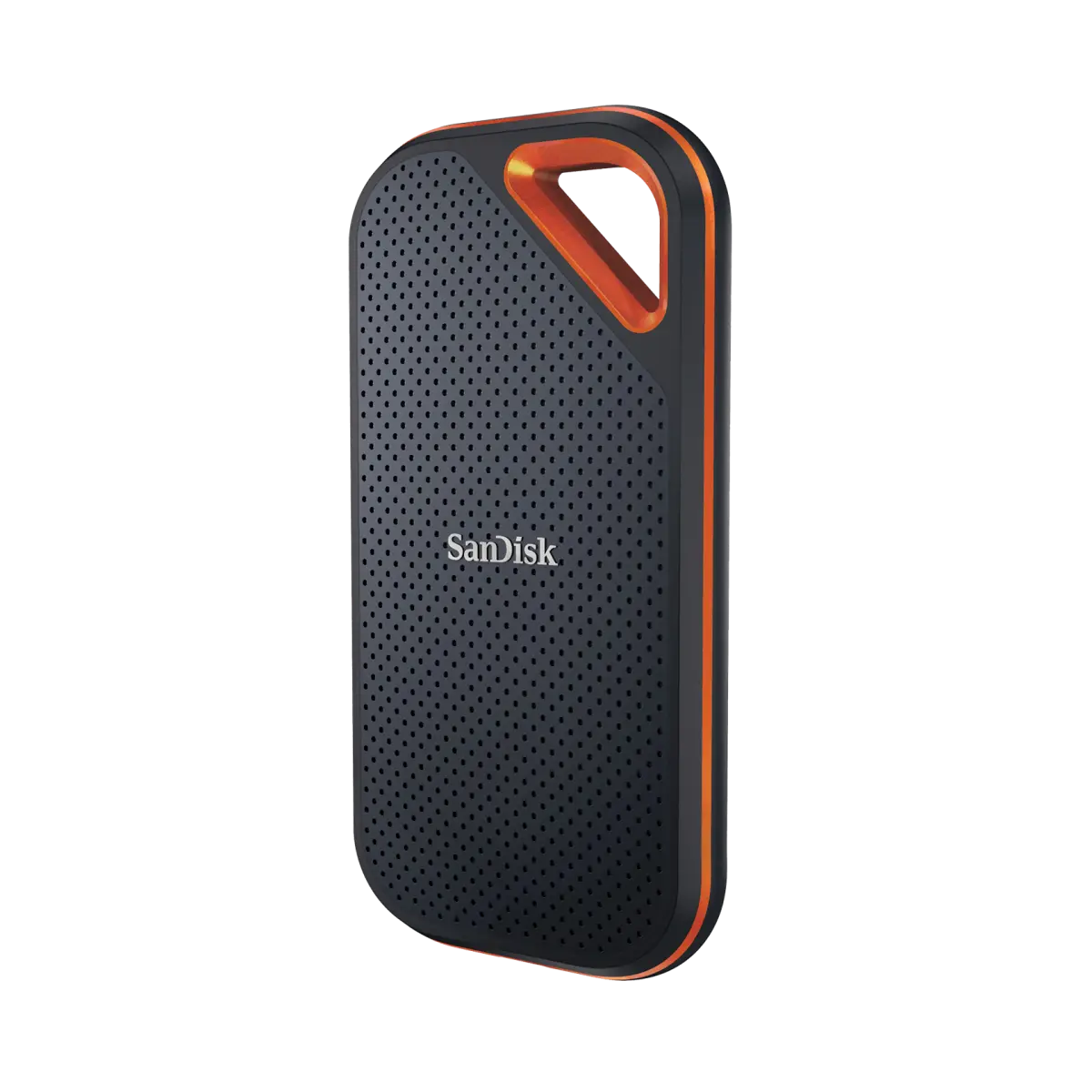
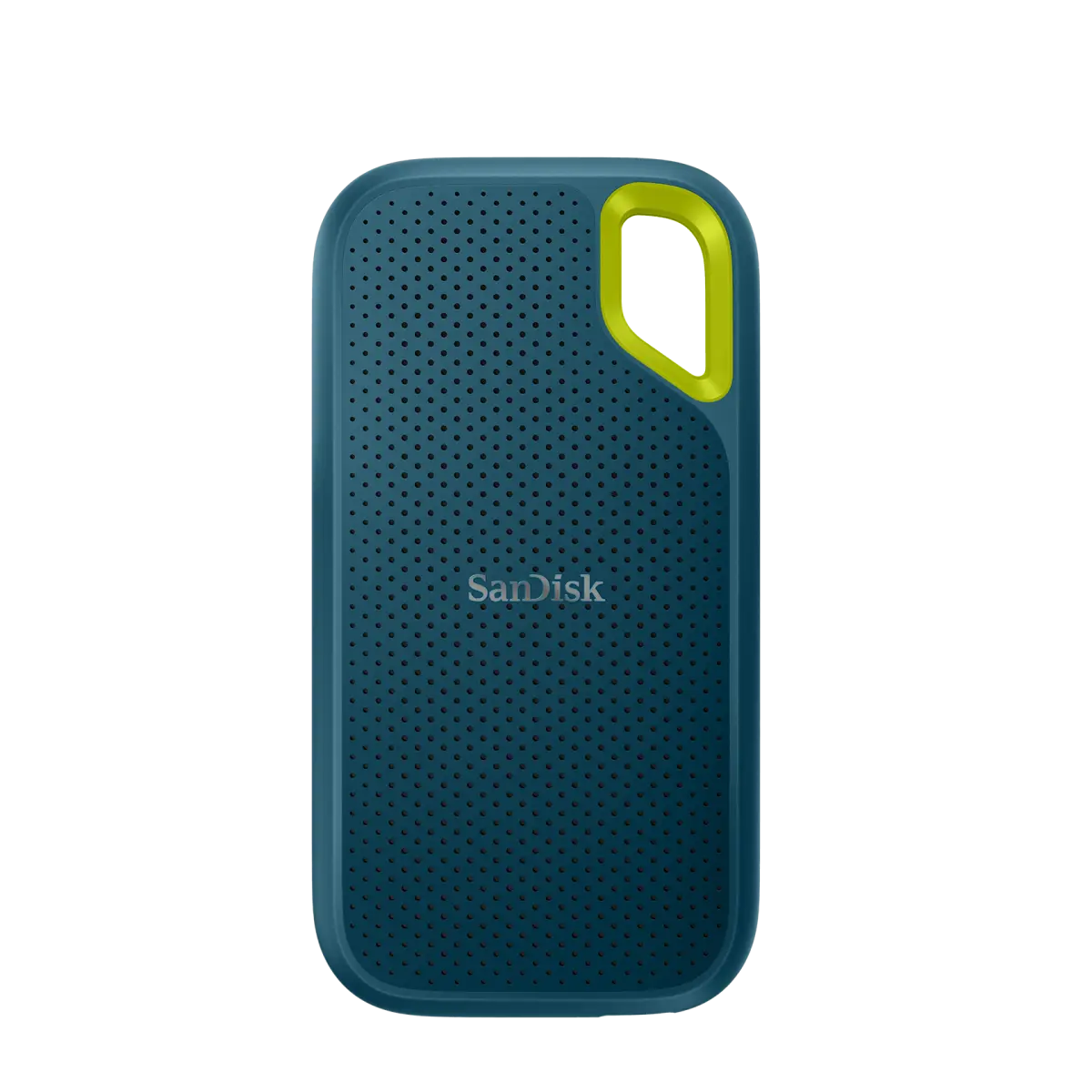
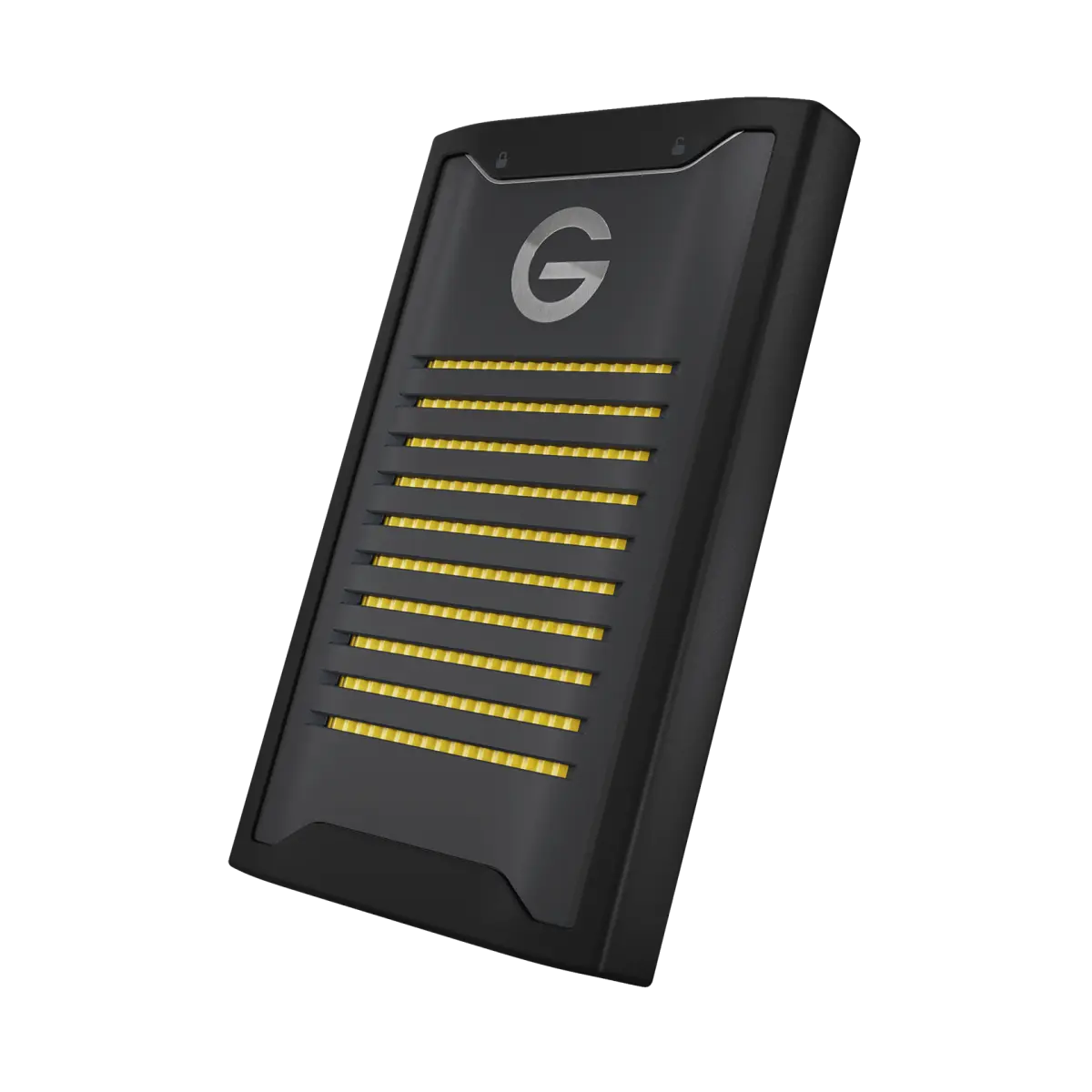
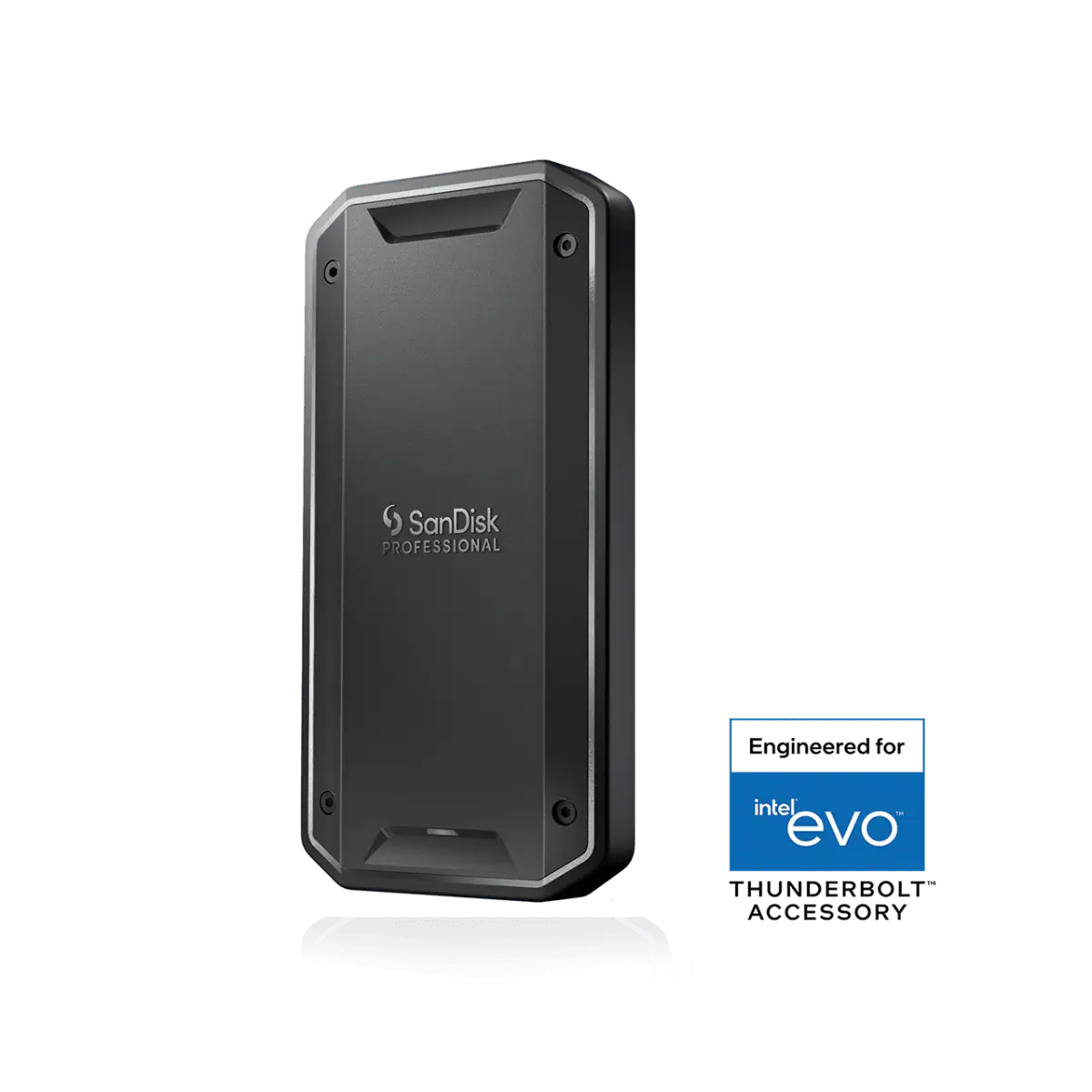
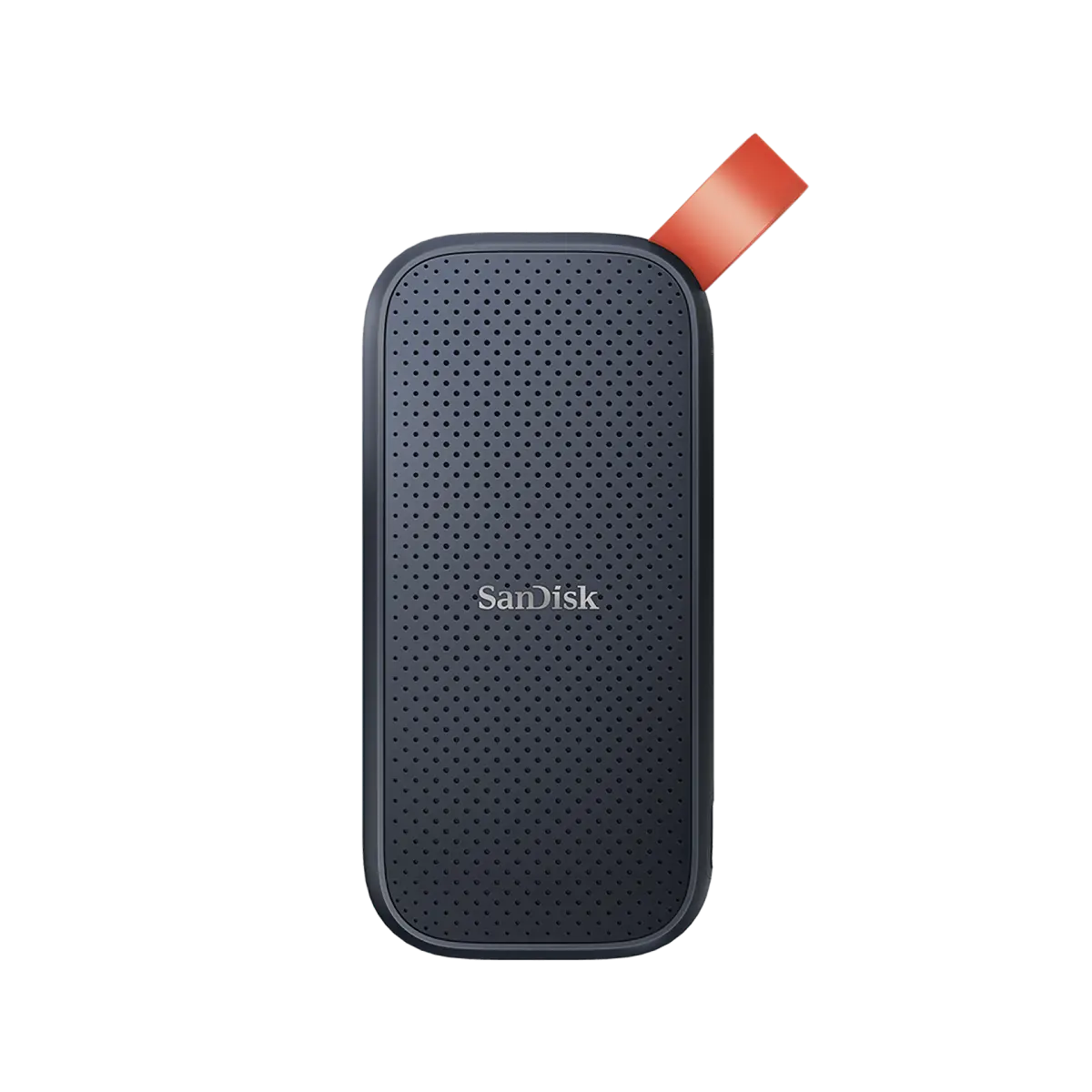
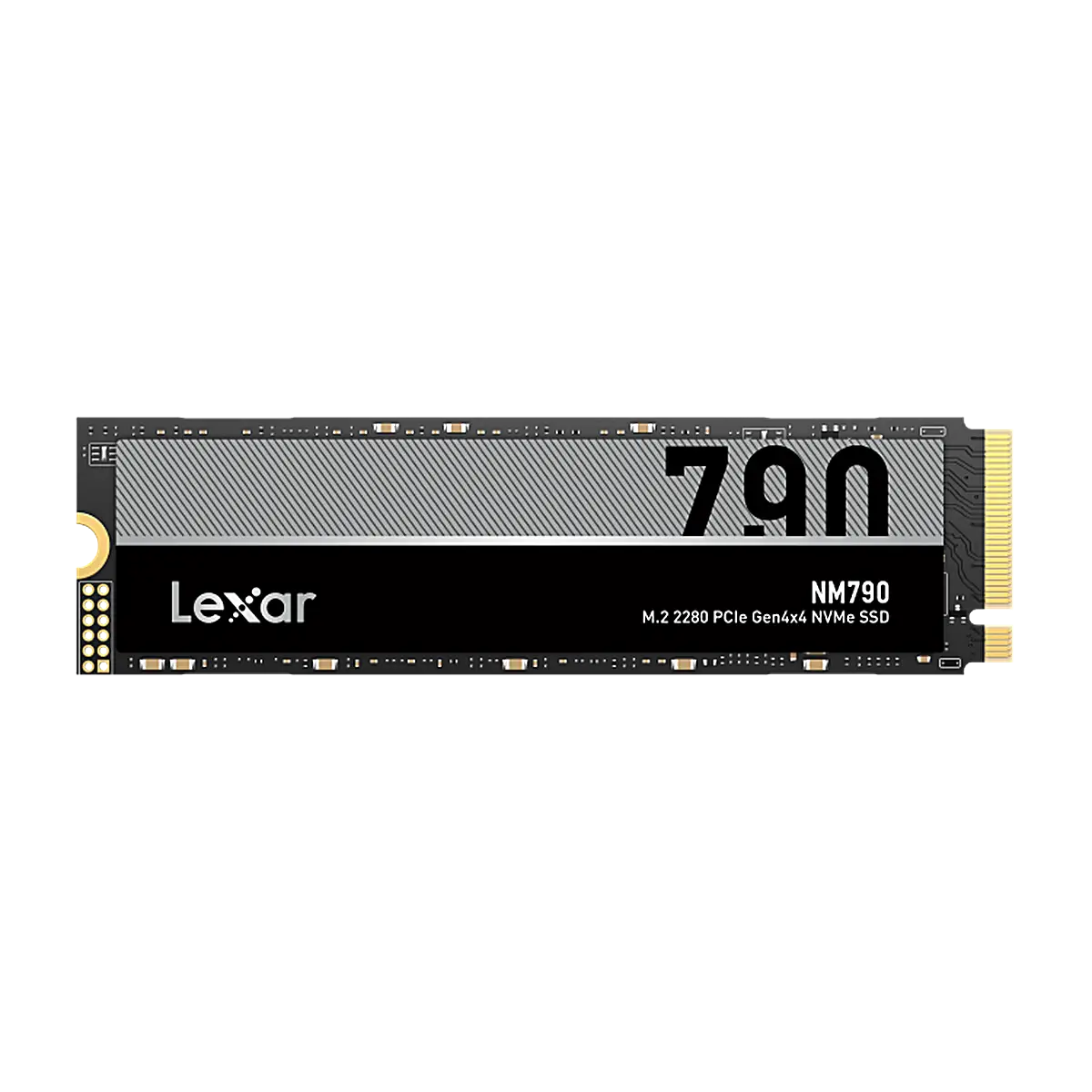
  • Yes. Lexar NM790 is one of the best-value Gen4 drives. SanDisk Professional and Extreme lines cover the field-storage and external-SSD tier. Neither has the enterprise NVMe presence of Samsung or Kingston, but both are mature in the consumer and external-SSD categories.
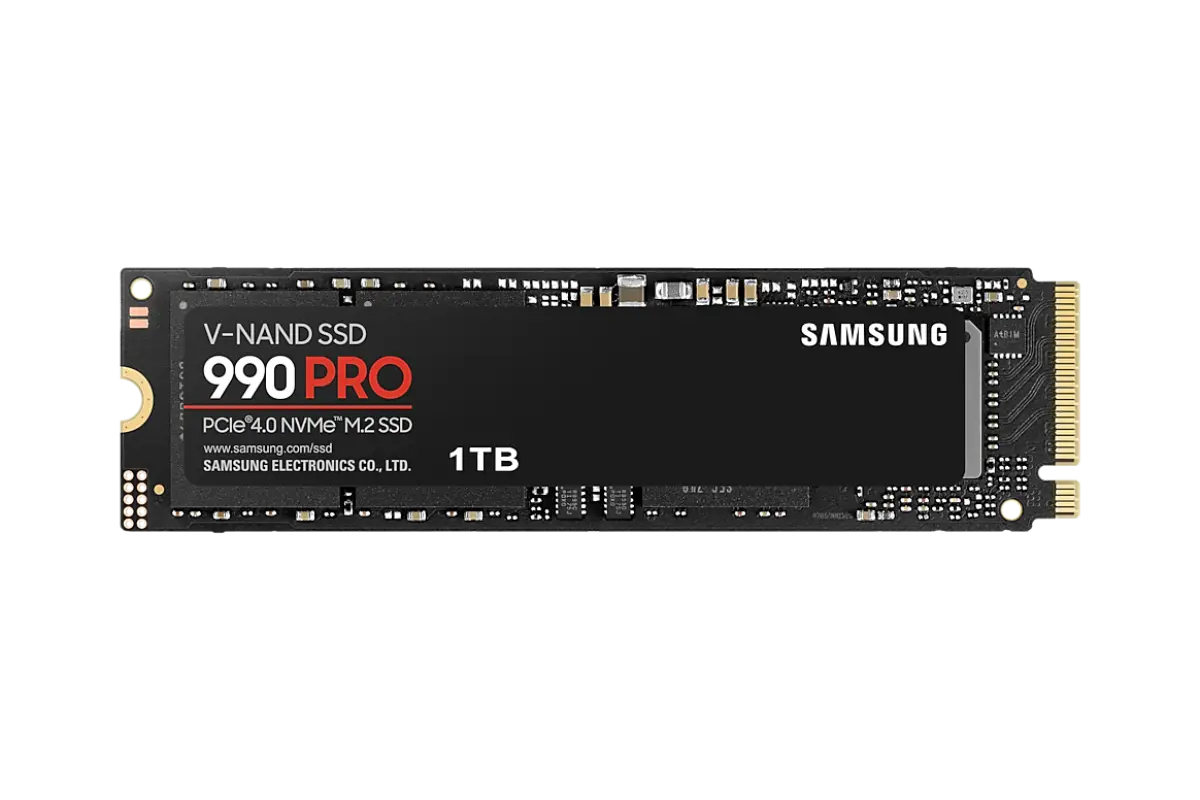
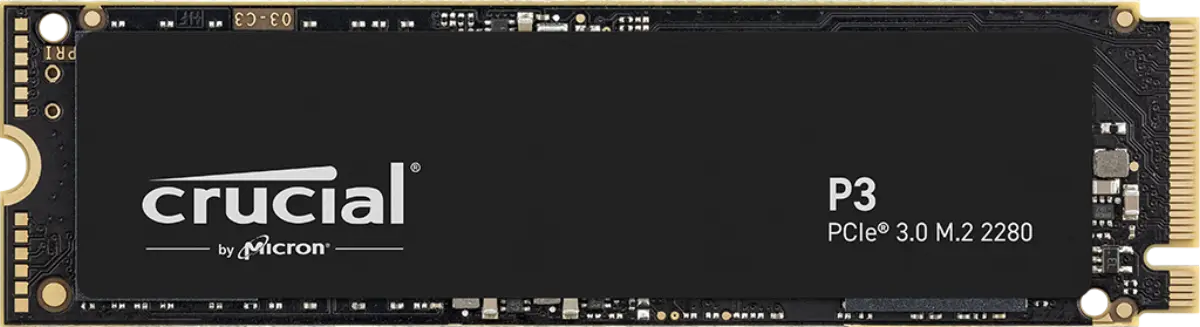
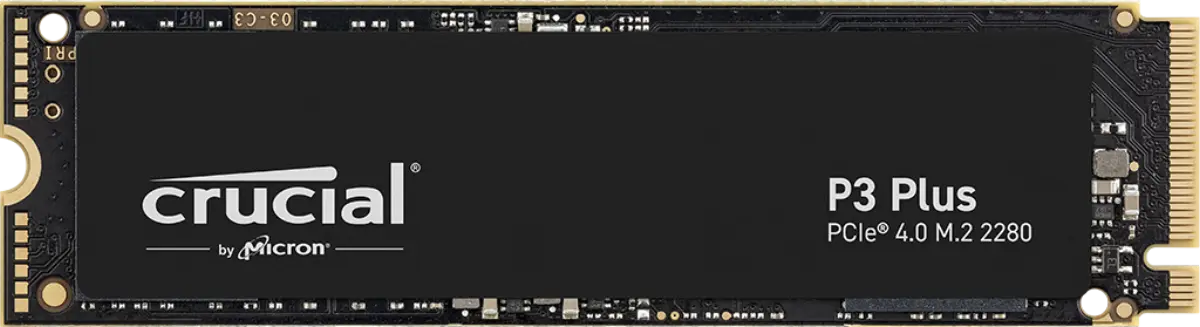
  • 5 years on most prosumer and enterprise SSDs (990 Pro, KC3000, T700, MX500, PM9A3, DC600M). 3 years on value tier (P3 Plus, NV2). Lifetime on some specific models. RMA paperwork runs through us at our Bur Dubai office — turnaround averages 7–14 business days.

  • Samsung is the most counterfeited SSD brand globally. We source through authorized channels only and provide retail packaging with the brand security features intact. For high-value orders, we offer batch number verification on request.

Get started

Send the SKU list. Get a real price.

Quote requests get a same-business-day reply with stock confirmation, trade pricing, and a delivery slot. After-hours calls land 24/7.

Reply within 4 business hours · Calls 24 / 7