
Skip to content
Workstations

Workstations for CAD, BIM, AI and media.

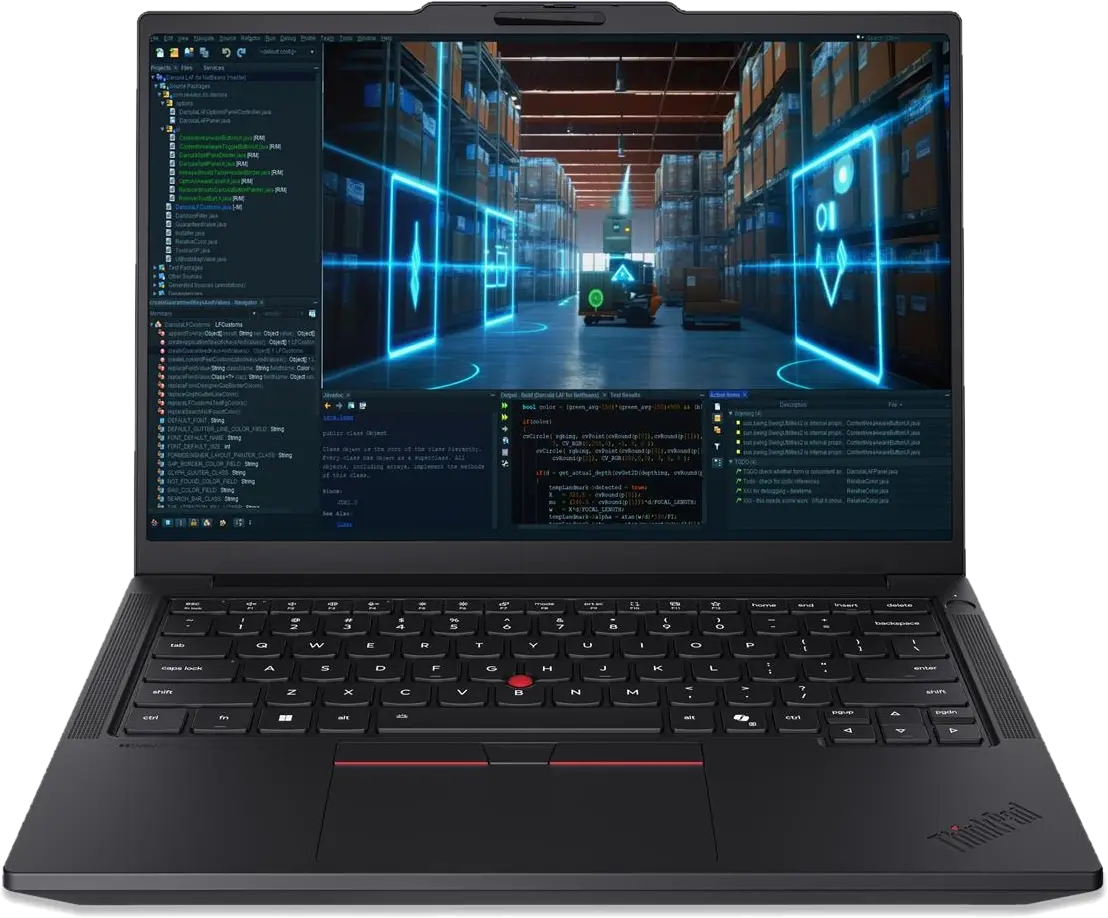
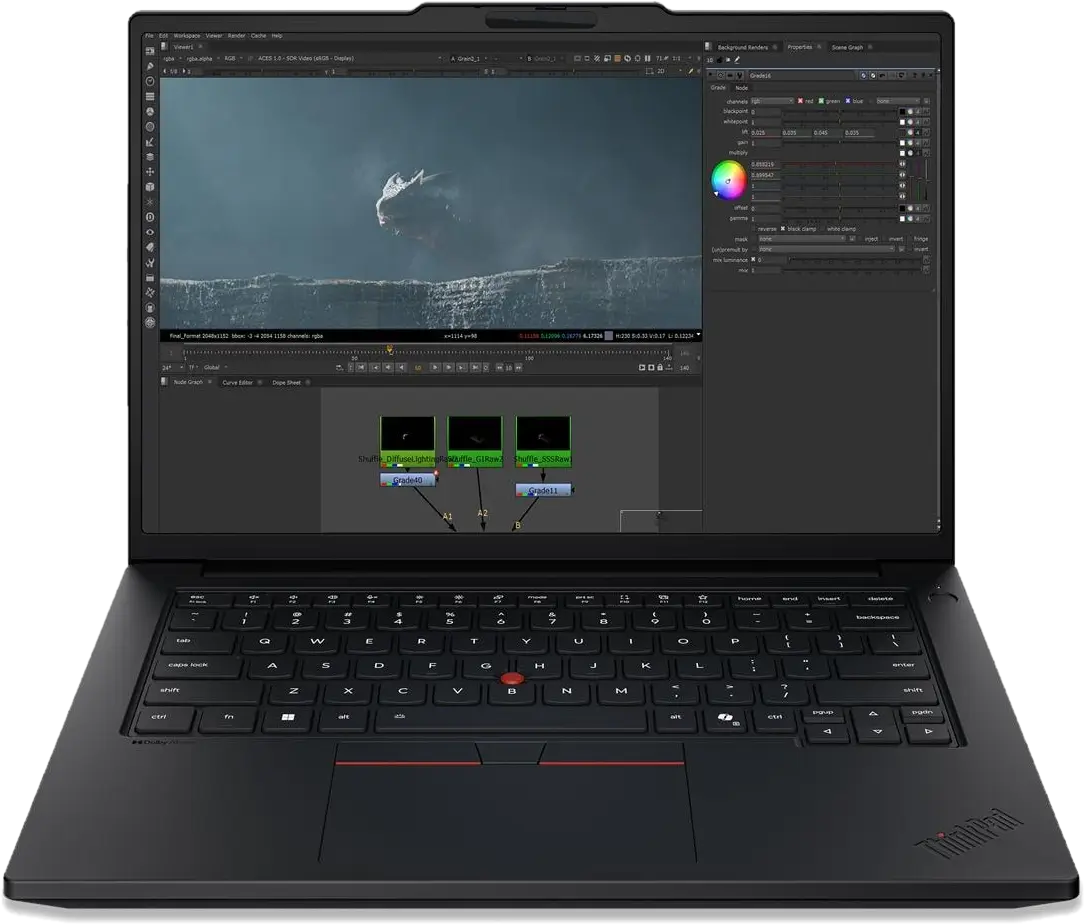
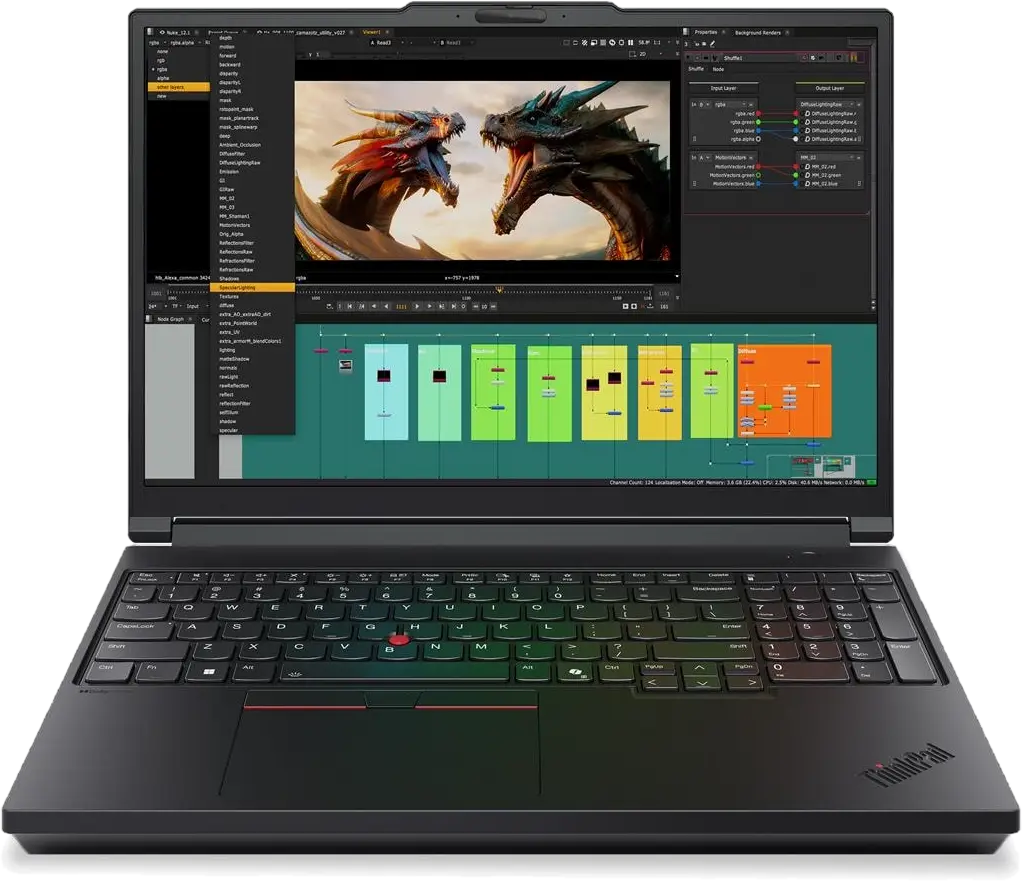
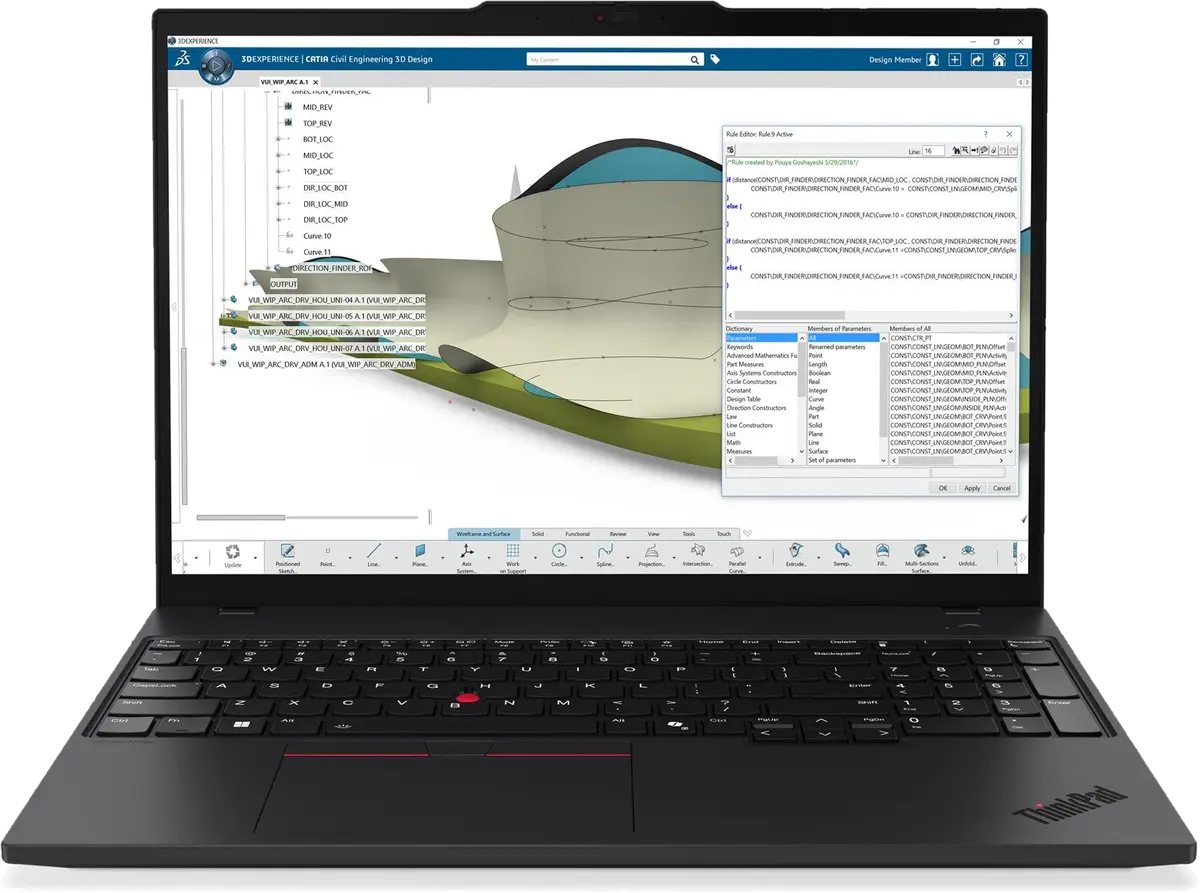
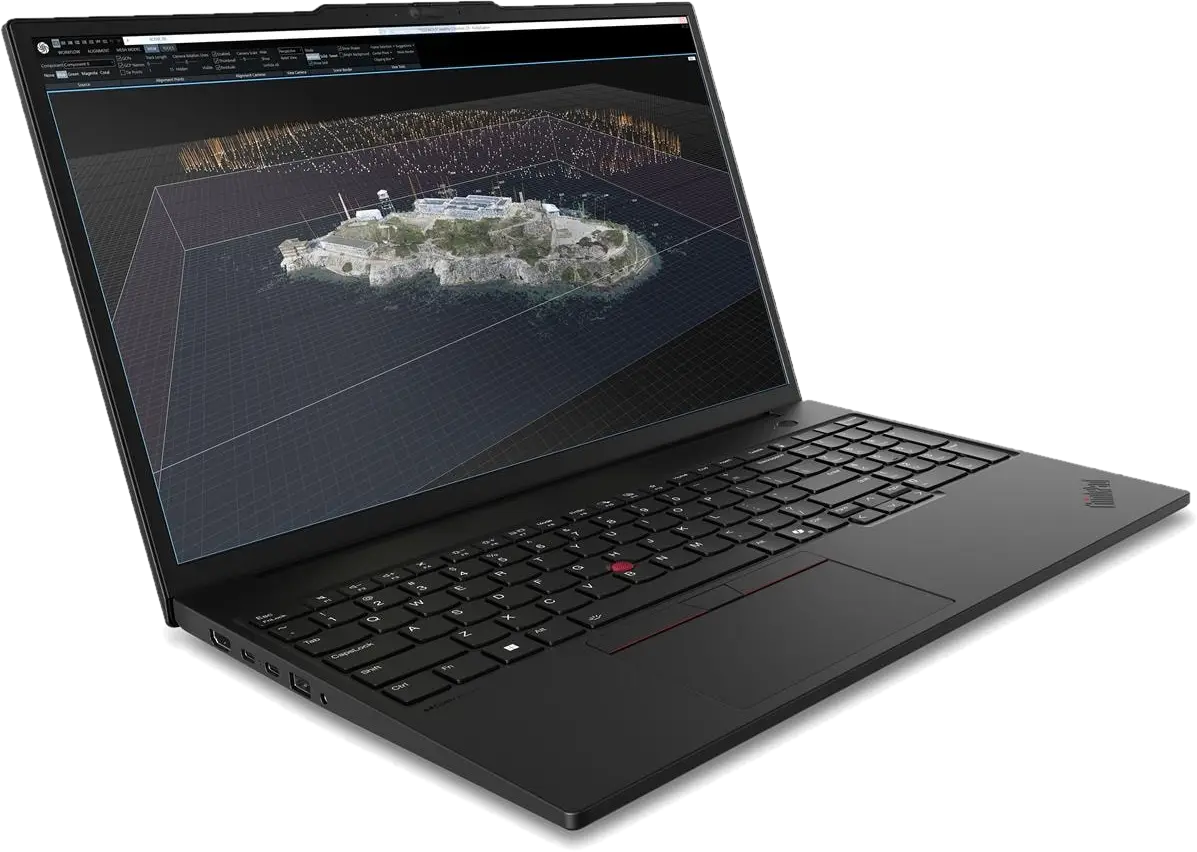
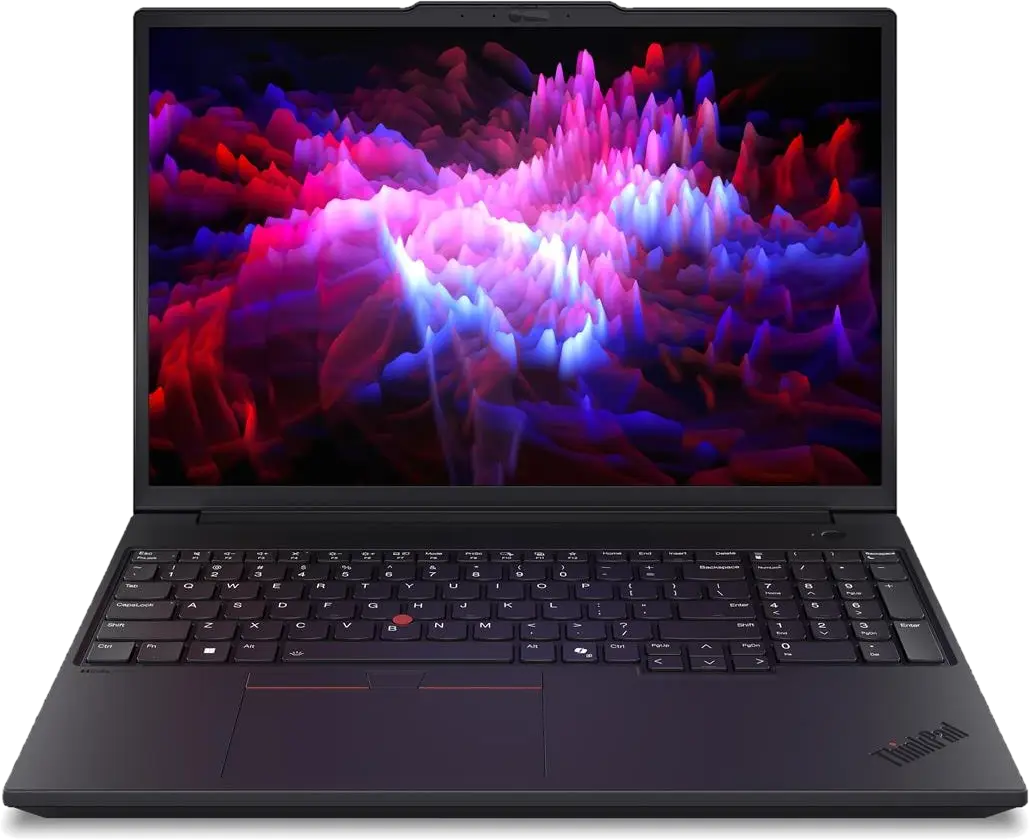
ThinkStation desktops from the P3 Tiny to dual-Xeon towers, and ThinkPad P mobile workstations, with NVIDIA RTX PRO graphics and ISV certifications.

Why these brands

What we stock and why.

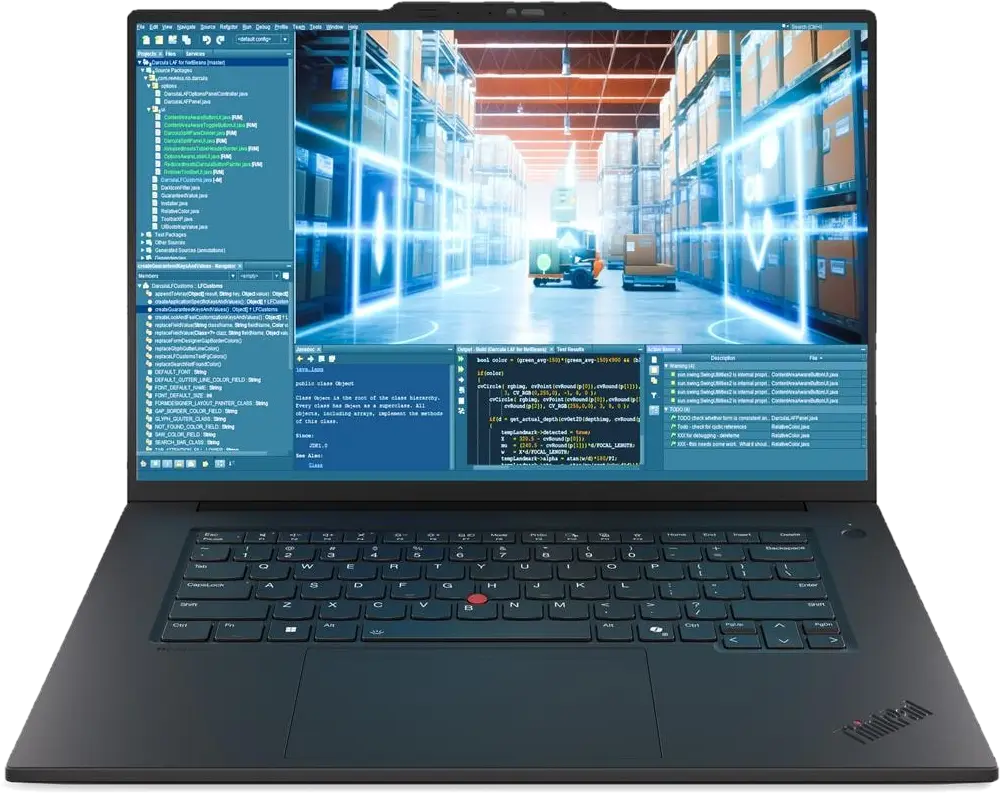
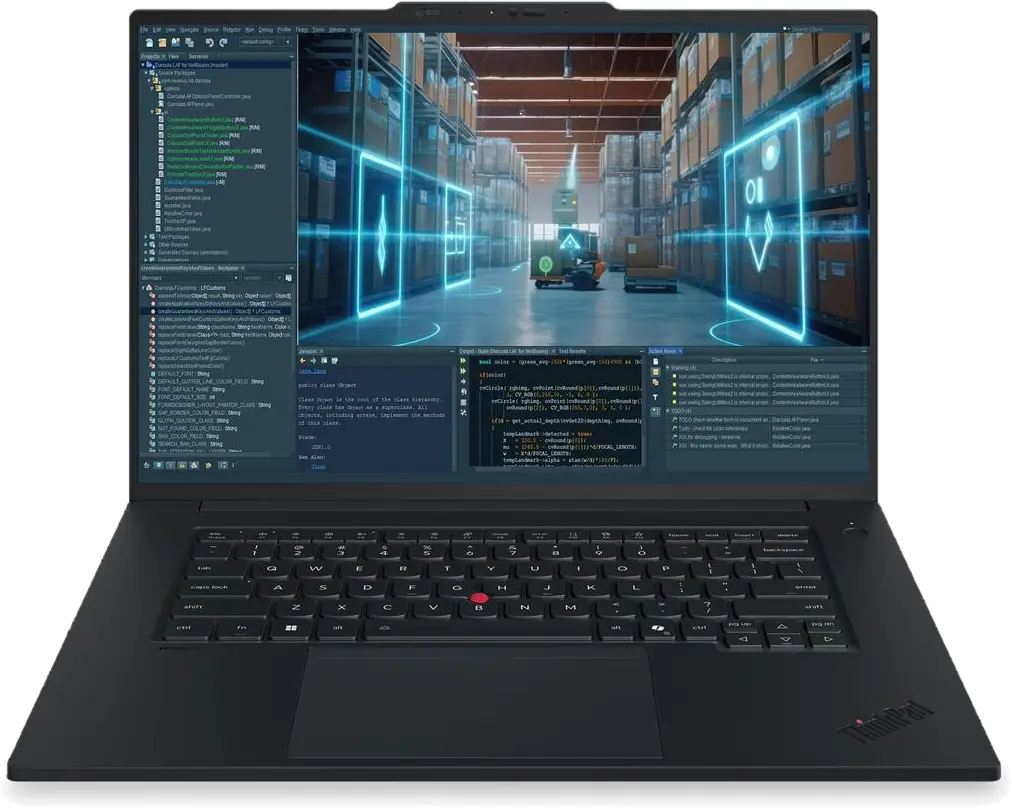
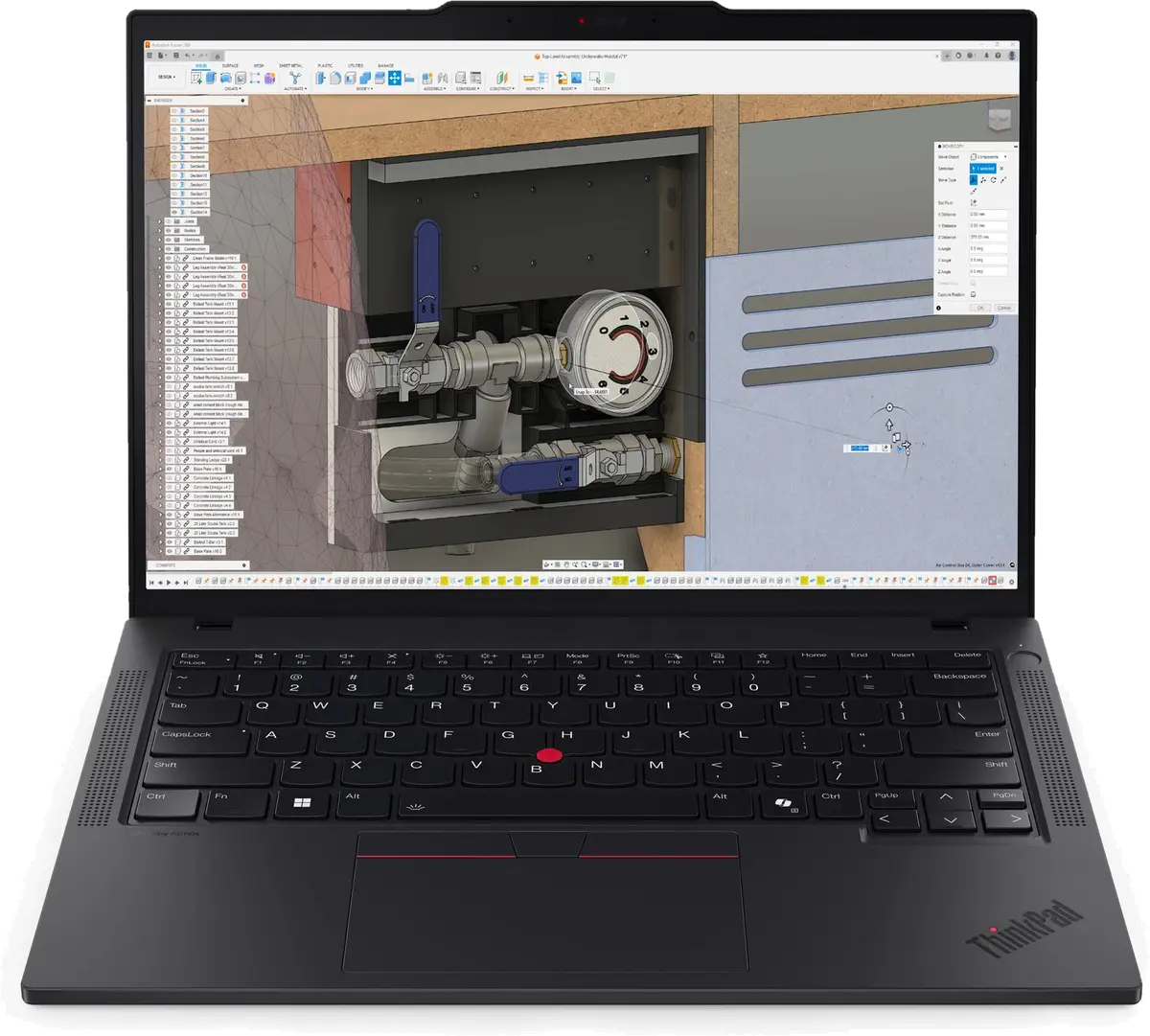
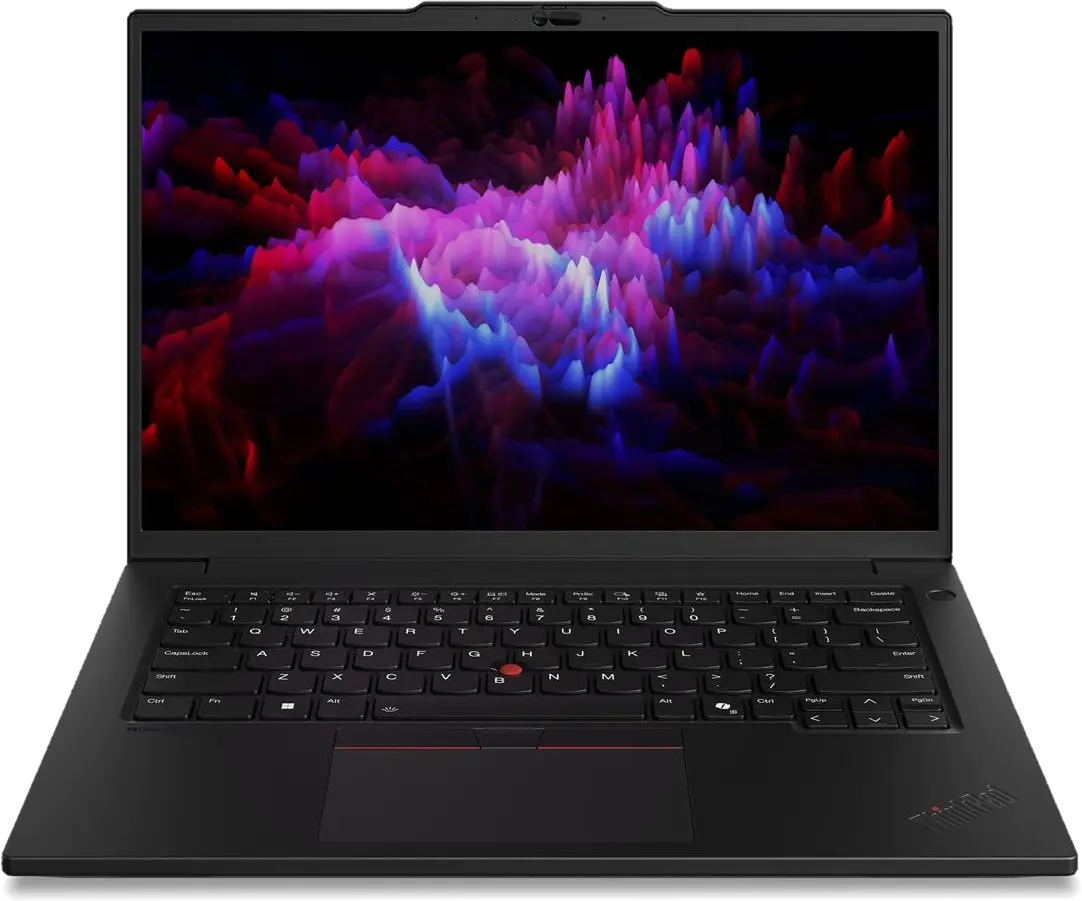
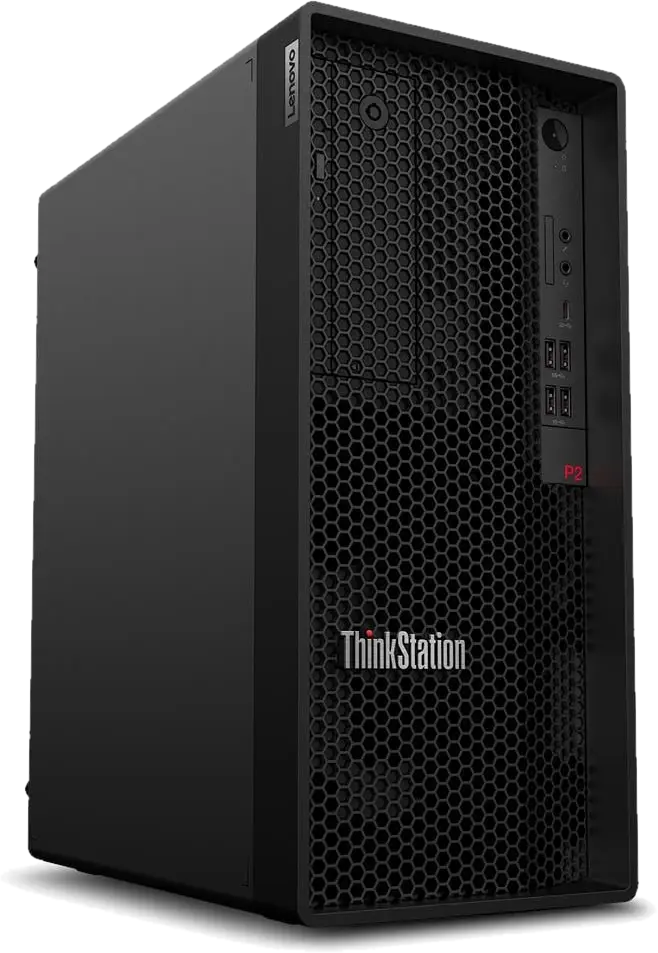
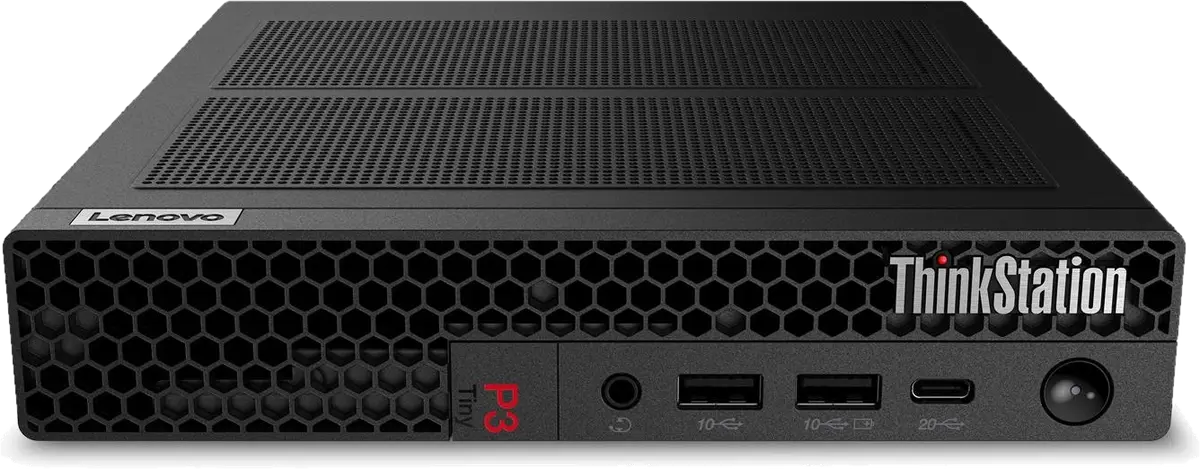
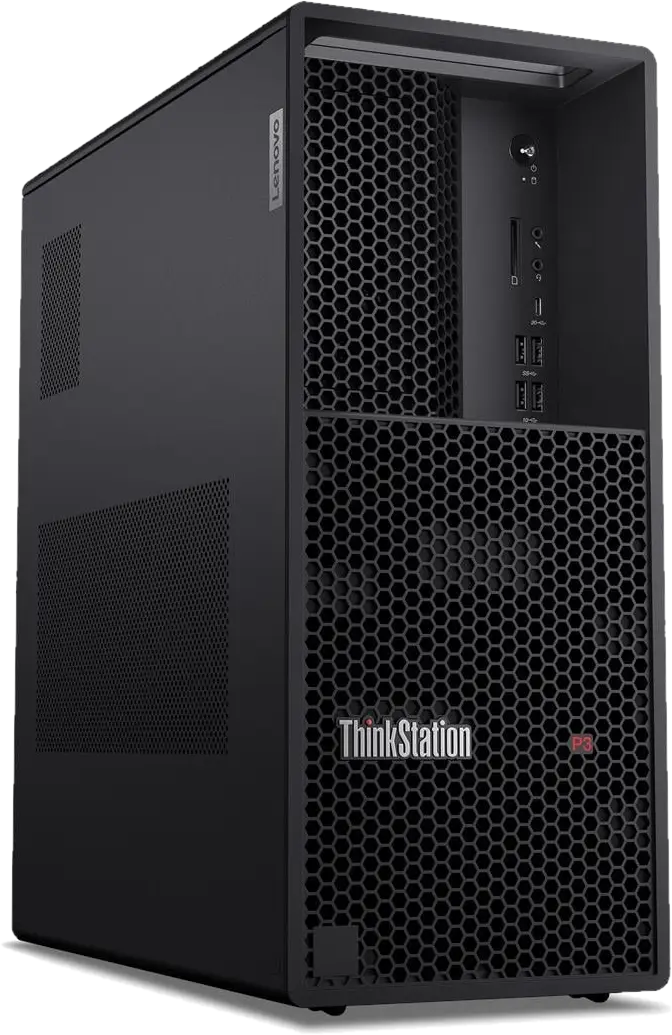
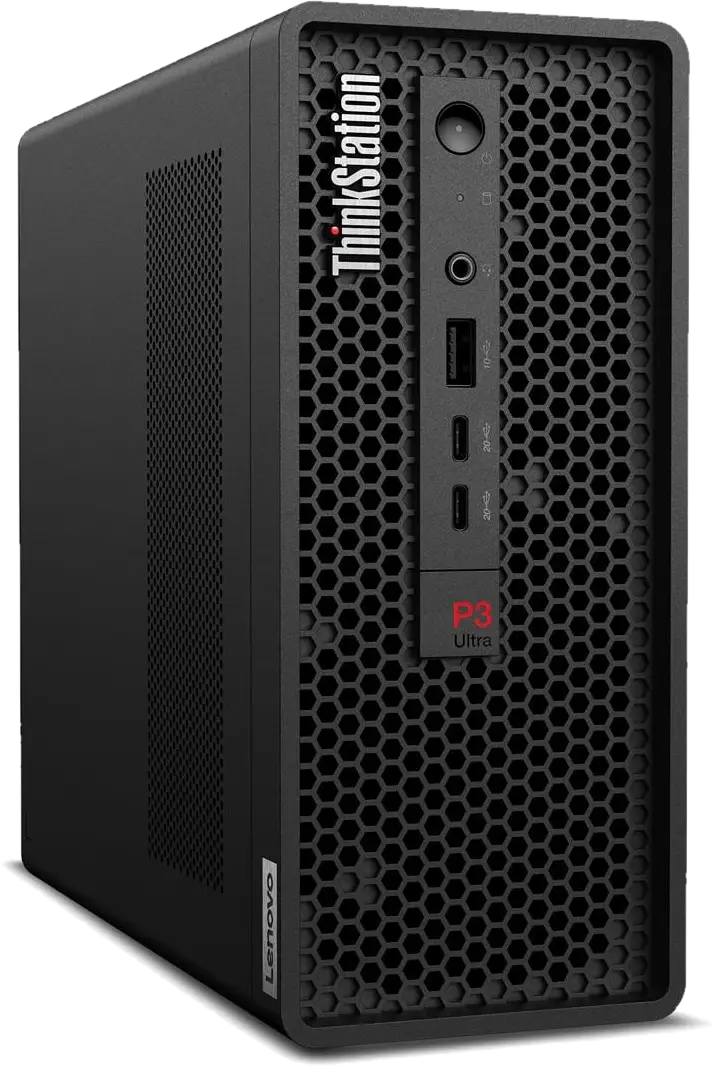
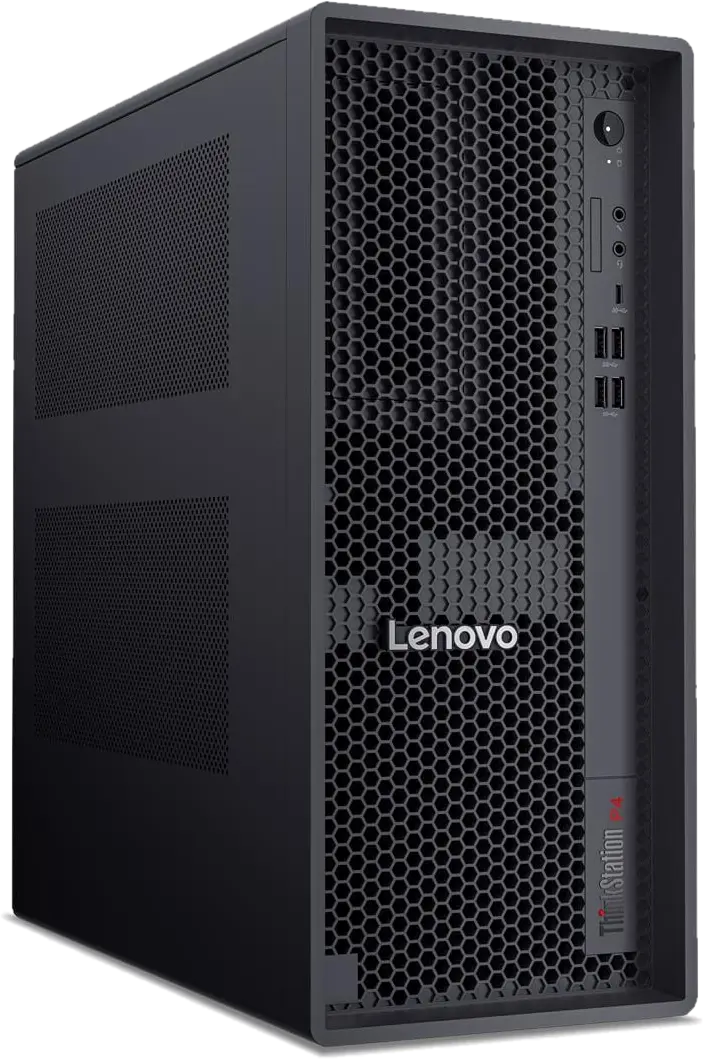
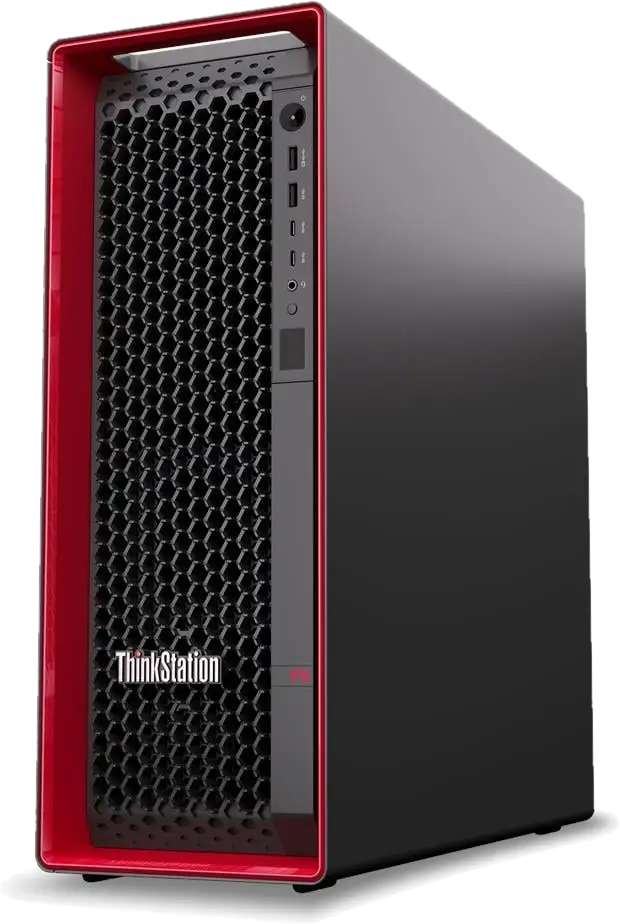
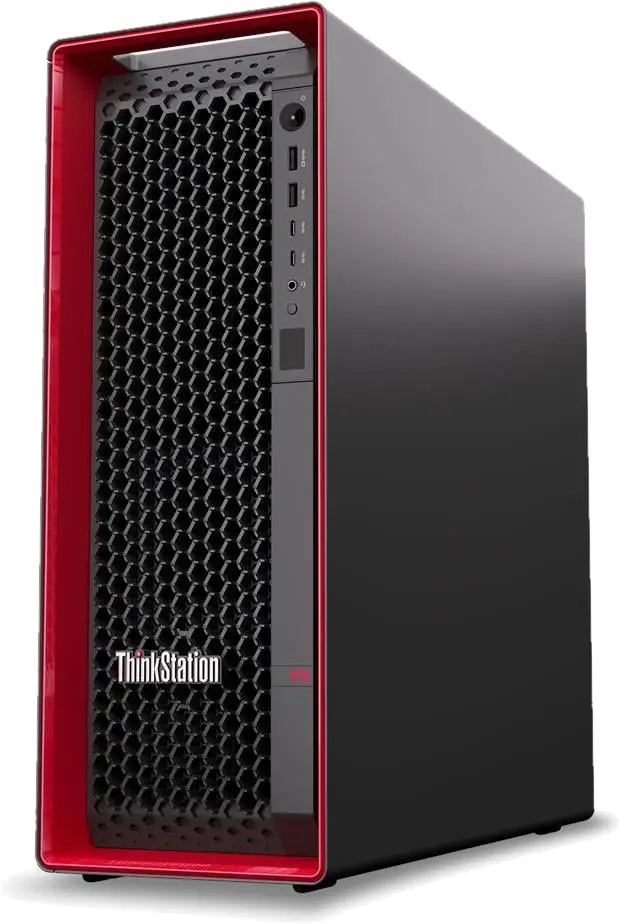
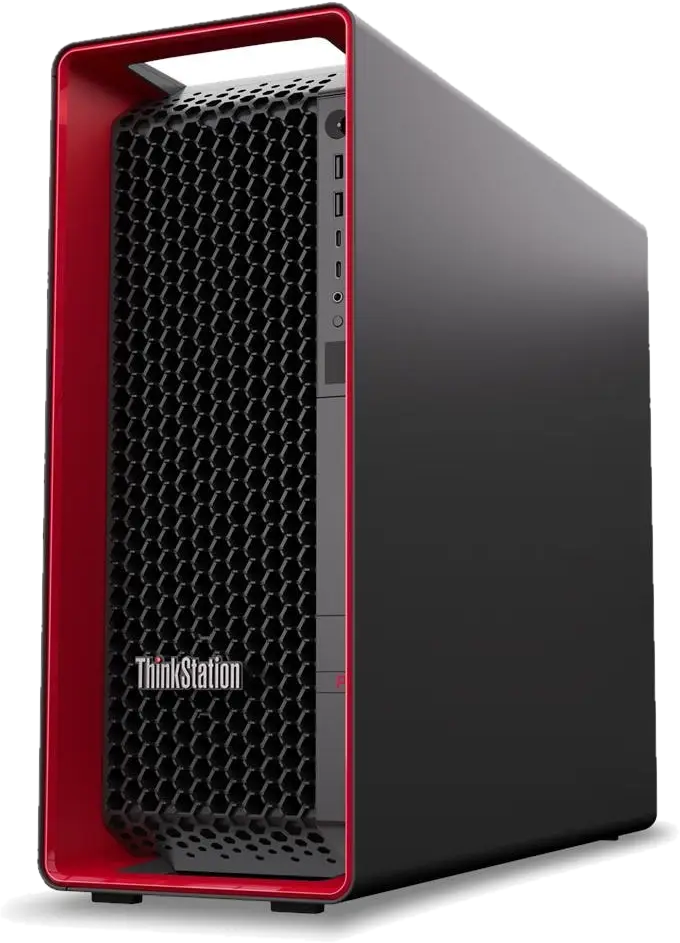
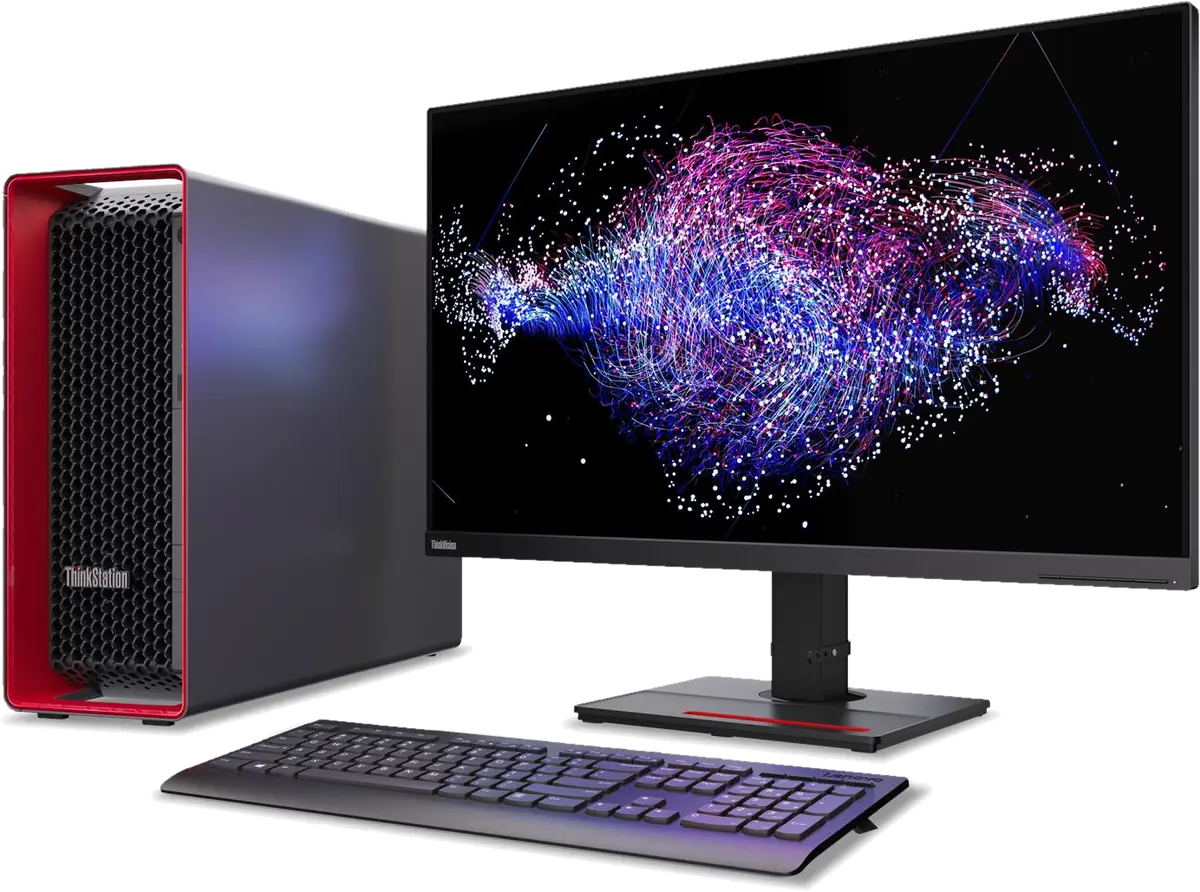
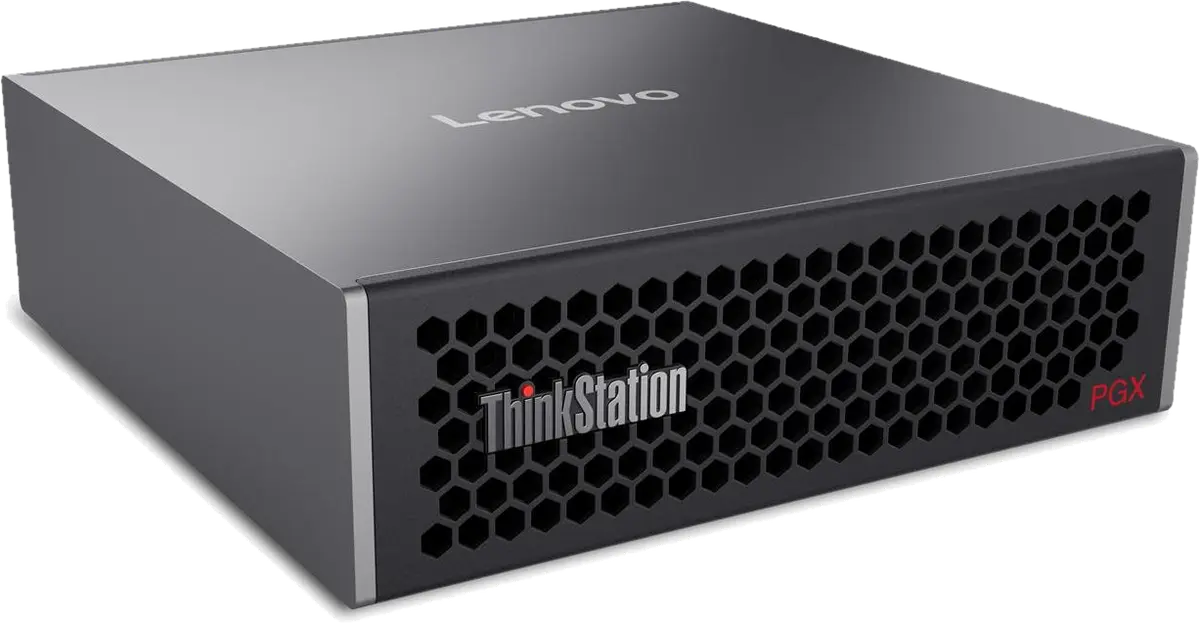
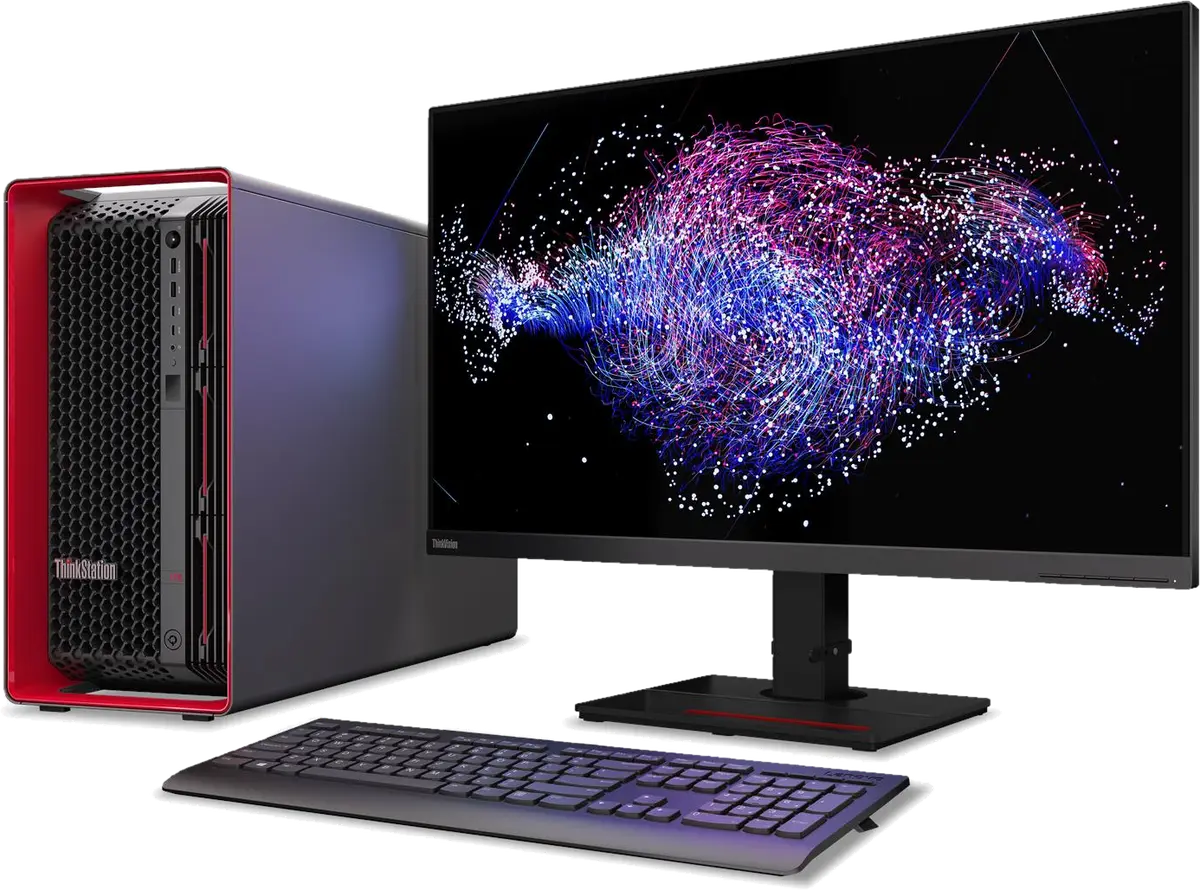
The workstations here are Lenovo ThinkStation desktops (P2, P3 Tiny, Ultra and Tower, P4, P5, P7, P8, PGX and PX) and ThinkPad P mobile workstations (P1, P14s, P16, P16s and P16v), each listed with the configurations Lenovo builds for the region.

Tell us the software you run and the size of your models or scenes, and we propose a configuration: processor, NVIDIA RTX PRO graphics, memory and storage. Quotes come back the same working day and hold for 7 days. Memory and NVMe upgrades from our storage range can go on the same purchase order.

Updated November 2026

Suppliers

Brands we stock for this category.

Workstations by brand

In stock

Workstations we quote the most.

Click any product for specs, use-case guidance, and a prefilled WhatsApp quote. Trade pricing on request — we don't publish public prices.

How to choose

Four things UAE buyers ask when scoping workstations.

The factors that actually decide the spec — not the marketing matrix.

  1. 01

    Desktop or mobile workstation

    A ThinkStation tower takes more memory, more GPUs and more drives, and runs the heaviest simulation and rendering jobs. A ThinkPad P mobile workstation travels to site and to clients; the P16 carries the most powerful laptop GPUs, the P14s and P16s are lighter.

  2. 02

    Processor class

    Intel Core Ultra and AMD Ryzen PRO suit single-threaded CAD. Intel Xeon W and AMD Threadripper PRO in the P5, P7 and P8 add cores and memory channels for simulation, rendering and AI. The PX takes two Xeon processors.

  3. 03

    Graphics and certification

    ThinkStation and ThinkPad P use NVIDIA RTX PRO graphics, which are certified by the main CAD, BIM and DCC software vendors. Match the GPU memory to your largest model or dataset rather than to the price tier.

FAQ

Workstations buyer questions, answered.

Questions that actually come up on quotes. If yours isn't here, WhatsApp us or send the form.

  • For most AutoCAD and Revit work a ThinkStation P3 Tower or a ThinkPad P16s with an RTX PRO GPU and 32GB to 64GB of memory is enough. Large federated Revit models and rendering benefit from a P5 or P7 with more memory. Send your typical project size and we suggest a configuration.

  • Yes: ThinkPad P1, P14s, P16, P16s and P16v, in Intel and AMD versions where Lenovo offers both, listed by part number on each product page.

  • No. Workstation pricing depends on the exact configuration, so send the part number or your spec and we quote the same working day.

Get started

Send the SKU list. Get a real price.

Quote requests get a same-business-day reply with stock confirmation, trade pricing, and a delivery slot. After-hours calls land 24/7.

Reply within 4 business hours · Calls 24/7